

 قم بزيارة صالة العرض
انتقل إلى
How Often Should You Perform Ergonomic Chair Maintenance?
Basic ergonomic chair maintenance should follow a simple schedule:
Weekly: Clean surfaces to prevent wear.
Monthly: Inspect function. Tighten fasteners, check adjustment, and clean casters.
Annually: Perform deep maintenance. Lubricate mechanisms, look for hidden wear, check foam, and test gas lift.
According to BTOD's professional maintenance guide - written by Greg Knighton, whose career began in his father's furniture factory - routine maintenance every 6 months prevents most common chair problems. Setting a calendar reminder at purchase to check the chair at 6-month intervals is the simplest system for maintaining quality.
Eureka Ergonomic's office chair maintenance checklist notes that even 15–20 minutes monthly prevents the cumulative neglect that turns minor issues into mechanism failures. The ANSI/BIFMA X5.1 standard tests chairs with thousands of load cycles. This testing checks for durability under normal use, not abuse or neglect.
How Do You Clean Different Chair Materials?
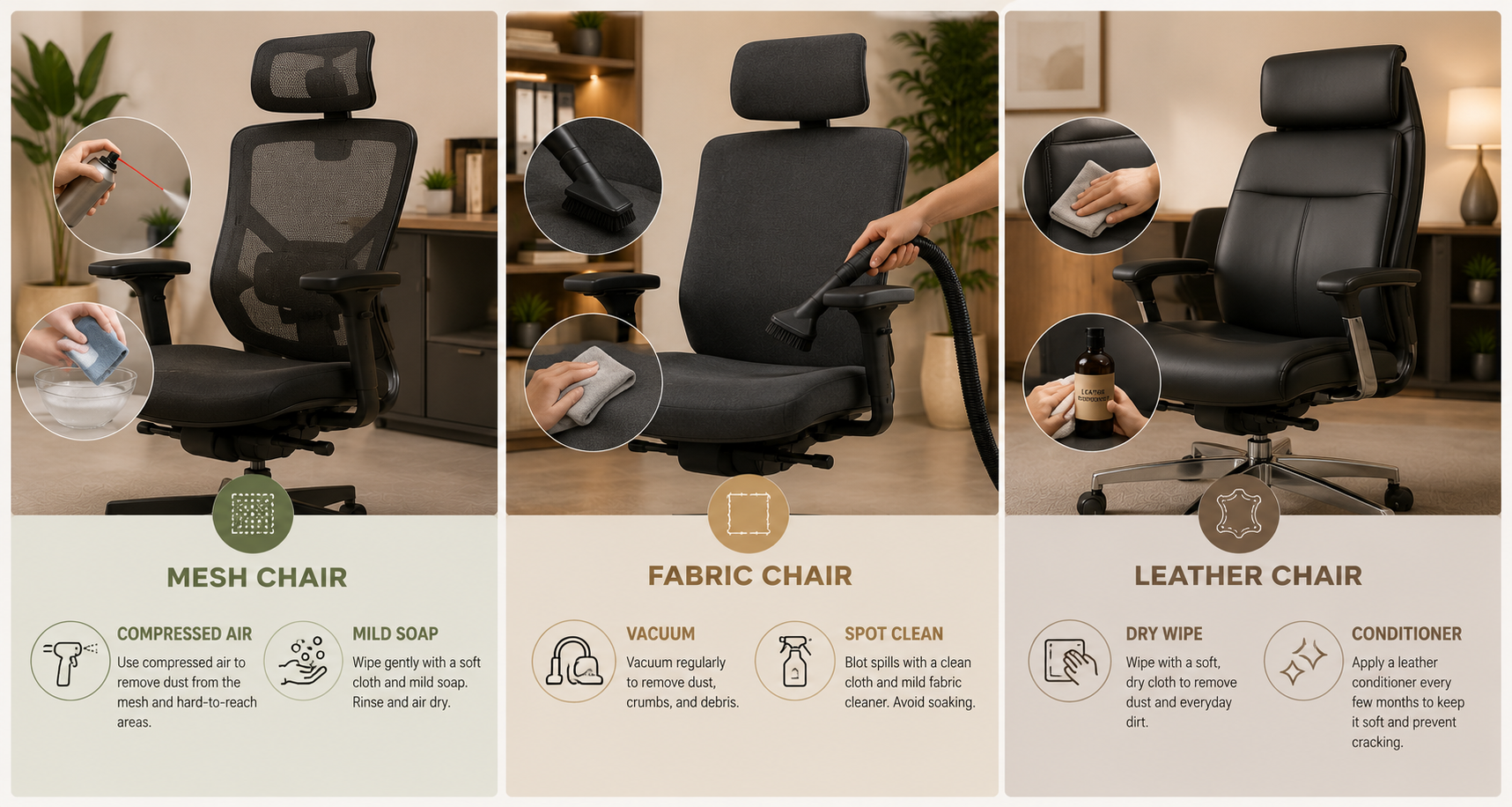
Cleaning method depends on upholstery material. Wrong cleaning products can damage materials permanently - bleach-based cleaners degrade mesh, harsh solvents crack leather, abrasive cloths scratch plastic components.
Mesh Chairs
Weekly: Soft microfibre cloth wipe. Compressed air for tight areas between mesh weave and frame joints
Monthly: Mix mild dish soap (no solvents or petroleum) with warm water. Apply with soft cloth - don't saturate. Let air dry
Never: Bleach, harsh chemical cleaners, or abrasive scrubbing that can break mesh tension
Comfort Global's ergonomic chair care guide suggests vacuuming the mesh with low suction. Use the upholstery attachment to avoid damaging the fibers and to remove dust effectively.
Fabric Chairs
Weekly: Vacuum with upholstery attachment to remove dust and debris before it embeds
Stains: Spot clean immediately - blot (don't rub) with mild detergent and water. Rubbing spreads stain
Never: Saturate fabric - moisture can cause mildew in humid UAE coastal environments
Leather and CloudLeather Chairs
Weekly: Wipe with dry microfibre cloth
Monthly: Apply appropriate leather conditioner to prevent drying and cracking
Never: Harsh cleaners, alcohol-based products, or abrasive cloths that damage surface finish
Special note: UAE humidity changes between dry AC indoors and outside moisture. Regular conditioning is key to avoid cracking.
How Do You Maintain Chair Mechanisms?
Chair mechanisms-gas lift, tilt, armrests, and lumbar adjustment—need monthly testing. This ensures they operate smoothly and lock securely. Stiff mechanisms should be lubricated with silicone-based lubricant (not WD-40 or oil, which attract dust). Loose fasteners should be tightened before they cause component damage.
Key maintenance checks per mechanism:
Gas lift (seat height): Should move smoothly and hold position without sinking. Gradual height loss over time typically indicates gas lift cylinder wear - replaceable part, don't replace the whole chair.
Tilt mechanism: Recline should engage and disengage smoothly. Tighten tilt tension knob if the chair reclines too freely or too stiffly. Clean any debris from the mechanism housing.
Armrests: Check for looseness or wobble - tighten accessible fasteners. Inspect pads for cracking or foam compression. 4D and 5D armrests have more adjustment points to inspect and maintain.
Casters: Hair, dust, and carpet fibres accumulate in caster axles. Remove casters monthly, clean axles, and confirm smooth rolling. Wobbly rolling creates asymmetric floor loads and instability.
As Eureka Ergonomic's maintenance checklist notes: mechanisms benefit from silicone lubricant at caster axles and pivot points every 6–12 months. Don't use WD-40 - it's a solvent that attracts dust long-term.
How Do You Maintain an Electric Standing Desk?
Electric standing desks need little upkeep but benefit from:
Weekly surface cleaning to avoid finish wear.
Monthly cable checks to ensure proper routing during height adjustments.
Annual frame inspections for tight fasteners and to assess motor noise levels.
Desktop Surface Maintenance
Laminate surfaces (Matte Black, White, Concrete, Wild Walnut): Damp microfibre cloth with mild cleaner. Avoid abrasives that scratch laminate. Immediately wipe spills - standing desk surfaces are horizontal and pool liquid into cable grommets if not cleaned promptly
Wood veneer surfaces (Oak): Wipe with dry or lightly damp cloth. Avoid excess moisture. Apply appropriate wood polish annually to maintain finish
Motor and Frame Maintenance
Electric standing desk motors in quality products, such as the Navodesk range, use Timotion motor systems when chosen. These are sealed units that need no user lubrication or maintenance. Unusual noises during adjustments, like grinding or clicking, need checking. These sounds often show motor stress, not just maintenance issues.
Cable check: Monthly, confirm cables have 15–20cm slack loops at desk base and route cleanly through the height range. Cables that pull taut at full standing height stress port connections. Reconfigure slack loops proactively rather than waiting for a cable to disconnect.
Frame fastener check: Semi-annually, check all accessible leg-to-frame bolts for tightness. Moving desks with any loose structural fasteners accelerates wear on the loosened joint.
What Signs Indicate a Chair Needs Replacement vs Repair?
Repair when:
Casters are worn (replaceable, AED 30–80).
Gas lift sinks (cylinder replacement, AED 100–200).
Armrest pads crack (usually replaceable).
A single mechanism stiffens (lubrication or adjustment often helps).
Replace if:
Seat foam compresses over 30% of its original thickness.
Mesh backrest shows fraying or weak tension in key areas.
Frame has cracks or structural damage.
Multiple mechanisms fail at once, showing overall fatigue.
Ergo Shoppe's longevity research identifies seat foam integrity as the primary indicator - a foam seat that visibly loses thickness or is slow to recover after pressing indicates the material can no longer distribute weight effectively. At that point, ergonomic support is fundamentally compromised regardless of other chair features.
BIFMA-certified chairs (HALO, ErgoMax, AERO, NANO from Navo) are tested for strength. They usually last longer before showing signs of wear than non-certified options.
Frequently Asked Questions
- Weekly surface wipe-down. Monthly functional inspection (mechanisms, casters, fasteners). Annual deep maintenance (lubrication, foam assessment, comprehensive inspection). In Dubai's dust-prone environment, weekly cleaning is more important than in lower-dust climates.
- No. WD-40 is a solvent that cleans existing lubricant and leaves a residue that attracts dust - making mechanisms stickier over weeks. Use silicone-based lubricant specifically designed for plastic and metal joints. Available at hardware stores across UAE.
- If the chair gradually sinks during sitting - more than 1–2cm over a day - the gas lift cylinder is failing. This is a replaceable component; replacement costs AED 100–200 and extends chair life significantly. Don't assume the whole chair needs replacement.
- 10–12 years for quality chairs with regular maintenance, per Ergo Shoppe research. BIFMA-certified chairs (HALO, ErgoMax, AERO, NANO) are tested for structural integrity through load cycle testing that simulates years of professional use.
Need Help Building Your Ergonomic Setup?
We'll guide you to the perfect chair, desk setup, and comfort tips for a productive workday.
Shop Office Furnitureالمدونات الشائعة
عرض الكل
Open Plan vs Cubicle vs Hybrid Office Layout: Which Is Right for You?
The open-plan office was supposed to fix everything the cubicle farm got wrong. It didn't. It created a different set of problems and left people nostalgic for the one thing cubicles did well: quiet. The hybrid layout is positioned as the solution that addresses the shortcomings of both. It might be only if it fits how a specific team works. It shouldn't be a mix of two philosophies that didn’t help the team before. This guide shows what each layout offers and where it falls short. It also helps you choose the best option-or combination-for your office in Dubai or the GCC.
Key Findings
*Global office use is now at 53%, up from 38% in 2024. Also, 69% of teams have over 40% of their staff sharing desks. This shows that 2019 workspace designs don’t fit current needs.
*A Harvard study found that open-plan spaces often lower face-to-face interaction. Instead, they boost digital communication. This is the opposite of what these designs aim for.
*A hybrid model conversion at a 120-person SaaS company restored engineering deployment speed to baseline. It also reduced voluntary turnover in technical roles by 18% over nine months.
*Steelcase research shows that companies improving their work environment boost productivity by 17%.
*In 2026, the most innovative UAE offices aren’t just picking open plans or cubicles. They’re creating “activity neighborhoods.” These are clusters of spaces designed for different work styles.
*No layout is universally right. The best choice depends on your team's work style, industry, hybrid attendance ratio, and specific acoustic needs for your floor.
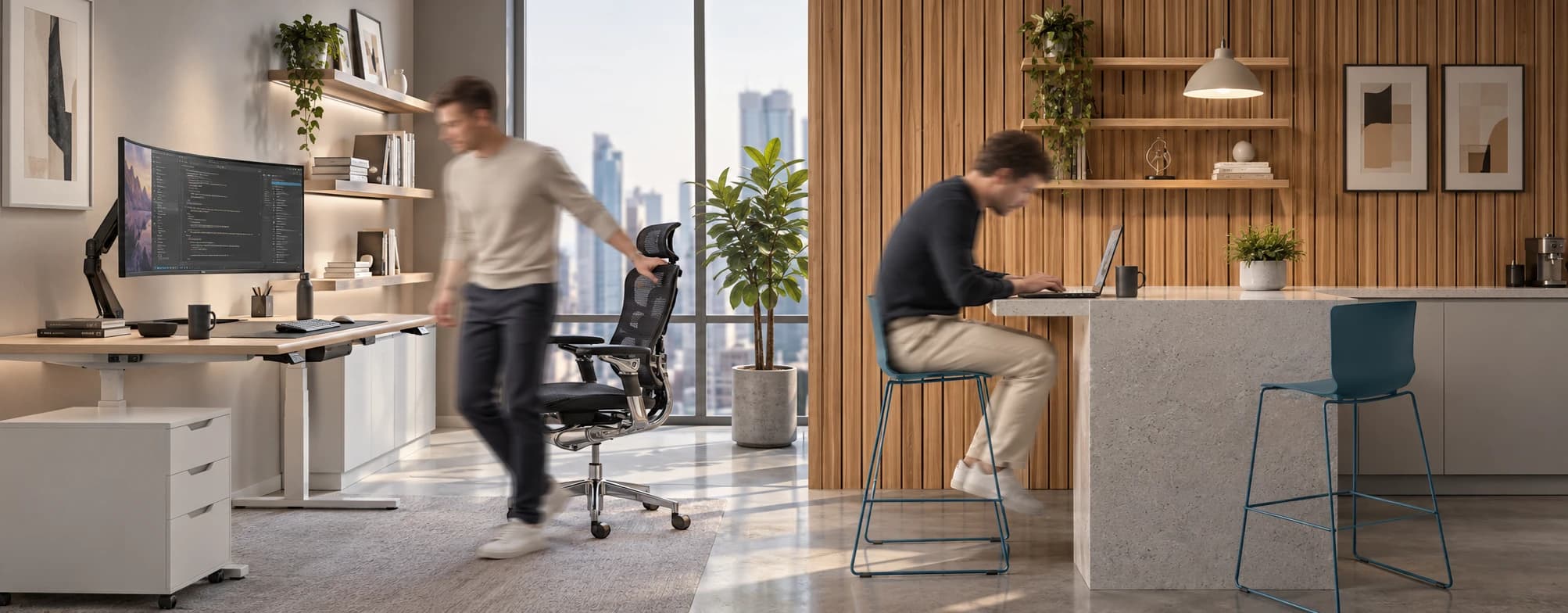
Sitting isn’t the Enemy, How You Sit Is: How to Align Your Desk for Zero Back Strain
If your job keeps you at a desk for most of the day, you are not alone—and you are not stuck. Software developers and data entry keyers spend 100% of a typical workday seated, while financial managers sit for 94%. Sitting is a standard part of modern work, so the real goal is learning how to reduce its physical impact while staying productive.
What the Research Shows
*Sedentary Volume: Adults in high-income countries spend 11–12 hours daily sitting over 75% of their waking hours (British Journal of Sports Medicine).
*Cardiovascular Risks: Sitting 6–8 hours daily increases cardiovascular event risk by 125% to 150% (Mayo Clinic).
*The 22-Minute Counter: 22 minutes of daily moderate-to-vigorous activity (brisk walking, cycling, active housework) offsets the mortality risk of prolonged sitting (BJSM).
*Micro-Break Impact: 5-minute movement breaks every hour significantly reduce fatigue and improve mood without hurting work performance (2026 BJSM Study).
*Gym Fallacy: A 60-minute workout in the morning does not fully reverse 9 hours of continuous sitting; daily movement breaks are still required.
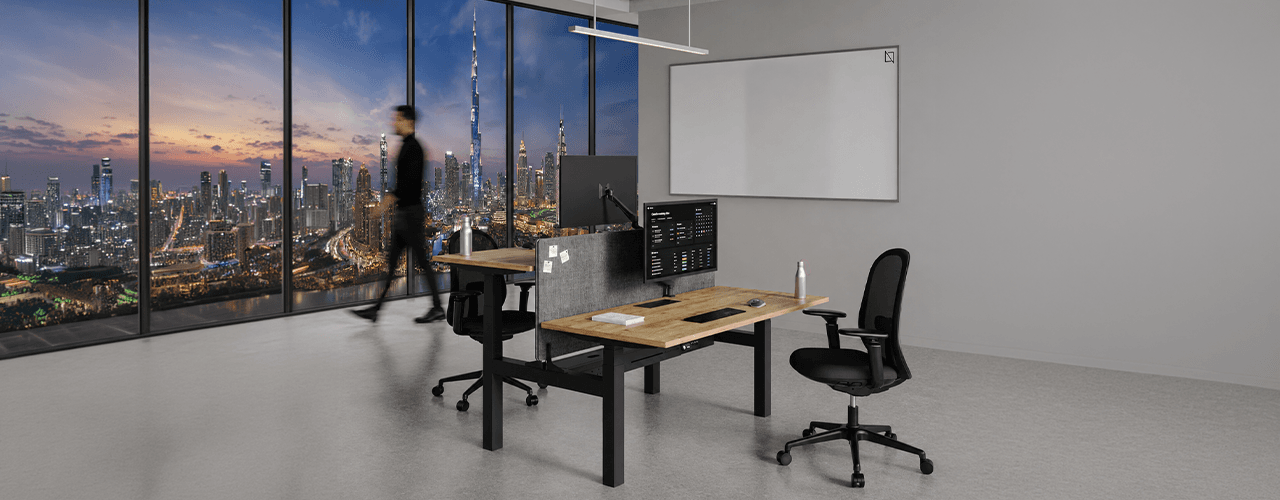
The Ultimate Office Furniture Setup Checklist for Modern Teams
Most offices aren't badly furnished. They're incompletely furnished. A great chair paired with the wrong desk height. A standing desk with no monitor arm. A collaborative floor with no acoustic separation.
The gap is rarely one big thing. It's several small things missing from the same setup at the same time.
This checklist covers every furniture category a modern UAE office needs — what to look for, what to avoid, and what the research says about each. Use it for a new fit-out, an upgrade review, or a department-by-department audit.
Key Findings
*The chair is the top furniture investment for knowledge workers. It has the most contact hours and directly impacts posture, energy, and afternoon performance.
*Fixed desks at 75cm fit about 30–40% of UAE office teams well. Height adjustability isn’t a luxury; it meets everyone’s needs.
*Open-plan offices without acoustic zones can lose employees up to 86 minutes of productive time each day. This is based on workplace productivity research.
*EU-OSHA highlights musculoskeletal disorders as the top workplace health concern worldwide. Poor seating and desk height are key factors.
*CBRE's 2026 Global Workplace Insights reveals that 69% of organizations have over 40% of staff sharing desks. This shift means adjustability is now a standard requirement, not just an upgrade.
*Quality ergonomic chairs last 8–12 years. A BIFMA-certified chair costs less per year when spread over 10 years. This cost is lower than one physiotherapy session for occupational back pain in Dubai.
أنت × نافو
لا تتردد في التواصل معنا لأي استفسارات أو مخاوف