

 Visit our Showroom
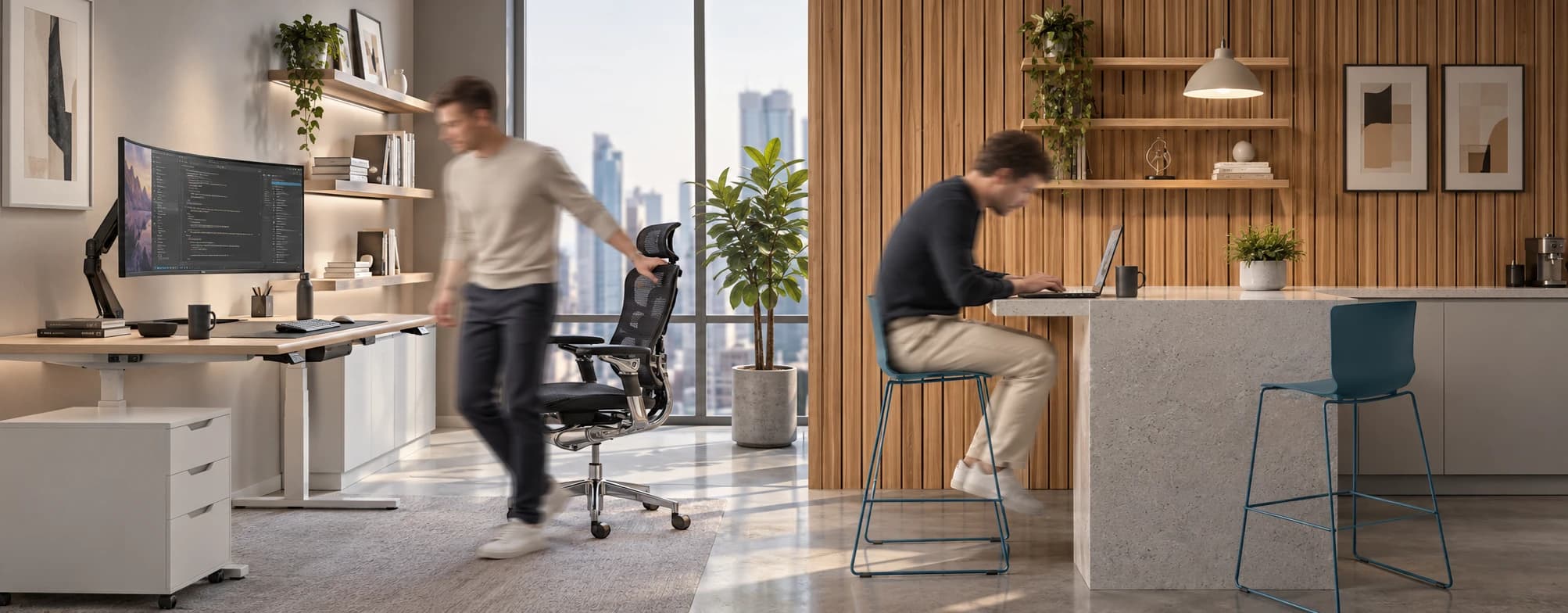
What the Research Shows
*Sedentary Volume: Adults in high-income countries spend 11–12 hours daily sitting over 75% of their waking hours (British Journal of Sports Medicine).
*Cardiovascular Risks: Sitting 6–8 hours daily increases cardiovascular event risk by 125% to 150% (Mayo Clinic).
*The 22-Minute Counter: 22 minutes of daily moderate-to-vigorous activity (brisk walking, cycling, active housework) offsets the mortality risk of prolonged sitting (BJSM).
*Micro-Break Impact: 5-minute movement breaks every hour significantly reduce fatigue and improve mood without hurting work performance (2026 BJSM Study).
*Gym Fallacy: A 60-minute workout in the morning does not fully reverse 9 hours of continuous sitting; daily movement breaks are still required.
Take me to
What Prolonged Sitting Does to Your Body
Prolonged sitting slows blood circulation, raises blood pressure, and impairs glucose and fat metabolism. Physical side effects include:
- Tight hip flexors and weakened gluteal muscles.
- Chronic lower back pain from unsupported posture.
- Increased risk of cardiovascular disease, type 2 diabetes, and all-cause mortality (WHO Guidelines).
Recommended Movement Cadence
Break up sitting every 30 to 60 minutes, even if only for 60 to 120 seconds.
1.Set a Hourly Trigger:Target: Every 45–60 minutes.
Use a timer, watch notification, or phone alarm to prompt a transition out of your chair.
2.Take a 2–5 Minute Walk:Light to moderate intensity.
Walk to grab water, step outside, or walk around the office floor to blunt post-meal glucose spikes.
3.Integrate Micro-Habits:No extra time required.
Stand during phone calls, walk to a colleague's desk instead of messaging, or take the stairs for trips under 3 floors.
Expert Advice: Fixing Your Workstation Setup
"Sitting is not the problem. How we sit and whether anyone has shown us how to use our workspace properly is the problem. This is where damage accumulates: silently, progressively, and entirely preventably."
— Dr. Fazela Hozefa, PT | COESp (Physiotherapist & Ergonomics Specialist, Founder of Mind Body Therapy, Dubai)
When we assess a workstation, we should use the Rapid Office Strain Assessment (ROSA) method to identify where the body is under unnecessary load. Here is what consistently makes the biggest difference:
1. Do a body scan first. Sit naturally and notice - where are your feet? Is your lower back touching the chair? Where do your eyes land on the screen? That tells you what needs fixing and in what order.
2. Set up from the ground up. Feet flat. Hips and knees in line. Lumbar supported. Arms and forearms at 90 degrees. Mouse and keyboard close and aligned. Screen at arm's length with the top at or slightly below eye level.
3. Address glare and lighting. Position your screen perpendicular to windows. Match screen brightness to ambient light. If your screen is brighter than your surroundings, your eyes are constantly adjusting all day. These are workstation fixes, not eye problems.
4. Use a sit-stand desk - and actually switch positions. Alternate between sitting and standing throughout the day. The movement between positions is where the benefit lies - not the standing itself.
5. Make movement non-negotiable. Set a timer every 45-60 minutes. Stand up, move for 2 minutes, return. Stand during calls. Walk to colleagues. Take the stairs. Attach movement to habits that already exist.
Prevention is not a one-time adjustment. It is a daily practice.
Founder of Mind Body Therapy, Dubai - www.mindbodyuae.com.
Free Corporate Ergonomic Guide.
Choose Furniture That Makes Movement Easier
Habits and workstation setup only go so far if the furniture itself works against you. This is where we've focused since 2019, building active home and office workspaces.
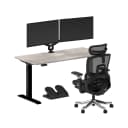
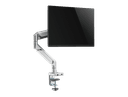
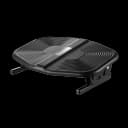
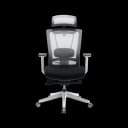
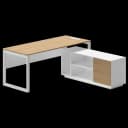
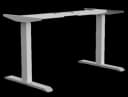
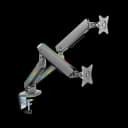
A height-adjustable desk removes the willpower requirement from Dr. Fazela's point above: switching positions becomes a button press, not a decision you have to remember to make. Our standing desk range includes dual-motor frames with memory-height presets. Pair that with an ergonomic chair with adjustable lumbar support for the hours you are seated, and a monitor arm to keep screen height correct at both sit and stand positions. A footrest helps shorter-framed employees keep their feet flat when desk height can't drop further, which matters for a workforce as physically diverse as Dubai's.
Note: "office chairs" and "ergonomic chairs" are two different categories for us, an office chair covers general seating, while ergonomic chairs are built around adjustable lumbar and posture support specifically.
Key Takeaways
Break Up Sitting: Move for 2–5 minutes every 45–60 minutes to maintain metabolic speed.
Follow ROSA Principles: Adjust your chair, desk height, screen level, and lighting to reduce mechanical load.
Invest in Functional Furniture: Electric sit-stand desks and adjustable monitor arms make changing positions quick and seamless.
Need Help Building Your Ergonomic Setup?
We'll guide you to the perfect chair, desk setup, and comfort tips for a productive workday.
Shop Office FurniturePopular Blogs
View all
Ergonomic Furniture Meets Gaming & Education: Highlights from the University of Wollongong Event
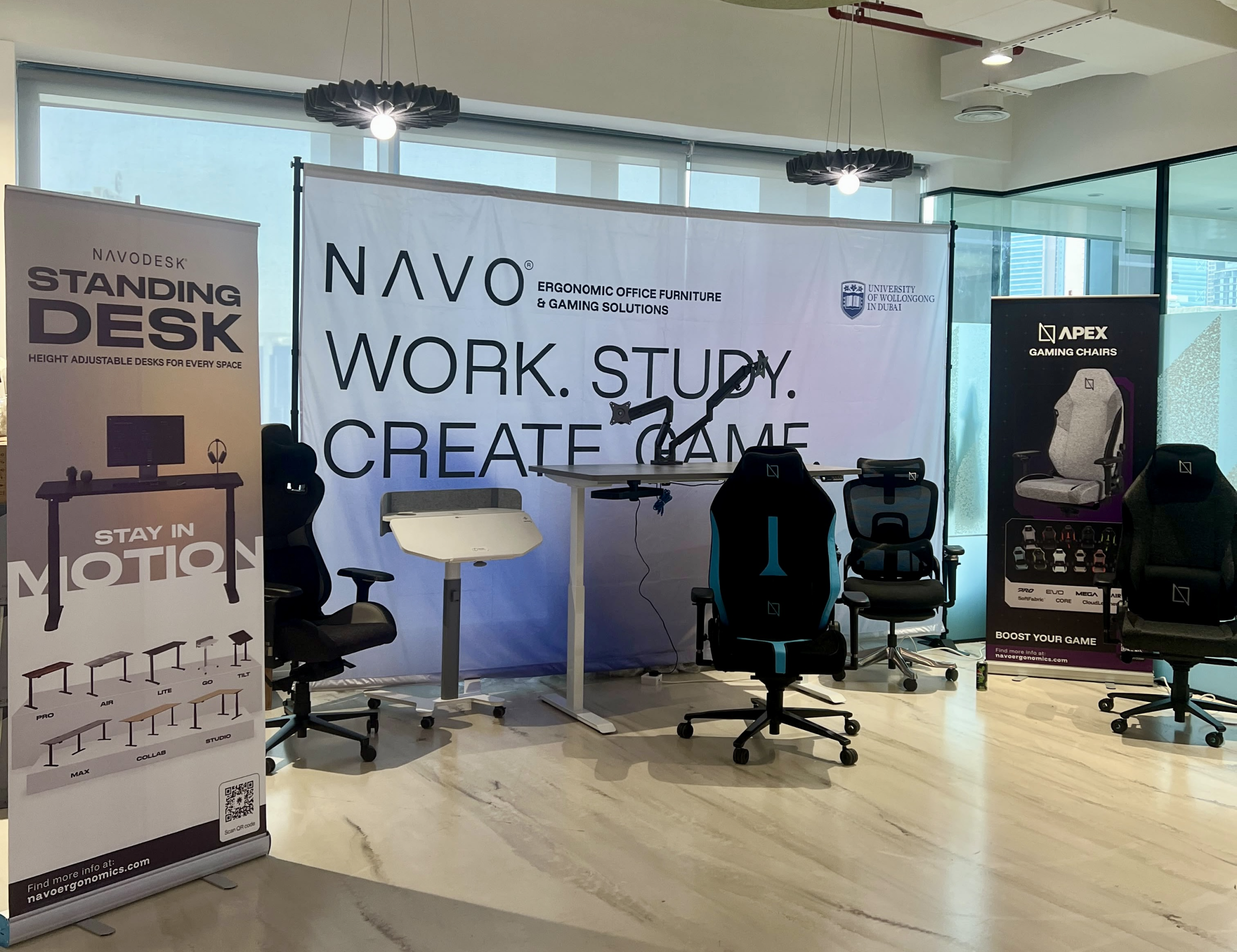
The tournament attracted over 70 participants, including avid gamers and curious onlookers. Our display featured gaming desks, chairs, and ergonomic accessories such as monitor arms. Students could compete in exciting gaming matches while experiencing our products firsthand.
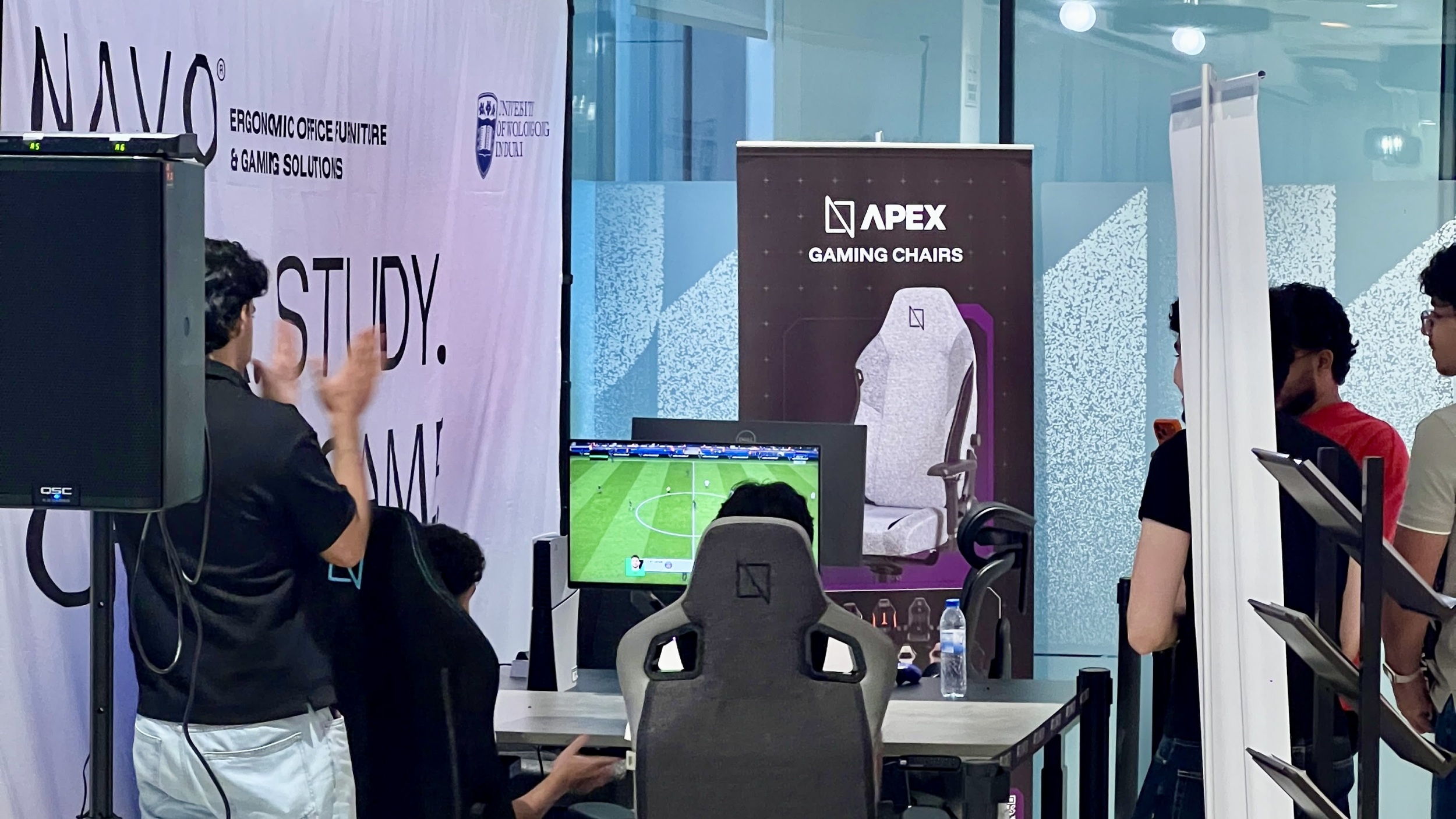
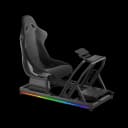
One of the event's highlights was the opportunity to experience our ergonomic gaming chairs alongside our specially designed ergonomic chairs. Students could compare their comfort, support, and overall seating experience. The feedback was overwhelmingly positive, with many participants noticing differences in posture support and comfort during extended use.
Looking back, we are encouraged by the positive interactions and insights shared by students and faculty. Promoting ergonomic awareness in university environments is a cause we strongly support, and we look forward to continuing our efforts to help create more comfortable and productive spaces for learning, gaming, and work.
Open Plan vs Cubicle vs Hybrid Office Layout: Which Is Right for You?
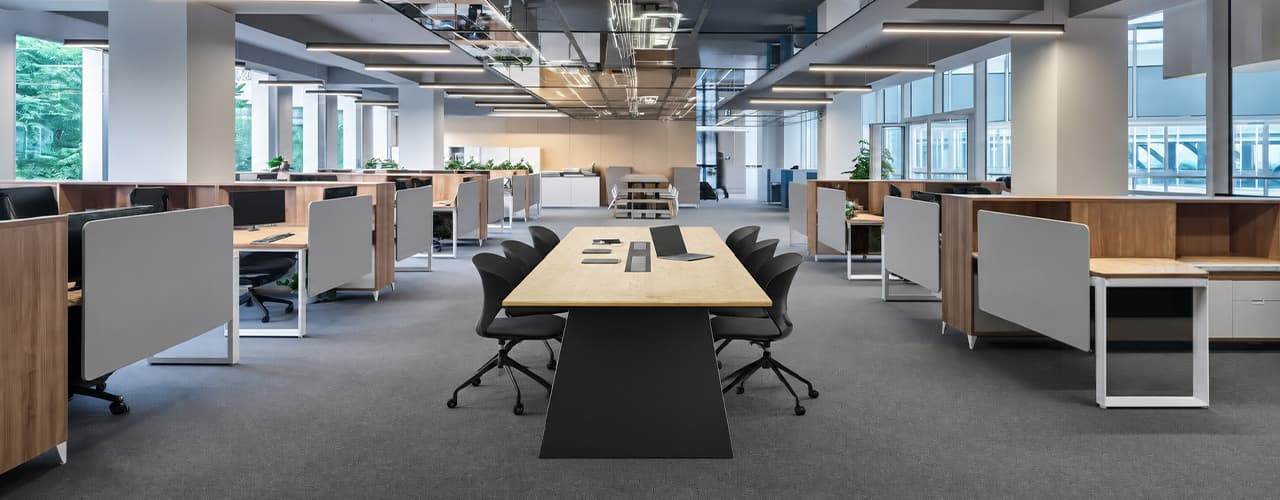
The open-plan office was supposed to fix everything the cubicle farm got wrong. It didn't. It created a different set of problems and left people nostalgic for the one thing cubicles did well: quiet. The hybrid layout is positioned as the solution that addresses the shortcomings of both. It might be only if it fits how a specific team works. It shouldn't be a mix of two philosophies that didn’t help the team before. This guide shows what each layout offers and where it falls short. It also helps you choose the best option-or combination-for your office in Dubai or the GCC.
Key Findings
*Global office use is now at 53%, up from 38% in 2024. Also, 69% of teams have over 40% of their staff sharing desks. This shows that 2019 workspace designs don’t fit current needs.
*A Harvard study found that open-plan spaces often lower face-to-face interaction. Instead, they boost digital communication. This is the opposite of what these designs aim for.
*A hybrid model conversion at a 120-person SaaS company restored engineering deployment speed to baseline. It also reduced voluntary turnover in technical roles by 18% over nine months.
*Steelcase research shows that companies improving their work environment boost productivity by 17%.
*In 2026, the most innovative UAE offices aren’t just picking open plans or cubicles. They’re creating “activity neighborhoods.” These are clusters of spaces designed for different work styles.
*No layout is universally right. The best choice depends on your team's work style, industry, hybrid attendance ratio, and specific acoustic needs for your floor.
The Ultimate Office Furniture Setup Checklist for Modern Teams
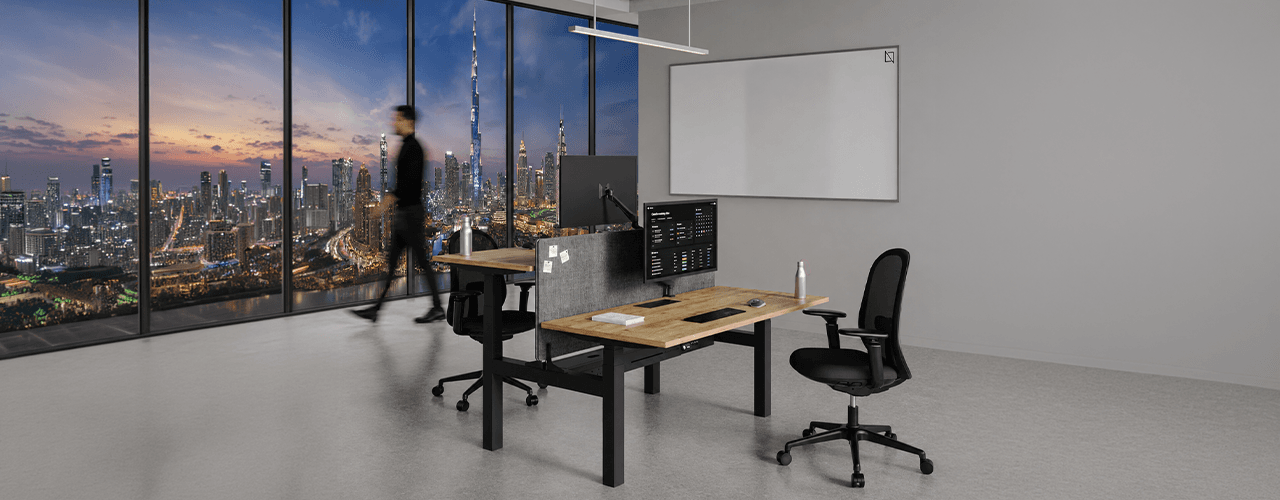
Most offices aren't badly furnished. They're incompletely furnished. A great chair paired with the wrong desk height. A standing desk with no monitor arm. A collaborative floor with no acoustic separation.
The gap is rarely one big thing. It's several small things missing from the same setup at the same time.
This checklist covers every furniture category a modern UAE office needs — what to look for, what to avoid, and what the research says about each. Use it for a new fit-out, an upgrade review, or a department-by-department audit.
Key Findings
*The chair is the top furniture investment for knowledge workers. It has the most contact hours and directly impacts posture, energy, and afternoon performance.
*Fixed desks at 75cm fit about 30–40% of UAE office teams well. Height adjustability isn’t a luxury; it meets everyone’s needs.
*Open-plan offices without acoustic zones can lose employees up to 86 minutes of productive time each day. This is based on workplace productivity research.
*EU-OSHA highlights musculoskeletal disorders as the top workplace health concern worldwide. Poor seating and desk height are key factors.
*CBRE's 2026 Global Workplace Insights reveals that 69% of organizations have over 40% of staff sharing desks. This shift means adjustability is now a standard requirement, not just an upgrade.
*Quality ergonomic chairs last 8–12 years. A BIFMA-certified chair costs less per year when spread over 10 years. This cost is lower than one physiotherapy session for occupational back pain in Dubai.
You x Navo
Feel free to reach out to us for any queries & concerns