

 Visit our Showroom
 +971 585905046
Take me to
1. Ergonomic Chairs
An ergonomic chair supports the spine. It follows the body’s shape.
Adjustable lumbar support, armrests, and seat height let the user hold a steady position. Mesh backs help with airflow. Recline locks keep the posture firm during long tasks.
Why it matters
A chair holds the body for most of the day. When the chair fits, pressure falls. The back and shoulders stay calm.
2. Height-Adjustable Desks
A height-adjustable desk moves between sitting and standing.
Some use cranks. Others use motors. Stronger frames lift more weight and stay steady at full height.
Why it matters
Movement breaks the strain of long sitting. Standing resets posture. The desk becomes part of the work, not a fixed point that holds the body down.
3. Fixed Workstations
A fixed workstation stays at one height.
It uses a steady frame and a solid surface. It fits clean rows and tight office layouts.
Why it matters
Not all work needs movement. Some roles use short or steady tasks. A fixed workstation is enough when posture stays disciplined.
4. Ergonomic Meeting Tables
Ergonomic meeting tables with strong frames or adjustable height support team work.
Workers stand for short reviews. They sit for long discussions. Some tables lift to match the pace.
Why it matters
Meetings stretch. A stable or adjustable table keeps teams focused without the body growing tense.
5. Storage That Reduces Reach and Clutter
Ergonomic storage keeps tools close.
Medium-height cabinets, drawers, and mobile units hold the items workers use each day. A clear desk reduces awkward bends and long reaches.
Why it matters
Clutter forces the body to shift in unsafe ways. Good storage keeps movement short and clean.
6. Monitor Arms
A monitor arm lifts the screen. It moves forward, back, or up.
The user sets the height without stacking objects or moving the desk.
Why it matters
A low screen pulls the neck down. A high screen strains the eyes. A monitor arm brings the line straight.
7. Keyboard Trays and Wrist Supports
A keyboard tray adjusts the typing angle.
It keeps elbows close and wrists in a neutral line. Wrist supports reduce pressure during long typing sessions.
Why it matters
Small angles build tension. A proper tray keeps hands steady.
8. Footrests
A footrest lifts the legs to ease pressure on the lower back.
It helps users who cannot sit flat or reach the floor at a fixed-height desk.
Why it matters
The spine responds to leg angle. A small rise can change the whole posture.
Conclusion
Ergonomic office furniture is not about comfort alone. It is about support. Chairs hold the spine. Desks allow movement. Storage keeps the space clear. Tools like monitor arms and footrests help the body stay in line.
The right setup depends on the work, the hours, and the habits. The goal is simple: keep the body steady so the mind can work without strain.
Need Help Building Your Ergonomic Setup?
We'll guide you to the perfect chair, desk setup, and comfort tips for a productive workday.
Popular Blogs
View all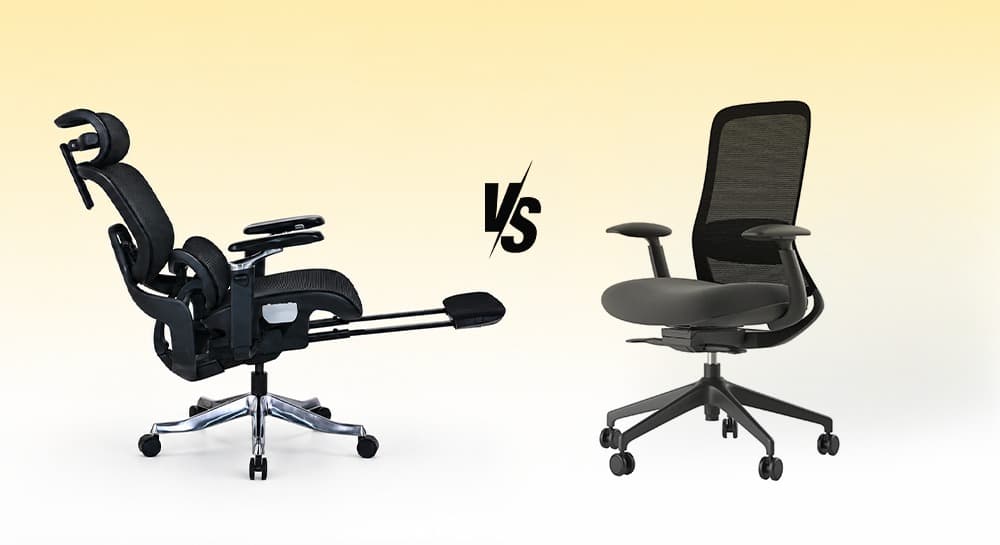
Ergonomic Chair vs Office Chair: Which One Should You Choose?
Most people don't start searching for an ergonomic chair.
They start searching because something hurts.
A stiff lower back. Tight shoulders. Neck strain after a long day at the desk.
That's usually when the question appears:
Should I buy an ergonomic chair or a regular office chair?
The answer depends less on the chair category and more on how long you sit, how often you work at a desk, and how much adjustment your body actually needs.
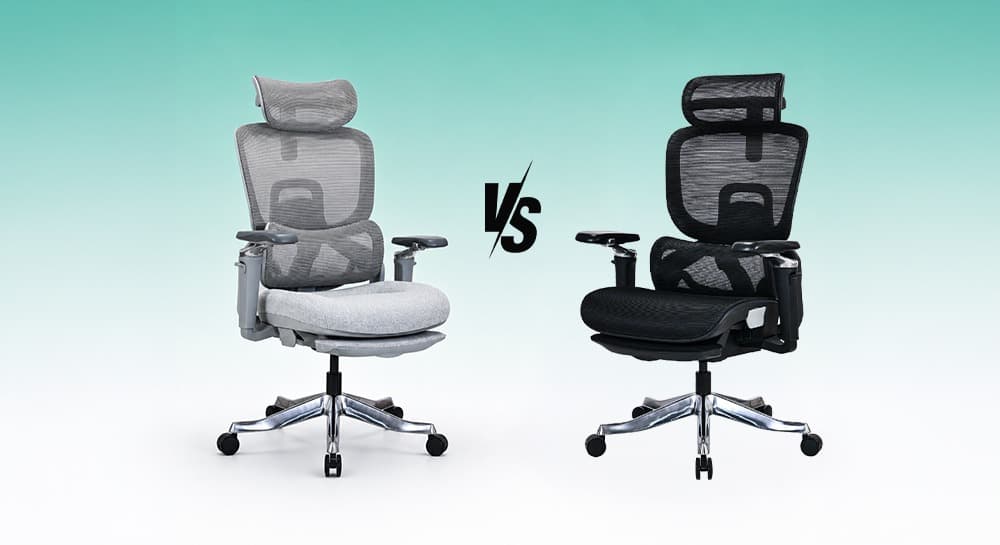
Mesh Chair vs Cushion Chair: Which One Is Better for Long Hours?
Most people choose an office chair based on first impression.
Mesh chairs feel cooler. Cushion chairs feel softer.
But long-term comfort is more complicated than that.
The main comparison of mesh and cushion office chairs focuses on five key factors:
-
Posture support
-
Airflow
-
Pressure distribution
-
Maintenance
-
Long-term performance
It's not just about how they feel in the first 10 minutes.
That’s why users often change opinions over time.
A chair that feels soft initially may feel tiring later. A firmer ergonomic chair may feel better after weeks of consistent work.
Neither option is universally better.
The right choice depends on how you sit, work, and move every day.
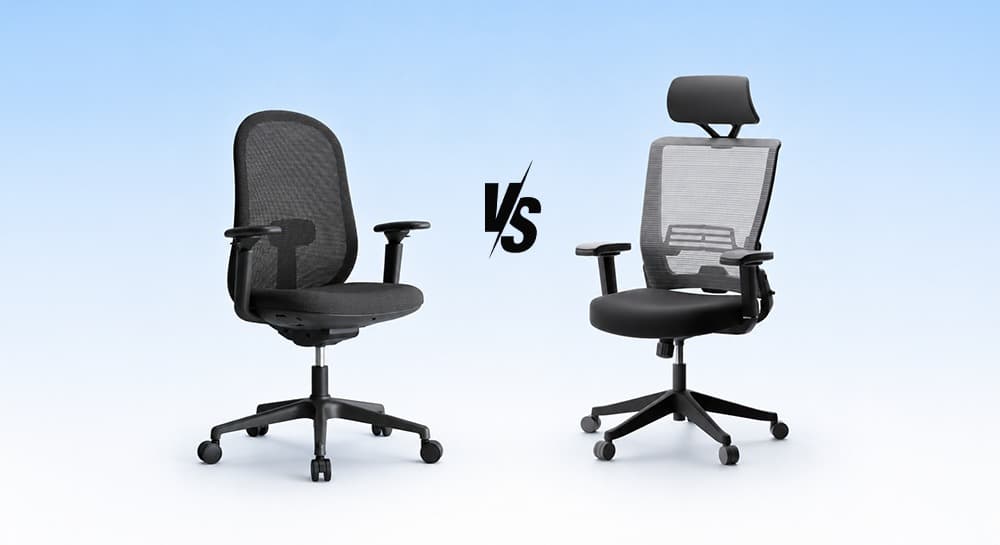
Task Chair vs Office Chair: What’s the Real Difference?
Most people searching for “task chair vs office chair” are not actually looking for definitions.
They’re trying to figure out:
- Which chair is better for long hours?
- Which chair is better for back support?
- Are task chairs ergonomic enough?
- Why are ergonomic office chairs more expensive?
- Is a gaming chair better than a task chair?
- What works best for home offices?
That’s where the real comparison starts.
A task chair is designed for active desk work, compact movement, and essential ergonomic support. An office chair is a broader category that includes ergonomic chairs, executive chairs, mesh seating, and task chairs designed for different sitting styles and work durations.
Neither category is automatically better.
The better chair is the one that matches how your body works every day.