

 Visit our Showroom
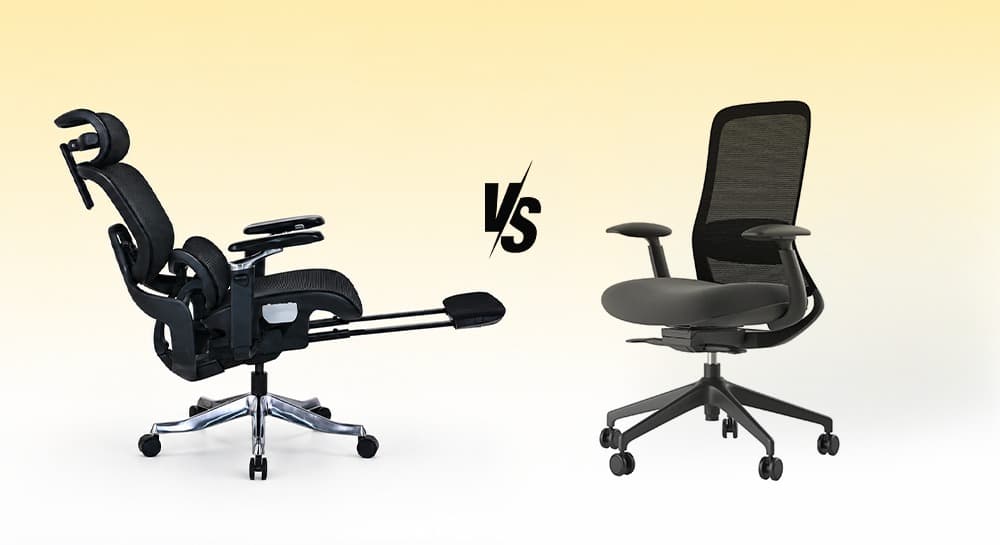
Most people don't start searching for an ergonomic chair.
They start searching because something hurts.
A stiff lower back. Tight shoulders. Neck strain after a long day at the desk.
That's usually when the question appears:
Should I buy an ergonomic chair or a regular office chair?
The answer depends less on the chair category and more on how long you sit, how often you work at a desk, and how much adjustment your body actually needs.
Take me to
What Is the Difference Between an Ergonomic Chair and an Office Chair?
An office chair is a broad category that includes task chairs, executive chairs, mesh chairs, and ergonomic chairs.
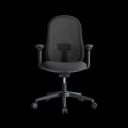
An ergonomic chair is an office chair that helps support good posture. It allows for movement and offers long-term comfort. Its adjustable features make it easy to customize.
A standard office chair may provide basic functionality such as:
Height adjustment
Swivel movement
Fixed lumbar support
Basic recline
An ergonomic chair typically adds:
Adjustable lumbar support
Seat depth adjustment
Adjustable armrests
Recline tension control
Headrest support
Better posture customization
In simple terms:
Every ergonomic chair is an office chair.
Not every office chair is ergonomic.
Which Chair Is Better for Long Hours?
This is where ergonomic chairs usually separate themselves.
If you sit for 6–10 hours daily, your body benefits from adjustments that allow the chair to adapt to you rather than forcing you to adapt to the chair.
Many people focus on cushioning when shopping.
But long-term comfort usually comes from support.
A chair that feels soft for 20 minutes can feel exhausting after a full workday if lumbar support is lacking.
Many users look into ergonomic chairs after using basic office seating for a while.
Is an Ergonomic Chair Better for Back Pain?
A chair alone cannot solve back pain.
Proper ergonomic support helps you sit healthier and reduces strain from bad seating habits.
Features that matter include:
Lumbar support
Seat height adjustment
Recline flexibility
Arm support positioning
Without these adjustments, users often compensate with poor posture throughout the day.
That's where ergonomic chairs typically provide an advantage over basic office chairs.
Are Regular Office Chairs Still Worth Buying?
Absolutely.
Not everyone needs an advanced ergonomic chair.
A standard office chair may be the better choice if:
Sitting sessions are shorter
Workspace requirements are simple
Budget is a priority
Basic support is sufficient
Many task chairs and office chairs provide excellent everyday comfort without requiring every ergonomic adjustment available.
This becomes particularly important when comparing task chair vs office chair options, where simplicity and flexibility often matter more than advanced features.
How Do Ergonomic Chairs Compare to Gaming Chairs?
Many buyers compare ergonomic chairs against gaming chairs before making a decision.
The biggest difference is design philosophy.
Gaming chairs often prioritize immersive seating, deep recline angles, and aggressive styling.
Ergonomic chairs focus on posture support, adjustability, and long-term work comfort.
Neither category is universally better.
The right choice depends on whether your setup is focused primarily on productivity, gaming, or a combination of both.
For a deeper comparison, see our guide on gaming chair vs office chair.
What Material Is Better: Mesh or Cushioned Chairs?
Material choice influences comfort just as much as chair type.
Mesh chairs typically offer:
Better airflow
Reduced heat retention
Lighter visual appearance
Cushioned chairs typically offer:
Softer seating feel
More traditional office aesthetics
Greater padding depth
The choice usually depends on personal taste and how you like to sit, not on one material being better than another.
For a complete breakdown, see our comparison of mesh vs cushion office chairs.
Final Thoughts: Focus on Fit, Not Labels
An ergonomic chair isn't automatically better because it's ergonomic.
A regular office chair isn't automatically worse because it's simpler.
The right decision comes down to:
Sitting duration
Adjustment needs
Workspace setup
Personal comfort preferences
Choose the chair that supports how you work today and how you'll still be working six months from now.
That's what matters most.
Frequently Asked Questions
- An ergonomic chair is best for people with scoliosis. It should have adjustable lumbar support, seat height, and recline features. Customizing support helps you sit more comfortably during long work sessions.
- Chairs with good cushioning and ergonomic back support are often best for fibromyalgia. Adjustable features also help provide comfort. A balance of comfort and posture support can help reduce discomfort during prolonged sitting.
- For sciatica, ergonomic chairs are the best choice. Look for ones with lumbar support, adjustable seat height, and the right seat depth. These features help promote healthier posture and reduce pressure on the lower back and hips during daily use.
Need Help Building Your Ergonomic Setup?
We'll guide you to the perfect chair, desk setup, and comfort tips for a productive workday.
Shop Office FurniturePopular Blogs
View all
Ergonomic Furniture Meets Gaming & Education: Highlights from the University of Wollongong Event
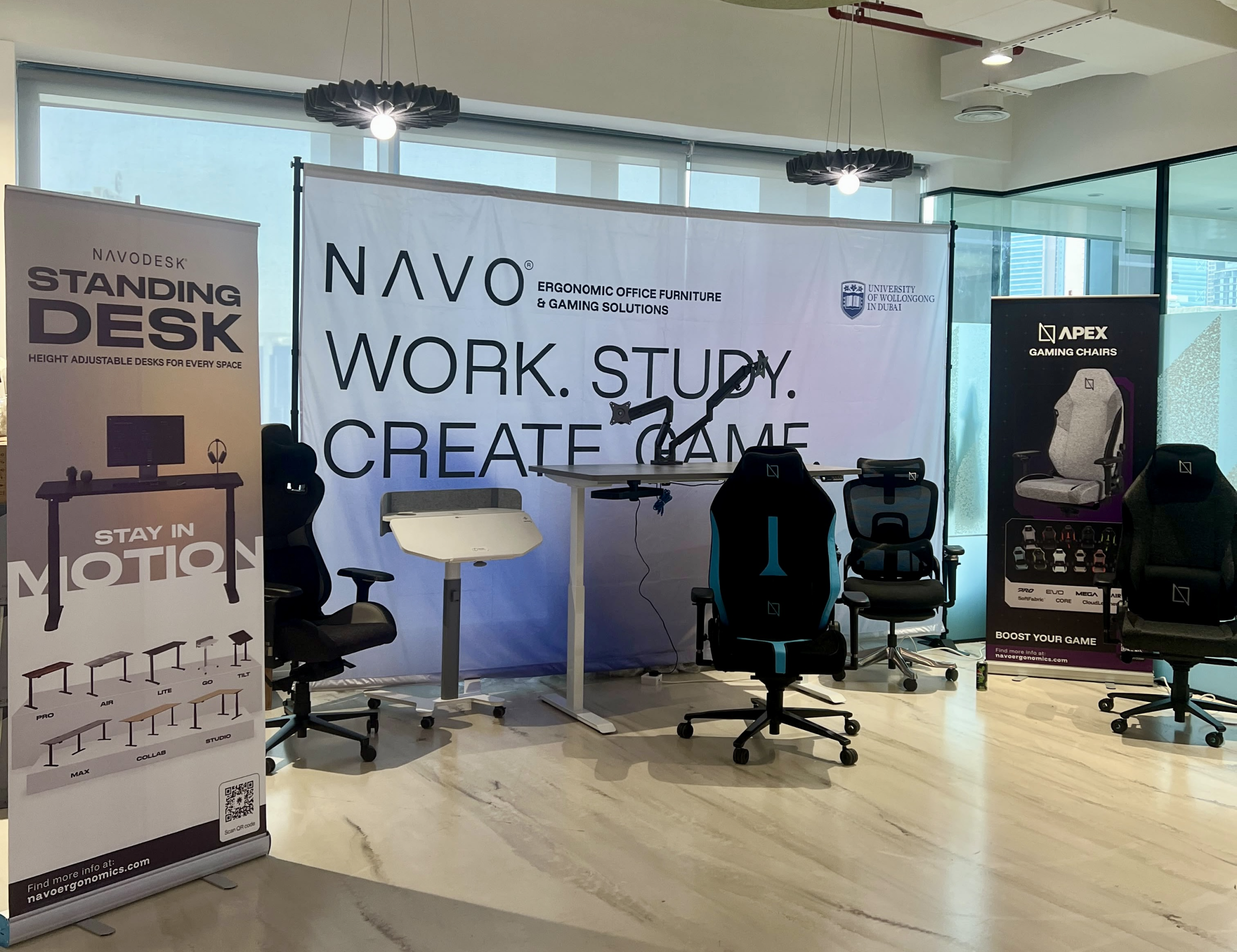
The tournament attracted over 70 participants, including avid gamers and curious onlookers. Our display featured gaming desks, chairs, and ergonomic accessories such as monitor arms. Students could compete in exciting gaming matches while experiencing our products firsthand.
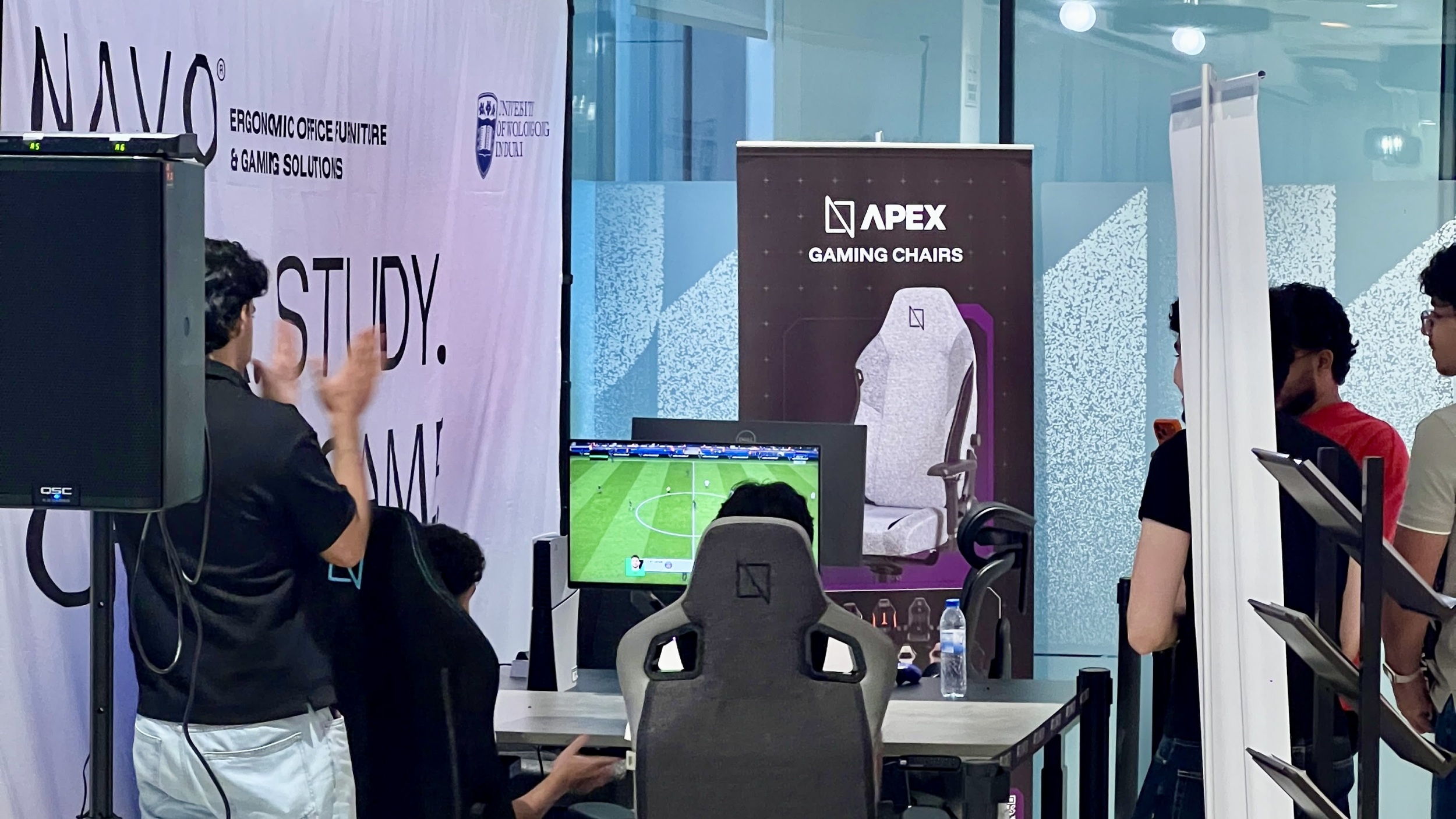
One of the event's highlights was the opportunity to experience our ergonomic gaming chairs alongside our specially designed ergonomic chairs. Students could compare their comfort, support, and overall seating experience. The feedback was overwhelmingly positive, with many participants noticing differences in posture support and comfort during extended use.
Looking back, we are encouraged by the positive interactions and insights shared by students and faculty. Promoting ergonomic awareness in university environments is a cause we strongly support, and we look forward to continuing our efforts to help create more comfortable and productive spaces for learning, gaming, and work.
Open Plan vs Cubicle vs Hybrid Office Layout: Which Is Right for You?
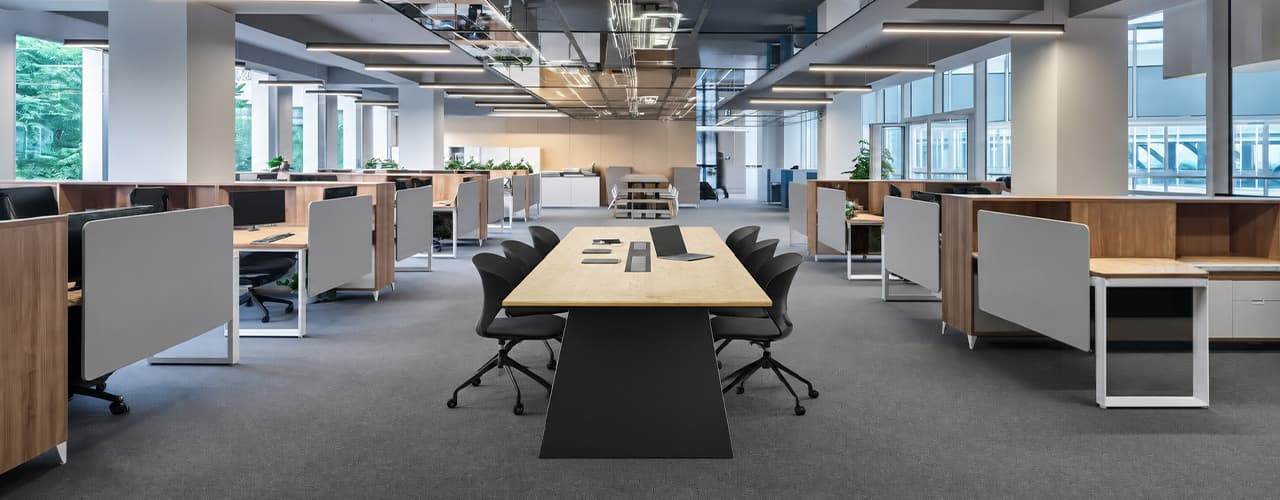
The open-plan office was supposed to fix everything the cubicle farm got wrong. It didn't. It created a different set of problems and left people nostalgic for the one thing cubicles did well: quiet. The hybrid layout is positioned as the solution that addresses the shortcomings of both. It might be only if it fits how a specific team works. It shouldn't be a mix of two philosophies that didn’t help the team before. This guide shows what each layout offers and where it falls short. It also helps you choose the best option-or combination-for your office in Dubai or the GCC.
Key Findings
*Global office use is now at 53%, up from 38% in 2024. Also, 69% of teams have over 40% of their staff sharing desks. This shows that 2019 workspace designs don’t fit current needs.
*A Harvard study found that open-plan spaces often lower face-to-face interaction. Instead, they boost digital communication. This is the opposite of what these designs aim for.
*A hybrid model conversion at a 120-person SaaS company restored engineering deployment speed to baseline. It also reduced voluntary turnover in technical roles by 18% over nine months.
*Steelcase research shows that companies improving their work environment boost productivity by 17%.
*In 2026, the most innovative UAE offices aren’t just picking open plans or cubicles. They’re creating “activity neighborhoods.” These are clusters of spaces designed for different work styles.
*No layout is universally right. The best choice depends on your team's work style, industry, hybrid attendance ratio, and specific acoustic needs for your floor.
Sitting isn’t the Enemy, How You Sit Is: How to Align Your Desk for Zero Back Strain
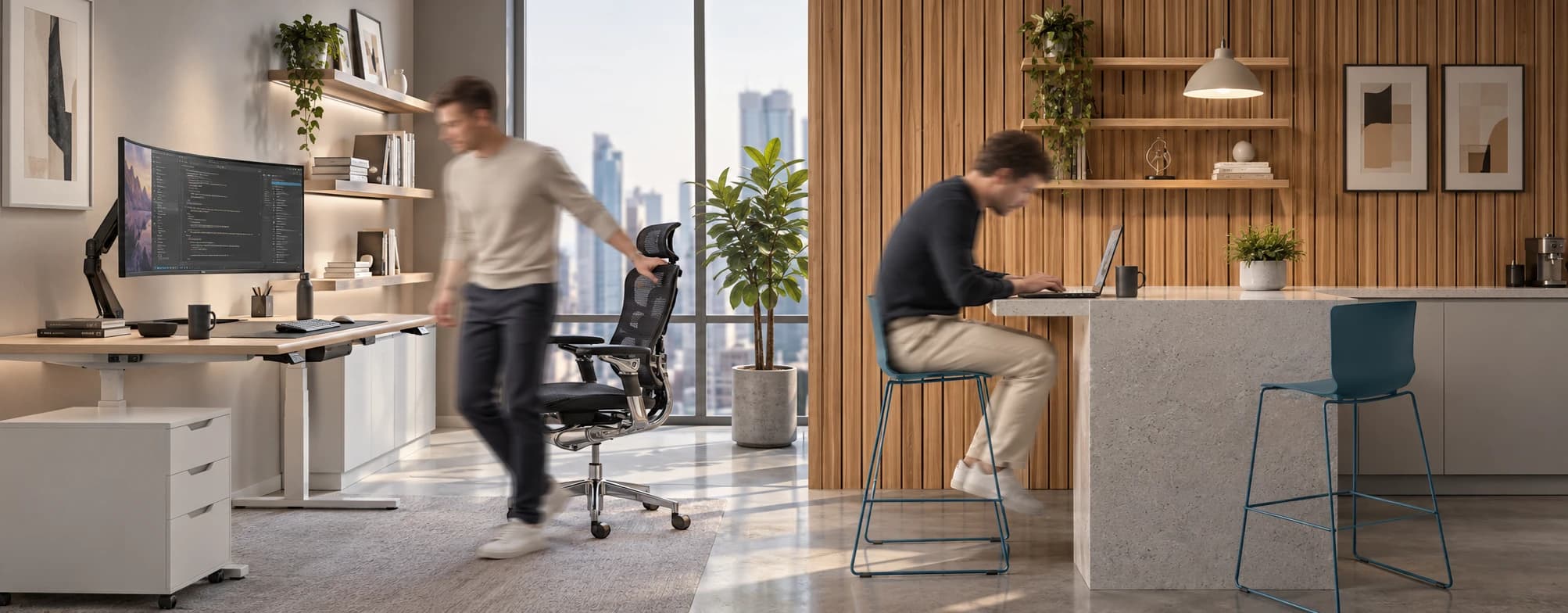
If your job keeps you at a desk for most of the day, you are not alone—and you are not stuck. Software developers and data entry keyers spend 100% of a typical workday seated, while financial managers sit for 94%. Sitting is a standard part of modern work, so the real goal is learning how to reduce its physical impact while staying productive.
What the Research Shows
*Sedentary Volume: Adults in high-income countries spend 11–12 hours daily sitting over 75% of their waking hours (British Journal of Sports Medicine).
*Cardiovascular Risks: Sitting 6–8 hours daily increases cardiovascular event risk by 125% to 150% (Mayo Clinic).
*The 22-Minute Counter: 22 minutes of daily moderate-to-vigorous activity (brisk walking, cycling, active housework) offsets the mortality risk of prolonged sitting (BJSM).
*Micro-Break Impact: 5-minute movement breaks every hour significantly reduce fatigue and improve mood without hurting work performance (2026 BJSM Study).
*Gym Fallacy: A 60-minute workout in the morning does not fully reverse 9 hours of continuous sitting; daily movement breaks are still required.
You x Navo
Feel free to reach out to us for any queries & concerns