

 Visit our Showroom
Your workflow doesn't fit one position. Sketching demands angles. Digital work needs flat screens. Standing keeps energy high. Sitting supports detail work.
Most designer desks force you to choose. Flat or tilted. Sitting or standing. Digital or traditional.
The Navodesk Tilt refuses that choice.
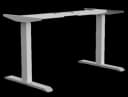
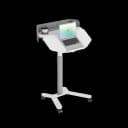
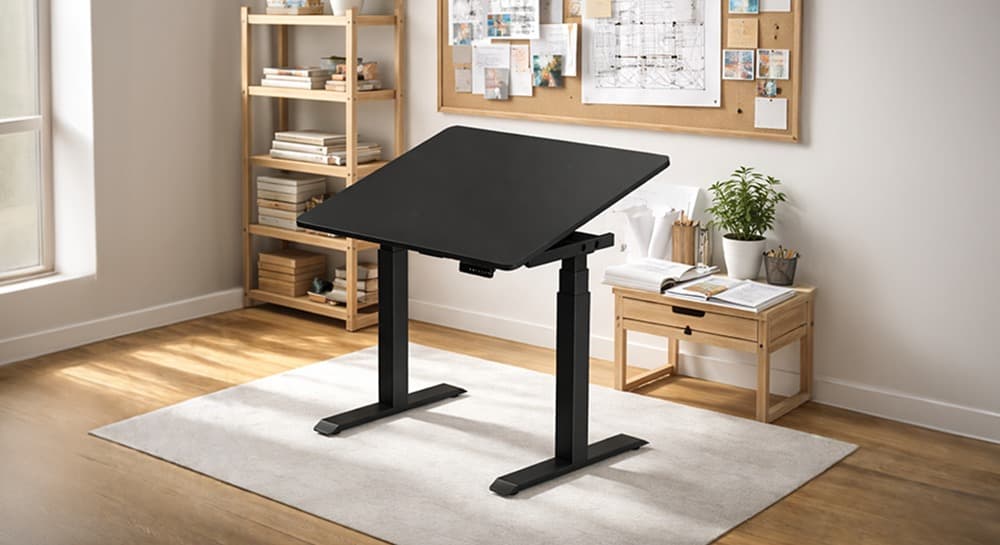
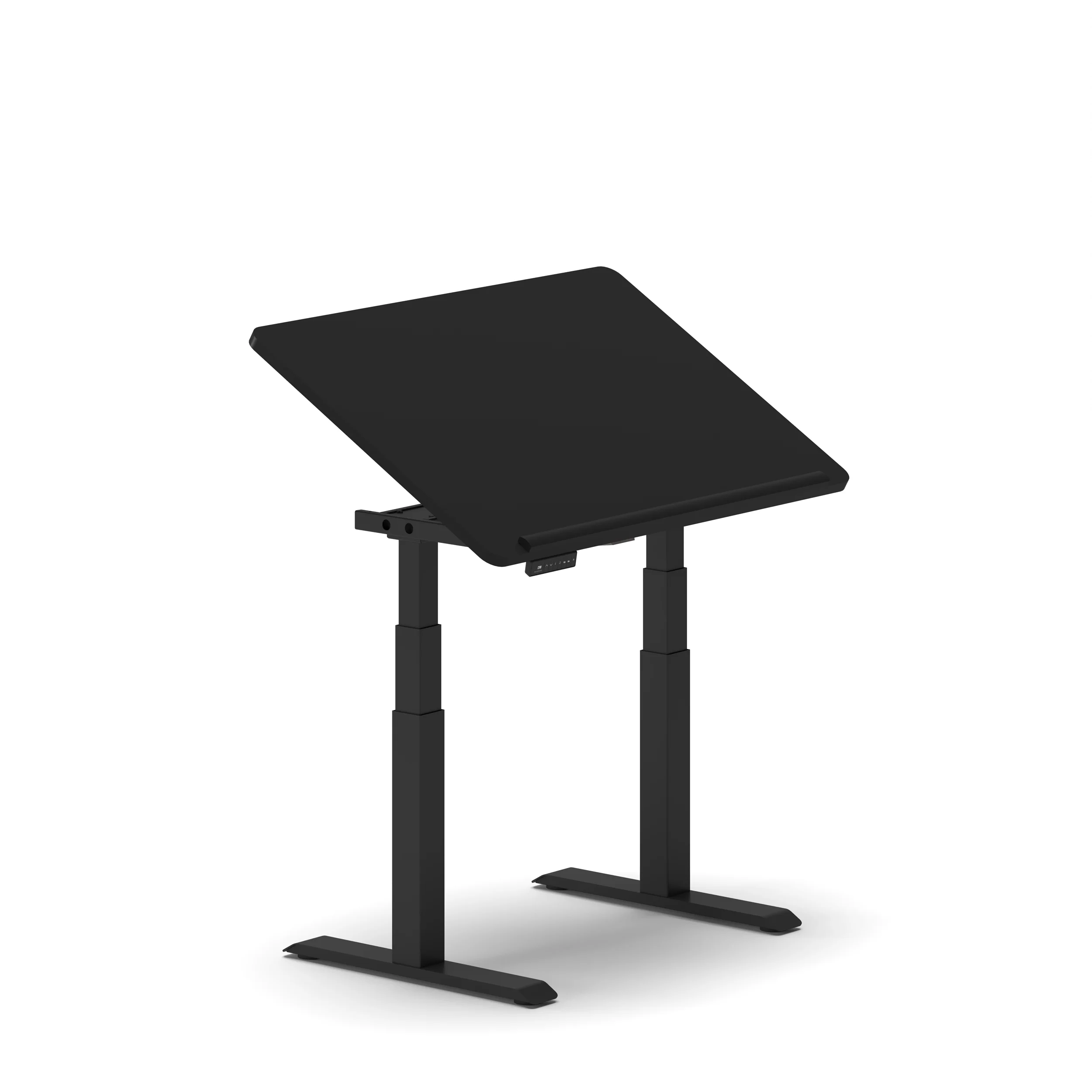
This hybrid workstation evolves with your workflow. The tilt mechanism transforms your standing desk into a professional drafting table.
One desk. Every workflow. Every position. Every project.
Take me to
The Architect Table for Modern Workflows
Traditional drafting tables sit at fixed angles. Standing desks stay flat. Architect tables tilt but don't adjust height.
The Navodesk Tilt delivers everything:
Standing desk when you need movement
Drafting table when sketching
Flat work surface for digital tasks
All in one footprint
In Dubai studios where space costs AED 150-300 per sq ft, one desk replacing three saves money and space.
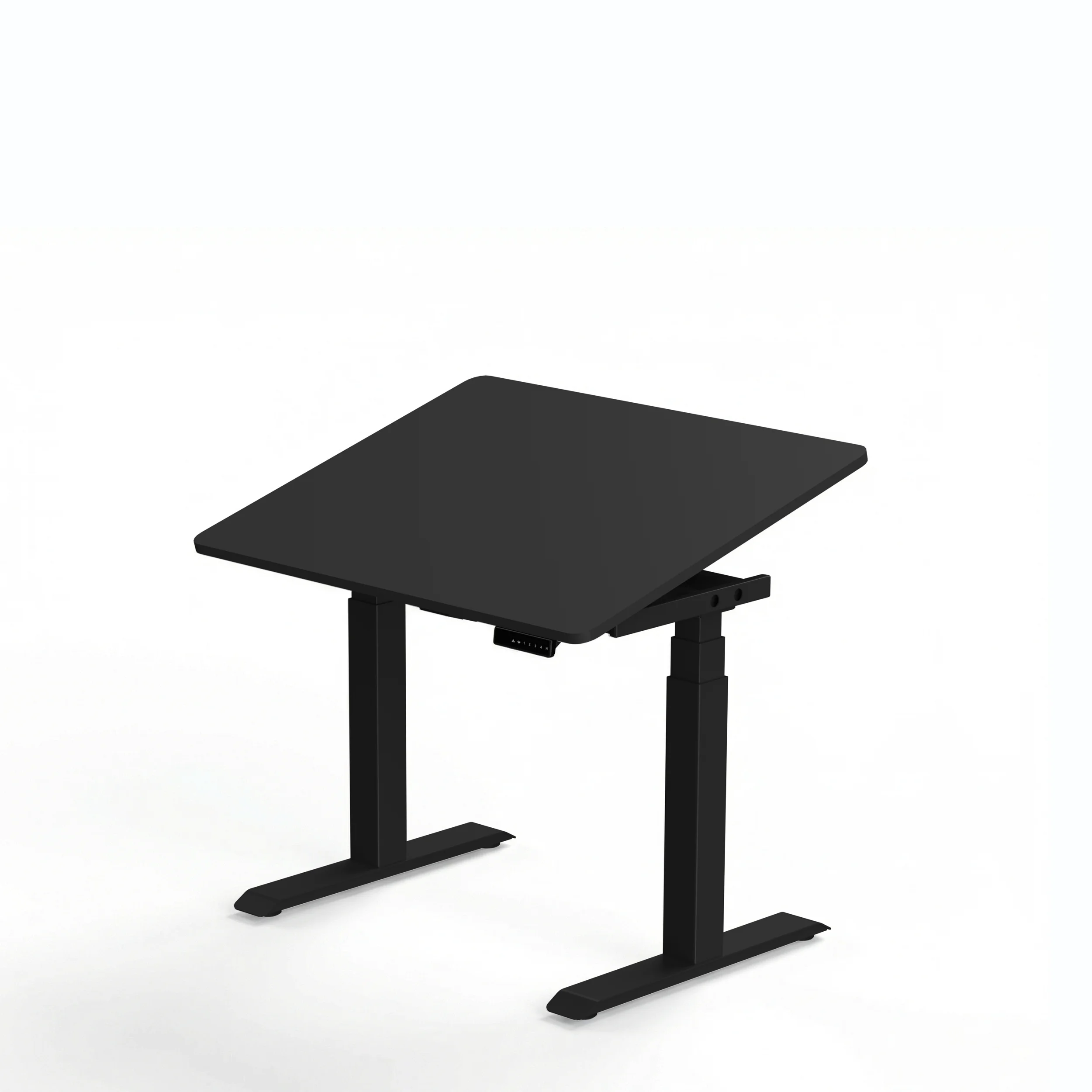
Dual Purpose Design That Actually Works
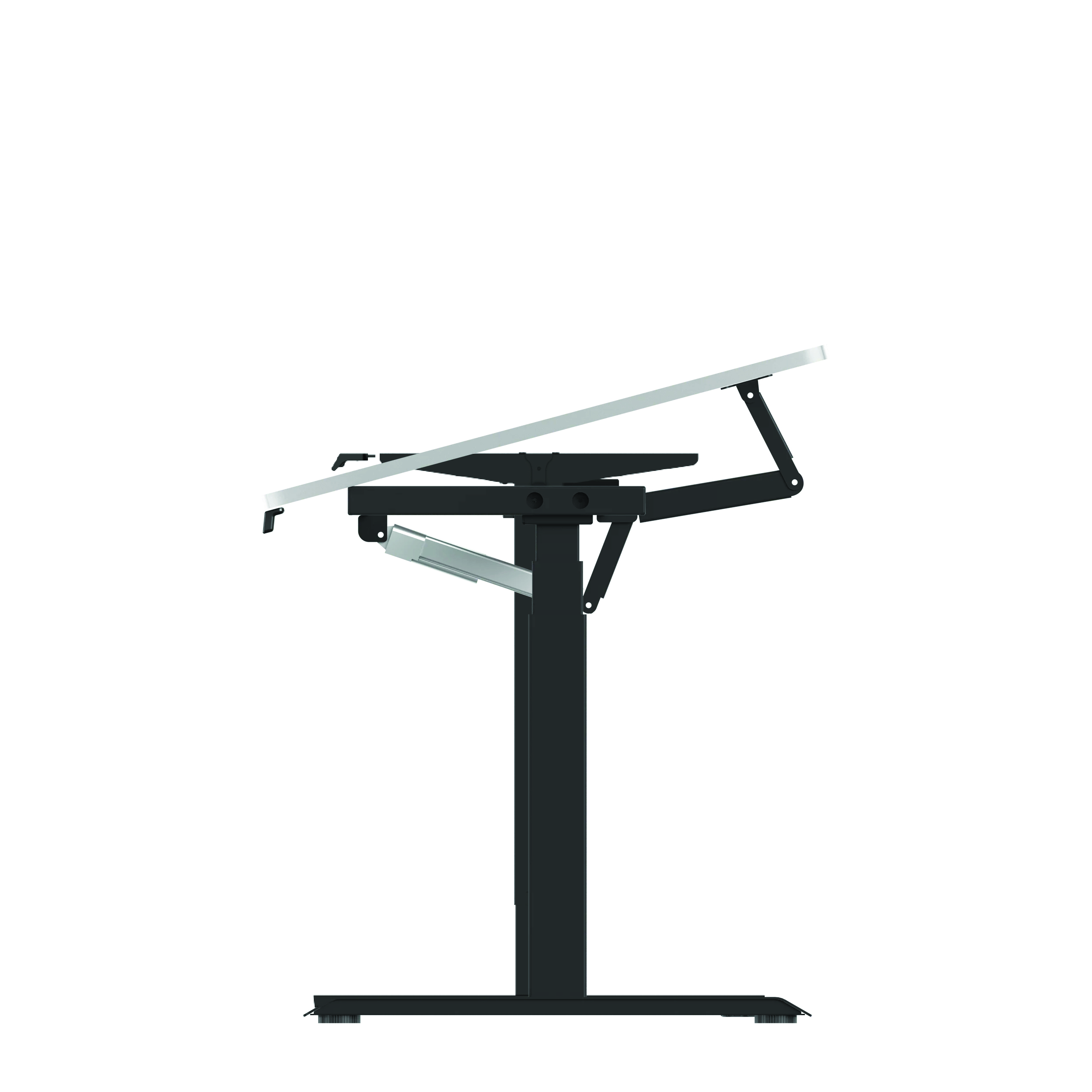
Gas Spring Tilt Mechanism
Smooth desktop angle adjustment from flat to 45-degree drafting position. No jerky movements. No loud clicks. Just controlled positioning.
Height Range: 64-129 cm
Low for sitting work (64 cm)
High for standing sketching (129 cm)
Every position between for perfect ergonomics
4 Memory Presets
Save your positions:
Sitting flat (digital work)
Sitting tilted (traditional drawing)
Standing flat (general tasks)
Standing tilted (standing sketches)
Switch modes instantly. No workflow interruption.
Custom Desktop Compatibility
Your choice of surface. Natural wood. Easy-clean laminate. Specific dimensions. Fully customizable.
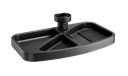
Drafting Heel (Optional)
Prevents tools, pens, tablets from sliding when tilted. Essential for professional angled work.
Who Needs This Tilt Work Table?
Architects: Technical drawing. CAD work. Blueprint reviews. Standing presentations.
Interior Designers: Mood boards. Fabric samples. Digital renders. Client collaboration.
Graphic Designers: Digital illustration. Traditional sketching. Typography. Tablet work.
Industrial Designers: 3D modeling. Hand sketches. Product mockups. Prototype reviews.
Artists & Illustrators: Canvas work. Digital painting. Mixed media. Long creative sessions.
Why it works for all: Natural drawing angles. Ergonomic positions. Quick workflow switching. Professional presentation capability.
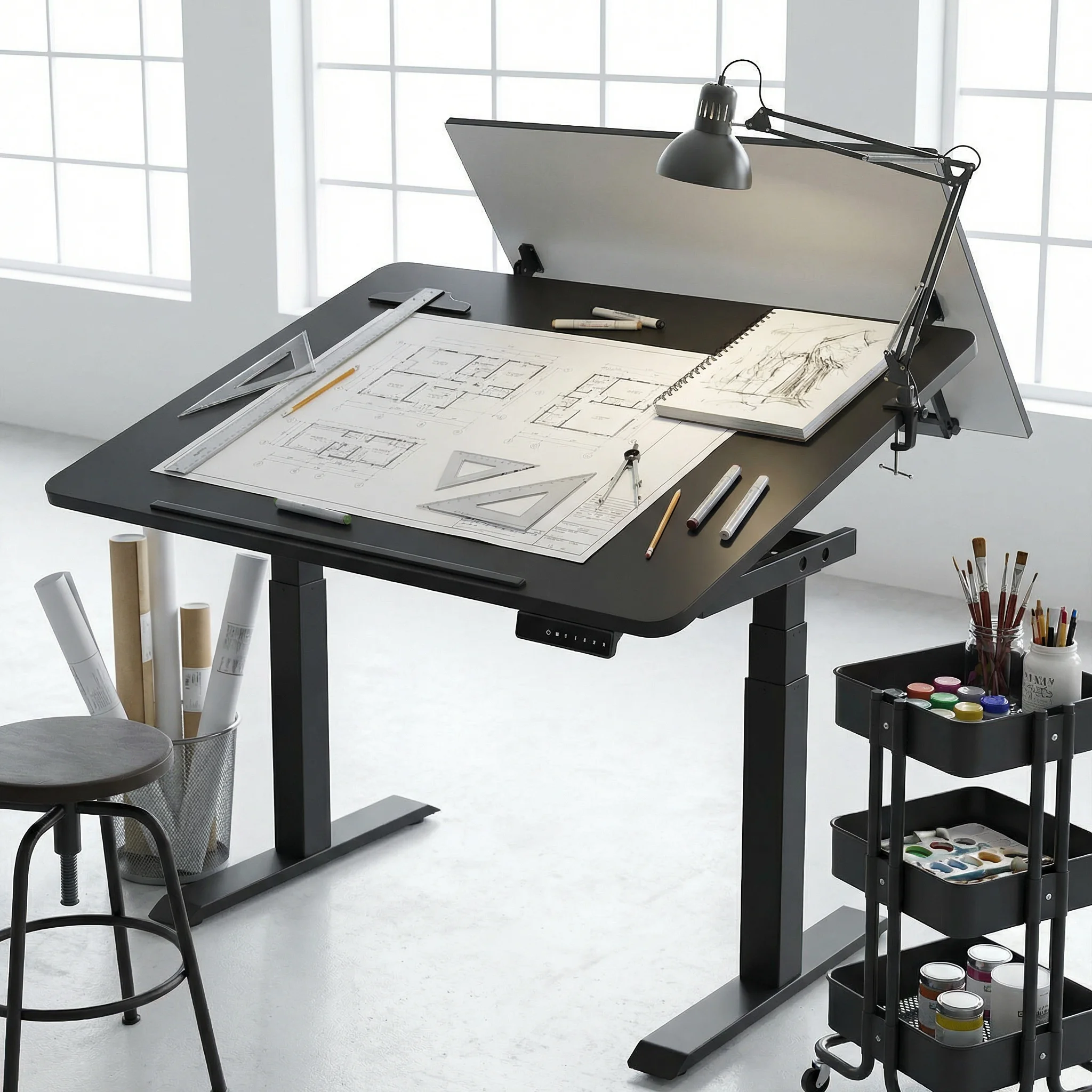
Why Dubai Designers Choose This?
Space Efficiency
One tilt-adjustable desk replaces:
Traditional drafting table (AED 2,500-4,000)
Standing desk (AED 2,000-3,500)
Sitting desk (AED 1,500-2,500)
Space saved: 60-70% compared to separate furniture Cost saved: AED 5,000-8,000 on multiple specialty desks
Climate Proven
Electric mechanism tested for Gulf conditions. Smooth operation in AC-heavy Dubai studios. Materials selected for humidity resistance.
Professional Aesthetics
Clean design for client-facing studios. Premium finishes matching Dubai design standards. Modern look supporting brand credibility.
Ergonomic Reality
Dubai creative professionals work long hours. The tilt desk reduces:
Neck strain from hunching over flat surfaces
Back pain from static positions
Wrist fatigue from poor drawing angles
Creative fatigue from rigid setups
The Investment That Pays Back
This isn't standard office furniture it's a creative tool. An investment in capability.
For home office furniture, the Navodesk Tilt transforms spare rooms into professional studios without consuming entire spaces.
What designers report after switching:
40% less neck and back strain
Faster workflow transitions
More natural creative positions
Better client presentation capability
ROI calculation: Replace three furniture pieces. Gain one flexible tool. Save space for equipment. Increase daily comfort. Protect long-term health.
Premium investment. Professional capability.
Our Expertise: Equipping Dubai's Creative Professionals
Since 2019, we've outfitted design studios across Dubai. From Dubai Design District to villa home studios. We understand creative workflow demands.
Our advantage:
Tested with actual Dubai designers
Understanding of UAE studio space constraints
Materials proven in Gulf climate
Local service supporting professional deadlines
We enable creative workflows, not just sell desks.
Your Next Steps: Transform Your Creative Workspace
Step 1: Assess workflow (sketching vs digital time split)
Step 2: Measure space (ensure tilt clearance)
Step 3: Test in our Dubai office furniture showroom
Step 4: Choose desktop material and size
Step 5: Professional installation
Ready? Explore Navodesk Tilt
Stop Compromising Your Creative Process
Your work demands flexibility. Your furniture should provide it.
The Navodesk Tilt is the architect table for modern workflows. The drawing table that stands with you. The tilt desk adapting to every project.
One desk. Every position. Every workflow.
Your creativity shouldn't fight your furniture. Time to align both.
Frequently Asked Questions
- Absolutely - many Dubai illustrators use it specifically for tablet work at comfortable angles.
- 30cm clearance behind desk for full tilt. We help with space planning.
Need Help Building Your Ergonomic Setup?
We'll guide you to the perfect chair, desk setup, and comfort tips for a productive workday.
Shop Office FurnitureBuy Navodesk Tilt Standing Desk
 2,090
2,090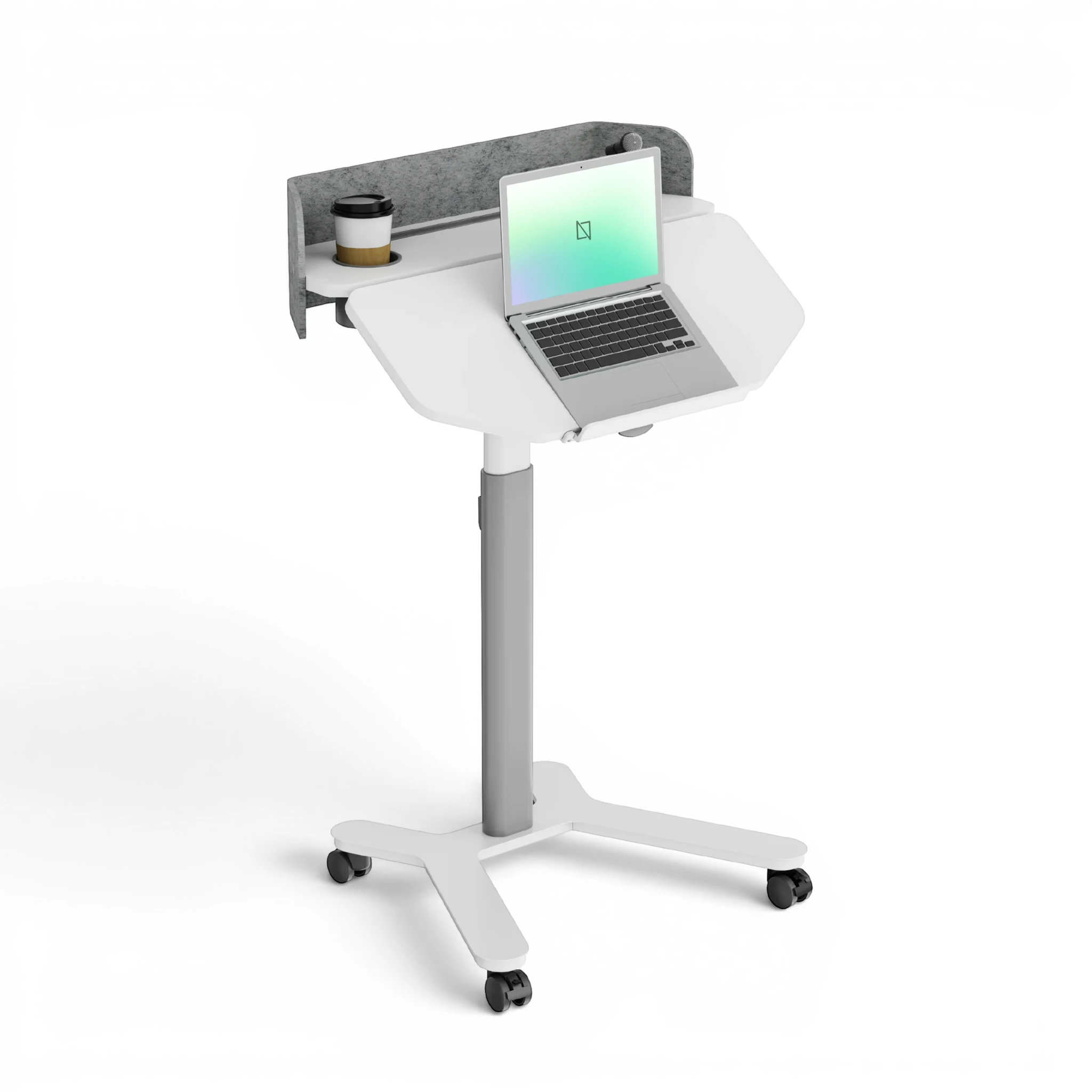
Popular Blogs
View all
Ergonomic Furniture Meets Gaming & Education: Highlights from the University of Wollongong Event
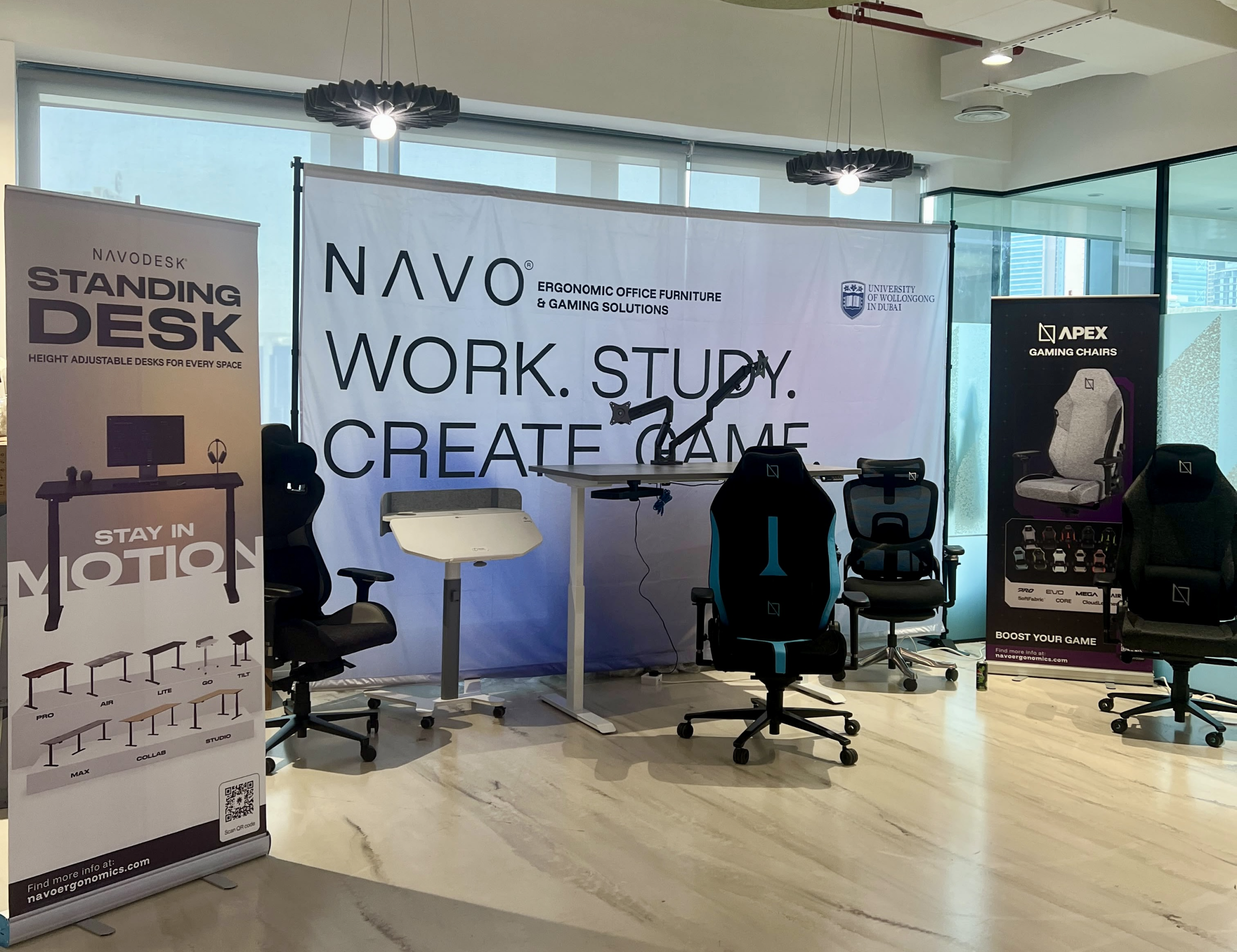
The tournament attracted over 70 participants, including avid gamers and curious onlookers. Our display featured gaming desks, chairs, and ergonomic accessories such as monitor arms. Students could compete in exciting gaming matches while experiencing our products firsthand.
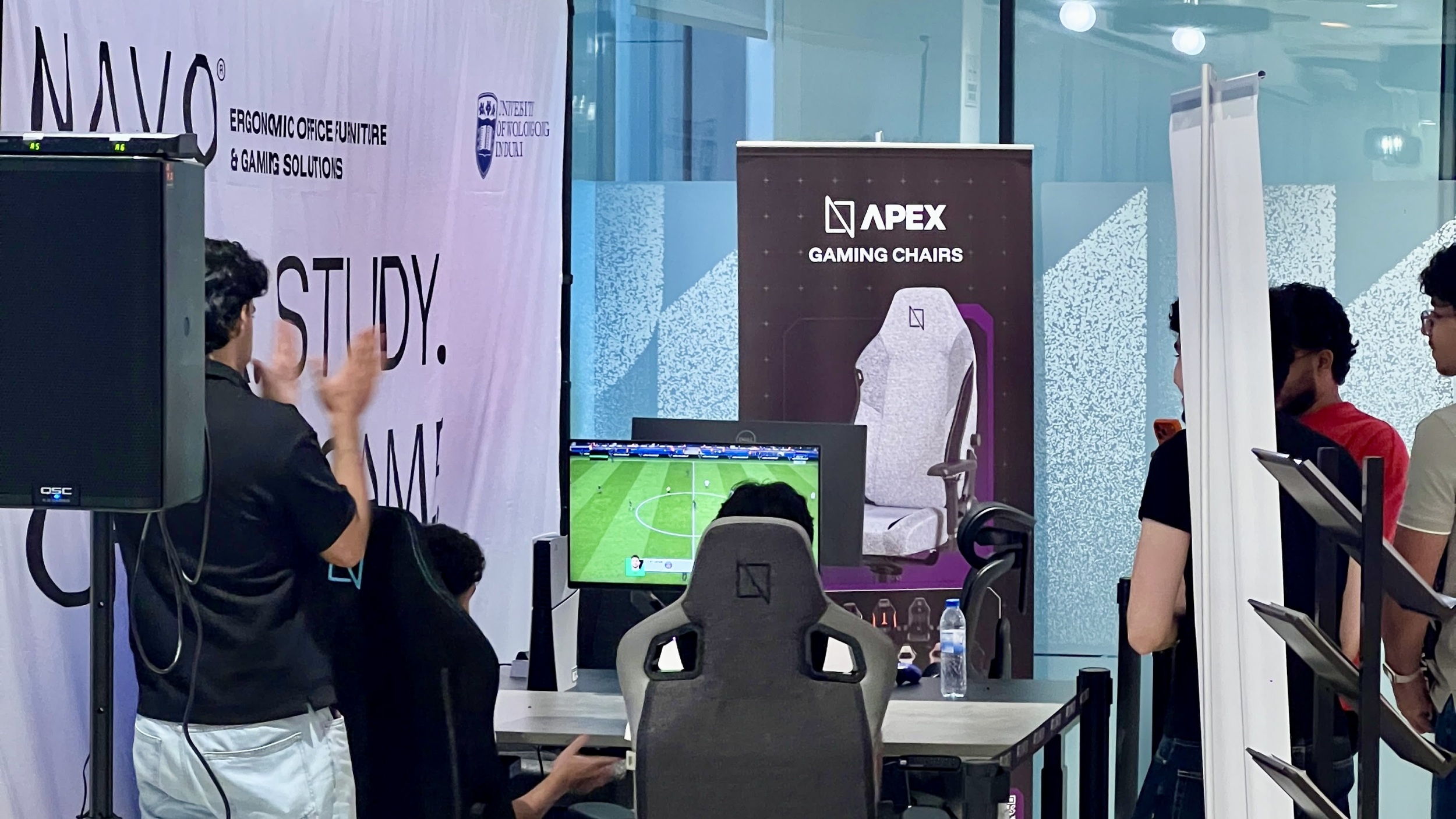
One of the event's highlights was the opportunity to experience our ergonomic gaming chairs alongside our specially designed ergonomic chairs. Students could compare their comfort, support, and overall seating experience. The feedback was overwhelmingly positive, with many participants noticing differences in posture support and comfort during extended use.
Looking back, we are encouraged by the positive interactions and insights shared by students and faculty. Promoting ergonomic awareness in university environments is a cause we strongly support, and we look forward to continuing our efforts to help create more comfortable and productive spaces for learning, gaming, and work.
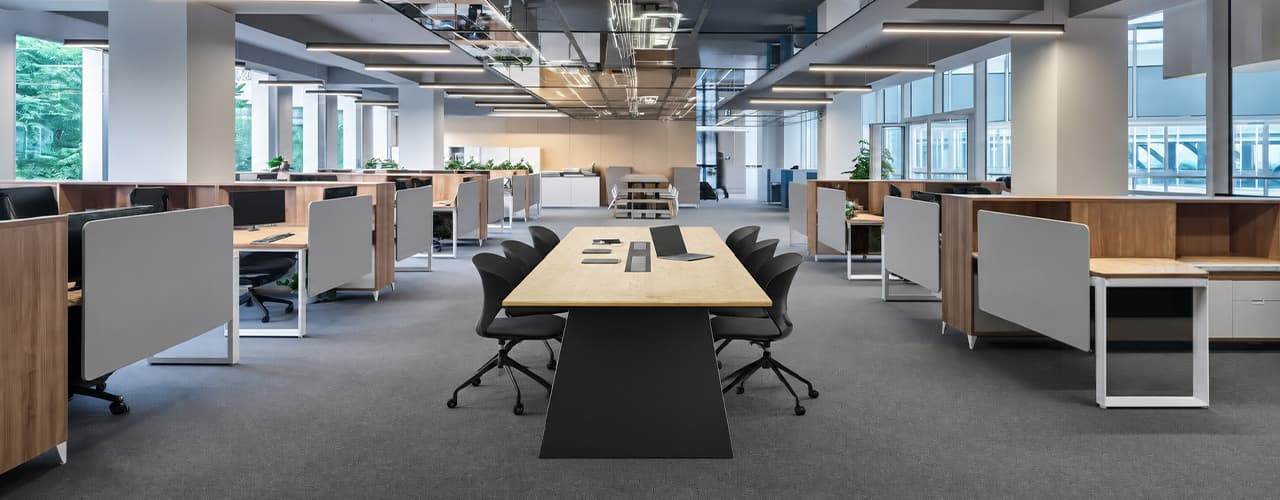
Open Plan vs Cubicle vs Hybrid Office Layout: Which Is Right for You?
The open-plan office was supposed to fix everything the cubicle farm got wrong. It didn't. It created a different set of problems and left people nostalgic for the one thing cubicles did well: quiet. The hybrid layout is positioned as the solution that addresses the shortcomings of both. It might be only if it fits how a specific team works. It shouldn't be a mix of two philosophies that didn’t help the team before. This guide shows what each layout offers and where it falls short. It also helps you choose the best option-or combination-for your office in Dubai or the GCC.
Key Findings
*Global office use is now at 53%, up from 38% in 2024. Also, 69% of teams have over 40% of their staff sharing desks. This shows that 2019 workspace designs don’t fit current needs.
*A Harvard study found that open-plan spaces often lower face-to-face interaction. Instead, they boost digital communication. This is the opposite of what these designs aim for.
*A hybrid model conversion at a 120-person SaaS company restored engineering deployment speed to baseline. It also reduced voluntary turnover in technical roles by 18% over nine months.
*Steelcase research shows that companies improving their work environment boost productivity by 17%.
*In 2026, the most innovative UAE offices aren’t just picking open plans or cubicles. They’re creating “activity neighborhoods.” These are clusters of spaces designed for different work styles.
*No layout is universally right. The best choice depends on your team's work style, industry, hybrid attendance ratio, and specific acoustic needs for your floor.
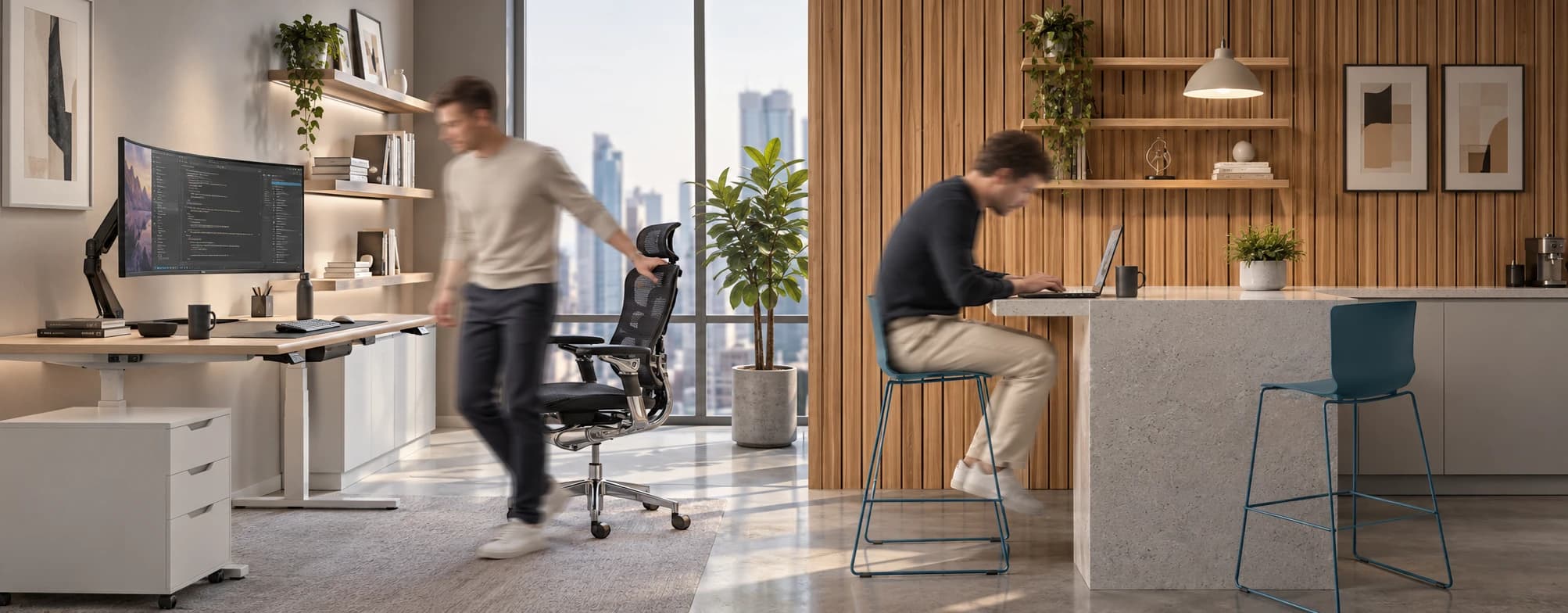
Sitting isn’t the Enemy, How You Sit Is: How to Align Your Desk for Zero Back Strain
If your job keeps you at a desk for most of the day, you are not alone—and you are not stuck. Software developers and data entry keyers spend 100% of a typical workday seated, while financial managers sit for 94%. Sitting is a standard part of modern work, so the real goal is learning how to reduce its physical impact while staying productive.
What the Research Shows
*Sedentary Volume: Adults in high-income countries spend 11–12 hours daily sitting over 75% of their waking hours (British Journal of Sports Medicine).
*Cardiovascular Risks: Sitting 6–8 hours daily increases cardiovascular event risk by 125% to 150% (Mayo Clinic).
*The 22-Minute Counter: 22 minutes of daily moderate-to-vigorous activity (brisk walking, cycling, active housework) offsets the mortality risk of prolonged sitting (BJSM).
*Micro-Break Impact: 5-minute movement breaks every hour significantly reduce fatigue and improve mood without hurting work performance (2026 BJSM Study).
*Gym Fallacy: A 60-minute workout in the morning does not fully reverse 9 hours of continuous sitting; daily movement breaks are still required.
You x Navo
Feel free to reach out to us for any queries & concerns