

 Visit our Showroom
Take me to
Introduction
With the rise of remote work, many people are spending long hours working from home. However, not everyone has a proper home office setup, which can lead to back pain, neck strain, and fatigue. A well-designed home office is essential for maintaining good posture, staying comfortable, and boosting productivity. Investing in ergonomic furniture can help prevent discomfort and make your work-from-home experience much better. In this guide, we will discuss the key features to look for in ergonomic furniture, the best options available, and how to choose the right fit for your budget.
Key Features to Look For
When selecting ergonomic furniture for your home office, keep an eye on these important features:
Adjustable Height
A good ergonomic chair or desk should have adjustable height settings. This allows you to customize the furniture to suit your body type and work style. Sitting too low or too high can strain your neck, shoulders, and wrists.
Lumbar Support
Proper lumbar support helps maintain the natural curve of your spine and prevents back pain. An ergonomic chair with adjustable lumbar support can provide the right level of comfort for long working hours.
Proper Desk Surface Area
Your desk should be spacious enough to hold your laptop, monitor, keyboard, and other essential items. A cluttered workspace can cause distractions and reduce efficiency.
Adjustable Armrests and Footrests
Armrests that can be adjusted in height and width provide support to your shoulders and arms. A footrest helps maintain proper posture and reduces pressure on your legs.
Ergonomic Accessories
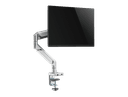
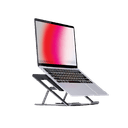
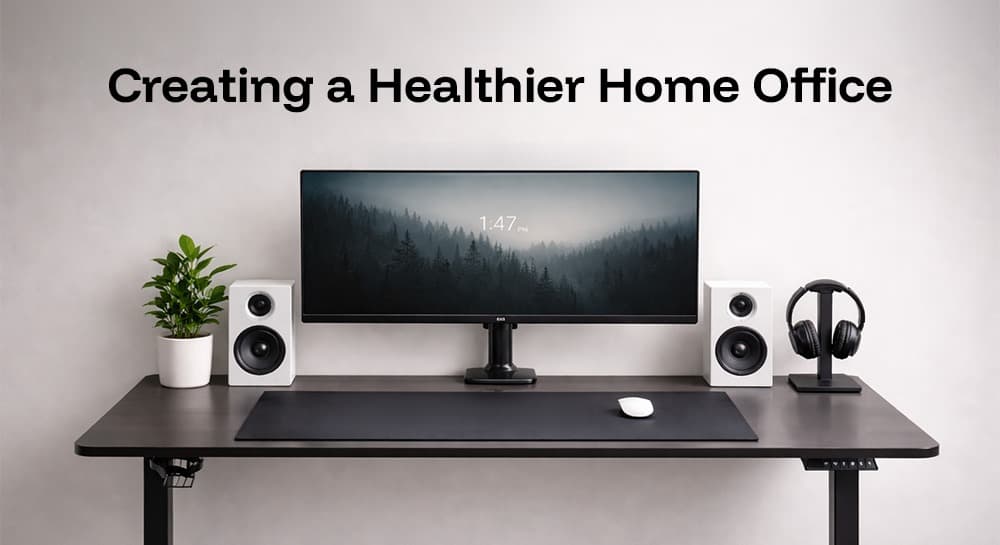
Small additions like a laptop stand, keyboard tray, and monitor arm can significantly improve your work setup. These accessories help position your screen and keyboard at the right level, reducing strain on your neck and wrists.
Top Ergonomic Furniture Choices
Now that you know what features to look for, let’s explore some of the best ergonomic furniture pieces for your home office.
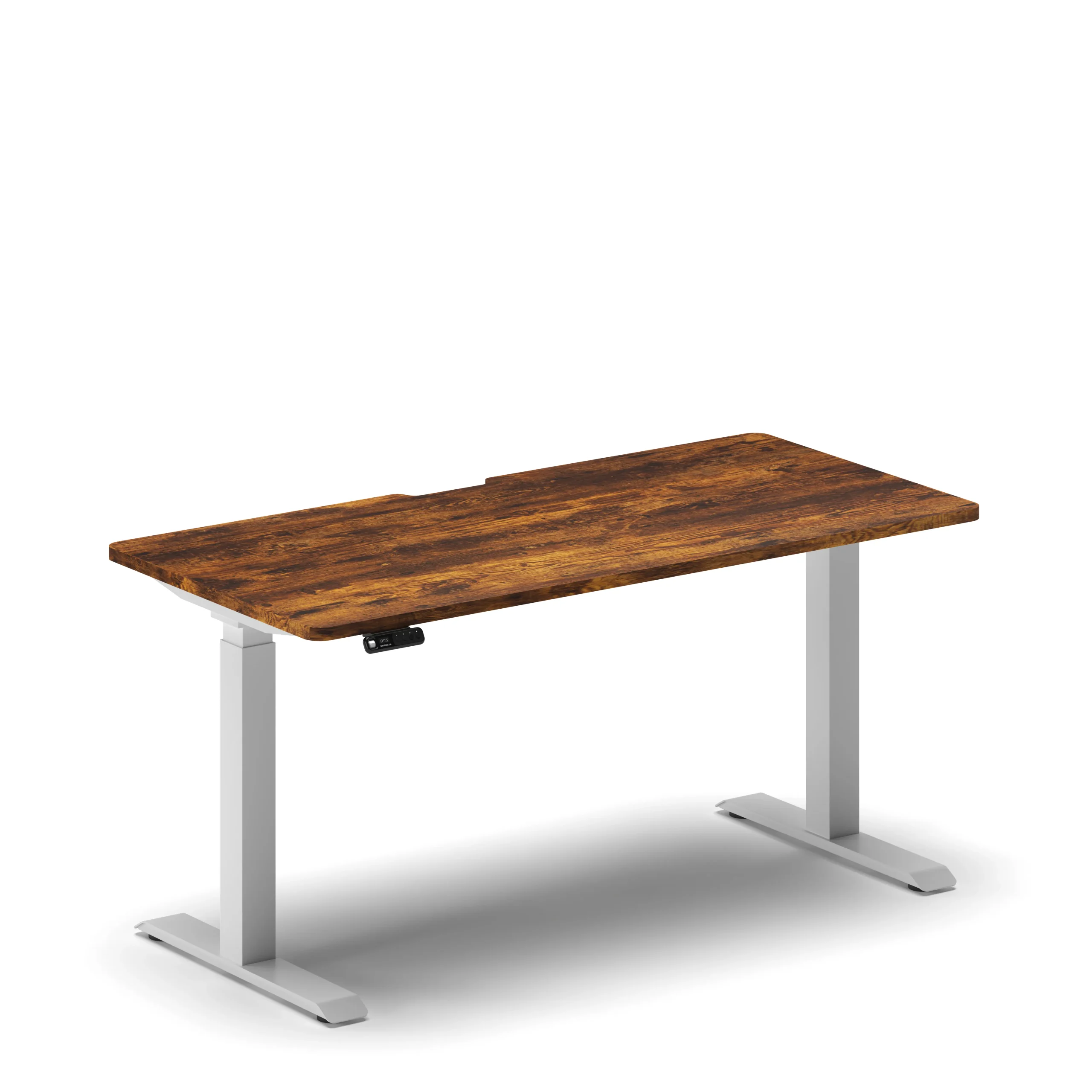
Standing Desk
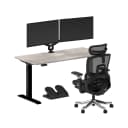
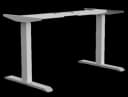
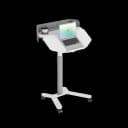
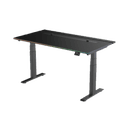
Sitting for long hours is bad for your health. A standing desk allows you to switch between sitting and standing, promoting movement and reducing fatigue. Look for options with electric height adjustment for ease of use.
Ergonomic Chair
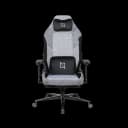
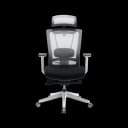
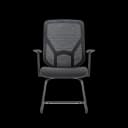
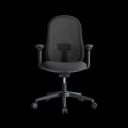
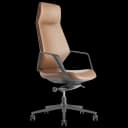
A comfortable office chair is the most important part of an ergonomic setup. Choose a chair with lumbar support, adjustable height, and armrests. A breathable mesh backrest adds extra comfort and prevents overheating.
Footrest
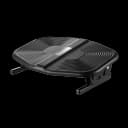
A footrest helps keep your feet flat and supports good posture. It also reduces pressure on your legs, especially if your chair is too high for your feet to reach the floor comfortably.
Laptop Stand & Monitor Arm
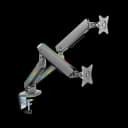
Keeping your screen at eye level prevents neck strain. A laptop stand or a monitor arm allows you to adjust the screen’s height and angle for optimal comfort.
Ergonomic Keyboards & Mice
Traditional keyboards and mice can cause wrist strain over time. Ergonomic keyboards and mice are designed to support a natural hand position and reduce pressure on the wrists.
Budget-Friendly Choices
- Basic Ergonomic Chairs – Affordable chairs with lumbar support and height adjustment.
- Manual Standing Desks – Cheaper than electric versions, but still effective.
- Simple Footrests & Laptop Stands – Budget options that still improve comfort.
- Basic Ergonomic Keyboards & Mice – Available at reasonable prices for better wrist support.
Conclusion
Creating a comfortable and ergonomic home office is essential for your health and productivity. Investing in the right furniture can help you work more efficiently while preventing any discomfort and strain. Whether you choose budget-friendly or premium options, the key is to find the right ergonomic office furniture that supports your posture and reduces stress on your body.
Looking for high-quality ergonomic office furniture? Explore NAVO Ergonomics and find the perfect solutions for your home office furniture setup. Make your workspace healthier and more comfortable today!
Need Help Building Your Ergonomic Setup?
We'll guide you to the perfect chair, desk setup, and comfort tips for a productive workday.
Shop Office FurnitureTransform Your Home Office with Ergonomic Essentials
Discover NAVO’s top picks for chairs, desks, and accessories designed to boost comfort, posture, and productivity.



 1,800
1,800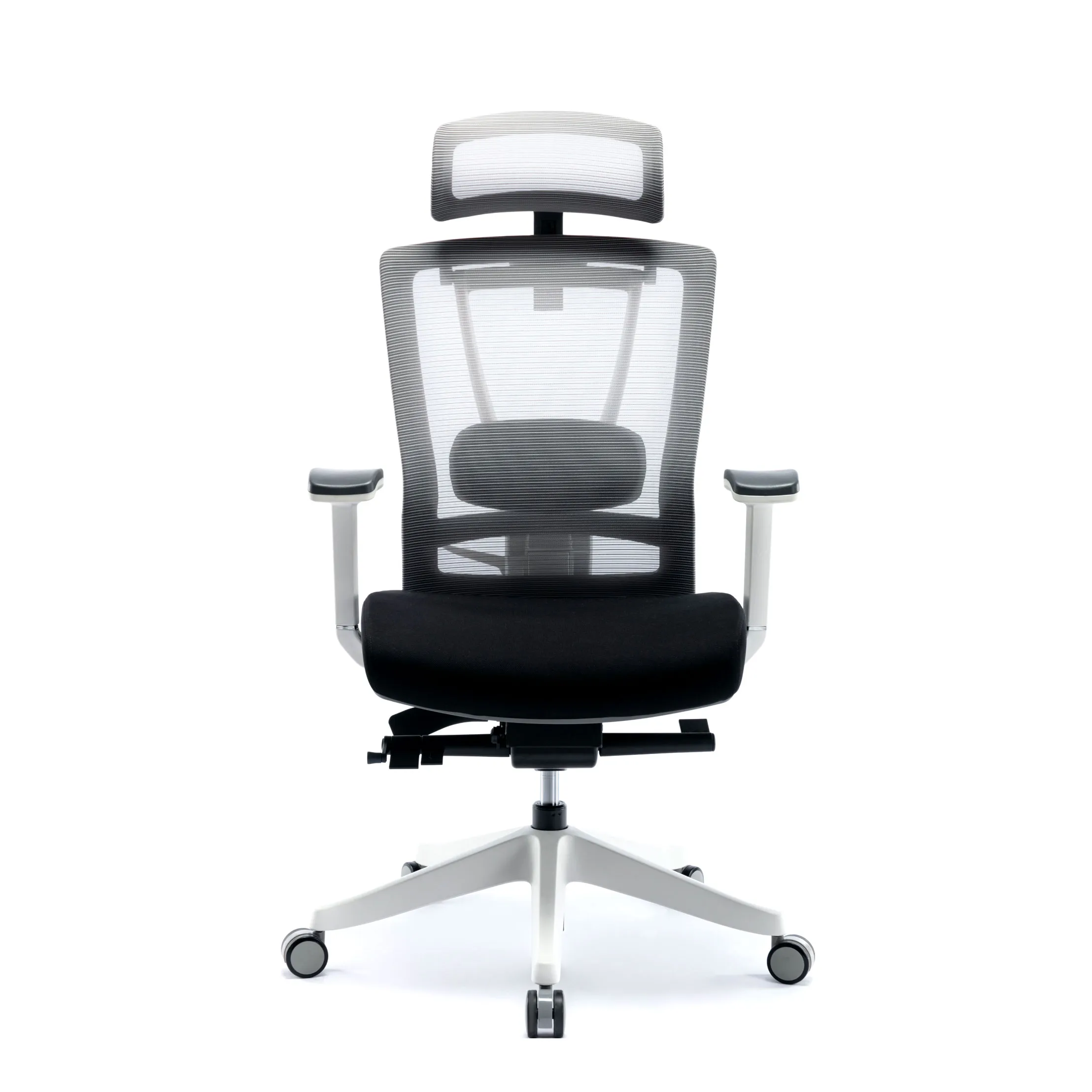
Popular Blogs
View all
Ergonomic Furniture Meets Gaming & Education: Highlights from the University of Wollongong Event
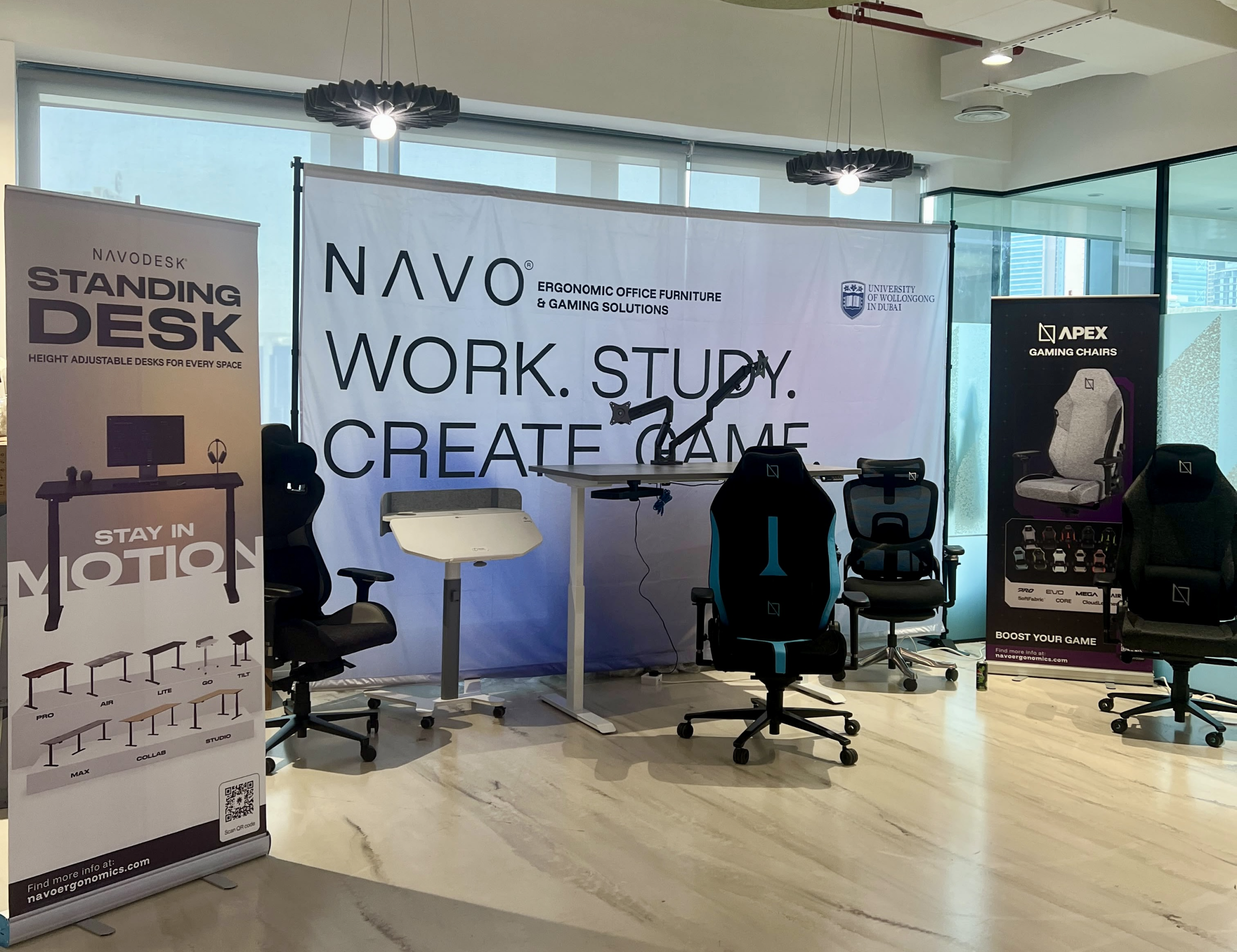
The tournament attracted over 70 participants, including avid gamers and curious onlookers. Our display featured gaming desks, chairs, and ergonomic accessories such as monitor arms. Students could compete in exciting gaming matches while experiencing our products firsthand.
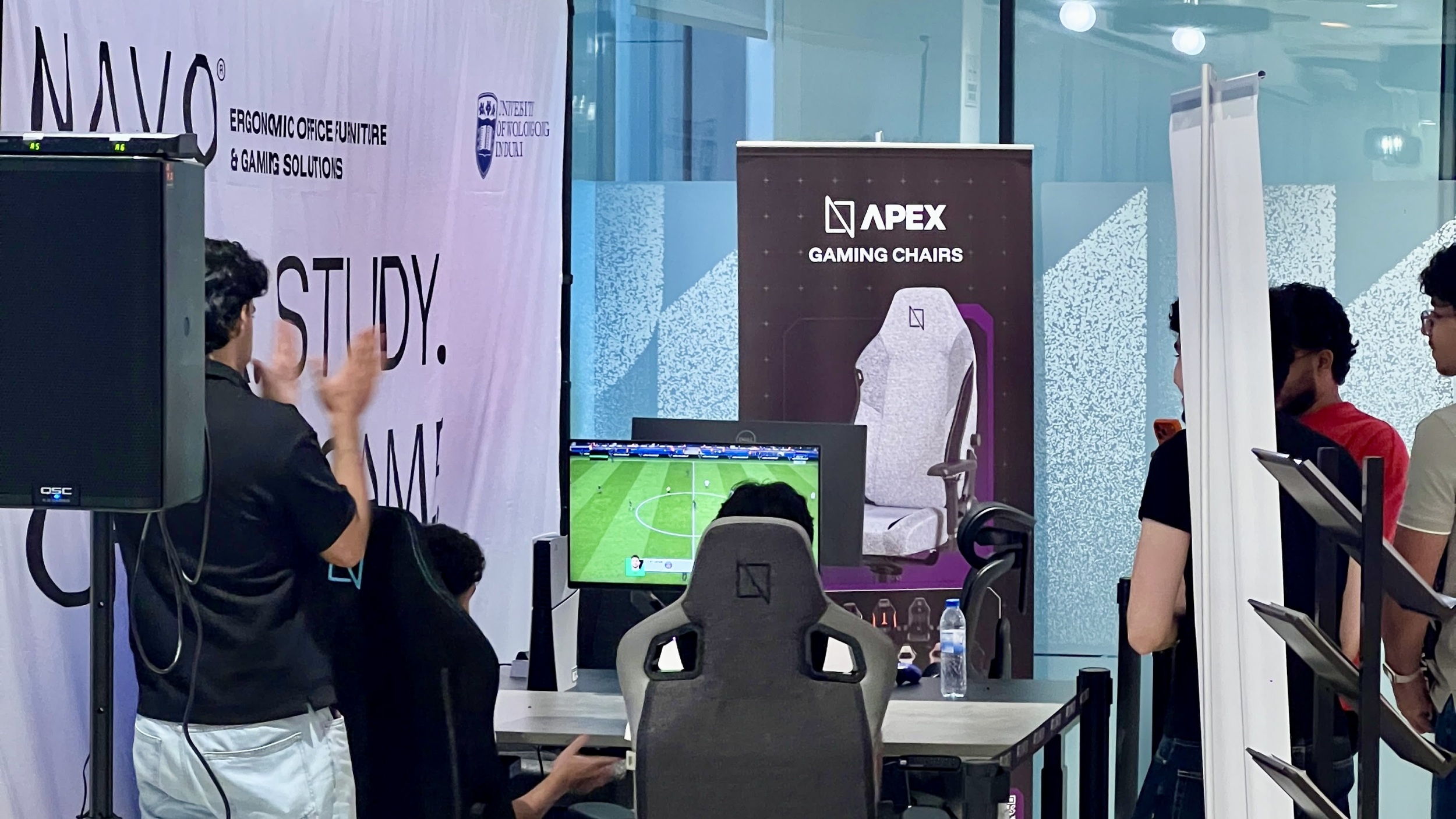
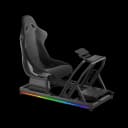
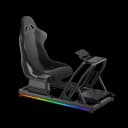
One of the event's highlights was the opportunity to experience our ergonomic gaming chairs alongside our specially designed ergonomic chairs. Students could compare their comfort, support, and overall seating experience. The feedback was overwhelmingly positive, with many participants noticing differences in posture support and comfort during extended use.
Looking back, we are encouraged by the positive interactions and insights shared by students and faculty. Promoting ergonomic awareness in university environments is a cause we strongly support, and we look forward to continuing our efforts to help create more comfortable and productive spaces for learning, gaming, and work.
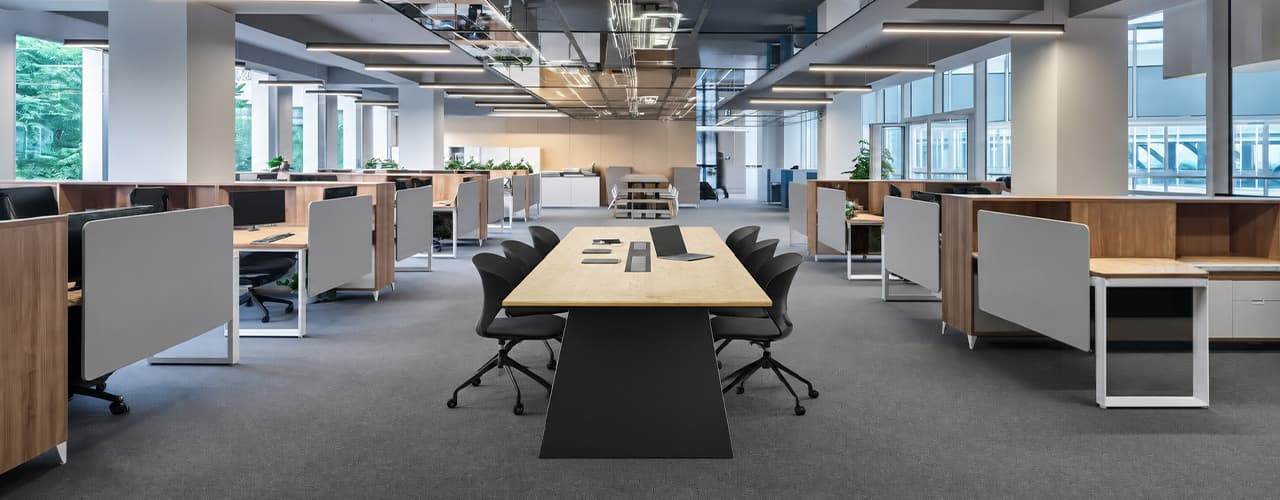
Open Plan vs Cubicle vs Hybrid Office Layout: Which Is Right for You?
The open-plan office was supposed to fix everything the cubicle farm got wrong. It didn't. It created a different set of problems and left people nostalgic for the one thing cubicles did well: quiet. The hybrid layout is positioned as the solution that addresses the shortcomings of both. It might be only if it fits how a specific team works. It shouldn't be a mix of two philosophies that didn’t help the team before. This guide shows what each layout offers and where it falls short. It also helps you choose the best option-or combination-for your office in Dubai or the GCC.
Key Findings
*Global office use is now at 53%, up from 38% in 2024. Also, 69% of teams have over 40% of their staff sharing desks. This shows that 2019 workspace designs don’t fit current needs.
*A Harvard study found that open-plan spaces often lower face-to-face interaction. Instead, they boost digital communication. This is the opposite of what these designs aim for.
*A hybrid model conversion at a 120-person SaaS company restored engineering deployment speed to baseline. It also reduced voluntary turnover in technical roles by 18% over nine months.
*Steelcase research shows that companies improving their work environment boost productivity by 17%.
*In 2026, the most innovative UAE offices aren’t just picking open plans or cubicles. They’re creating “activity neighborhoods.” These are clusters of spaces designed for different work styles.
*No layout is universally right. The best choice depends on your team's work style, industry, hybrid attendance ratio, and specific acoustic needs for your floor.
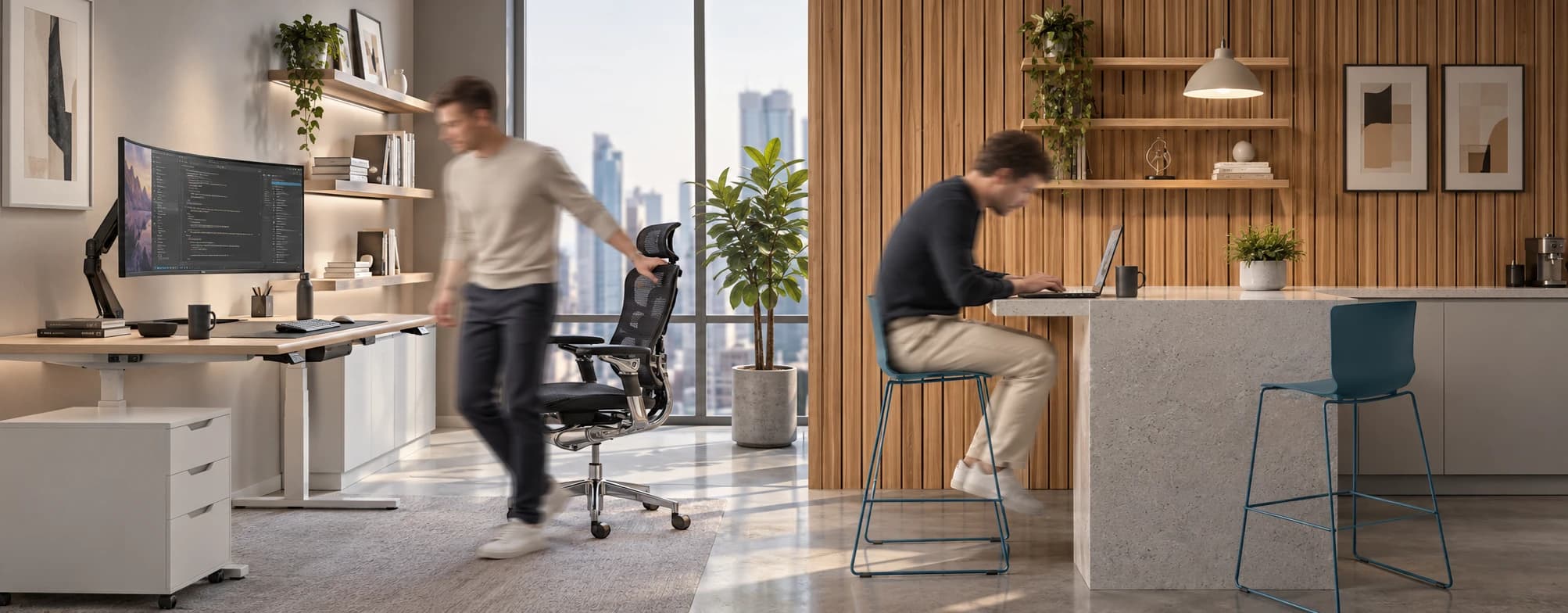
Sitting isn’t the Enemy, How You Sit Is: How to Align Your Desk for Zero Back Strain
If your job keeps you at a desk for most of the day, you are not alone—and you are not stuck. Software developers and data entry keyers spend 100% of a typical workday seated, while financial managers sit for 94%. Sitting is a standard part of modern work, so the real goal is learning how to reduce its physical impact while staying productive.
What the Research Shows
*Sedentary Volume: Adults in high-income countries spend 11–12 hours daily sitting over 75% of their waking hours (British Journal of Sports Medicine).
*Cardiovascular Risks: Sitting 6–8 hours daily increases cardiovascular event risk by 125% to 150% (Mayo Clinic).
*The 22-Minute Counter: 22 minutes of daily moderate-to-vigorous activity (brisk walking, cycling, active housework) offsets the mortality risk of prolonged sitting (BJSM).
*Micro-Break Impact: 5-minute movement breaks every hour significantly reduce fatigue and improve mood without hurting work performance (2026 BJSM Study).
*Gym Fallacy: A 60-minute workout in the morning does not fully reverse 9 hours of continuous sitting; daily movement breaks are still required.
You x Navo
Feel free to reach out to us for any queries & concerns