

 Visit our Showroom
Take me to
What Are the Main Categories of Ergonomic Furniture?
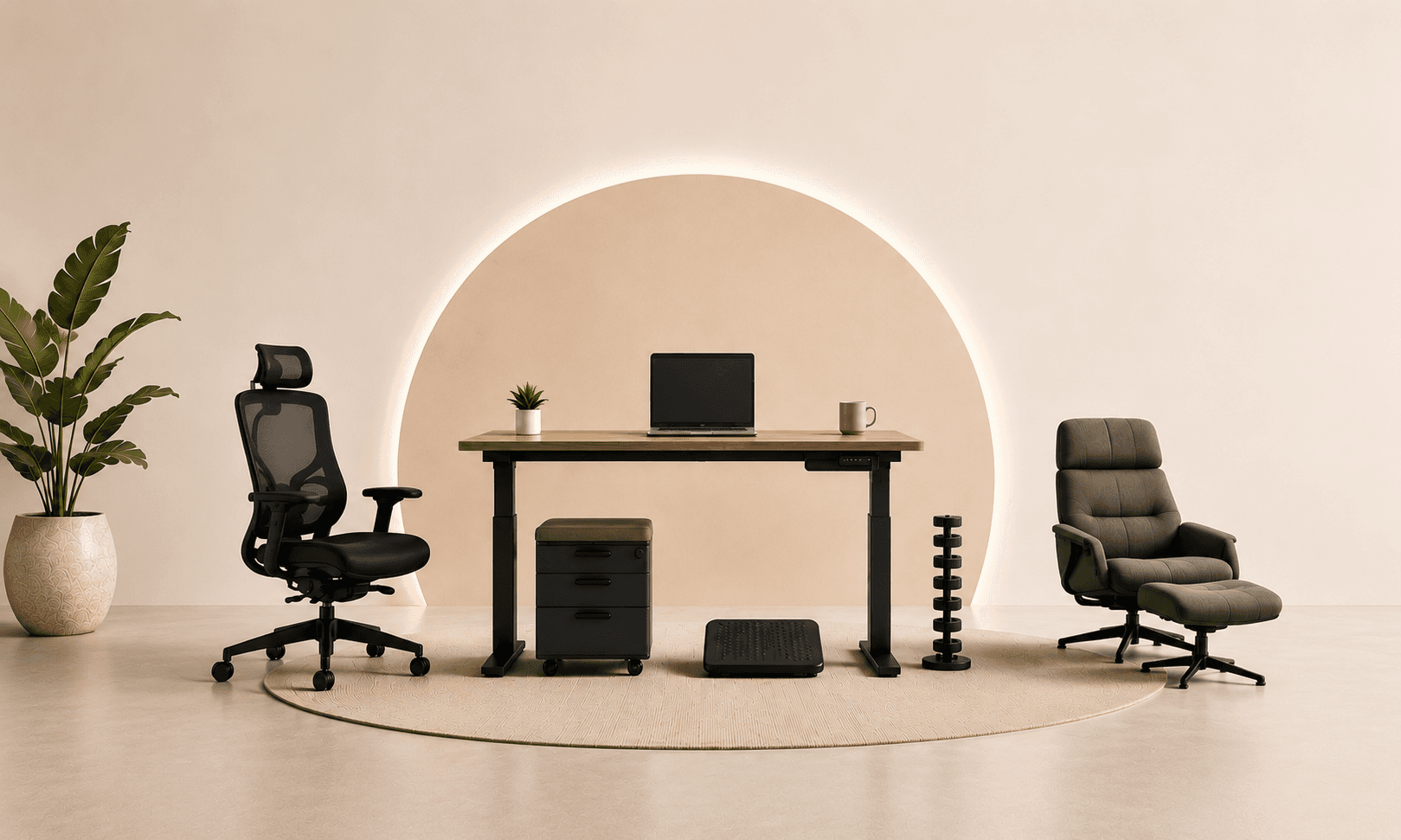
Ergonomic furniture falls into six categories: seating (chairs, stools, active seating), height-adjustable surfaces (standing desks, sit-stand converters), screen positioning (monitor arms, laptop risers), input device positioning (keyboard trays, mouse pads with wrist support), support accessories (footrests, lumbar cushions), and acoustic furniture (pods, booths, acoustic panels).
Each category addresses a specific physical load. Getting chairs right but ignoring screen position doesn't produce a fully ergonomic workspace. Neither does a standing desk without an ergonomic chair for the sitting component.
As covered in our what is ergonomic furniture guide, the principle is furniture that fits the human body rather than requiring the body to adapt to the furniture. Applied systematically across all categories, this eliminates most desk-related physical strain
Ergonomic Seating: More Than Just the Standard Chair
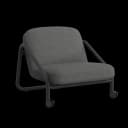
Ergonomic seating extends beyond the standard desk chair to include active seating, drafting stools for standing-height workstations, and lounge seating designed with postural support.
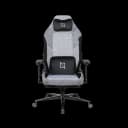
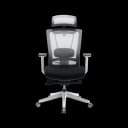
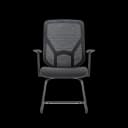
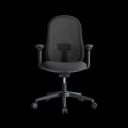
Standard ergonomic chairs (adjustable lumbar, seat depth, height, armrests): HALO, ErgoMax, AERO - for primary workstations.
Task chairs (NANO Chair): lighter, more mobile, suited to shorter sessions or shared environments.
Active stools: Active Stool - designed for dynamic sitting that engages core muscles rather than static seated posture.
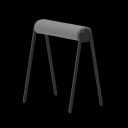
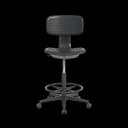
Stools and high seating (office stools): for standing-height workstations, collaborative bars, and beside sit-stand desks.
Ergonomic Desks and Height-Adjustable Surfaces
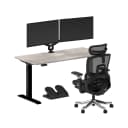
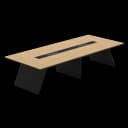
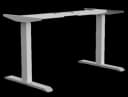
Height-adjustable desks are the core ergonomic surface furniture - enabling both correct seated keyboard height (which a fixed desk at 75cm often fails for shorter or taller users) and sit-stand position variation.
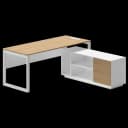
Navo's full standing desk range - from the compact Navodesk Lite for small spaces to the Navodesk Flex L-Shape (58–123cm, 150kg, triple-motor) for heavy multi-monitor setups - covers the complete range of workspace needs.
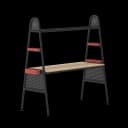
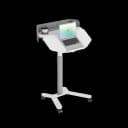
The Navodesk TILT specifically addresses creative professionals needing a sitting, standing, and drafting position from a single piece of furniture - as covered in our drafting table vs drawing desk comparison.
Screen Positioning: Monitor Arms and Laptop Risers
Monitor arms and laptop risers address the most common single ergonomic problem in desk setups: screens positioned too low, too close, or at incorrect angle, creating neck flexion and eye strain.
The ANSI/HFES 100-2007 standard specifies monitor position: top of screen at or just below eye level, 50–70cm from face, slight downward tilt of 10–20°. A monitor on a fixed desk stand at wrong height or fixed distance fails this specification for most users.
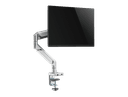
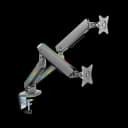
Navo's monitor arms - from AED 250 for single-arm to AED 500 for dual/RGB - adjust independently of desk height, maintaining eye-level positioning whether sitting or standing.
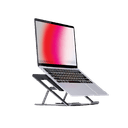
Navo's laptop and monitor risers - including portable 6-level height adjustable stands - solve the laptop screen positioning problem for users who work from laptops without external monitors.
Input Device Positioning: Keyboard Trays and Mouse Support
Correct keyboard height - forearms parallel to floor, wrists neutral, elbows at approximately 90° - is the target. Keyboard trays bring keyboard to correct height when desk surface is too high. Mouse positioned close to body prevents shoulder abduction that creates rotator cuff strain.
OSHA ergonomic guidelines specify keyboard and mouse at elbow height with neutral wrist position. On fixed desks at standard 75cm, users whose correct keyboard height is 68–72cm either raise the chair (feet leave floor) or use keyboard tray to bring input devices to correct level.
Support Accessories: Footrests and Lumbar Cushions
Footrests complete the 90-90-90 postural standard for users whose feet don't reach the floor at correct chair height. Lumbar cushions are a lower-cost alternative to ergonomic chairs for users with existing chairs lacking built-in lumbar support - though adjustable built-in lumbar outperforms cushions for sustained support.
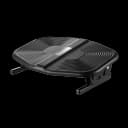
Navo's footrests address the height mismatch between standard desk heights and shorter users - as covered in our ergonomic accessories guide.
Acoustic Furniture: Pods and Booths
Acoustic furniture is ergonomic furniture for cognitive performance - reducing noise exposure that creates the concentration disruption and stress response that physical discomfort does. Prolonged open-plan noise exposure is linked to reduced task performance, increased cortisol, and higher error rates in research reviewed by WELL Building Standard.
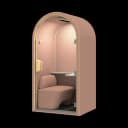
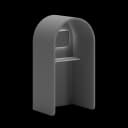
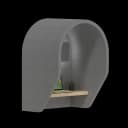
Navo's acoustic solutions - office pods, phone booths, meeting room pods - create focus-work zones within open-plan UAE offices without permanent construction. Particularly relevant for hybrid teams managing video calls alongside colleagues doing focus work.
Frequently Asked Questions
- Priority order by impact: ergonomic chair (most contact time, most postural influence), standing desk (enables correct seated height and position variation), monitor arm (fixes screen position problem most desks create), footrest (completes posture for shorter users), acoustic solution (cognitive performance). Each category serves a different physical system.
- Monitor arm from AED 250 - recovers 20–30cm of desk surface and positions screen at correct eye level. Often provides more immediate comfort improvement than any other single accessory.
Need Help Building Your Ergonomic Setup?
We'll guide you to the perfect chair, desk setup, and comfort tips for a productive workday.
Shop Office FurniturePopular Blogs
View all
Ergonomic Furniture Meets Gaming & Education: Highlights from the University of Wollongong Event
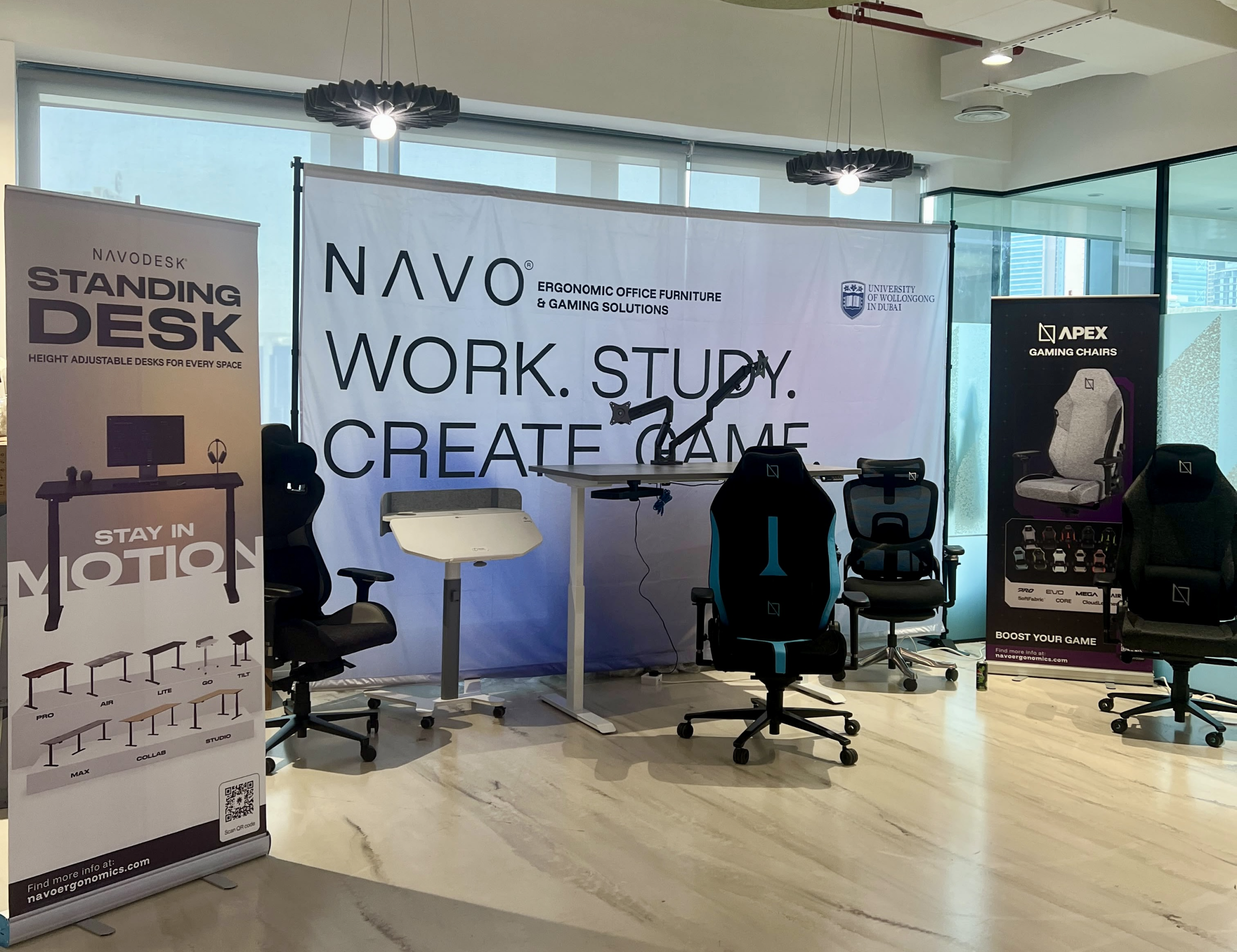
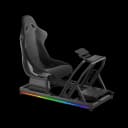
The tournament attracted over 70 participants, including avid gamers and curious onlookers. Our display featured gaming desks, chairs, and ergonomic accessories such as monitor arms. Students could compete in exciting gaming matches while experiencing our products firsthand.
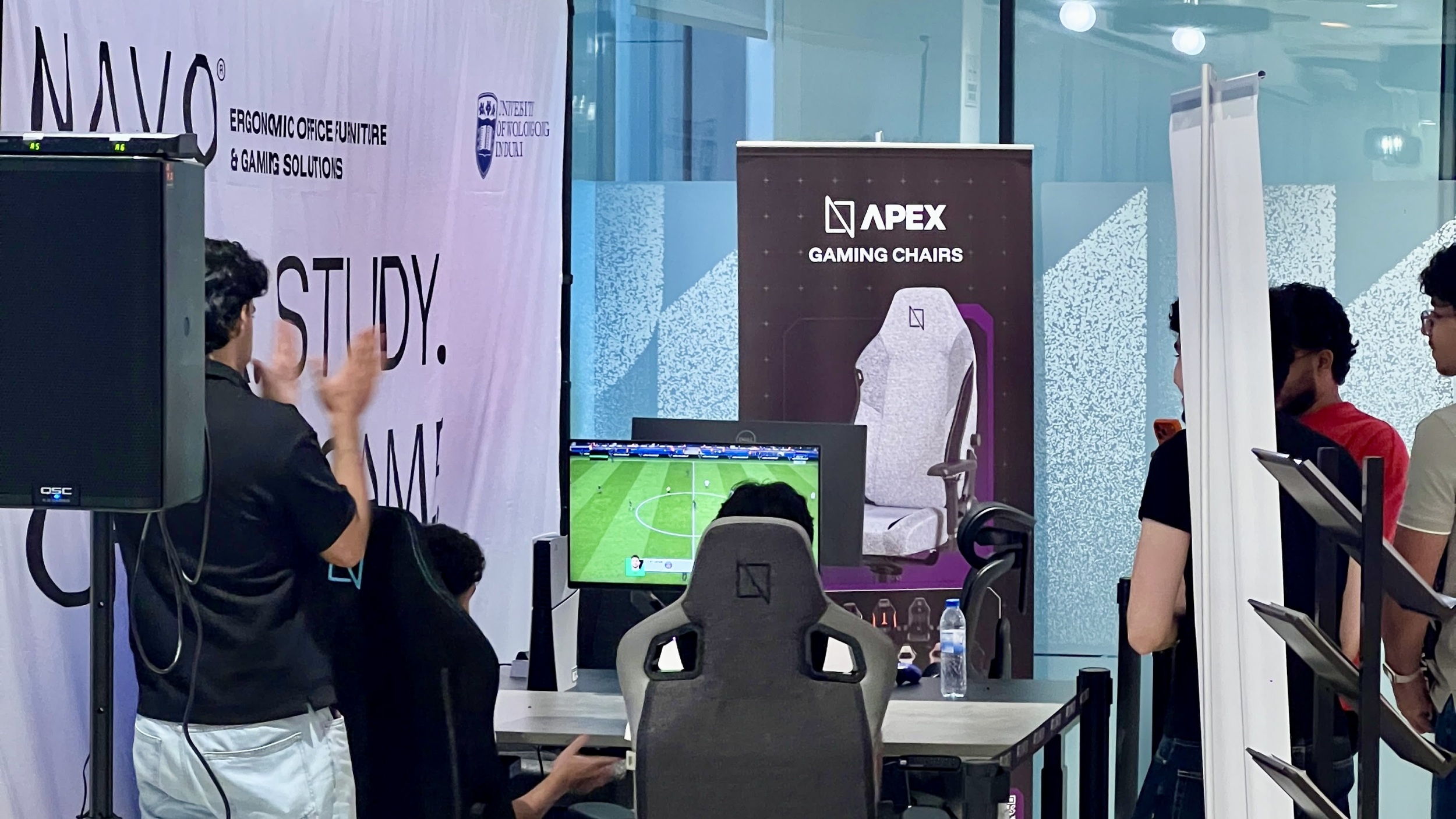
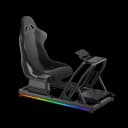
One of the event's highlights was the opportunity to experience our ergonomic gaming chairs alongside our specially designed ergonomic chairs. Students could compare their comfort, support, and overall seating experience. The feedback was overwhelmingly positive, with many participants noticing differences in posture support and comfort during extended use.
Looking back, we are encouraged by the positive interactions and insights shared by students and faculty. Promoting ergonomic awareness in university environments is a cause we strongly support, and we look forward to continuing our efforts to help create more comfortable and productive spaces for learning, gaming, and work.
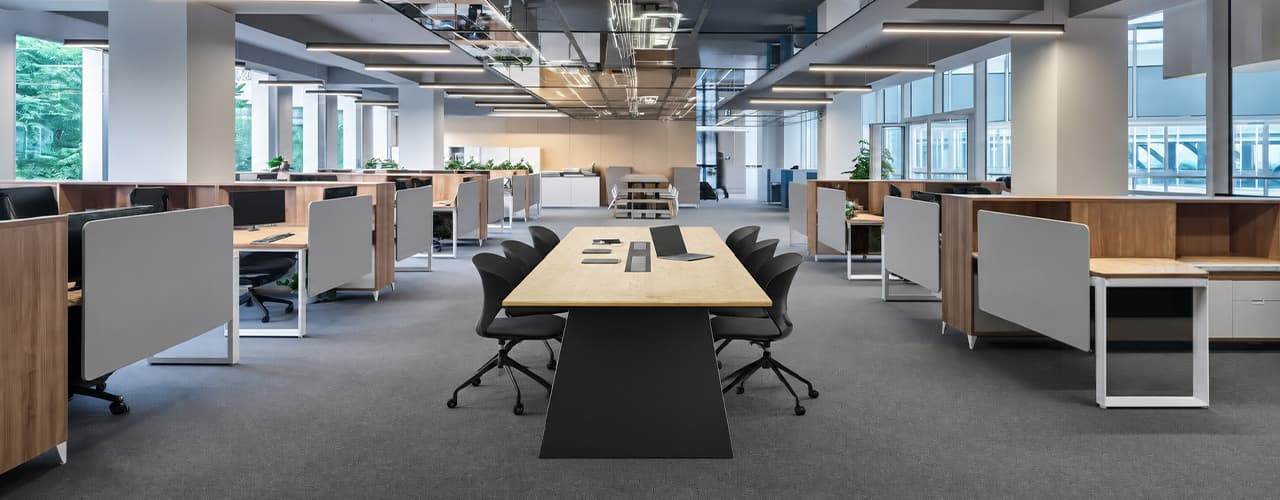
Open Plan vs Cubicle vs Hybrid Office Layout: Which Is Right for You?
The open-plan office was supposed to fix everything the cubicle farm got wrong. It didn't. It created a different set of problems and left people nostalgic for the one thing cubicles did well: quiet. The hybrid layout is positioned as the solution that addresses the shortcomings of both. It might be only if it fits how a specific team works. It shouldn't be a mix of two philosophies that didn’t help the team before. This guide shows what each layout offers and where it falls short. It also helps you choose the best option-or combination-for your office in Dubai or the GCC.
Key Findings
*Global office use is now at 53%, up from 38% in 2024. Also, 69% of teams have over 40% of their staff sharing desks. This shows that 2019 workspace designs don’t fit current needs.
*A Harvard study found that open-plan spaces often lower face-to-face interaction. Instead, they boost digital communication. This is the opposite of what these designs aim for.
*A hybrid model conversion at a 120-person SaaS company restored engineering deployment speed to baseline. It also reduced voluntary turnover in technical roles by 18% over nine months.
*Steelcase research shows that companies improving their work environment boost productivity by 17%.
*In 2026, the most innovative UAE offices aren’t just picking open plans or cubicles. They’re creating “activity neighborhoods.” These are clusters of spaces designed for different work styles.
*No layout is universally right. The best choice depends on your team's work style, industry, hybrid attendance ratio, and specific acoustic needs for your floor.
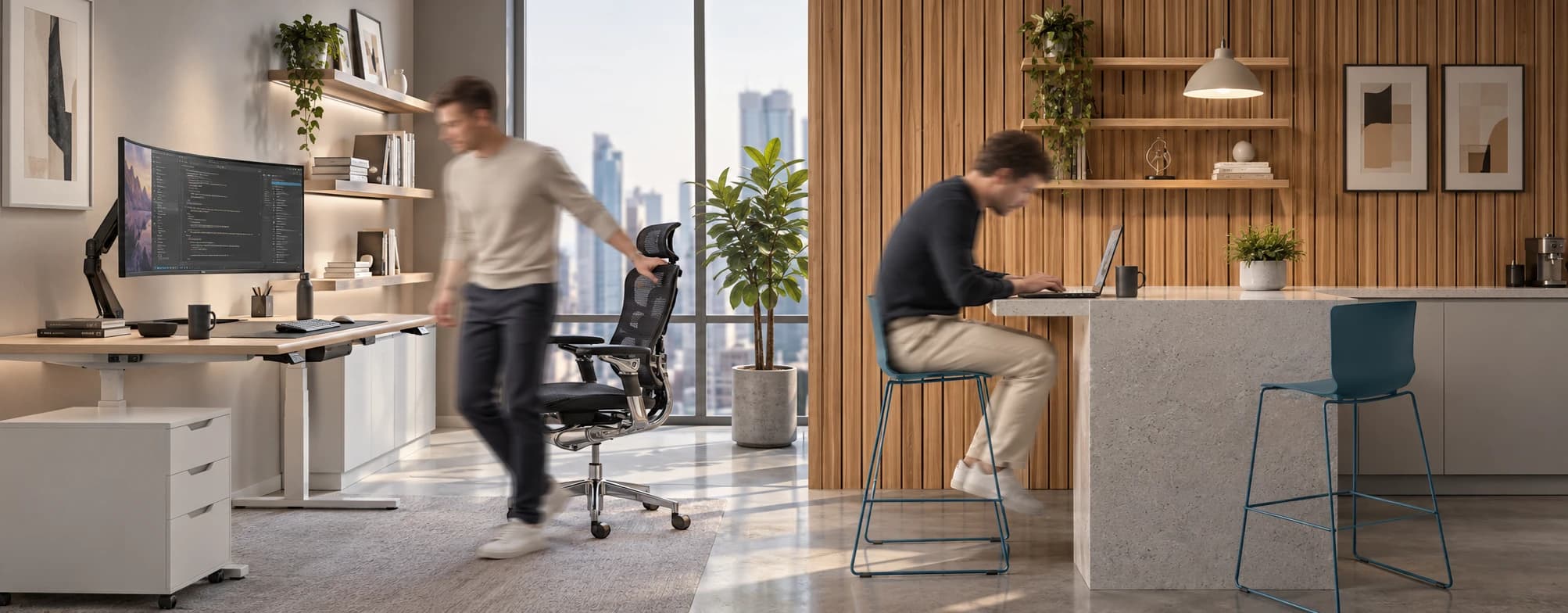
Sitting isn’t the Enemy, How You Sit Is: How to Align Your Desk for Zero Back Strain
If your job keeps you at a desk for most of the day, you are not alone—and you are not stuck. Software developers and data entry keyers spend 100% of a typical workday seated, while financial managers sit for 94%. Sitting is a standard part of modern work, so the real goal is learning how to reduce its physical impact while staying productive.
What the Research Shows
*Sedentary Volume: Adults in high-income countries spend 11–12 hours daily sitting over 75% of their waking hours (British Journal of Sports Medicine).
*Cardiovascular Risks: Sitting 6–8 hours daily increases cardiovascular event risk by 125% to 150% (Mayo Clinic).
*The 22-Minute Counter: 22 minutes of daily moderate-to-vigorous activity (brisk walking, cycling, active housework) offsets the mortality risk of prolonged sitting (BJSM).
*Micro-Break Impact: 5-minute movement breaks every hour significantly reduce fatigue and improve mood without hurting work performance (2026 BJSM Study).
*Gym Fallacy: A 60-minute workout in the morning does not fully reverse 9 hours of continuous sitting; daily movement breaks are still required.
You x Navo
Feel free to reach out to us for any queries & concerns