

 Visit our Showroom
 +971 585905046
Take me to
Prioritize Ergonomics
Ergonomics is the science of designing a workspace to fit the specific needs and abilities of the person using it.
• Invest in an ergonomic chair that supports good posture. Choose an adjustable chair that allows feet flat on the floor and supports the curvature of your spine.
• Keep keyboard and mouse at a comfortable distance. When typing, your elbows should form a 90-degree angle.
• Position your screen at eye-level. This prevents strain on your neck.
Select a Robust Standing Desk
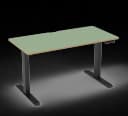
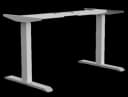
Stability is paramount in your choice of a standing desk. Go for a well-crafted, sturdy desk with a firm base.
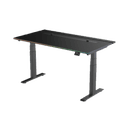
Height adjustable desks with a strong lifting mechanism offer flexibility for alternating between sitting and standing. Review product ratings and comparisons to make an informed choice.
Create a Distraction-Free Zone
We can often lose productivity due to distractions at home. It’s crucial to have a dedicated space for office work.
- Creating a quiet workspace can drastically improve focus and performance. Consider earplugs or noise-canceling headphones.
- Keeping your desk tidy can reduce stress and enhance focus.
- Use desk organizers to keep supplies in one place.
- Tidy up at the end of the day so you start fresh the next morning.
- Keep non-work-related items out of sight to avoid distractions.
- Natural light reduces eye strain and boosts mood. Position your workspace near windows if possible.
- Indoor plants help clean the air and create a calming environment.
Invest in Good Seating with an Ergonomic Chair
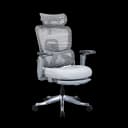
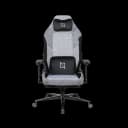
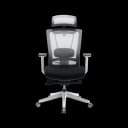
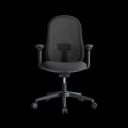
While standing desks offer many benefits, comfortable seating is essential for sitting periods. Look for office chairs with adjustable lumbar support, seat height, and armrests. The right ergonomic chair minimizes health risks associated with long sitting hours.
Prioritize Health and Movement
Establishing a home workspace centered around a standing desk improves posture, productivity, and overall wellness. Encouraging movement, optimizing ergonomics, and using supportive furniture helps maintain physical and mental health.
Be open to experimenting with different setups, listen to your body, and adjust as needed to support long-term comfort and productivity.
Take Breaks
Long hours of continuous work can lead to burnout.
- Schedule breaks to stand up and stretch every hour.
- Use techniques like the Pomodoro method (25 minutes work, 5 minutes break).
- Eat well and stay hydrated. Keep water at your desk and plan meals.
Creating a healthy home office isn’t one-size-fits-all. Start small, experiment, adjust, and find what works best for you. A functional workspace can significantly improve work quality and overall well-being.
Need Help Building Your Ergonomic Setup?
We'll guide you to the perfect chair, desk setup, and comfort tips for a productive workday.
Popular Blogs
View all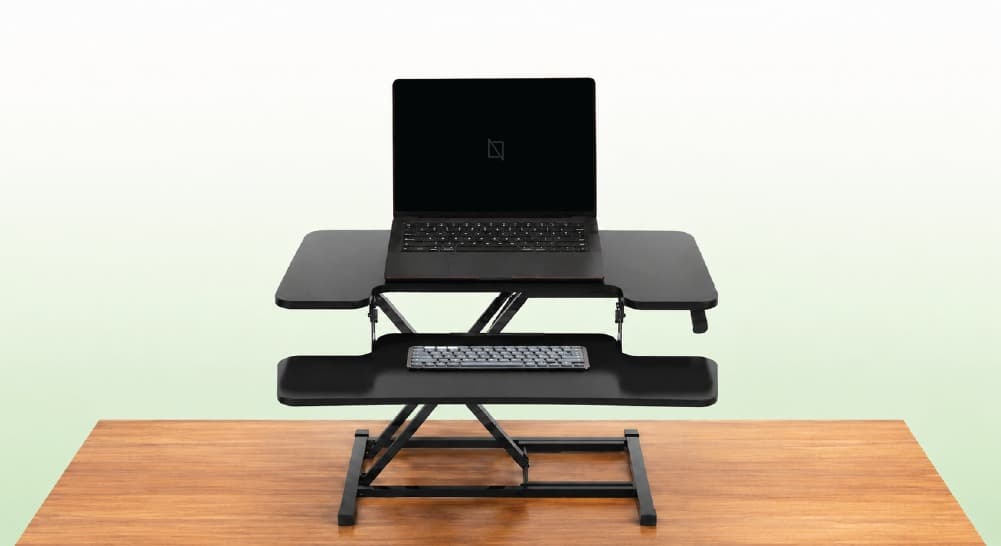
What Is a Desk Riser?
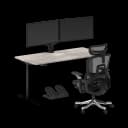
There's a moment most WFH professionals recognise—somewhere around 2 PM, lower back tightening, energy dipping, suddenly very aware you haven't moved in three hours. The solution everyone recommends is a standing desk. The price tag makes you reconsider.
Enter the riser desk—positioned as a cheaper, easier alternative. But what actually is it, and does it genuinely solve the same problem?
So lets understand what is a desk riser and what's the difference between standing desk and desk riser
What Is a Desk Riser?
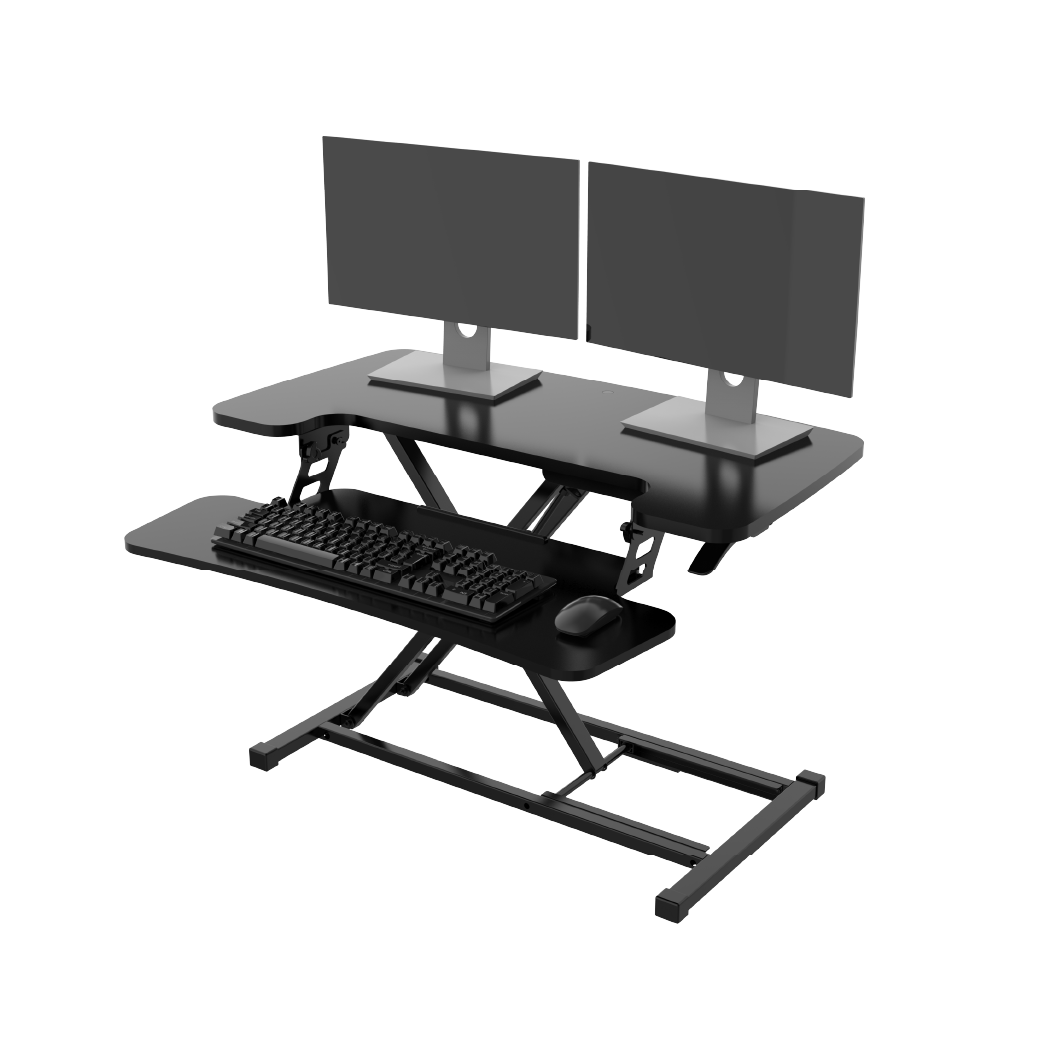
A riser desk—also called a standing desk converter or desk riser—is a height-adjustable platform that sits on top of your existing desk surface, raising your monitor, keyboard, and mouse to standing height without replacing your desk.
It's an add-on, not a replacement. Your current desk stays exactly where it is. The converter creates a raised working layer above it, which you lift when you want to stand and lower when you sit.
Think of it as a workstation within a workstation.
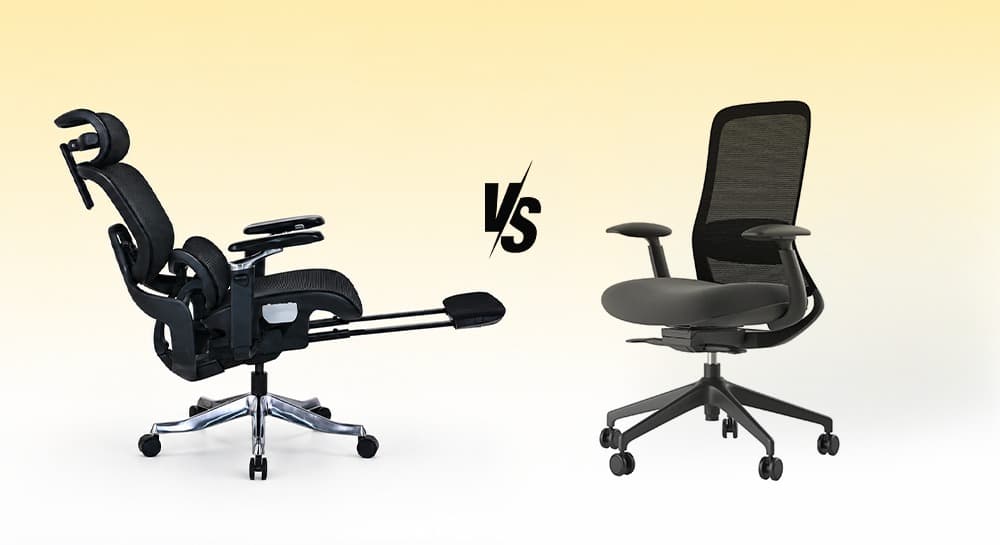
Ergonomic Chair vs Office Chair: Which One Should You Choose?
Most people don't start searching for an ergonomic chair.
They start searching because something hurts.
A stiff lower back. Tight shoulders. Neck strain after a long day at the desk.
That's usually when the question appears:
Should I buy an ergonomic chair or a regular office chair?
The answer depends less on the chair category and more on how long you sit, how often you work at a desk, and how much adjustment your body actually needs.
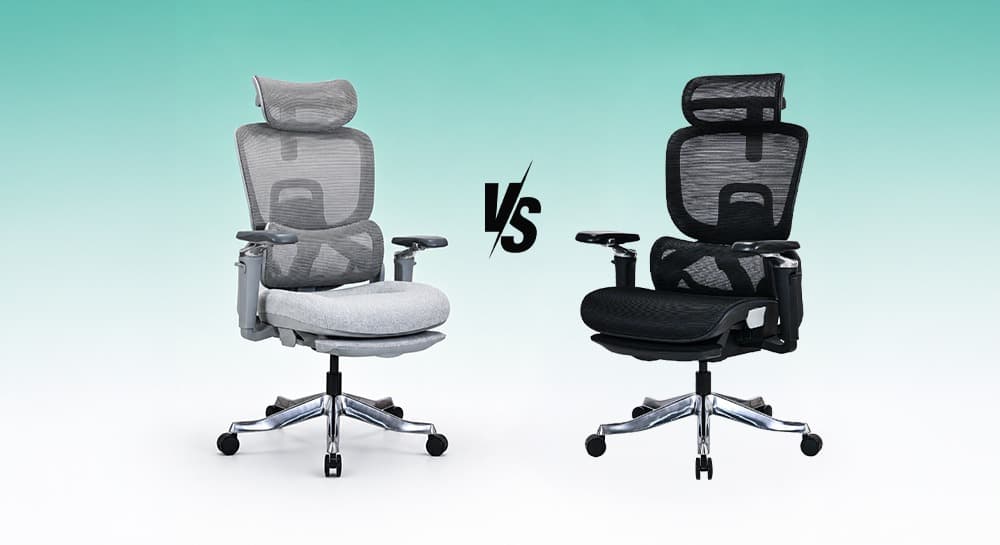
Mesh Chair vs Cushion Chair: Which One Is Better for Long Hours?
Most people choose an office chair based on first impression.
Mesh chairs feel cooler. Cushion chairs feel softer.
But long-term comfort is more complicated than that.
The main comparison of mesh and cushion office chairs focuses on five key factors:
-
Posture support
-
Airflow
-
Pressure distribution
-
Maintenance
-
Long-term performance
It's not just about how they feel in the first 10 minutes.
That’s why users often change opinions over time.
A chair that feels soft initially may feel tiring later. A firmer ergonomic chair may feel better after weeks of consistent work.
Neither option is universally better.
The right choice depends on how you sit, work, and move every day.
You x Navo
Feel free to reach out to us for any queries & concerns