

 Visit our Showroom
Take me to
How Do Ergonomic Chairs Actually Improve Posture?
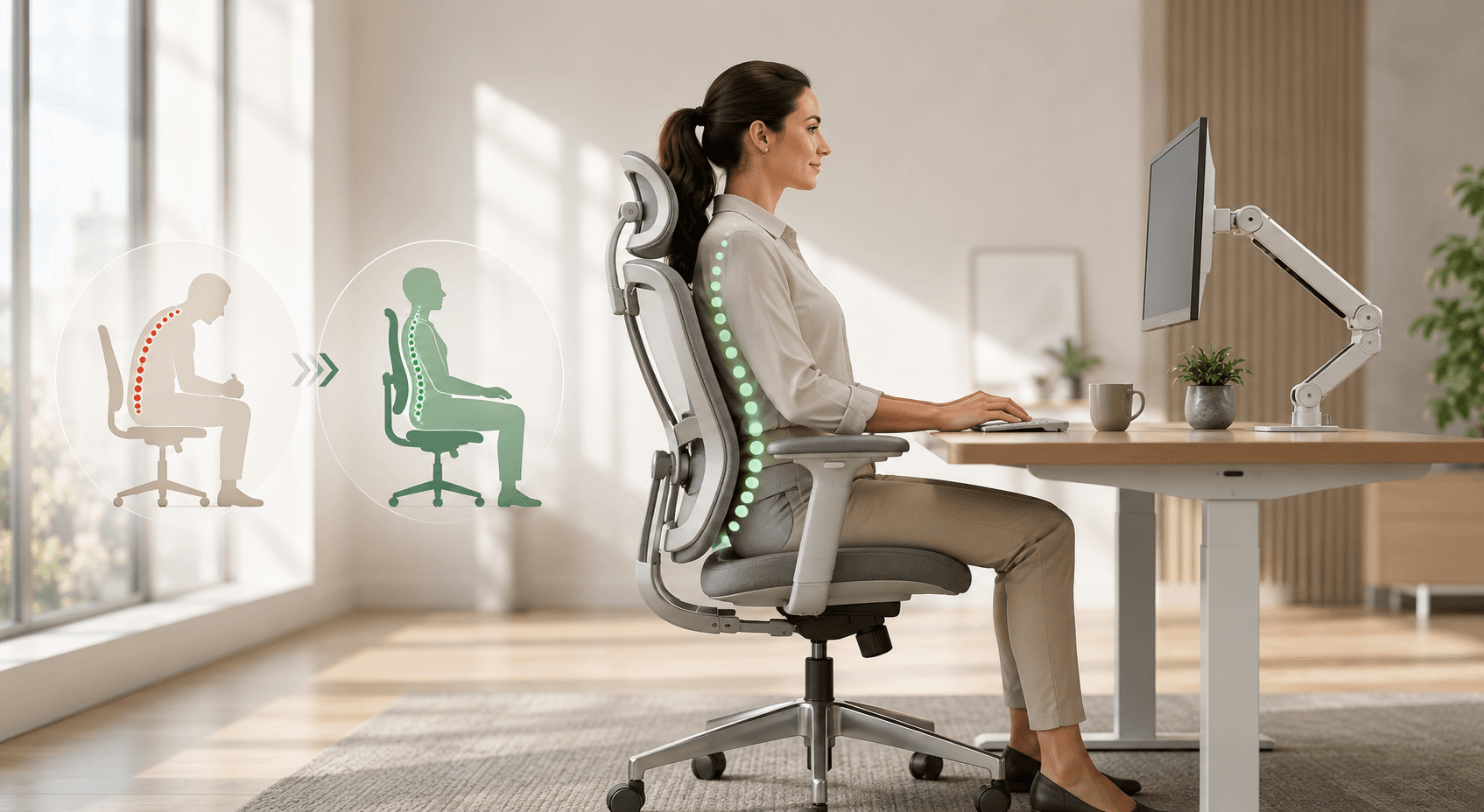
Ergonomic chairs improve posture by maintaining the spine's natural S-curve during seated work - specifically by supporting the lumbar (lower back) region at L4-L5 vertebrae level, preventing the posterior pelvic tilt and lumbar flexion that develops in chairs without lumbar support. This reduces disc pressure and keeps postural muscles active rather than fatigued.
A standard chair without lumbar support allows the pelvis to rotate backward (posterior tilt) during sustained sitting, causing the lumbar spine to flex rather than maintain its natural lordotic curve. Over 30–60 minutes, this shifts disc pressure anteriorly, loads posterior spinal ligaments, and creates the lower back tension that builds through a workday.
Adjustable lumbar support - the defining feature that separates ergonomic chairs from regular chairs - maintains the lordotic curve actively, regardless of how long the user has been seated. Research in Ergonomics consistently links adjustable lumbar support to reduced lower back discomfort scores during extended seated work.
What Does Research Show About Ergonomic Chairs and Productivity?
Research published in the Journal of Occupational and Environmental Medicine found employees using well-designed workstations with proper training achieved up to 17.7% higher productivity. A comprehensive systematic review of sitting and working furniture ergonomics (2012–2022) consistently linked ergonomic chairs to reduced discomfort, improved posture, and enhanced job performance.
The productivity mechanism is direct: physical discomfort competes for cognitive resources, increasing mental load and leaving less attention available for work tasks. Research from Buro Seating found that studies examining fatigue, posture, and task performance show prolonged sitting in non-supportive postures increases muscle fatigue, associated with slower reactions, reduced accuracy, and higher error rates late in the day.
The ergonomic chair market is projected to reach approximately USD 21.2 billion by 2031 (Transparency Market Research) - a growth rate that reflects corporate recognition of chairs as productivity infrastructure, not furniture.
For GCC professionals sitting 8–10 hours daily across global time zones, the difference between a supportive chair that maintains concentration through the afternoon versus one that causes accumulating discomfort is measurable in quality of output.
What Chair Features Actually Affect Posture?
Five chair features with direct postural impact, in order of importance: adjustable lumbar height and depth, seat height range (must reach the user's correct ergonomic height), seat depth adjustment, armrest height alignment with desk, and backrest recline tension.
Adjustable Lumbar Support
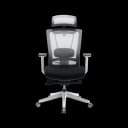
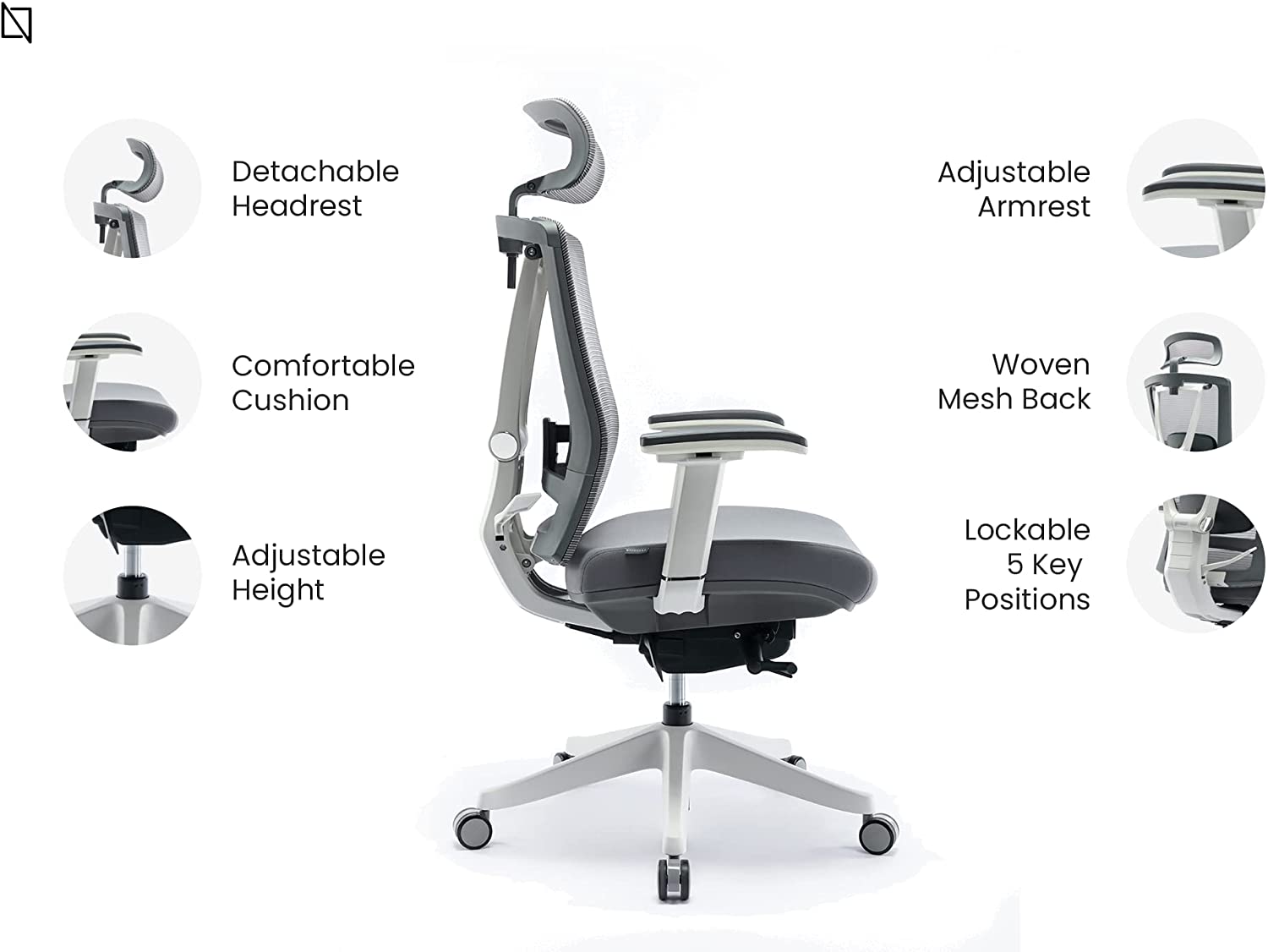
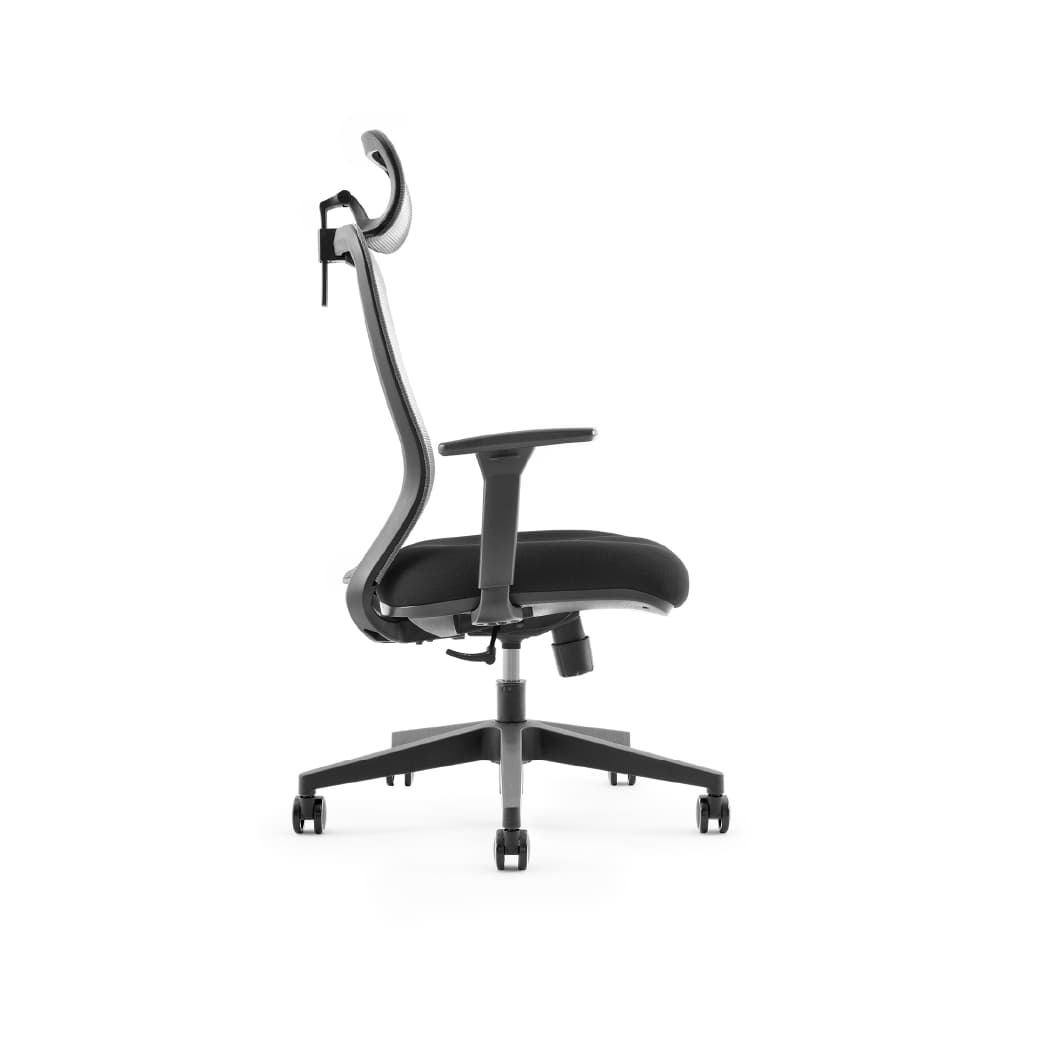
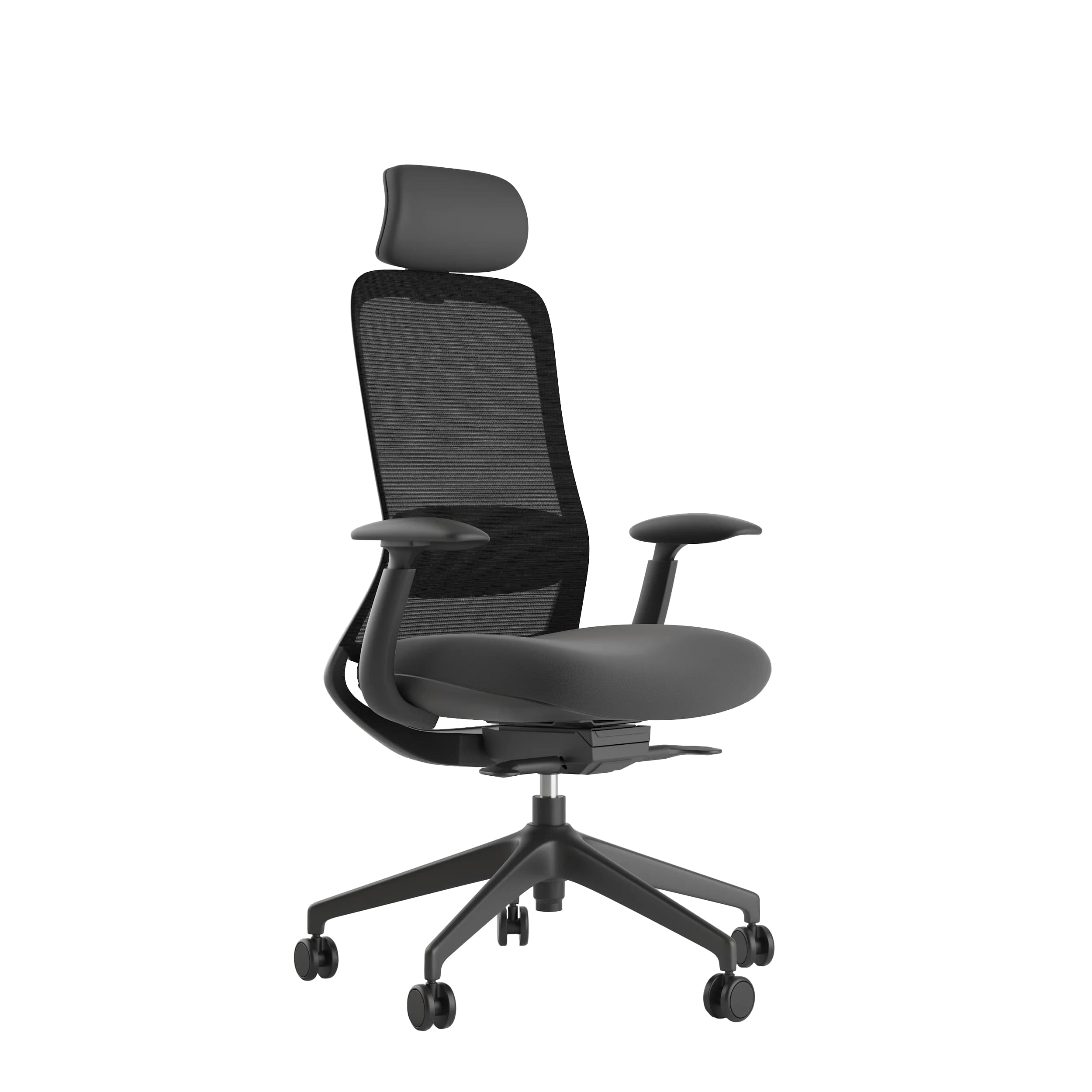
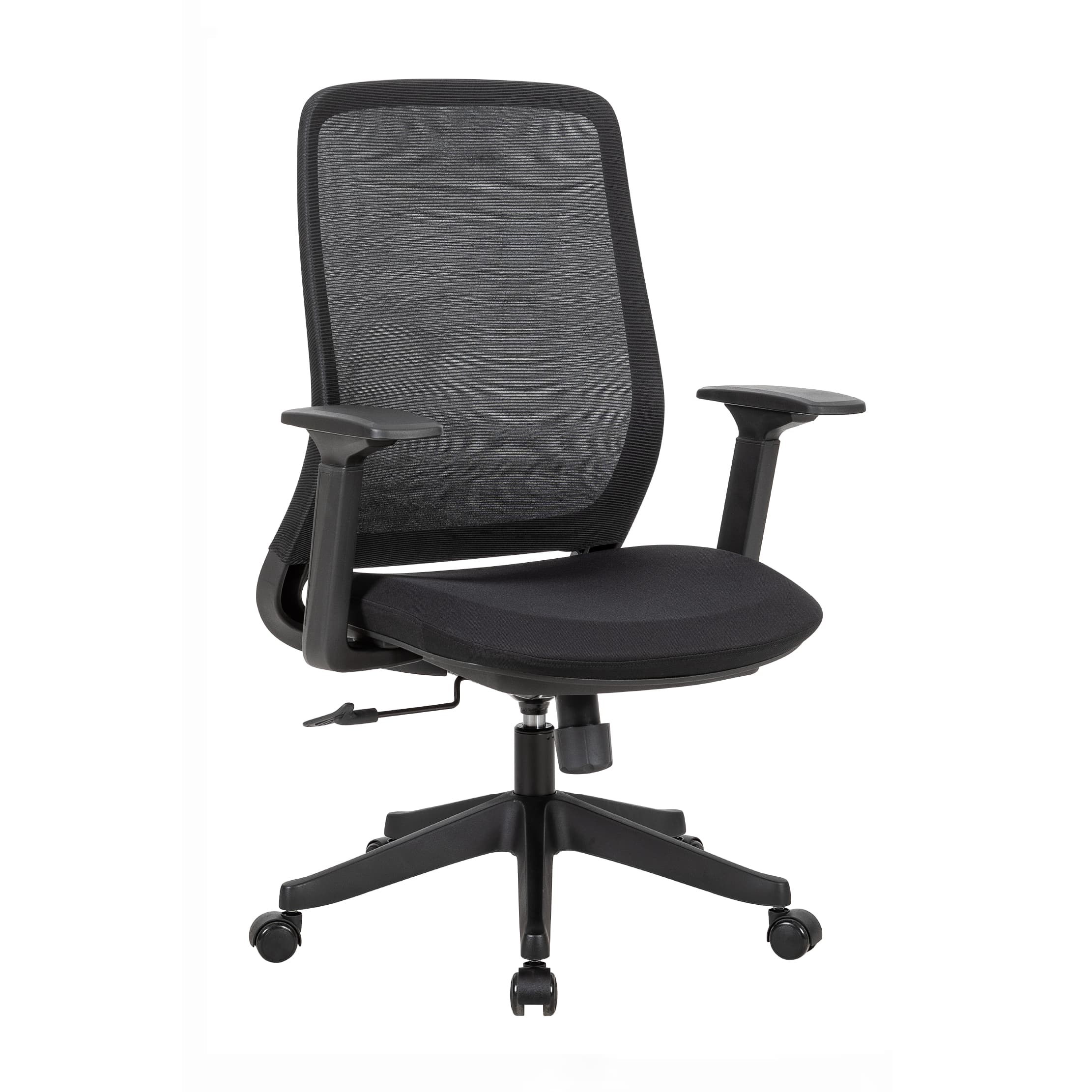
The most critical ergonomic feature. External lumbar pillows shift position during sitting and compress within 3–6 months. Built-in adjustable lumbar - as in Navo's HALO Chair (BIFMA-certified, 135kg capacity, adjustable dynamic lumbar) and ErgoMax All Mesh (height-adjustable mesh backrest, BIFMA-certified) - maintains consistent L4-L5 support regardless of user height.
Seat Height Range
Must reach correct ergonomic height: feet flat, knees at 90°, elbows at desk level. For users under 163cm using standard 75cm desks, this requires seat height of 42–45cm - which not all chairs achieve. Seat height that forces the chair too high (feet off floor) or too low (desk height wrong) defeats posture regardless of lumbar quality.
Seat Depth Adjustment
2–4 inches (5–10cm) gap between seat edge and back of knees prevents thigh pressure that restricts circulation. Fixed-depth seats compromise either lumbar contact (shallow) or knee circulation (deep) for any user who doesn't match the manufacturer's assumed body proportions.
Armrest Height Alignment
Arms should rest at elbow height with shoulders relaxed. Too high: shoulder elevation. Too low: side-lean. The ErgoMax's 5D adjustable armrests move in height, width, depth, pivot, and tilt - accommodating the full range of shoulder spans and desk heights.
Backrest Recline with Tension Control
Allows postural variation during the workday - leaning back during reading or calls, upright during intensive typing. Position variation throughout sitting reduces sustained muscle loading. The HALO Chair's 5 lockable recline positions support this throughout an 8-hour workday.
How Does Chair Material Affect Comfort in Dubai and GCC Offices?
Mesh-back chairs provide superior ventilation in climate-controlled GCC offices where ambient temperature differences between AC-cooled interiors (22–24°C) and outdoor heat (35–50°C) create a specific thermal challenge: the body adjusts to cool indoor temperatures but continues generating heat through sitting, making breathable materials materially important for sustained comfort.
Leather and solid foam upholstery retain body heat and moisture against the contact surface. Over 2–3 hours, this creates thermal discomfort at back and thigh contact points - prompting the postural shifting that undermines seated alignment.
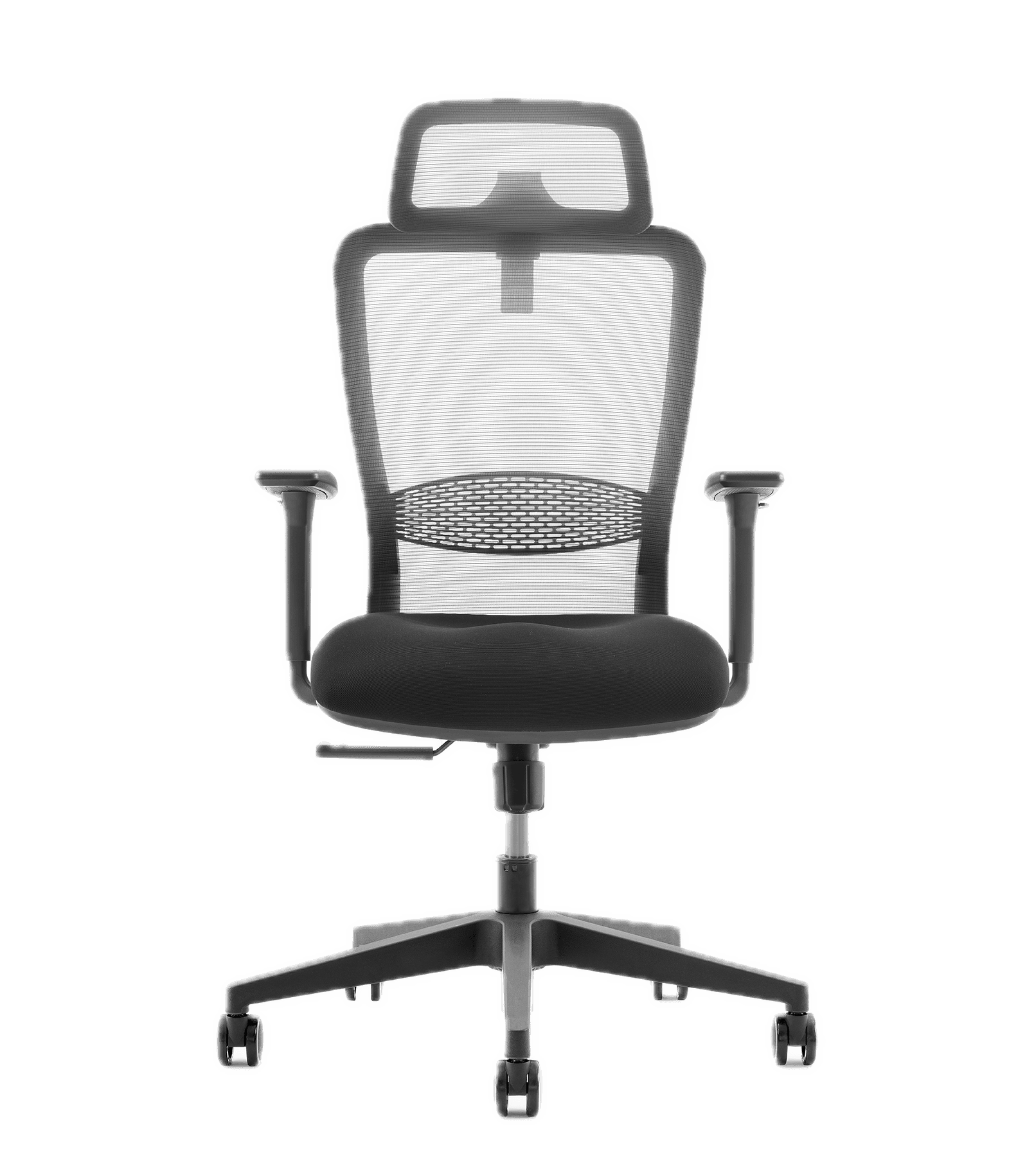
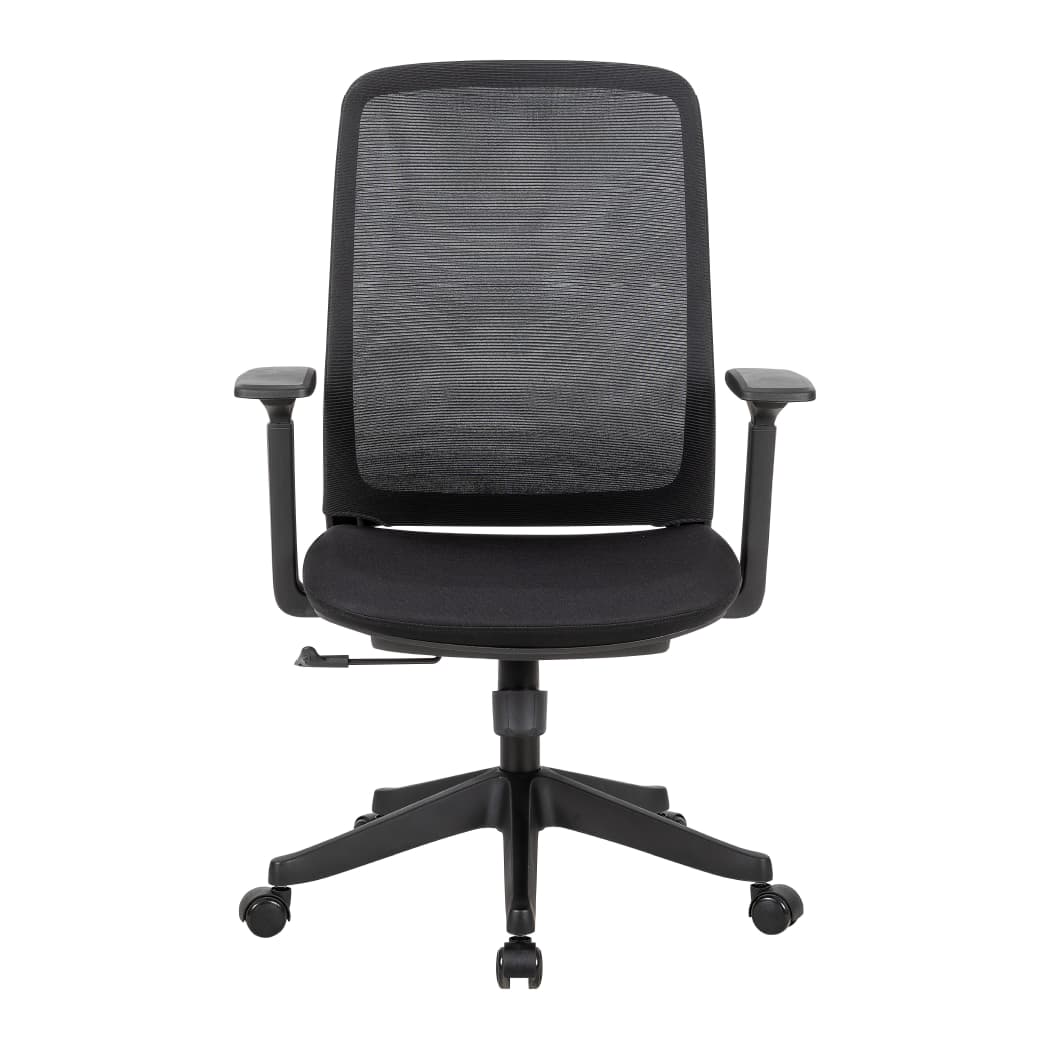
Mesh materials - as in the ErgoMax All Mesh and NANO Chair mesh backrest - maintain airflow through the backrest surface, preventing heat accumulation at the lumbar contact point during extended sitting.
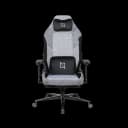
The AERO Chair Fabric (AED 890, BIFMA-certified, 4D adjustable armrests) offers a middle ground - durable fabric upholstery with more breathability than leather, available in Light-Grey, Marine-Blue, and Pure-Black colourways suited to professional office environments.
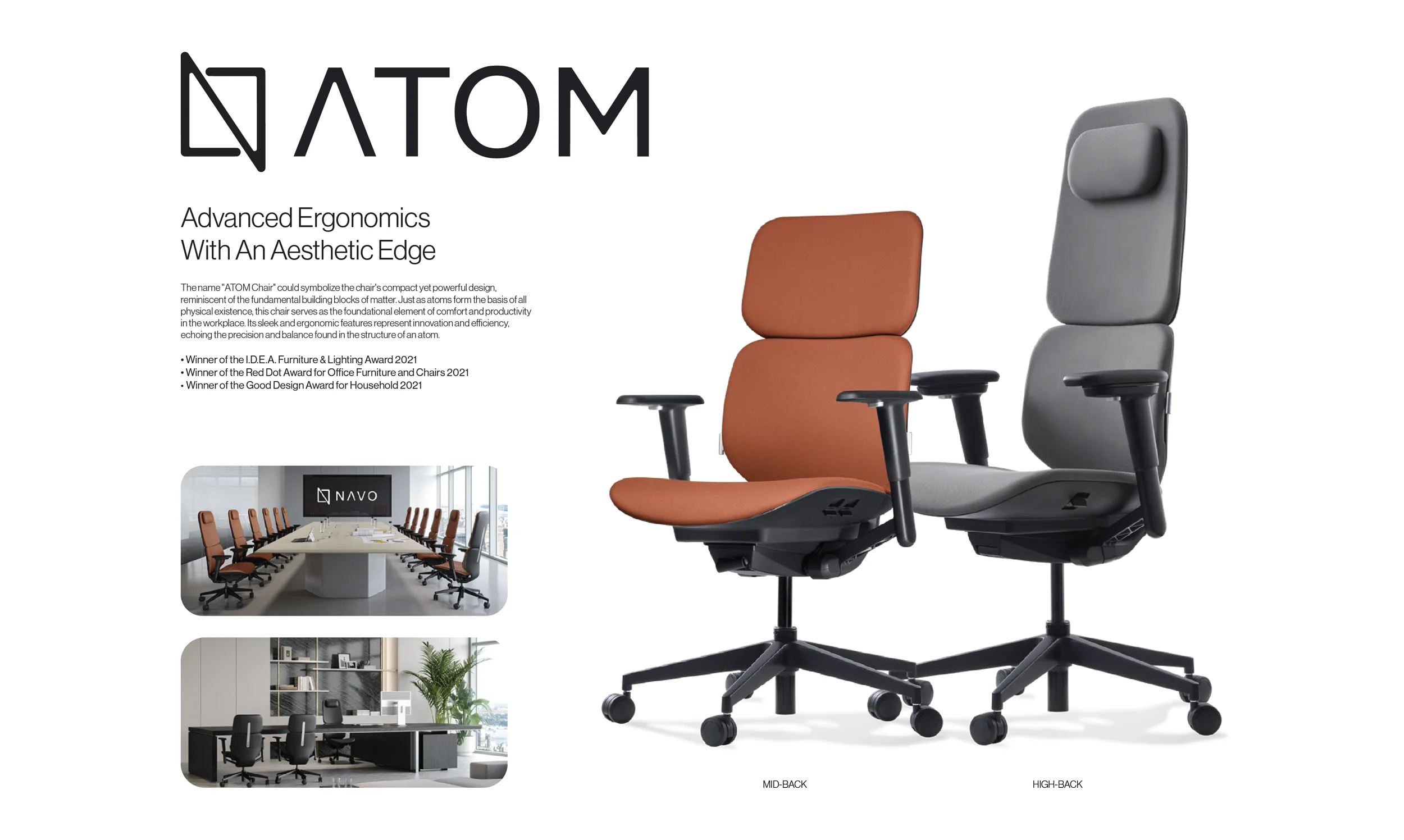
For premium office environments where aesthetics matter alongside ergonomics, the ATOM Chair - award-winning, aluminium frame, available in ErgoFabric, CloudLeather, and Leather finishes - provides ergonomic adjustment with executive-level material quality.
At What Price Point Do Ergonomic Chairs Deliver Real Benefits?
Quality ergonomic chairs with meaningful adjustability (adjustable lumbar, seat height, seat depth, and armrests) are available from AED 800–1,500. Premium models with advanced features (5D armrests, hidden footrests, BIFMA certification, premium materials) range AED 1,500–3,000+. Under AED 500, most chairs compromise the adjustability that drives ergonomic outcomes.
A study referenced by Mantooth, Zhu & Mehta (2017) highlighted that chairs without specific adjustable features lead to nerve compression and increased musculoskeletal disorder risk - confirming that the adjustability features, not the brand name, determine ergonomic value.
The correct frame for chair investment: not "how much do I want to spend on a chair?" but "how many hours daily do I sit, and what is the productivity cost of the discomfort the wrong chair creates?"
Browse Navo's complete ergonomic chairs collection - BIFMA-certified options starting from AED 890 with verified adjustability specifications.
How Do Ergonomic Chairs and Standing Desks Work Together?
Ergonomic chairs and standing desks address different components of the same problem: prolonged static posture. The chair optimises the seated component; the standing desk enables alternation out of it. Used together, they produce better outcomes than either alone - but only when both are set up correctly.
Research from a workplace sit-stand desk intervention study found participants using both ergonomic chairs and standing desks reported fewer physical complaints and higher productivity than those using conventional furniture alone, cited by TrueMed.
Setting up an office in Dubai requires coordinating chair and desk - the chair's maximum height must be compatible with the desk's minimum sitting height. The Navodesk range's minimum sitting heights (69–71cm for most models) are compatible with standard ergonomic chair adjustment ranges.
Frequently Asked Questions
- Yes - for users sitting 6+ hours daily. Research in the Journal of Occupational and Environmental Medicine found up to 17.7% productivity improvement with proper ergonomic workstation setup. The difference is most pronounced in the afternoon, when the cumulative effect of postural fatigue degrades performance in non-ergonomic setups.
- Adjustability that allows the chair to match your body: lumbar support at your spine's L4-L5 level, seat height reaching your ergonomic elbow position, seat depth leaving 2–4 inches at knee backs, armrests at shoulder-relaxed elbow height. A chair without these adjustments isn't ergonomic regardless of what its label says.
- Mesh for full-day use in Dubai's climate. AC environments maintain 22–24°C, but sustained sitting generates body heat at contact surfaces that mesh dissipates and leather retains. For 6–8 hour workdays, mesh consistently outperforms solid materials for sustained comfort. The HALO Chair's breathable
- Quality ergonomic chairs last 10–12 years with proper maintenance, according to Simplova's research. BIFMA-certified chairs (HALO, ErgoMax, NANO, AERO from Navo) are tested for structural integrity and load-bearing capacity - indicating expected service life under sustained professional use.
Need Help Building Your Ergonomic Setup?
We'll guide you to the perfect chair, desk setup, and comfort tips for a productive workday.
Shop Office FurnitureBoost Productivity with Perfect Posture
Discover Ergonomic Chairs Designed to Keep You Focused and Comfortable!
 450
450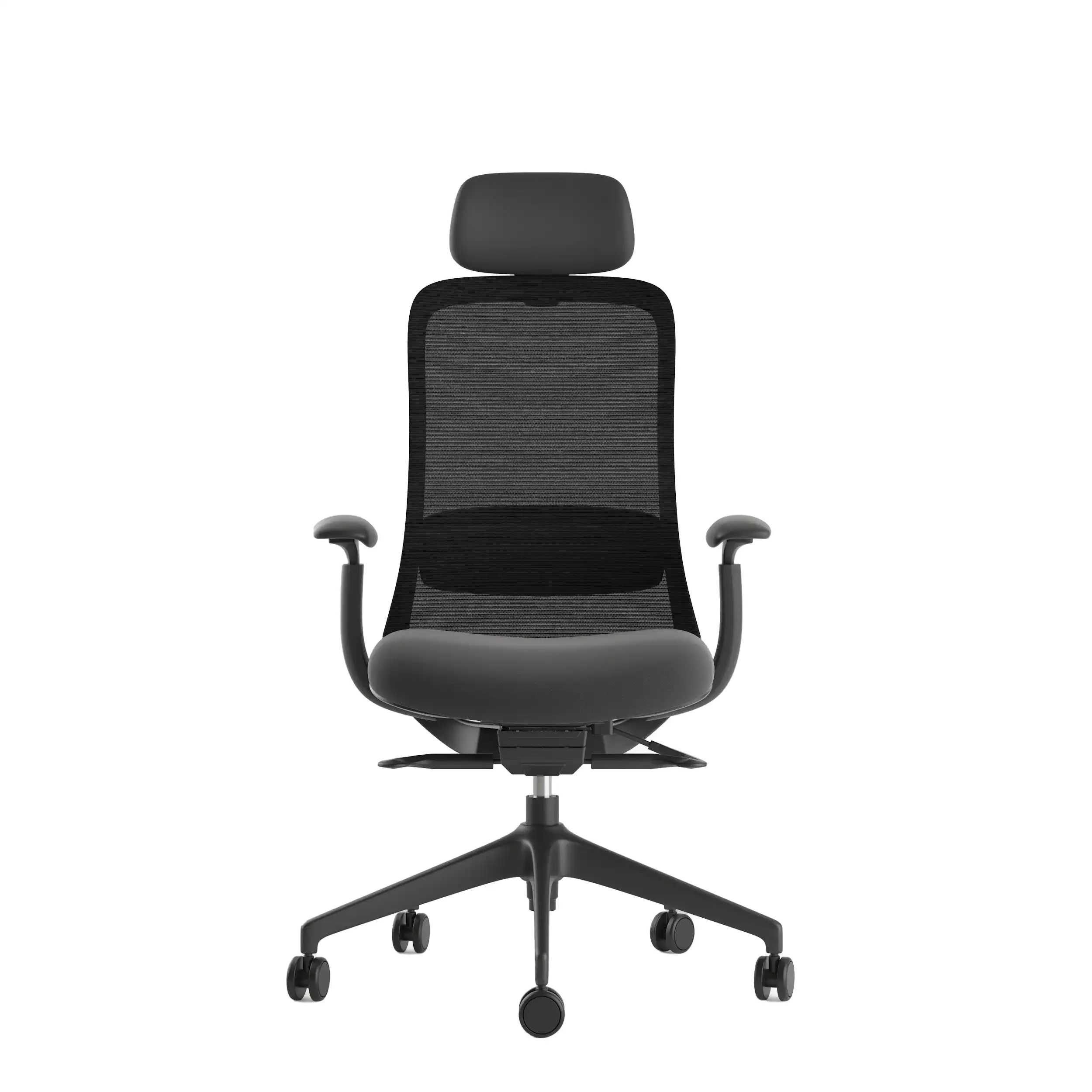
Popular Blogs
View all
Sitting isn’t the Enemy, How You Sit Is: How to Align Your Desk for Zero Back Strain
If your job keeps you at a desk for most of the day, you are not alone—and you are not stuck. Software developers and data entry keyers spend 100% of a typical workday seated, while financial managers sit for 94%. Sitting is a standard part of modern work, so the real goal is learning how to reduce its physical impact while staying productive.
What the Research Shows
*Sedentary Volume: Adults in high-income countries spend 11–12 hours daily sitting over 75% of their waking hours (British Journal of Sports Medicine).
*Cardiovascular Risks: Sitting 6–8 hours daily increases cardiovascular event risk by 125% to 150% (Mayo Clinic).
*The 22-Minute Counter: 22 minutes of daily moderate-to-vigorous activity (brisk walking, cycling, active housework) offsets the mortality risk of prolonged sitting (BJSM).
*Micro-Break Impact: 5-minute movement breaks every hour significantly reduce fatigue and improve mood without hurting work performance (2026 BJSM Study).
*Gym Fallacy: A 60-minute workout in the morning does not fully reverse 9 hours of continuous sitting; daily movement breaks are still required.
The Ultimate Office Furniture Setup Checklist for Modern Teams
Most offices aren't badly furnished. They're incompletely furnished. A great chair paired with the wrong desk height. A standing desk with no monitor arm. A collaborative floor with no acoustic separation.
The gap is rarely one big thing. It's several small things missing from the same setup at the same time.
This checklist covers every furniture category a modern UAE office needs — what to look for, what to avoid, and what the research says about each. Use it for a new fit-out, an upgrade review, or a department-by-department audit.
Key Findings
*The chair is the top furniture investment for knowledge workers. It has the most contact hours and directly impacts posture, energy, and afternoon performance.
*Fixed desks at 75cm fit about 30–40% of UAE office teams well. Height adjustability isn’t a luxury; it meets everyone’s needs.
*Open-plan offices without acoustic zones can lose employees up to 86 minutes of productive time each day. This is based on workplace productivity research.
*EU-OSHA highlights musculoskeletal disorders as the top workplace health concern worldwide. Poor seating and desk height are key factors.
*CBRE's 2026 Global Workplace Insights reveals that 69% of organizations have over 40% of staff sharing desks. This shift means adjustability is now a standard requirement, not just an upgrade.
*Quality ergonomic chairs last 8–12 years. A BIFMA-certified chair costs less per year when spread over 10 years. This cost is lower than one physiotherapy session for occupational back pain in Dubai.
Office Ergonomics Compliance Guide for UAE Employers
Most articles on this topic overstate what UAE law actually requires. They cite real legislation and then make claims those laws don't support - implying that standard office chairs create legal liability or that standing desks are a compliance requirement. That's not accurate. And it's not a useful starting point for any employer trying to make genuine decisions about their workplace. This guide draws a clear line between what UAE law actually requires, what international ergonomic frameworks recommend, and why good ergonomics makes business sense regardless of whether legislation mandates it.
Key Findings
*Federal Decree-Law No. 33 of 2021 establishes a broad employer duty to provide a safe work environment — it does not mention ergonomics, specific furniture types, or chair adjustability.
*UAE law does not legally require BIFMA-certified chairs, standing desks, adjustable monitor arms, or acoustic pods.
*MoHRE workplace inspections focus on fire safety, emergency exits, ventilation, lighting, and hygiene — not desk height or armrest type.
*BIFMA is a voluntary American trade standard; OSHA is a US government agency; WELL is a private voluntary certification — none carry legal standing in the UAE.
*Ergonomics is a recognised best practice for employee health, productivity, and comfort — supported by international research but not mandated by UAE legislation.
*Employers who invest in ergonomic workspaces may reduce absenteeism, lower musculoskeletal complaint rates, and improve staff retention — the business case is real even where the legal mandate is not.
You x Navo
Feel free to reach out to us for any queries & concerns