

 Visit our Showroom
Take me to
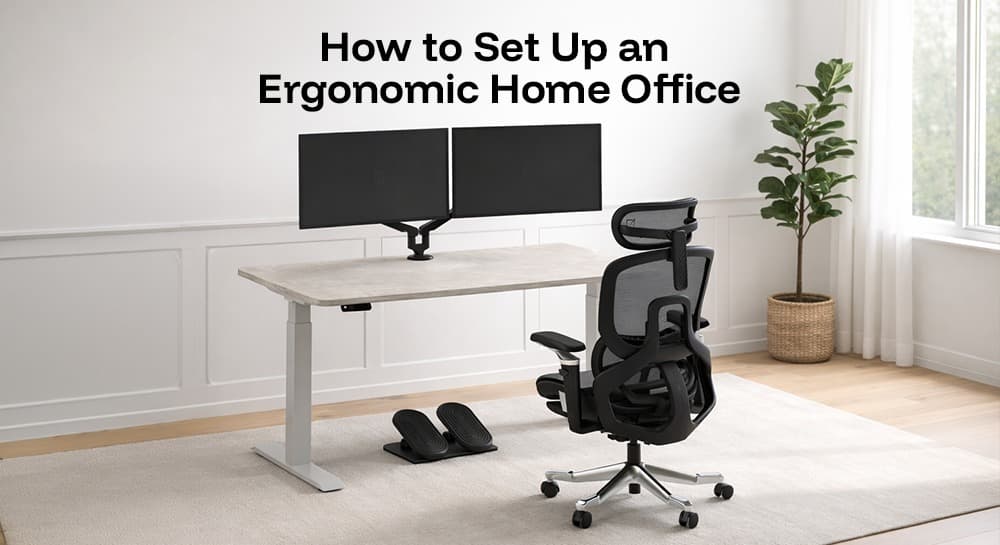
What Is the Correct Order to Set Up an Ergonomic Home Office?
Set up in this sequence:
(1) chair height and posture foundation
(2) desk height to match chair position
(3) monitor height and distance
(4) keyboard and mouse position
(5) lighting
(6) accessories. Starting anywhere other than the chair creates a chain of compensations - desk adjusted to wrong chair, monitor adjusted to wrong desk, posture accommodating all of the above.
The Mayo Clinic's office ergonomics guide identifies the same priority: start with the chair, build outward. Every ergonomic relationship traces back to where your body is in the chair. Get that right first.
OSHA's computer workstation ergonomics guidelines provide the reference measurements used throughout this guide. For UAE-specific context: Dubai home offices operate in different conditions than the North American offices these standards were developed for - longer working hours (8–10 hours common), international team height diversity (155–200cm range common in UAE household setups), and Gulf climate requiring breathable materials even in AC environments.
Step 1: Chair Setup - The Foundation
Adjust chair height so feet rest flat on the floor with knees bent at approximately 90°. If feet don't reach the floor at the correct seat height for your desk, add a footrest - not a stack of books. Adjust seat depth to leave 2–3 finger widths between the front edge of the seat and the back of your knees.
OSHA guidelines specify seat height adjusted so thighs are parallel to the floor, feet firmly planted. For users shorter than approximately 165cm at standard 75cm desks, this requires raising the chair - which lifts feet off the floor - making a footrest essential.
Lumbar support: Adjust to contact your L4-L5 region (the inward curve of your lower back, approximately at waist level). If the lumbar support only moves up-down without depth adjustment, it can't conform to your spinal curve - a functional limitation discussed in our 5 ergonomic chair buying mistakes guide.
Armrests: Set at elbow height with shoulders relaxed. Armrests that force shoulder elevation - even slightly - create sustained upper trapezius loading that accumulates into neck and shoulder pain within weeks.
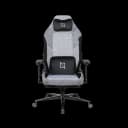
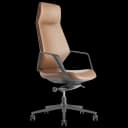
Navo's BIFMA-certified ergonomic chairs - including the HALO Chair (adjustable lumbar, 135kg, 5 recline positions) and AERO Chair Fabric (BIFMA, AED 890, 4D armrests) - provide the adjustment range needed for a complete home office chair setup. Browse the full ergonomic chairs collection for all options.
Step 2: Desk Height - Matching the Chair
Desk height should place the work surface at elbow height when sitting naturally in the correct chair position. For most adults, this is 68–76cm depending on height. Standard fixed desks at 75cm are correct for approximately 173–180cm users; everyone outside this range benefits from height-adjustable desks.
As covered in our how to choose an ergonomic desk guide, this is the detail most home office setups get wrong. Adjusting the chair to match a fixed desk - rather than the reverse - creates a chain of compensations that no other ergonomic adjustment can fully correct.
For Dubai home offices where residential furniture often sits at 75cm: if your correct elbow height is 70–72cm (common for users 160–170cm tall), a height-adjustable desk reaching your actual position is more ergonomically effective than any number of accessories on top of a too-high desk.
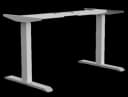
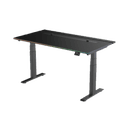
Navo's home office furniture range includes compact standing desks suited to apartment offices - the Navodesk AIR (dual-motor, NavoSense™, USB charging, minimal design) and Navodesk Lite (compact, lightweight, electric) for spaces where footprint is a primary constraint.
Step 3: Monitor Height and Distance - The Most Impactful Single Fix
Monitor top edge should sit at eye level or 2–3cm below when sitting in correct chair position with neutral neck. Viewing distance: 50–70cm (approximately arm's length). Screen tilt: 10–20° downward so your natural downward gaze hits the screen centre, not the top.
The NIH ergonomics self-assessment checklist (referenced in Contour Design's ergonomic guide) and OSHA computer workstation guidelines both specify monitor top at or just below eye level. Too low means neck flexion all day - the single most common cause of home office neck pain. Too high means neck extension - a different mechanism, same problem.
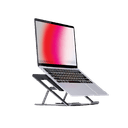
For laptop users: This creates an unavoidable conflict. Keyboard at correct elbow height puts the screen too low. Screen at correct eye level puts the keyboard too high. The solution: laptop on a laptop riser at eye level, external keyboard at elbow height. This is the most impactful single-accessory change for laptop home office workers.
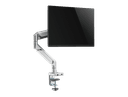
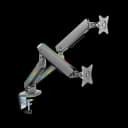
A monitor arm from AED 250 provides precise eye-level adjustment, recovers desk surface depth, and - for height-adjustable desk users - maintains correct eye level at both sitting and standing positions as the desk rises. This is the reason we recommend monitor arms for all sit-stand setups as covered in our standing desk posture guide.
Step 4: Keyboard and Mouse - Wrist and Shoulder Protection
Keyboard at elbow height, wrists neutral (not bent upward), forearms parallel to floor or angled slightly downward. Mouse positioned close to the body - not requiring arm extension. The OSHA ergonomic guideline specifies keyboard and mouse on the same horizontal level, within the primary reach zone (forearm's length from body).
Mouse positioned too far from the body requires sustained shoulder abduction - a subtle but continuous loading of the rotator cuff that creates shoulder strain over weeks. The test: when your hand is on the mouse, your elbow should be at your side with your upper arm vertical, not reaching forward or sideways.
The most common home office keyboard mistake, highlighted by Contour Design's ergonomic setup guide: the kickstand on the back of standard keyboards creates wrist extension (bending upward). Keep it flat. Wrists should be level or angled slightly downward toward the desk - not upward toward the screen.
Step 5: Lighting - Overlooked, High Impact
Monitor glare and insufficient ambient light create sustained eye strain and the squinting that loads forehead and eye-surround muscles continuously. IESNA recommends 500–750 lux for screen-based work. Position screens perpendicular to windows - never facing them or with windows directly behind. Use task lighting for reading or close-up work.
In Dubai apartments, west-facing rooms in Marina and JLT towers receive intense 3–6 PM solar gain. This creates screen glare that no monitor brightness setting fully overcomes - only repositioning the monitor (perpendicular to the window) solves it. A monitor arm makes this repositioning practical without permanently reorganising the desk layout.
Navo's workspace lighting includes desk-mounted LED solutions designed for UAE office environments - providing task-appropriate illumination without creating the reflection on screens that causes squinting and eye fatigue.
Step 6: Accessories - Filling the Gaps
The accessories that make a fully ergonomic home office: footrest (if feet don't reach the floor at correct chair height), monitor arm (screen at eye level), laptop riser + external keyboard (for laptop workers), cable management (cognitive clarity and safety), and anti-fatigue mat (for standing desk users).
Contour Design's ergonomic workstation setup guide identifies the consistent problems in home offices: laptop neck (screen too low), dangling feet (chair too high), raised shoulders (desk too high), awkward reaches (clutter), and screen glare (poor lighting). The accessories above address each one specifically.
As covered in our complete ergonomic accessories guide, the priority order for accessory investment: monitor arm first (highest ergonomic impact per AED spent), footrest if needed, laptop riser + keyboard for laptop workers, cable management for standing desks.
Navo's complete accessories range covers all of these - from AED 250 monitor arms through footrests, laptop risers, cable management, and lighting.
The Dubai-Specific Home Office Checklist
Additional considerations for Dubai home offices:
Material: Breathable mesh chair for 6+ hour workdays - Dubai AC environments (22–24°C) still generate contact-point heat during sustained sitting
Standing desk minimum height: Verify it reaches your seated ergonomic height (often 68–72cm for users under 170cm) - standard Dubai furniture is typically 75cm fixed
Dust: Dubai's outdoor dust affects air quality inside - enclosed storage for accessories, regular keyboard cleaning (weekly), and chair fabric vacuuming (weekly) maintain setup cleanliness
East/west facing rooms: West-facing home offices in Dubai Marina, JLT, and similar towers face intense afternoon sun - anti-glare screens or window treatment may be necessary alongside monitor repositioning
Compact spaces: For apartments under 6 sqm dedicated office space: compact standing desks (Navodesk Lite), BIFMA chairs with small footprint (NANO or AERO), wall-mounted monitor arm to maximise surface area
Frequently Asked Questions
- Chair first - it's in contact with your body for the most hours and has the most direct impact on spinal alignment, circulation, and fatigue accumulation. After chair: desk height (either height-adjustable desk or verify fixed desk is correct for your height), then monitor arm. These three changes resolve approximately 80% of home office ergonomic problems.
- Compact standing desk (Navodesk Lite) for height adjustability without large footprint. BIFMA ergonomic chair (AERO Fabric or NANO) with small footprint. Wall-mounted or clamp monitor arm to recover desk surface depth. Vertical cable management to keep floor clear. Our ergonomic office furniture in Dubai guide covers the complete small-space setup in detail.
- Beneficial, yes - particularly because Dubai residential furniture is typically fixed 75cm, which is ergonomically incorrect for users outside the 173–180cm range. A height-adjustable desk resolves the seated height mismatch that no other accessory can fully compensate for. If budget doesn't allow a standing desk now, a footrest and monitor arm address the two most acute compensations.
- Entry level (functional): AED 2,000–3,500 (BIFMA chair + compact desk + monitor arm). Mid-range (professional daily use): AED 5,000–8,000 (HALO or ErgoMax + Navodesk AIR or PRO + full accessories). Premium: AED 10,000–15,000+ (ErgoMax or ATOM + Navodesk PRO + complete accessory suite).
Need Help Building Your Ergonomic Setup?
We'll guide you to the perfect chair, desk setup, and comfort tips for a productive workday.
Shop Office FurniturePopular Blogs
View all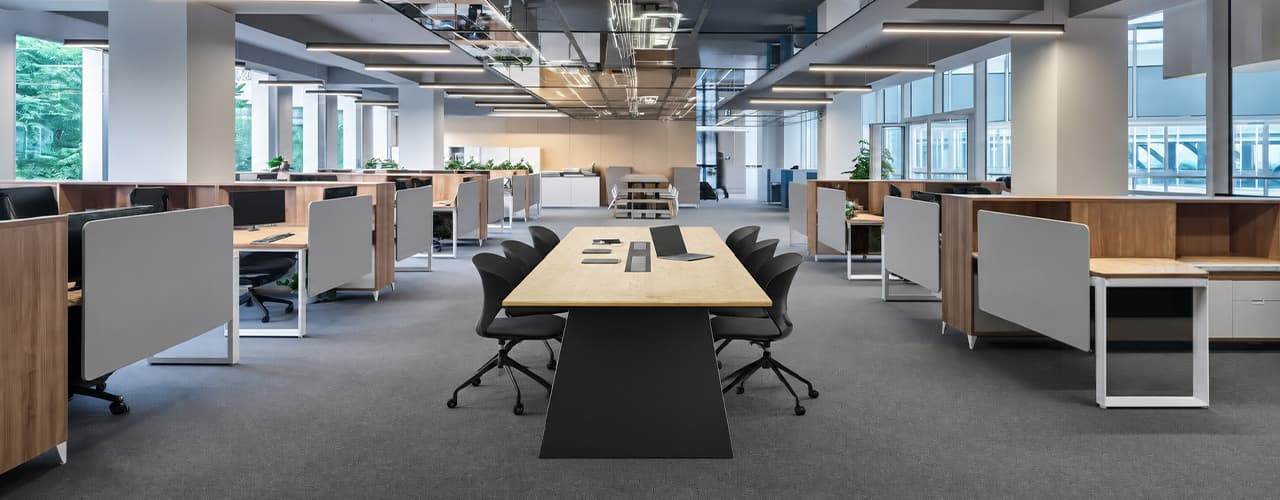
Open Plan vs Cubicle vs Hybrid Office Layout: Which Is Right for You?
The open-plan office was supposed to fix everything the cubicle farm got wrong. It didn't. It created a different set of problems and left people nostalgic for the one thing cubicles did well: quiet. The hybrid layout is positioned as the solution that addresses the shortcomings of both. It might be only if it fits how a specific team works. It shouldn't be a mix of two philosophies that didn’t help the team before. This guide shows what each layout offers and where it falls short. It also helps you choose the best option-or combination-for your office in Dubai or the GCC.
Key Findings
*Global office use is now at 53%, up from 38% in 2024. Also, 69% of teams have over 40% of their staff sharing desks. This shows that 2019 workspace designs don’t fit current needs.
*A Harvard study found that open-plan spaces often lower face-to-face interaction. Instead, they boost digital communication. This is the opposite of what these designs aim for.
*A hybrid model conversion at a 120-person SaaS company restored engineering deployment speed to baseline. It also reduced voluntary turnover in technical roles by 18% over nine months.
*Steelcase research shows that companies improving their work environment boost productivity by 17%.
*In 2026, the most innovative UAE offices aren’t just picking open plans or cubicles. They’re creating “activity neighborhoods.” These are clusters of spaces designed for different work styles.
*No layout is universally right. The best choice depends on your team's work style, industry, hybrid attendance ratio, and specific acoustic needs for your floor.
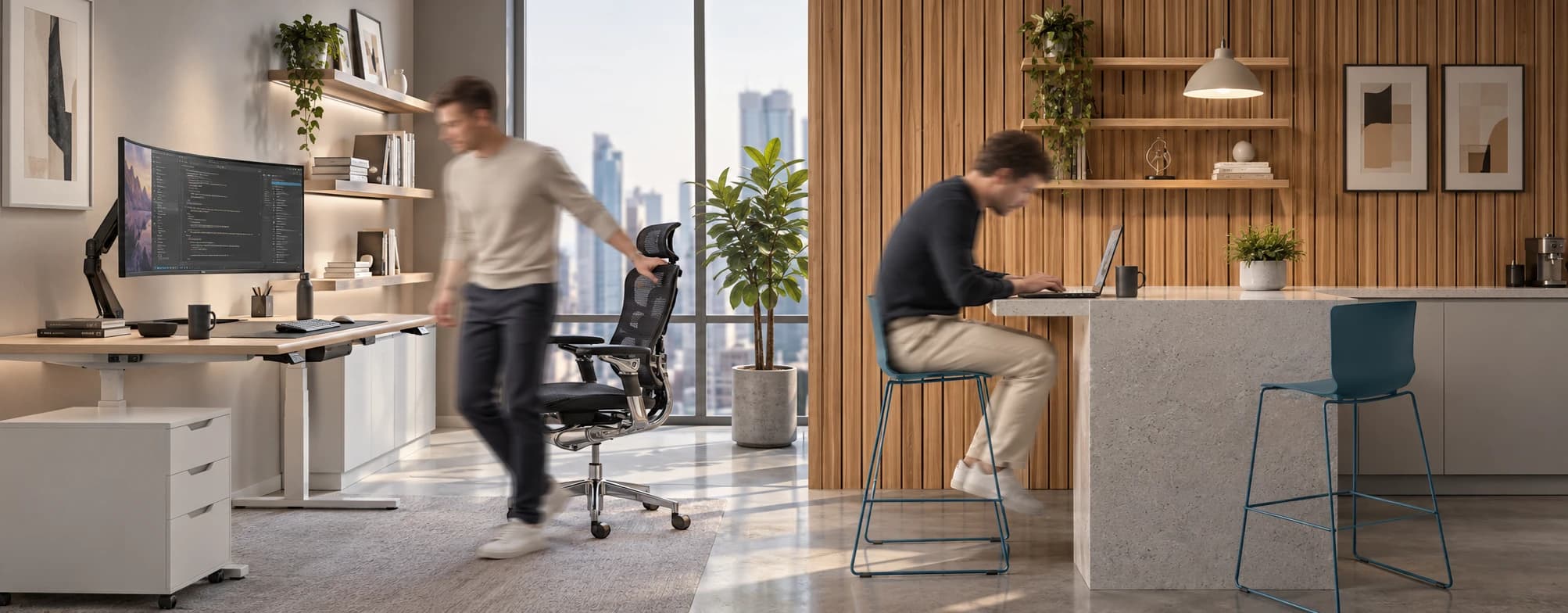
Sitting isn’t the Enemy, How You Sit Is: How to Align Your Desk for Zero Back Strain
If your job keeps you at a desk for most of the day, you are not alone—and you are not stuck. Software developers and data entry keyers spend 100% of a typical workday seated, while financial managers sit for 94%. Sitting is a standard part of modern work, so the real goal is learning how to reduce its physical impact while staying productive.
What the Research Shows
*Sedentary Volume: Adults in high-income countries spend 11–12 hours daily sitting over 75% of their waking hours (British Journal of Sports Medicine).
*Cardiovascular Risks: Sitting 6–8 hours daily increases cardiovascular event risk by 125% to 150% (Mayo Clinic).
*The 22-Minute Counter: 22 minutes of daily moderate-to-vigorous activity (brisk walking, cycling, active housework) offsets the mortality risk of prolonged sitting (BJSM).
*Micro-Break Impact: 5-minute movement breaks every hour significantly reduce fatigue and improve mood without hurting work performance (2026 BJSM Study).
*Gym Fallacy: A 60-minute workout in the morning does not fully reverse 9 hours of continuous sitting; daily movement breaks are still required.
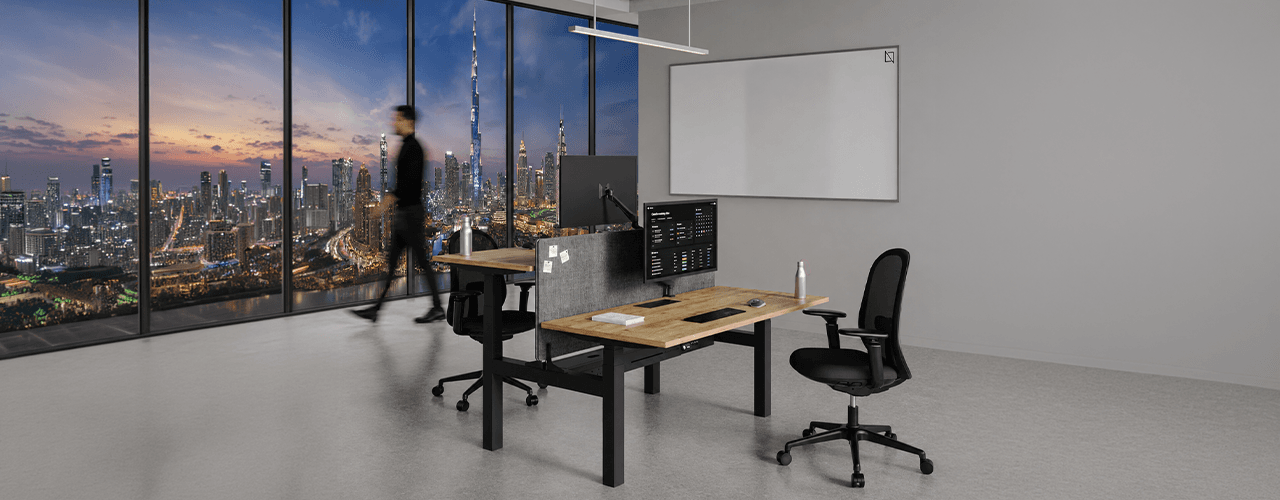
The Ultimate Office Furniture Setup Checklist for Modern Teams
Most offices aren't badly furnished. They're incompletely furnished. A great chair paired with the wrong desk height. A standing desk with no monitor arm. A collaborative floor with no acoustic separation.
The gap is rarely one big thing. It's several small things missing from the same setup at the same time.
This checklist covers every furniture category a modern UAE office needs — what to look for, what to avoid, and what the research says about each. Use it for a new fit-out, an upgrade review, or a department-by-department audit.
Key Findings
*The chair is the top furniture investment for knowledge workers. It has the most contact hours and directly impacts posture, energy, and afternoon performance.
*Fixed desks at 75cm fit about 30–40% of UAE office teams well. Height adjustability isn’t a luxury; it meets everyone’s needs.
*Open-plan offices without acoustic zones can lose employees up to 86 minutes of productive time each day. This is based on workplace productivity research.
*EU-OSHA highlights musculoskeletal disorders as the top workplace health concern worldwide. Poor seating and desk height are key factors.
*CBRE's 2026 Global Workplace Insights reveals that 69% of organizations have over 40% of staff sharing desks. This shift means adjustability is now a standard requirement, not just an upgrade.
*Quality ergonomic chairs last 8–12 years. A BIFMA-certified chair costs less per year when spread over 10 years. This cost is lower than one physiotherapy session for occupational back pain in Dubai.
You x Navo
Feel free to reach out to us for any queries & concerns