

 Visit our Showroom
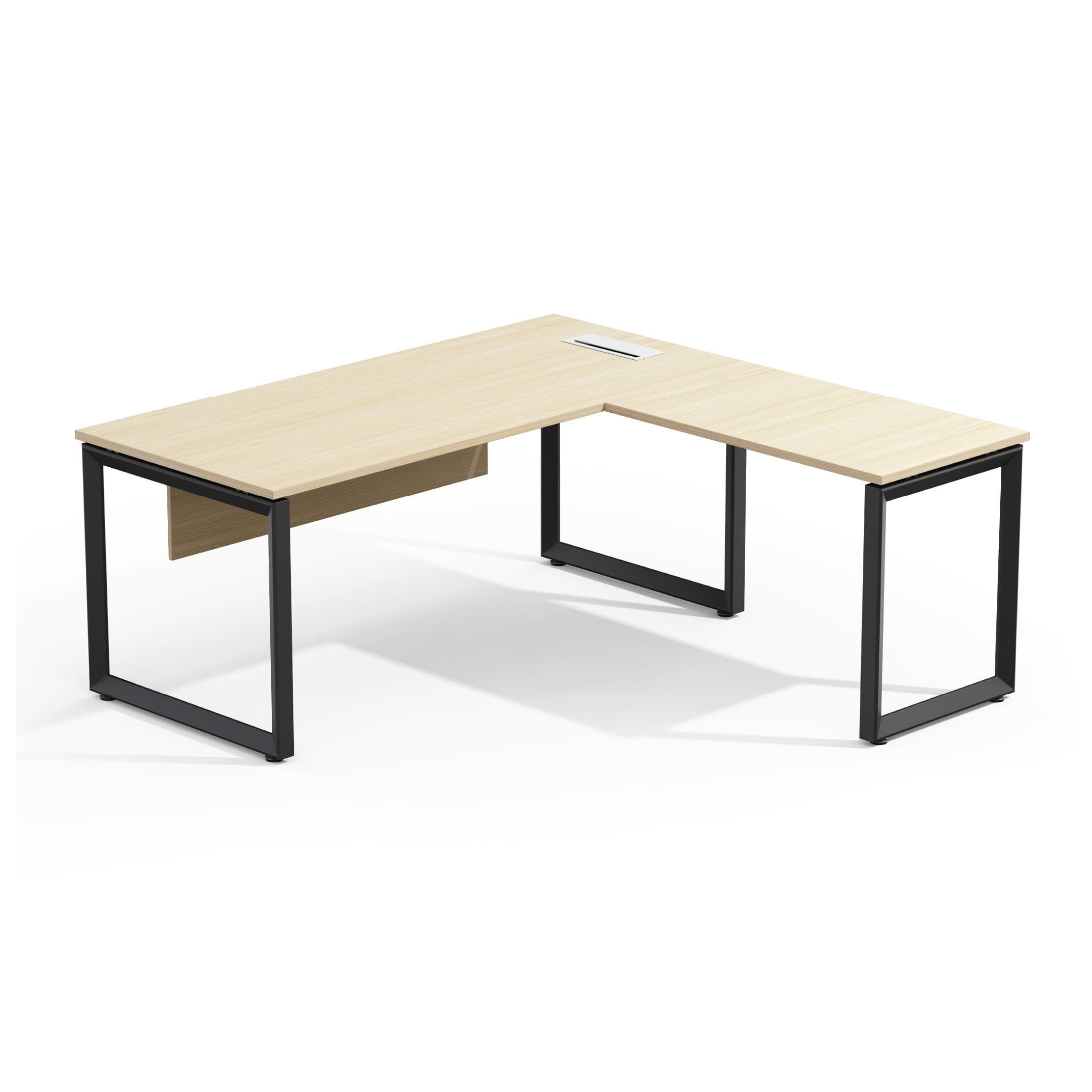
An L-shaped desk is a specific solution to a specific problem. It’s not always better than a straight desk. But, it shines when you use multiple monitors, have different task zones, or need to fit a workspace into a corner.
Here's the honest assessment of when an L-shaped desk makes sense, what to look for, and what mistakes to avoid in setup.
Take me to
What Are the Real Benefits of an L-Shaped Desk?
An L-shaped desk offers two separate work areas. You can do main screen tasks on the main wing and handle secondary tasks on the return. This separation reduces constant reorganizing. It also cuts down on competition. Single-surface desks create these problems when workflows have many active zones.
L-shaped desk boosts comfort and focus. It fits how we work today—switching between monitors, laptops, paperwork, and video calls. An L-shape gives different tasks their own space. The spatial separation reduces clutter, awkward reaching, and constant repositioning.
Standard rectangular desks often make you twist your body. They can also force you to move your arms to reach things. An L-shaped desk naturally wraps the workspace around the user — pivot instead of stretch, turn instead of strain.
Who Benefits Most from an L-Shaped Desk?
L-shaped desks shine for:
Multi-monitor users (2–3 screens fit easily without straining the neck).
Creative professionals who draw and work on screens.
Developers using dual displays alongside documentation.
Anyone juggling two tasks that need separate spaces.
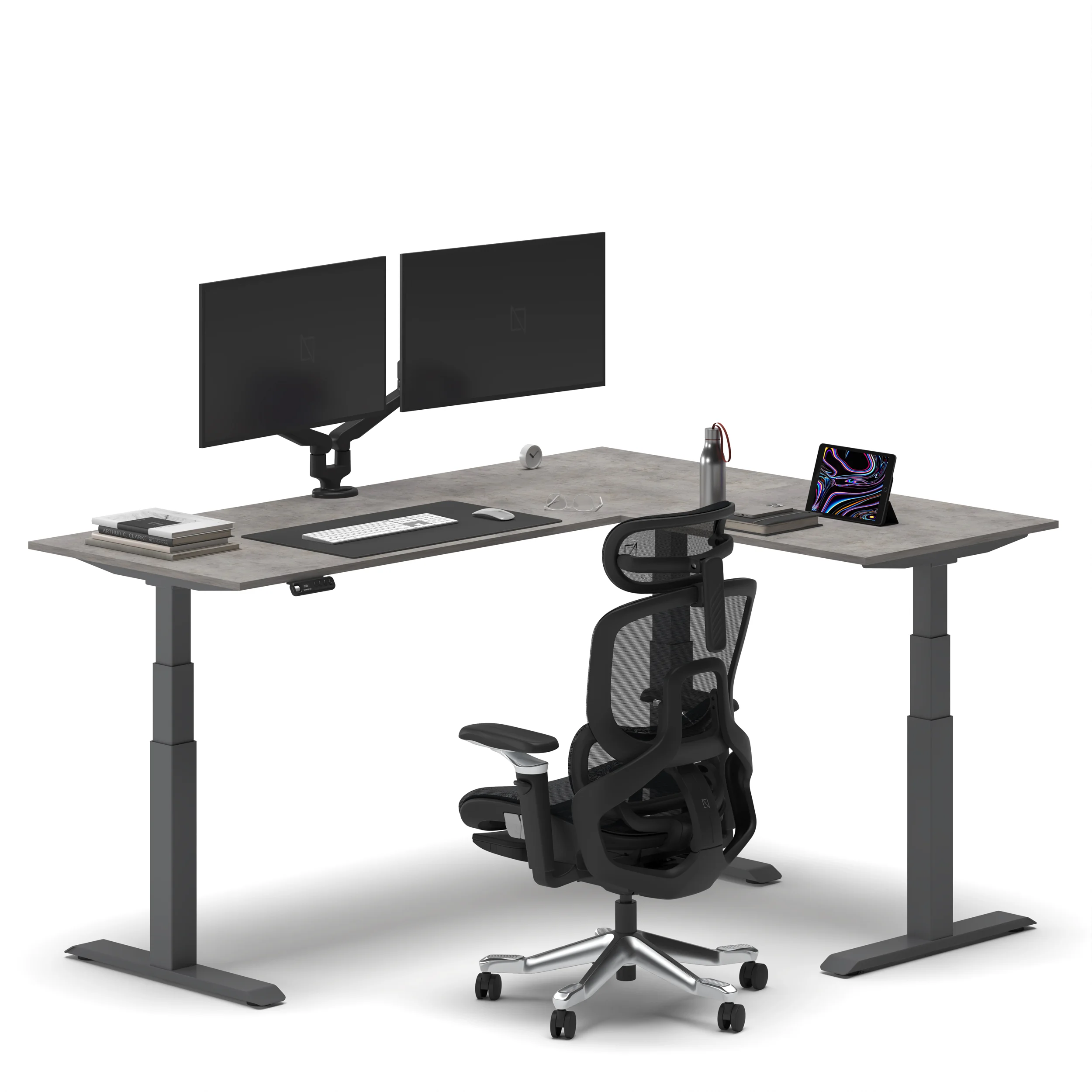
L-desk benefit analysis shows the decision clearly: if you focus on one screen and one task, a straight desk works well and costs less. If you use two or more screens, have papers around your keyboard, or keep a desktop PC next to a laptop, the L-shape gives you plenty of usable space.
The global L-shaped desk market is set to hit $13.6 billion by 2032. This shows a growth rate of 6.25% from 2024. The gaming segment is growing even faster, at about 15% CAGR. This growth highlights how dual-monitor and multi-peripheral setups are popular not just for work, but also for gaming.
Who doesn't benefit: Single-monitor users with focused, single-task workflows. The L-shape adds footprint and cost without adding functional surface beyond what a straight desk provides.
What Are the Setup Mistakes That Defeat L-Shaped Desk Ergonomics?
Common L-shaped Desk Ergonomic Mistakes:
(1) Placing the primary monitor in the corner. This forces you to lean forward or sit back, both of which are bad for ergonomics.
(2) Typing on the return. This causes sustained lateral torso rotation.
(3) Having surfaces at different heights. If the return is lower or higher than the main wing, switching surfaces means constant adjustments.
(4) Underestimating the room clearance needed. L-shaped desks take up much more floor space than straight ones.
The corner is the deepest part of the desk. Placing a primary monitor there makes you lean forward or sit too far back. This is not good for your viewing distance. Instead, the main monitor should be on the main wing, centered at arm's length. Save the corner for items you don’t use often.
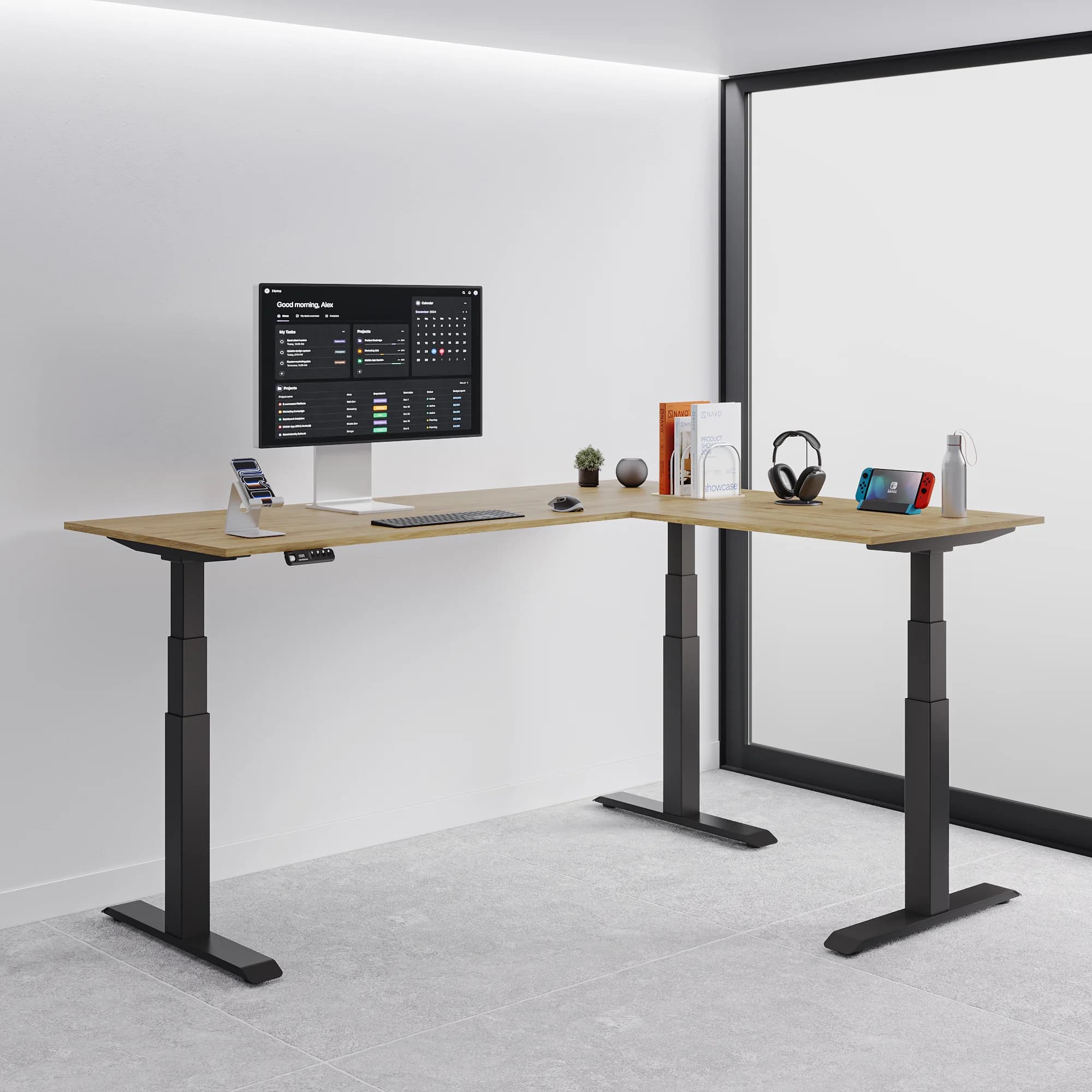
Correct primary monitor position: On the main wing, centred directly in front of you, at eye level (using a monitor arm). Secondary monitor on the return, angled inward at 20–30°. Input devices (keyboard, mouse) in the primary zone only — never positioned on the return requiring lateral reach during typing.
What Are the Navo L-Shaped Desk Options?
Navo has two types of L-shaped desks:
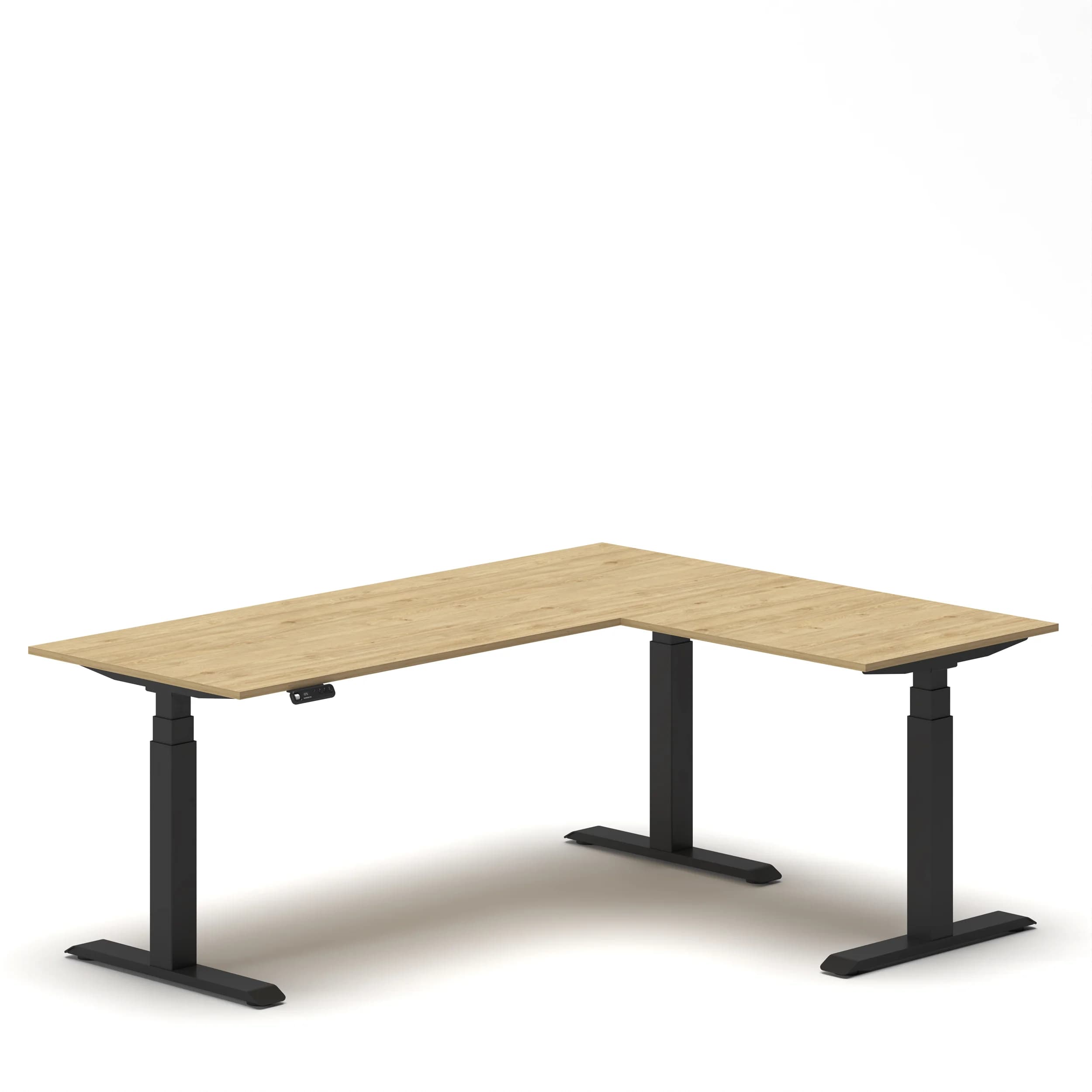
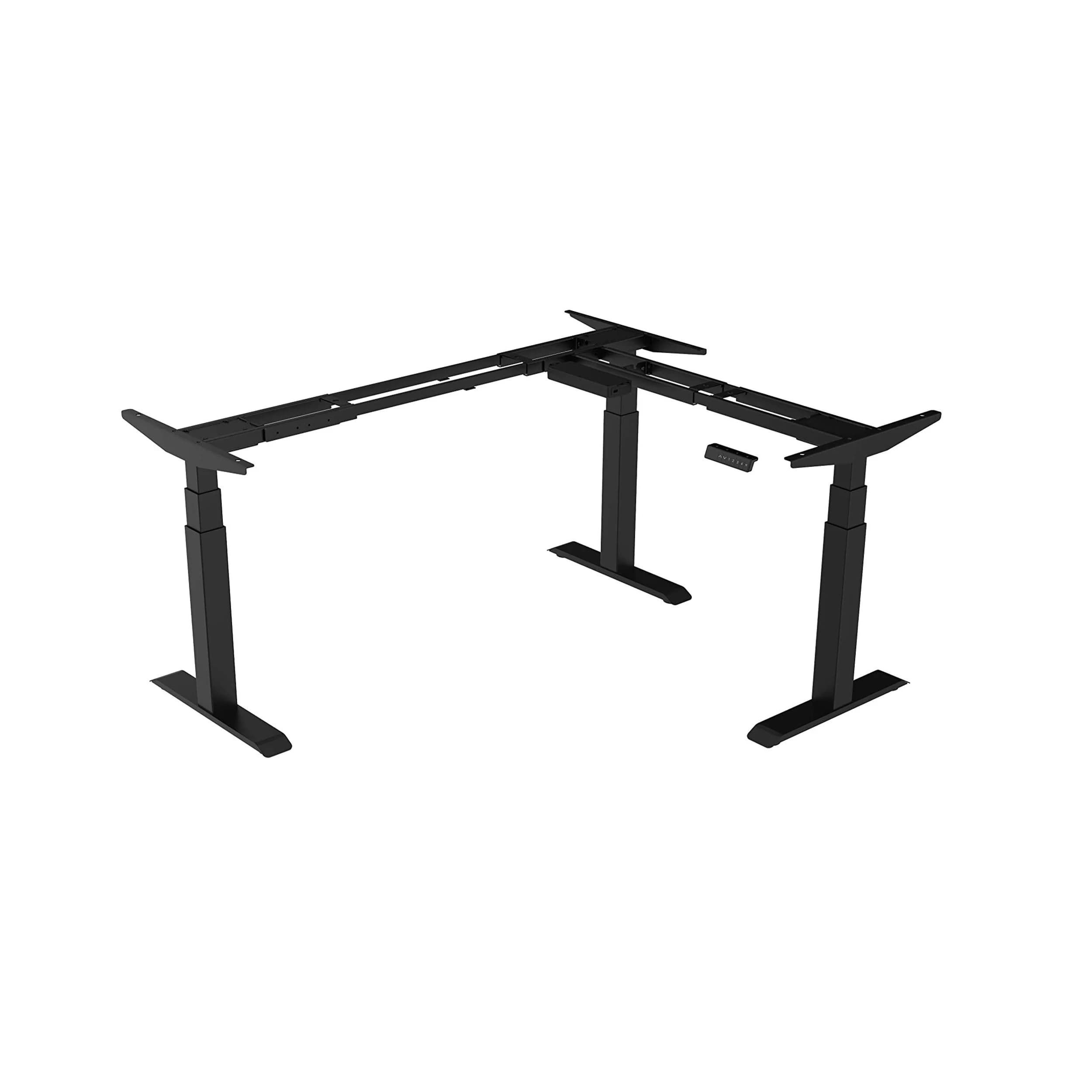
Navodesk Studio L-Shaped Standing Desk: This desk is electric height-adjustable. It has a multi-zone setup and four memory presets.
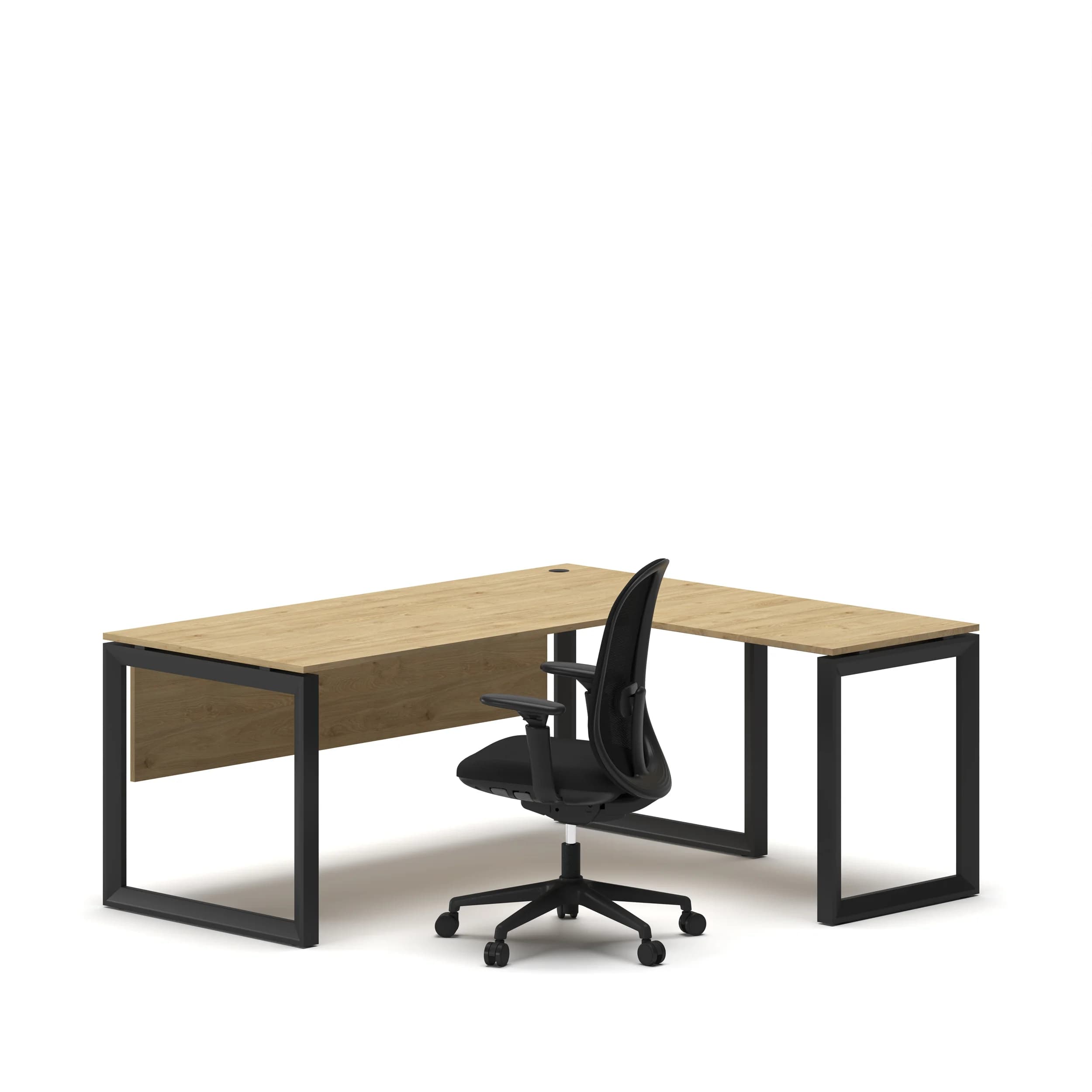
L-Shape Executive Desk: This one has a fixed height and is BIFMA-certified. Its main side adjusts from 120 to 180 cm, while the return measures 70 to 100 cm. It features a heavy-duty telescopic frame and comes with a 5-year warranty.
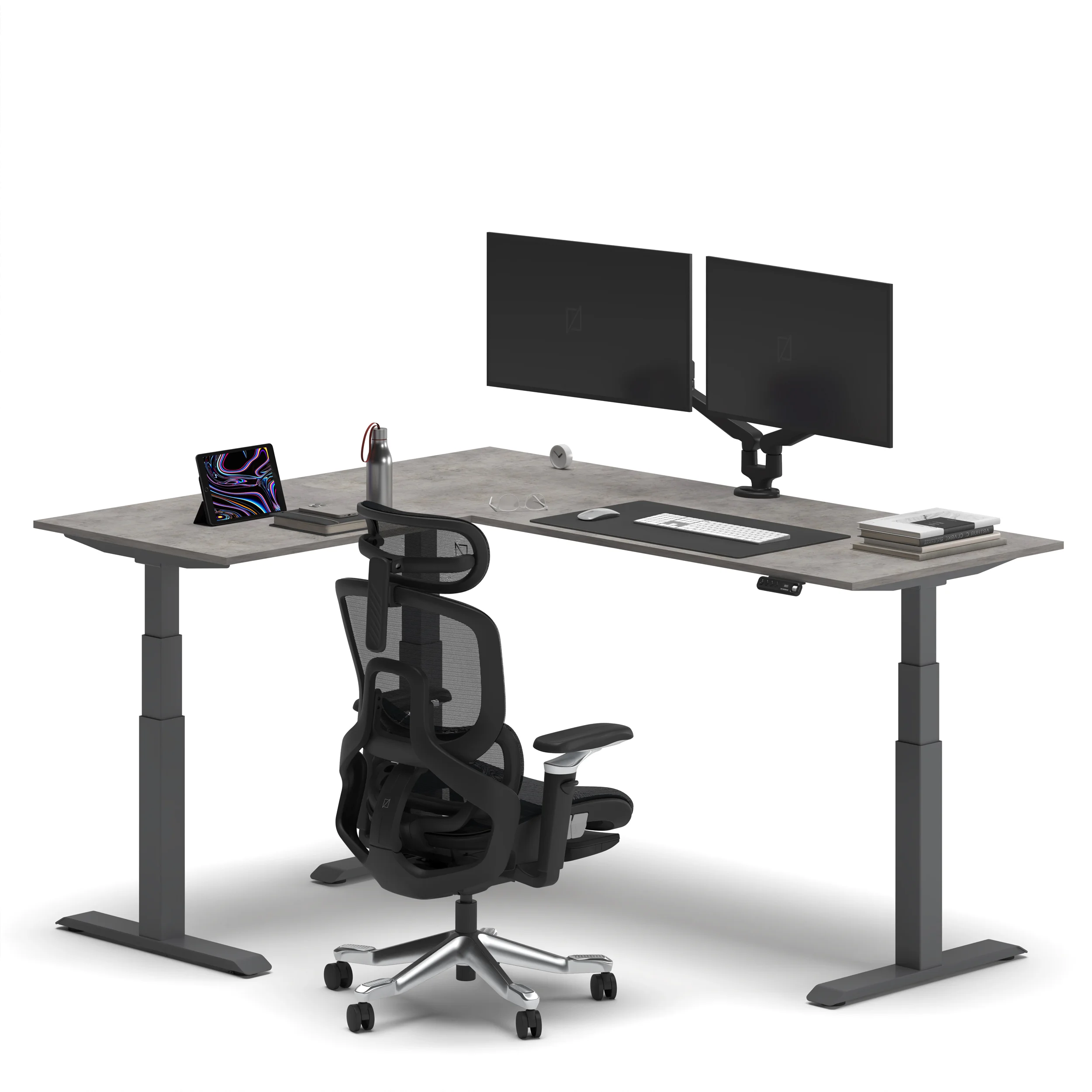
Navodesk Studio L-Shaped Standing Desk
Built for multi-zone work setups — managing dual monitors, design work, gaming, or switching between focused tasks throughout the day. Electric height adjustment lets the entire L-surface rise to standing height, maintaining both zones at the correct ergonomic position simultaneously. One side serves the main workflow, the other supports accessories, documents, secondary devices, or a separate task zone.
Who it’s for:
Professionals
Creators
Home office users
This is for anyone needing extra space and real sit-stand options across the entire L-surface.
L-Shape Executive Desk — Series O
BIFMA-certified, heavy-duty telescopic frame. The main side extends from 120 to 180 cm. The return side ranges from 70 to 100 cm. This design allows for customizable dimensions to fit different office layouts. 5-year warranty. Fixed height — designed for executive offices, this desk is tailored for one user in a dedicated spot.
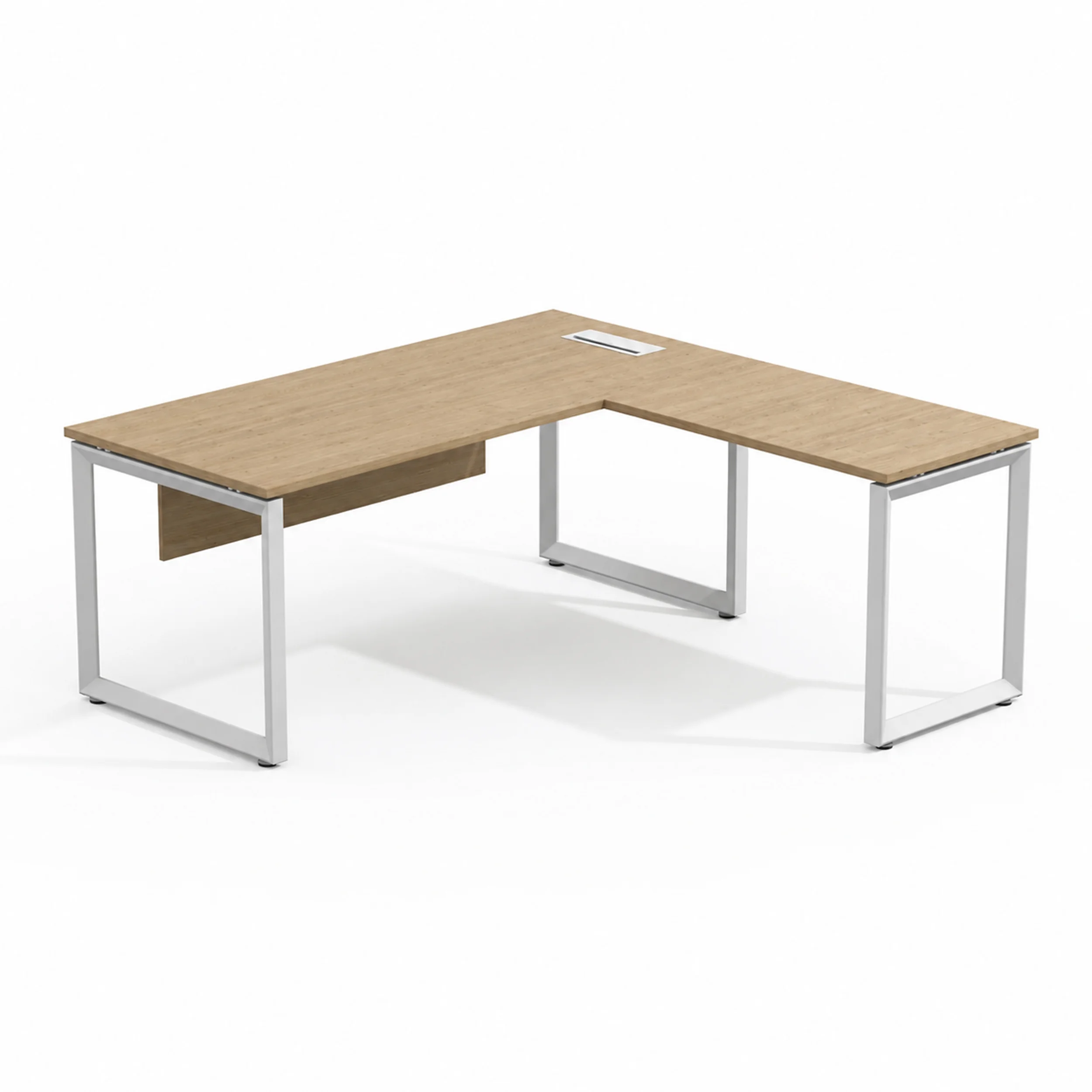
**Who it's for:** Executives and senior professionals in private offices. This is for spaces where adjustability isn't needed. Here, material presence and storage matter most.
Navodesk Flex L-Shape Frame
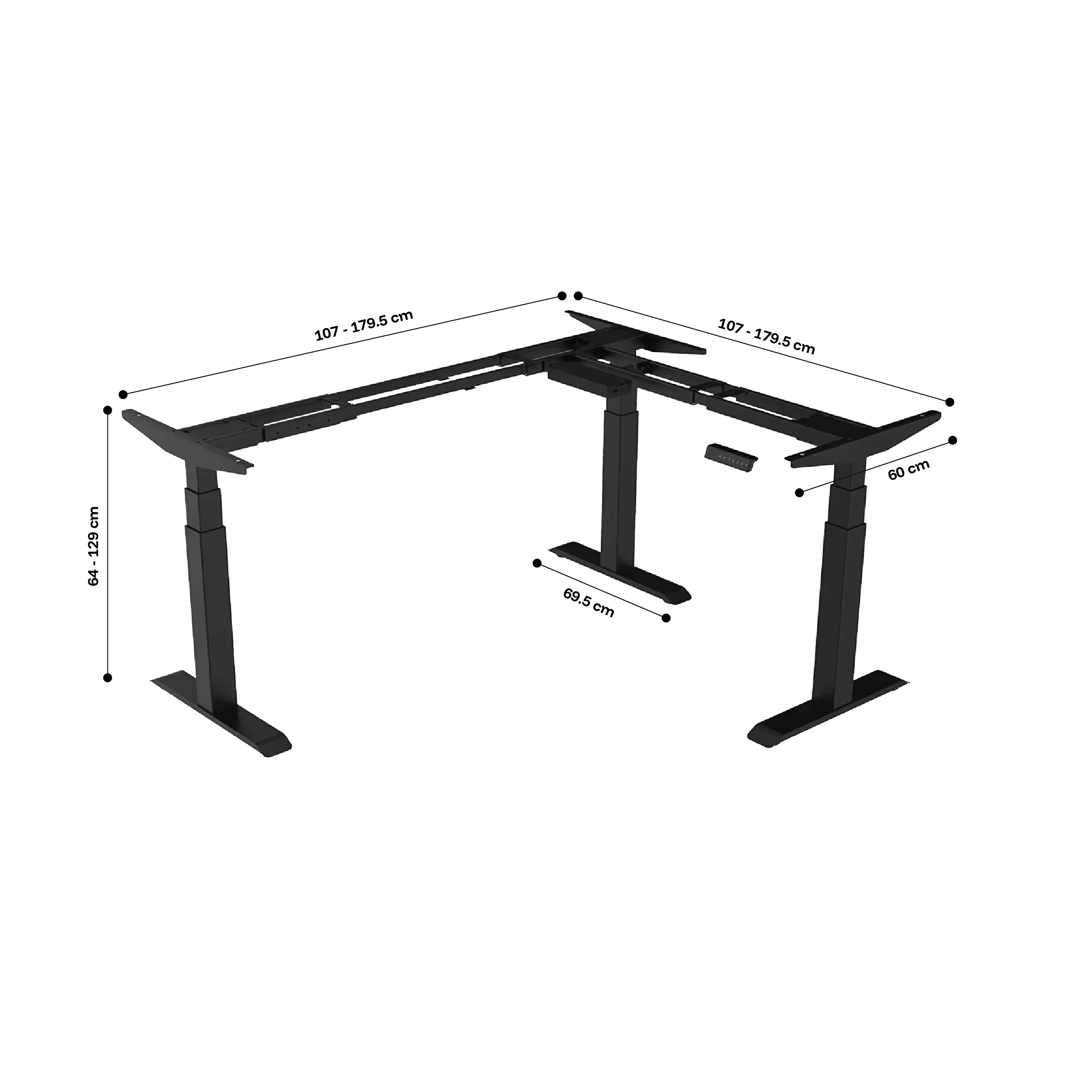
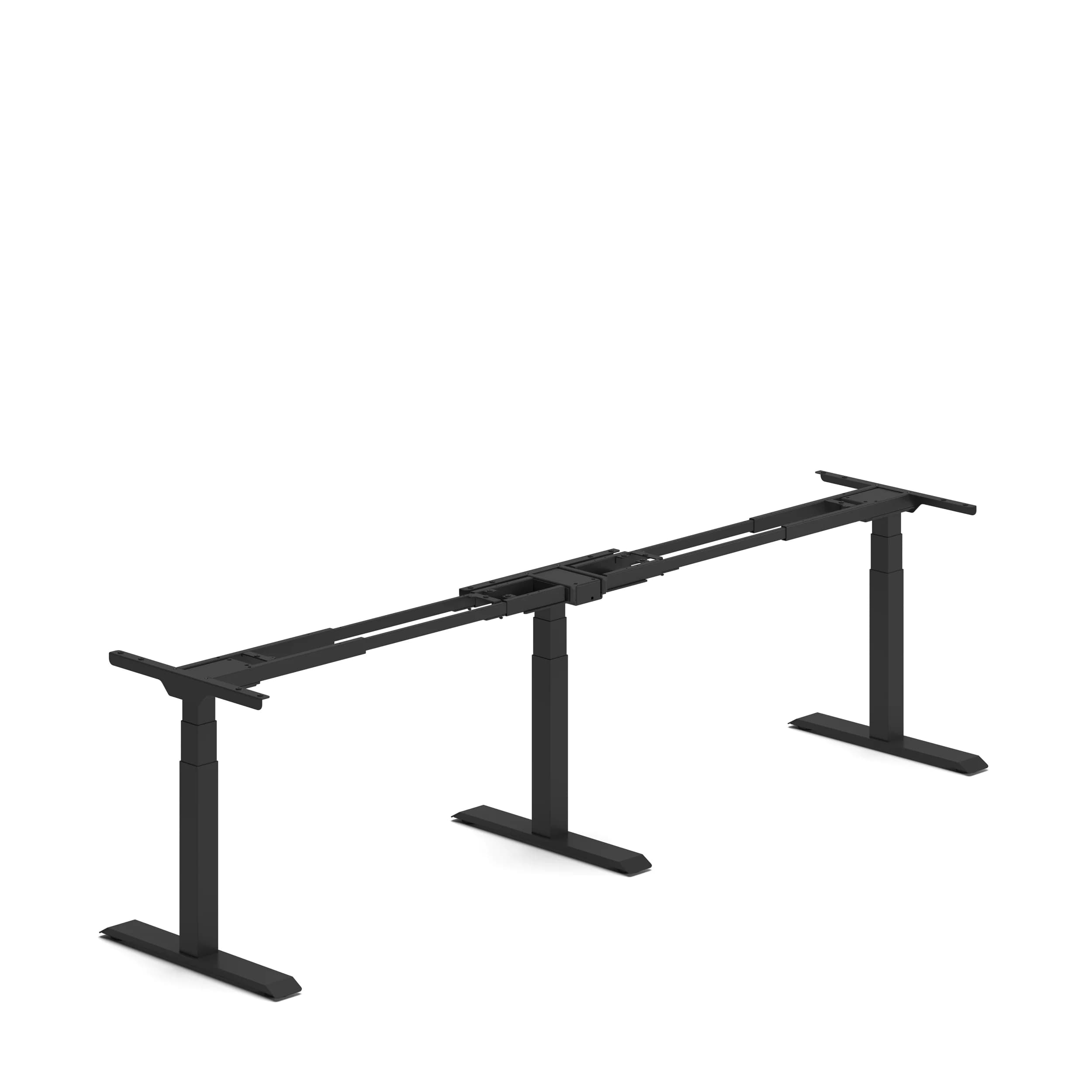
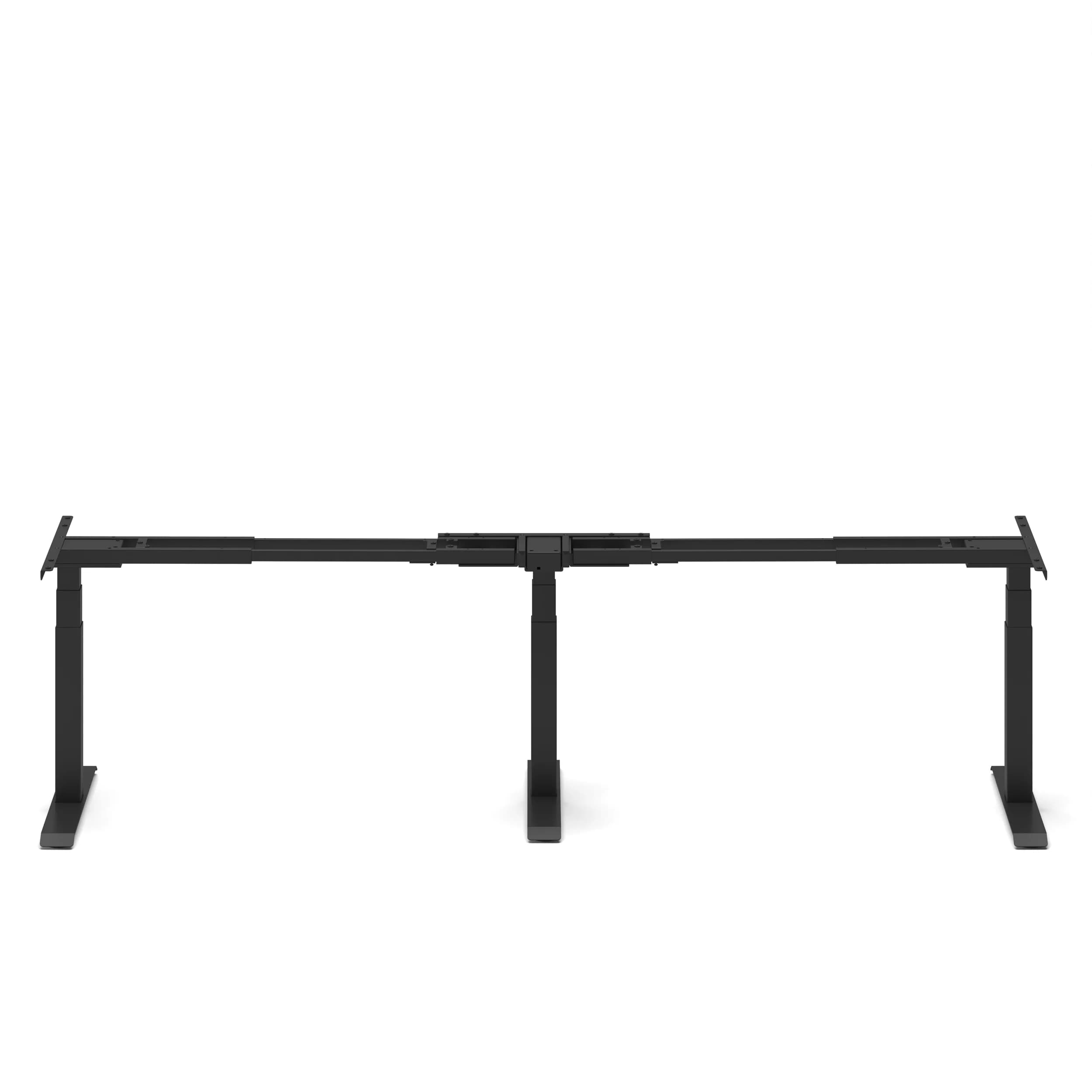
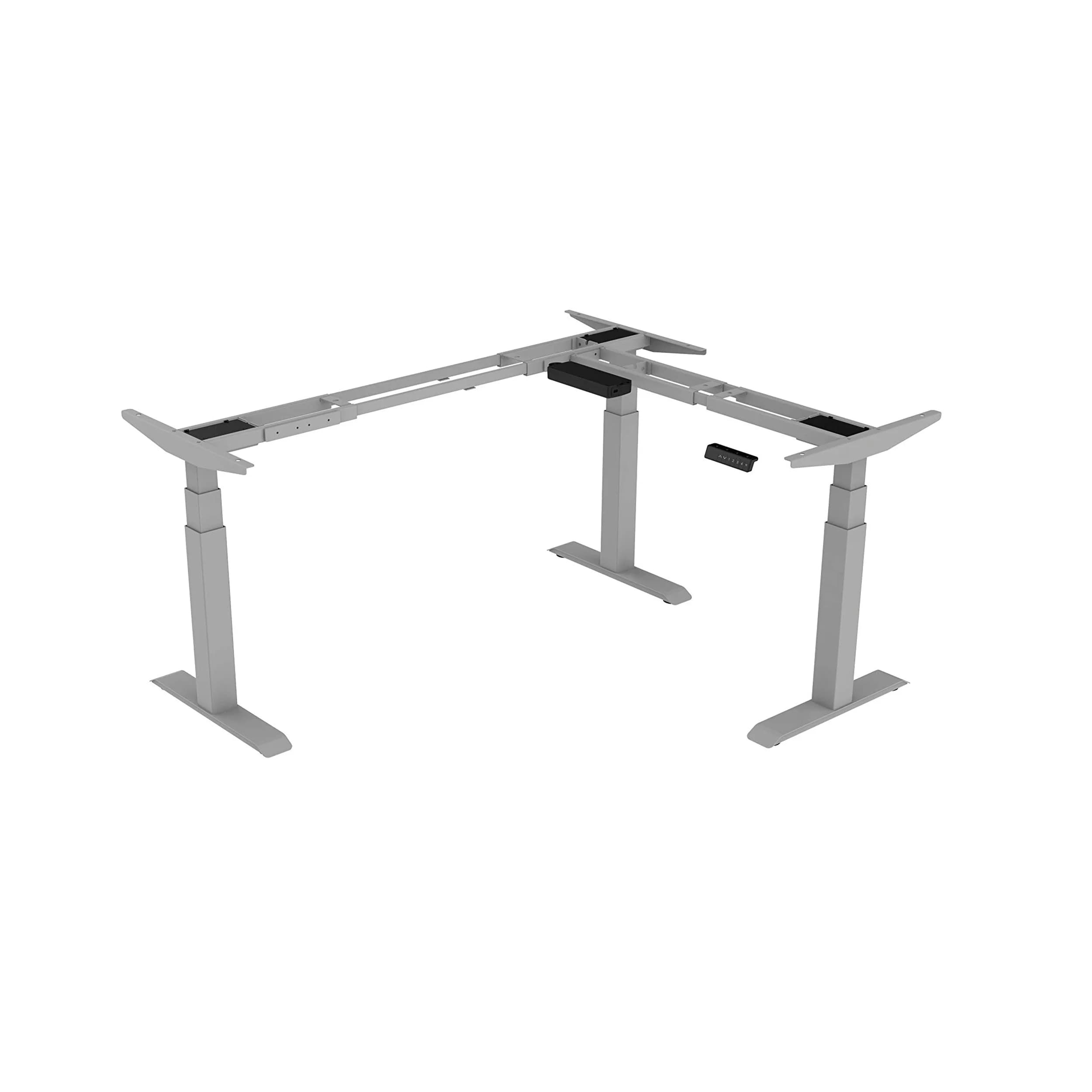
Height-adjustable L-shaped frame with adjustable configurations of 90°, 120°, and 180° — compatible with custom desktops including butcher block, solid wood, and bamboo. For users who want the Flex L-Shape standing desk height range and triple-motor capacity with a custom tabletop.
How Do You Set Up an L-Shaped Desk Ergonomically?
An ergonomic L-shaped desk setup follows standard desk principles but adds zone discipline. Place the primary monitor at eye level on the main wing using a monitor arm. Keep the keyboard and mouse in the primary zone at the right elbow height. The secondary monitor should be on the return, angled 20–30° inward. Make sure the secondary zone surface is the same height as the primary, which is crucial for dual-motor L-shapes.
These desks fit adjustable monitor arms to set screens at the right height and distance. They also support keyboard trays for proper input device height. Plus, they offer cable management for the extra cables from two monitors and a PC.
For the cable management challenge L-shaped desks create, especially height-adjustable ones, check out our standing desk cable management guide.
ANSI/HFES 100-2007 specifies that for dual-monitor L-shaped setups, both wings must reach the same work surface height to prevent asymmetric posture during cross-zone tasks. This is built into the Navodesk Studio's dual-surface simultaneous adjustment.
Frequently Asked Questions
- Better for: multi-monitor setups, creative workflows, corner spaces in Dubai apartments. Not necessarily better for: single-monitor focused work, compact spaces where corner placement is impossible, or workflows that don't involve multiple simultaneous task areas. The L-shape adds floor footprint — confirm you have 90cm clearance on all accessible sides before purchasing.
- Electric L-shaped standing desks from Navo (Navodesk Studio) adjust both wings simultaneously — the entire L-surface rises and lowers as one unit. This maintains the ergonomic relationship between the two zones. Check this specification for any L-shaped desk — some lower-cost models move only the main wing, creating height mismatch.
- The desk dimensions plus 90cm clearance on all accessible sides. For a typical 160cm × 120cm L-shape, the minimum room zone is approximately 340cm × 300cm (desk plus access clearance on three sides). Measure your actual space before purchasing — particularly in Dubai apartments where study rooms and home office areas can be compact.
Need Help Building Your Ergonomic Setup?
We'll guide you to the perfect chair, desk setup, and comfort tips for a productive workday.
Shop Office FurnitureExplore Our Premium L-Shaped Desks
Smart, Stylish, and Space-Saving Solutions for Your Ideal Workspace
 2,850
2,850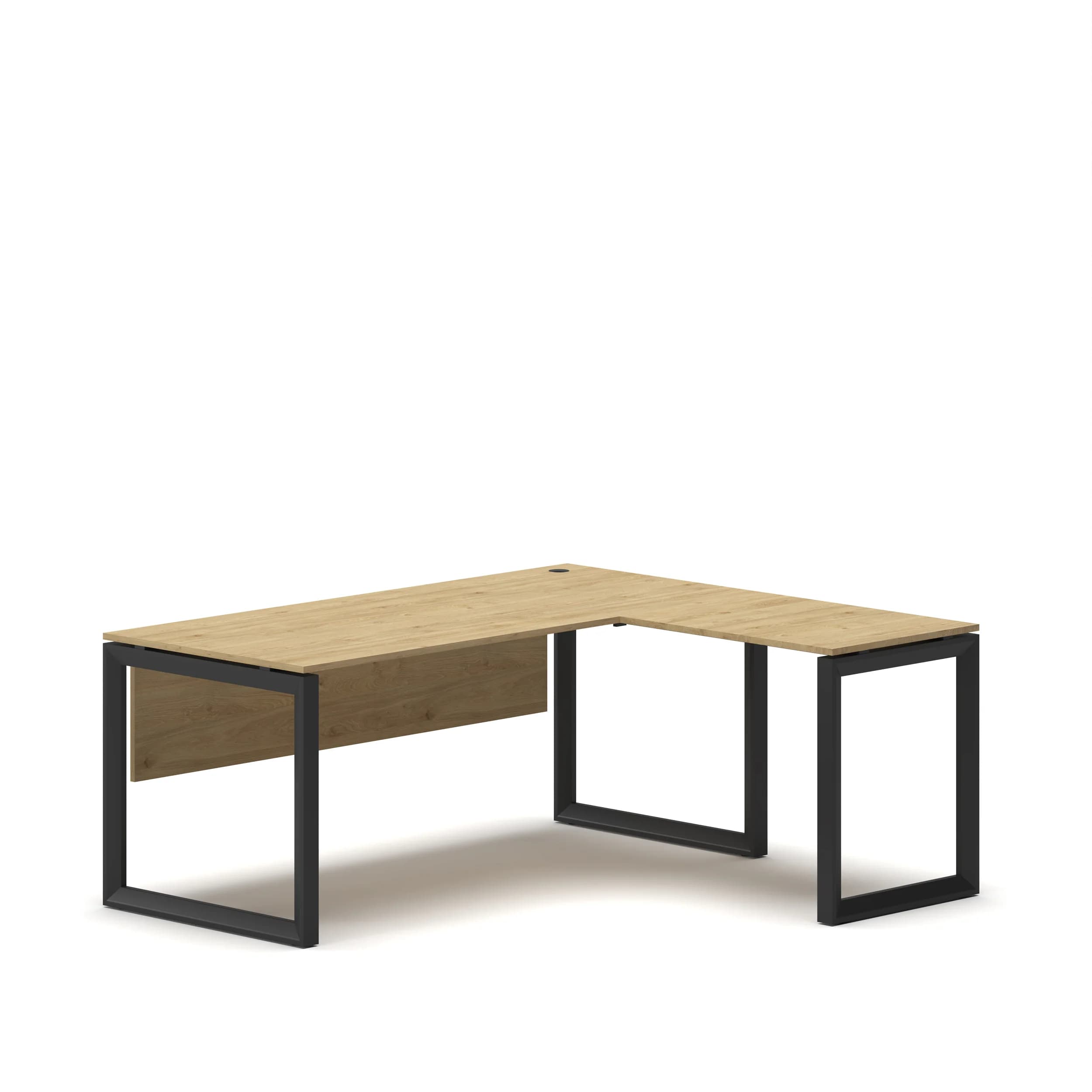
Popular Blogs
View all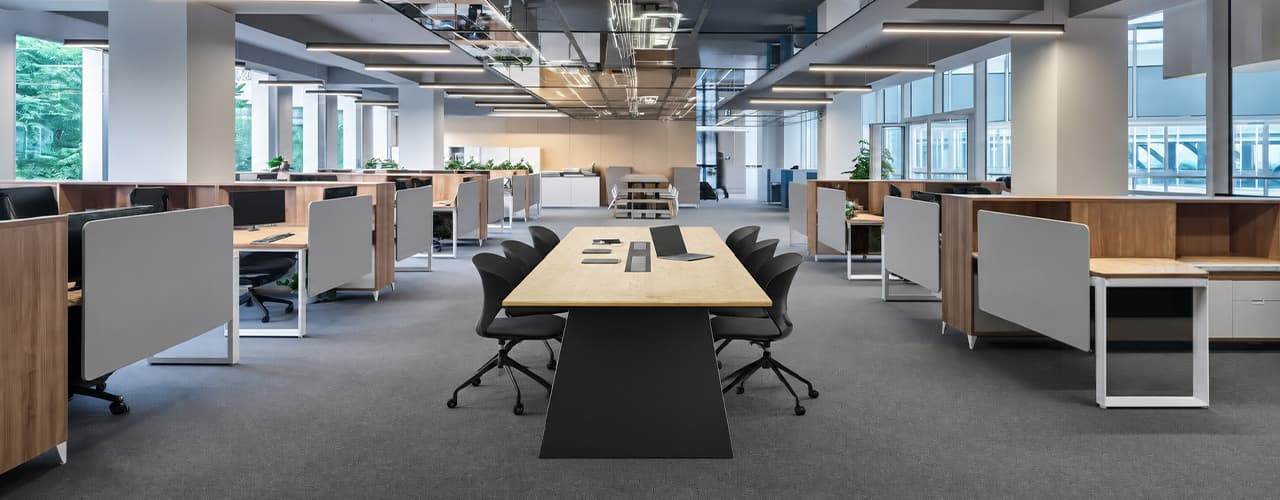
Open Plan vs Cubicle vs Hybrid Office Layout: Which Is Right for You?
The open-plan office was supposed to fix everything the cubicle farm got wrong. It didn't. It created a different set of problems and left people nostalgic for the one thing cubicles did well: quiet. The hybrid layout is positioned as the solution that addresses the shortcomings of both. It might be only if it fits how a specific team works. It shouldn't be a mix of two philosophies that didn’t help the team before. This guide shows what each layout offers and where it falls short. It also helps you choose the best option-or combination-for your office in Dubai or the GCC.
Key Findings
*Global office use is now at 53%, up from 38% in 2024. Also, 69% of teams have over 40% of their staff sharing desks. This shows that 2019 workspace designs don’t fit current needs.
*A Harvard study found that open-plan spaces often lower face-to-face interaction. Instead, they boost digital communication. This is the opposite of what these designs aim for.
*A hybrid model conversion at a 120-person SaaS company restored engineering deployment speed to baseline. It also reduced voluntary turnover in technical roles by 18% over nine months.
*Steelcase research shows that companies improving their work environment boost productivity by 17%.
*In 2026, the most innovative UAE offices aren’t just picking open plans or cubicles. They’re creating “activity neighborhoods.” These are clusters of spaces designed for different work styles.
*No layout is universally right. The best choice depends on your team's work style, industry, hybrid attendance ratio, and specific acoustic needs for your floor.
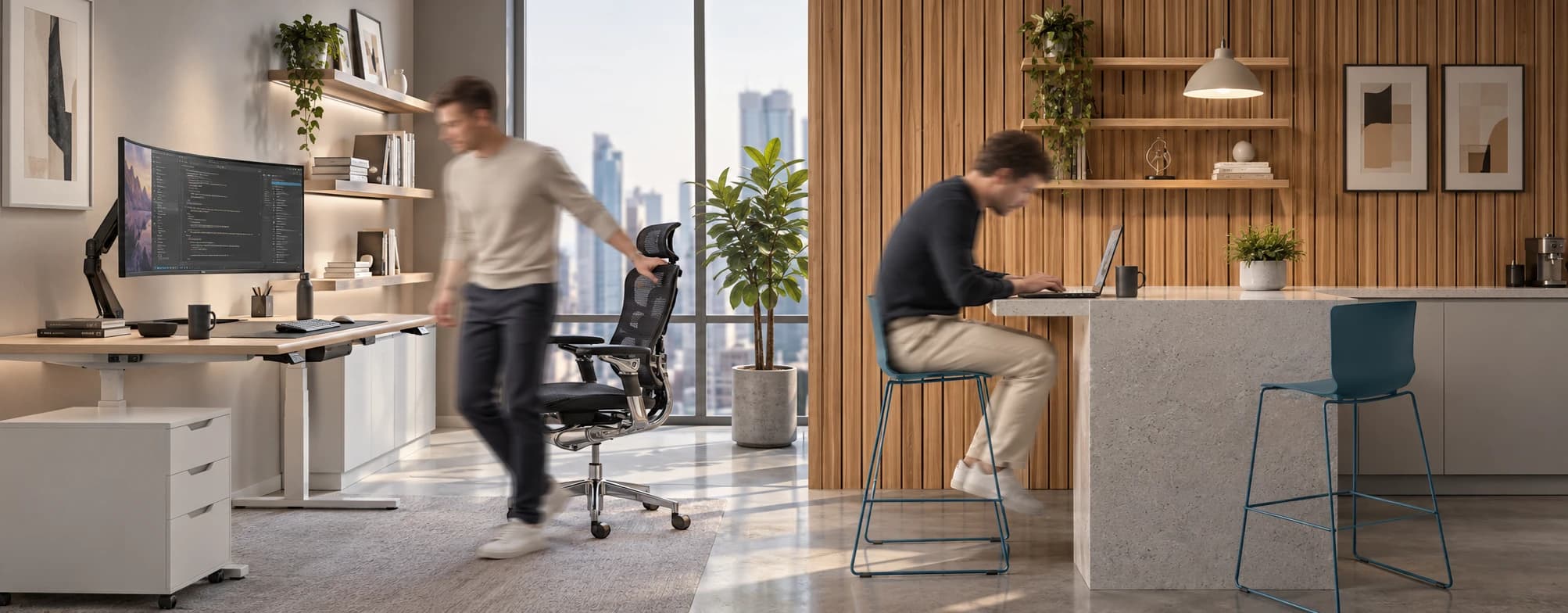
Sitting isn’t the Enemy, How You Sit Is: How to Align Your Desk for Zero Back Strain
If your job keeps you at a desk for most of the day, you are not alone—and you are not stuck. Software developers and data entry keyers spend 100% of a typical workday seated, while financial managers sit for 94%. Sitting is a standard part of modern work, so the real goal is learning how to reduce its physical impact while staying productive.
What the Research Shows
*Sedentary Volume: Adults in high-income countries spend 11–12 hours daily sitting over 75% of their waking hours (British Journal of Sports Medicine).
*Cardiovascular Risks: Sitting 6–8 hours daily increases cardiovascular event risk by 125% to 150% (Mayo Clinic).
*The 22-Minute Counter: 22 minutes of daily moderate-to-vigorous activity (brisk walking, cycling, active housework) offsets the mortality risk of prolonged sitting (BJSM).
*Micro-Break Impact: 5-minute movement breaks every hour significantly reduce fatigue and improve mood without hurting work performance (2026 BJSM Study).
*Gym Fallacy: A 60-minute workout in the morning does not fully reverse 9 hours of continuous sitting; daily movement breaks are still required.
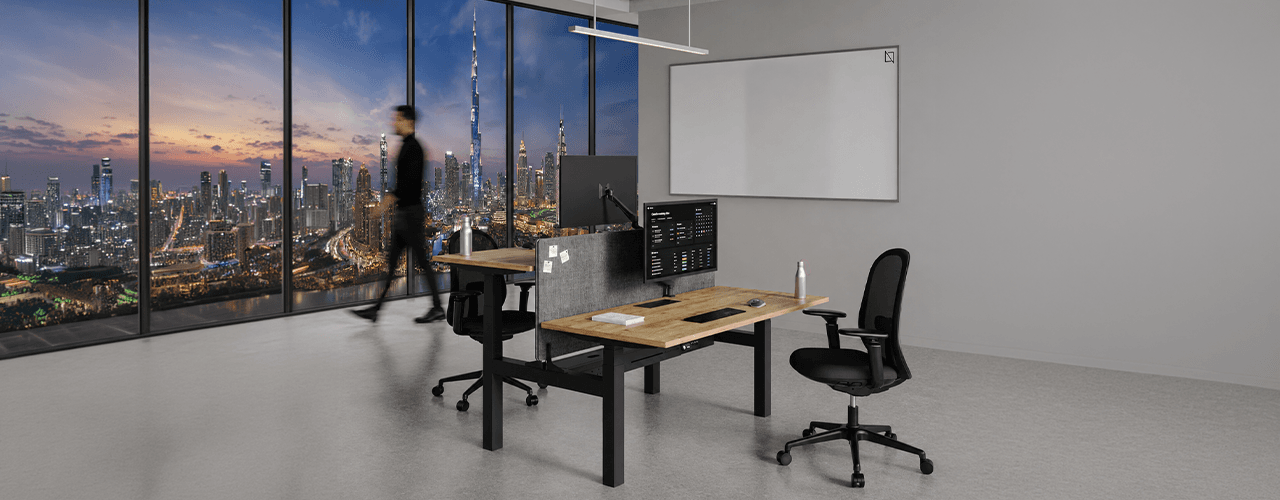
The Ultimate Office Furniture Setup Checklist for Modern Teams
Most offices aren't badly furnished. They're incompletely furnished. A great chair paired with the wrong desk height. A standing desk with no monitor arm. A collaborative floor with no acoustic separation.
The gap is rarely one big thing. It's several small things missing from the same setup at the same time.
This checklist covers every furniture category a modern UAE office needs — what to look for, what to avoid, and what the research says about each. Use it for a new fit-out, an upgrade review, or a department-by-department audit.
Key Findings
*The chair is the top furniture investment for knowledge workers. It has the most contact hours and directly impacts posture, energy, and afternoon performance.
*Fixed desks at 75cm fit about 30–40% of UAE office teams well. Height adjustability isn’t a luxury; it meets everyone’s needs.
*Open-plan offices without acoustic zones can lose employees up to 86 minutes of productive time each day. This is based on workplace productivity research.
*EU-OSHA highlights musculoskeletal disorders as the top workplace health concern worldwide. Poor seating and desk height are key factors.
*CBRE's 2026 Global Workplace Insights reveals that 69% of organizations have over 40% of staff sharing desks. This shift means adjustability is now a standard requirement, not just an upgrade.
*Quality ergonomic chairs last 8–12 years. A BIFMA-certified chair costs less per year when spread over 10 years. This cost is lower than one physiotherapy session for occupational back pain in Dubai.
You x Navo
Feel free to reach out to us for any queries & concerns