

 Visit our Showroom
 +971 585905046
Take me to
Why Balance Matters When Using a Standing Desk
Long workdays adjust the body to stillness, but not without cost. Muscles tighten, blood slows, and focus fades. A standing desk can change that, but only if used with care. And balance is the primary point!
Standing all day strains the legs and lower back, while sitting too long dulls the mind and compresses the spine. The answer lies in motion:
Shift your weight.
Bend your knees.
Raise or lower your desk as the day moves.
These small changes wake the body and clear the head. In modern offices built for comfort, it’s easy to forget that work was never meant to be still. Balance is movement done with purpose—steady, natural, and human.
Also Read: What Are the Health Benefits of Using a Standing Desk?
The Ideal Standing Time at a Standing Desk According to Experts
Experts agree that the body was built for movement, not stillness. Standing for short periods—fifteen to thirty minutes each hour—keeps blood moving and the back light. Over time, this adds up to two to four hours a day. Enough to stay active.
The science is simple. Muscles heal when they move. Sitting and standing in turns lets the spine open and the core hold steady.
Start small. Stand through one meeting. Sit for the next. Let the body learn. It will find its own pace if you let it.
Listen to Your Body and Find Your Comfort Zone with Standing Desk
Ergonomists suggest that if your heels or knees ache, it’s time to shift, not push through. Use an anti-fatigue mat to ease pressure or wear shoes with firm support. Even small breaks—a slow walk to refill your water or a stretch near your desk—restore balance.
Comfort is an alignment between what the body can do and what the day demands. Learn that rhythm and you’ll last longer, work better, and feel lighter by evening.
Common Mistakes to Avoid While Standing at the Standing Desk
Standing desks work best when used with awareness. Small mistakes build fatigue, not strength. Knowing them early helps you move better and stay comfortable through long office hours.
1. Locking Your Knees
2. Wearing Uncomfortable Shoes
3. Standing Too Long Without Breaks
4. Incorrect Desk Height
5. Ignoring Discomfort
How to Alternate Between Sitting and Standing Effectively
The body was built to move. It works best when motion is part of the day. Small, steady changes keep muscles alive and energy even.
Here’s a simple routine that works for most office schedules:
Sit for 45 minutes → Stand for 15 minutes → Take a short walk.
Repeat this cycle through your workday. It trains your muscles without breaking concentration.
Set a timer if you forget. Soon, your body will remember on its own. You will stand when you need to and sit when it feels right.
When you switch, adjust your desk. Keep your elbows bent at a right angle. Let your eyes meet the top of your screen. Small changes make a big difference. They stop the neck from straining and the back from sagging.
Movement doesn’t break focus. It clears it.
Choose the Right Height-Adjustable Desk
Look for one with solid legs, quiet controls, and a wide surface. Smooth height changes matter more than design. A strong frame keeps your setup still, even on hard floors.
If you work long hours, an electric lift helps. It shifts height at a touch—fast, silent, sure. Your screen stays level and your shoulders stay relaxed.
If you are setting up a modern workspace, buy height-adjustable desks in Dubai that fit both your comfort and environment. Choose one that moves as fluidly as you do—because when your desk adjusts to you, focus comes easier, and fatigue fades sooner.
Final Takeaway
Standing desks transforms how your body feels during work.
Listen to your body. Sit when it needs rest. Stand when your focus drifts. Move when you feel heavy.
Balance keeps you steady through long hours. A few inches here, a few minutes there—these small shifts decide how you end your day.
Choose comfort that lasts. Invest in an ergonomic desk that suits your space and pace. The right desk helps you work better and maintain good health, with efficiency and focus.
Need Help Building Your Ergonomic Setup?
We'll guide you to the perfect chair, desk setup, and comfort tips for a productive workday.
Popular Blogs
View all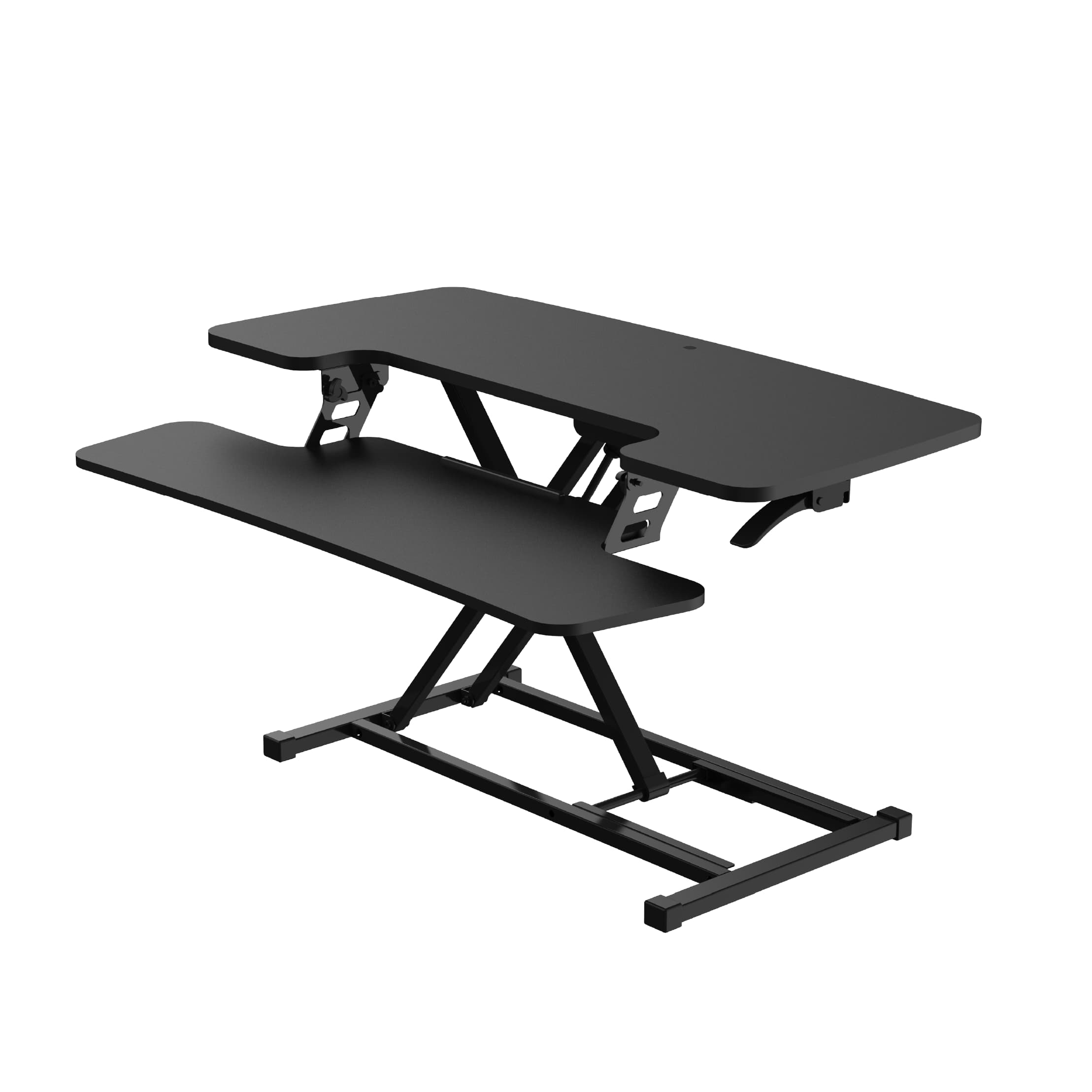
What Is a Desk Riser?
There's a moment most WFH professionals recognise—somewhere around 2 PM, lower back tightening, energy dipping, suddenly very aware you haven't moved in three hours. The solution everyone recommends is a standing desk. The price tag makes you reconsider.
Enter the riser desk—positioned as a cheaper, easier alternative. But what actually is it, and does it genuinely solve the same problem?
So lets understand what is a desk riser and what's the difference between standing desk and desk riser
What Is a Desk Riser?
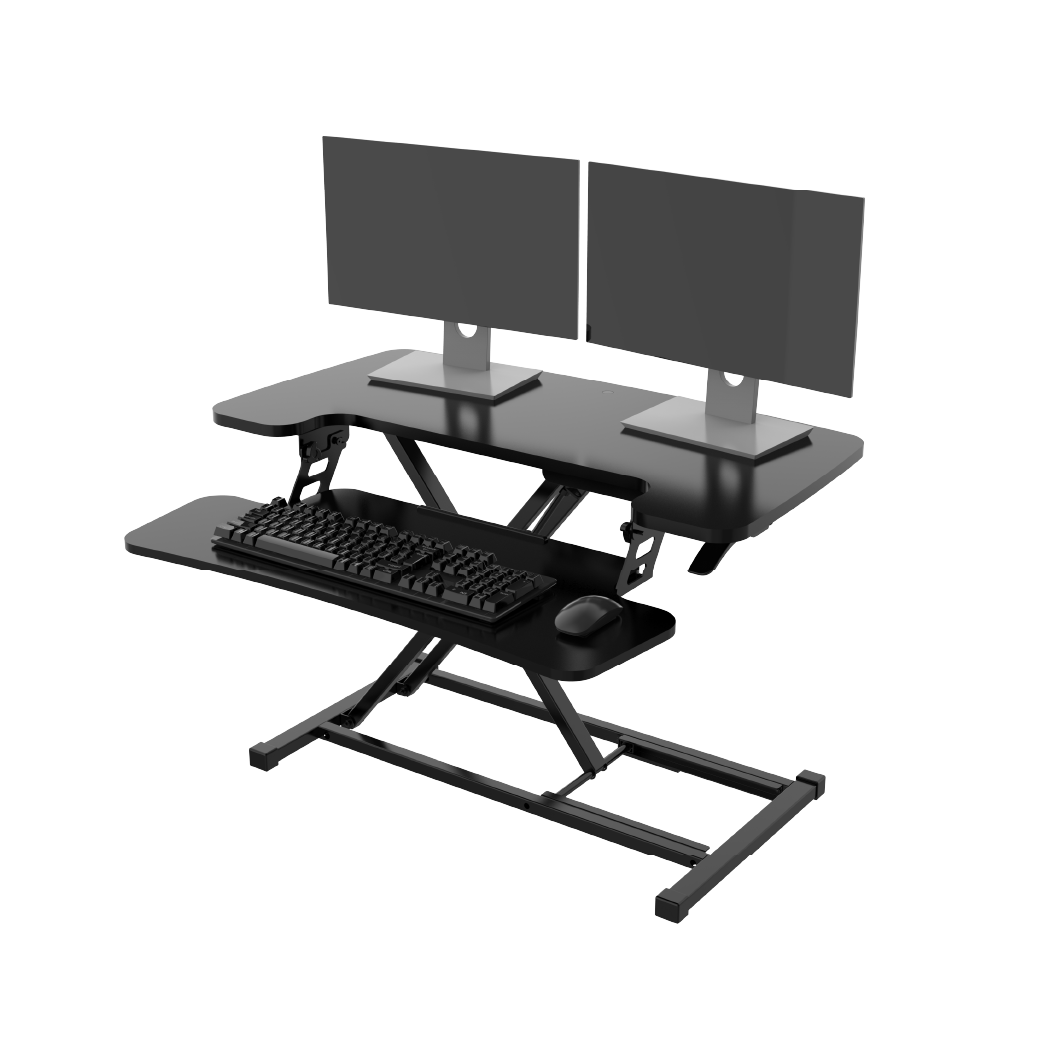
A riser desk—also called a standing desk converter or desk riser—is a height-adjustable platform that sits on top of your existing desk surface, raising your monitor, keyboard, and mouse to standing height without replacing your desk.
It's an add-on, not a replacement. Your current desk stays exactly where it is. The converter creates a raised working layer above it, which you lift when you want to stand and lower when you sit.
Think of it as a workstation within a workstation.
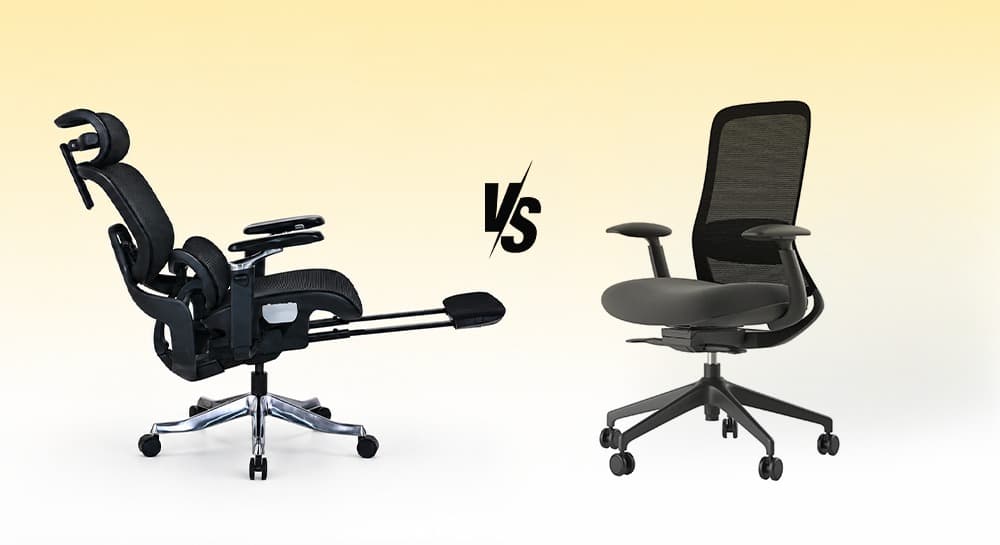
Ergonomic Chair vs Office Chair: Which One Should You Choose?
Most people don't start searching for an ergonomic chair.
They start searching because something hurts.
A stiff lower back. Tight shoulders. Neck strain after a long day at the desk.
That's usually when the question appears:
Should I buy an ergonomic chair or a regular office chair?
The answer depends less on the chair category and more on how long you sit, how often you work at a desk, and how much adjustment your body actually needs.
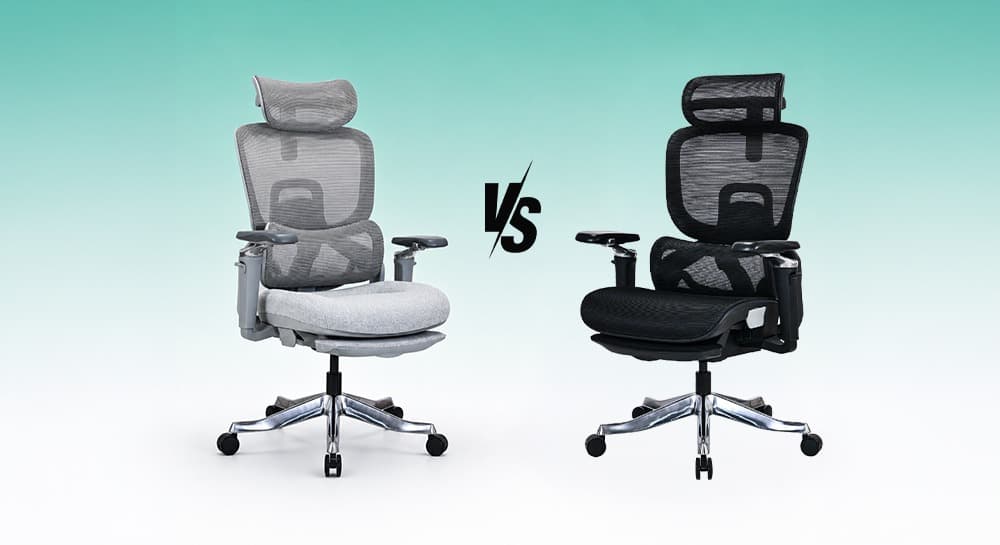
Mesh Chair vs Cushion Chair: Which One Is Better for Long Hours?
Most people choose an office chair based on first impression.
Mesh chairs feel cooler. Cushion chairs feel softer.
But long-term comfort is more complicated than that.
The main comparison of mesh and cushion office chairs focuses on five key factors:
-
Posture support
-
Airflow
-
Pressure distribution
-
Maintenance
-
Long-term performance
It's not just about how they feel in the first 10 minutes.
That’s why users often change opinions over time.
A chair that feels soft initially may feel tiring later. A firmer ergonomic chair may feel better after weeks of consistent work.
Neither option is universally better.
The right choice depends on how you sit, work, and move every day.
You x Navo
Feel free to reach out to us for any queries & concerns