

 Visit our Showroom
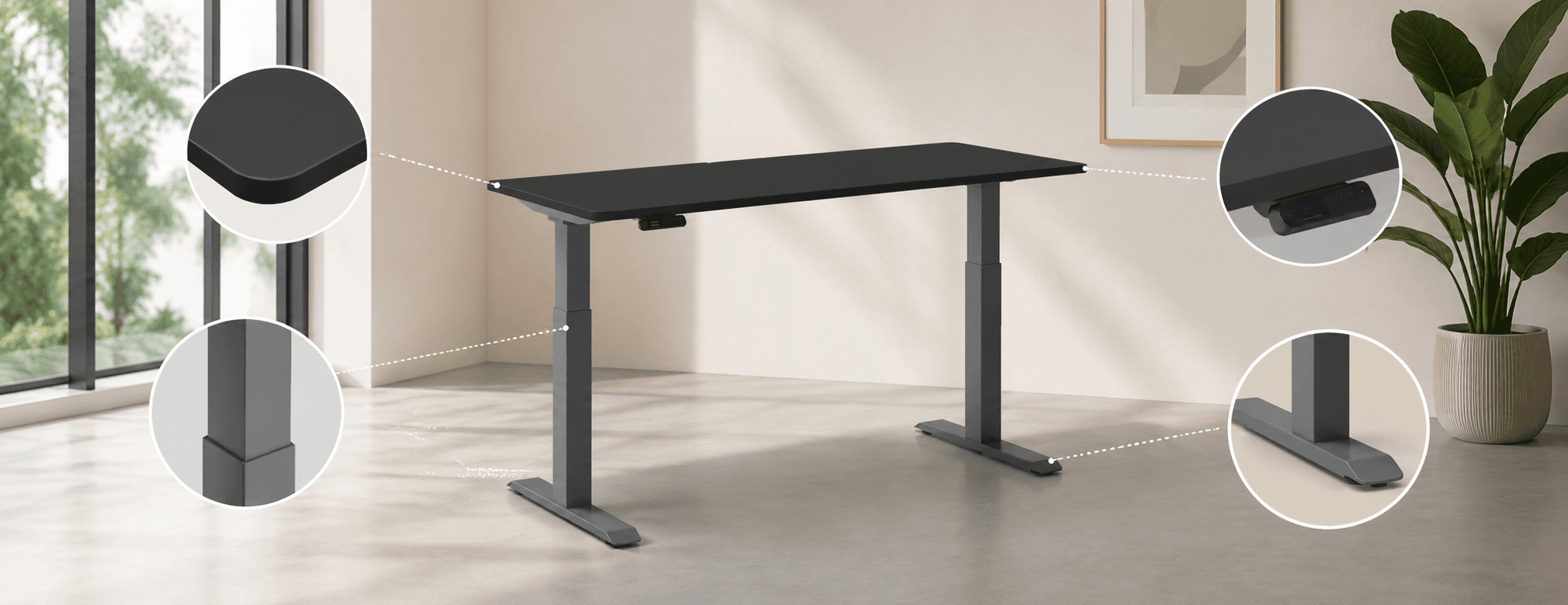
Take me to
What Height Range Do You Actually Need?
The height range you need is determined by two measurements: your correct seated keyboard height (elbows at 90° sitting naturally, approximately 68–75cm for most adults) and your correct standing keyboard height (elbows at 90° standing naturally, approximately 95–120cm depending on height). A desk that doesn't reach your correct seated height fails ergonomically regardless of other features.
This is the most commonly misunderstood specification. Most people evaluate the maximum height (for standing) without checking the minimum (for sitting). A desk with minimum height of 75cm is above the ergonomically correct seated position for any user shorter than approximately 173cm.
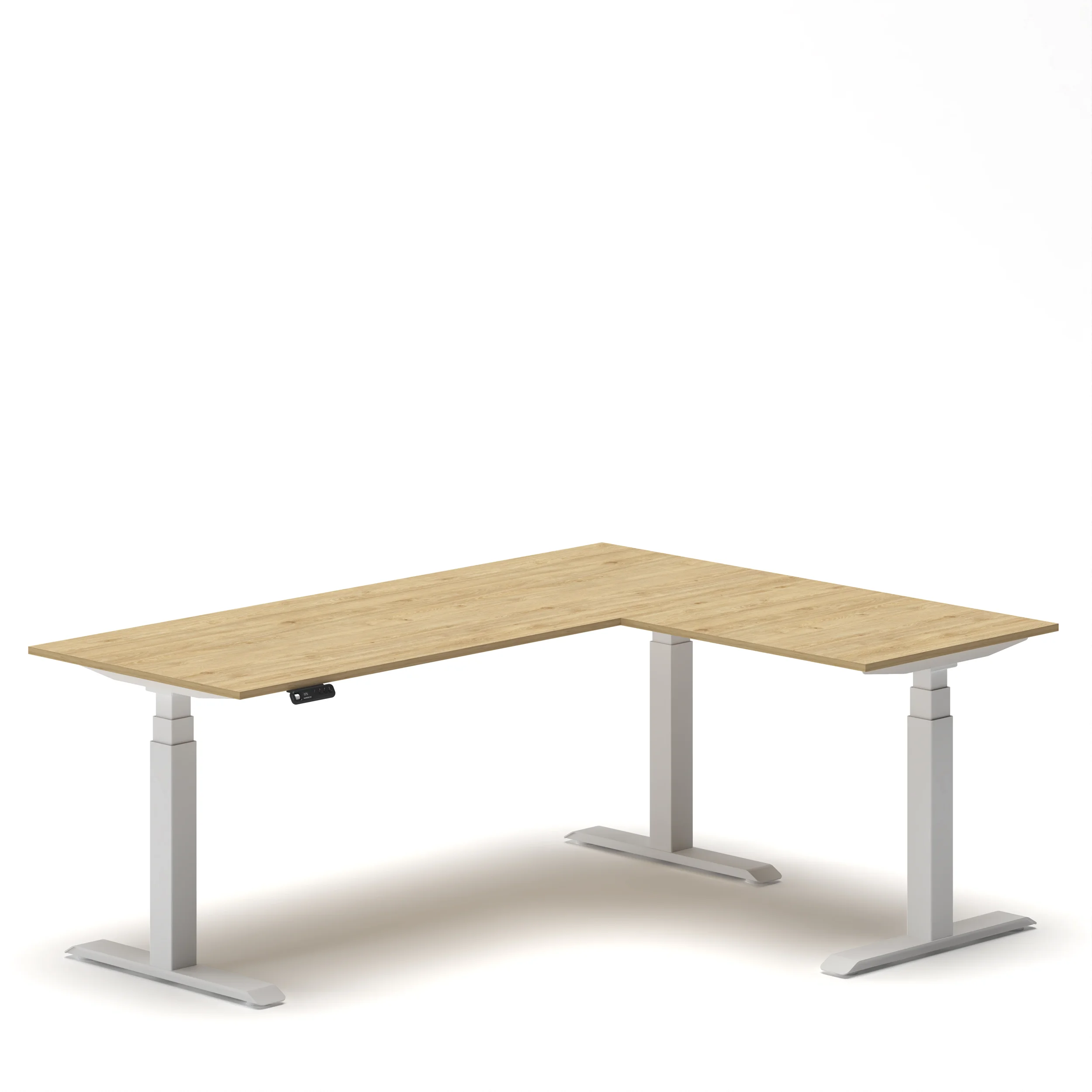
Navodesk height ranges and who they serve:
For shared workstations or hot-desk environments serving diverse GCC international teams, the Flex L-Shape's 58cm minimum is the specification that accommodates the full realistic height range from 155cm to 195cm+.
As covered in our what to look for in a standing desk features guide, the seated height check is the pre-purchase verification most buyers skip.
Single vs Dual Motor: What's the Practical Difference?
A single-motor standing desk drives both legs through one motor and a shared shaft - more affordable, slightly louder, less stable under uneven loads, typically slower. A dual-motor standing desk places an independent motor at each leg - synchronized movement, faster adjustment (32mm/s for Navodesk PRO Frame), quieter operation (~50dB), and stable under asymmetric loads like monitors and PCs positioned unevenly.
The BIFMA X5.5 standard tests furniture for both functional and proof loads. According to ergonomic analysis covered in our standing desk features guide, dual-motor systems are the appropriate standard for any setup with more than one monitor - because asymmetric loading causes single-motor desks to twist slightly during adjustment.
Every electric standing desk in the Navodesk range uses a dual-motor system. The Navodesk Flex L-Shape uses a triple-motor system (one per leg plus one central) for its 150kg capacity.
Why Are Memory Presets the Most Behaviorally Important Feature?
Memory presets save your exact sitting and standing heights to numbered buttons, returning the desk to those positions with a single press. Without presets, each height change requires manual adjustment - the friction that causes most users to stop alternating within 2–3 weeks. With presets, the transition takes one button press and approximately 8–12 seconds. Behavior follows friction; removing friction drives actual use.
This is documented in workplace ergonomics research on sit-stand desk adoption: users without presets show much faster reversion to single-position working than users with preset-equipped desks. The technology doesn't change ergonomics - it changes whether users actually implement the alternation that produces ergonomic benefit.
Preset availability in Navodesk range:
NavoControl™ Pro (PRO model): Memory presets + Bluetooth + activity tracking app + movement reminders
NavoControl Air (AIR model): Memory presets + LED display
Navodesk Executive: Smart LED panel with memory presets
All Navodesk electric models: Memory presets as standard
What Weight Capacity Do You Need?
Calculate your actual setup load, then choose a desk with at least 20–30% headroom above it. Typical dual-monitor professional setup: 20–35kg. Running a motor at or near its rated limit generates more heat, reduces adjustment speed, and accelerates motor wear - shortening lifespan.
Load estimates for common setups:
Laptop + single 24" monitor + accessories: ~12–16kg
Two 27" monitors + laptop dock + accessories: ~25–35kg
Two 32" monitors + desktop tower + accessories: ~35–55kg
Navodesk capacity:
AIR: 100kg (appropriate for any standard setup)
PRO / Executive: 120kg - BIFMA-certified
Flex L-Shape: 150kg - triple-motor, appropriate for heaviest professional setups
2-Stage vs 3-Stage Frames: When Does It Matter?
2-stage frames have two telescoping leg segments; 3-stage have three. More stages enable lower minimum heights and higher maximum heights from a more compact collapsed size - directly affecting which users the desk fits correctly. 3-stage frames also maintain better stability at maximum extension because leg segments overlap more.
2-stage (PRO Frame, Executive): Appropriate for users 165–190cm - covers the most common adult range
3-stage (Flex L-Shape, TILT): Required for users below 160cm (needs lower minimum) or above 190cm (needs higher maximum), or for environments serving the full population range
For hybrid office hot-desk environments serving diverse teams, 3-stage frames are the appropriate specification - the wider range accommodates everyone without height-specific workstation assignments.
Frequently Asked Questions
- Height range that genuinely covers both your seated and standing ergonomic positions. A desk that gets the sitting height wrong forces compensatory posture that creates the exact problem you bought a standing desk to avoid. After height range: motor type (dual over single), memory presets (you'll actually use them), and weight capacity with appropriate headroom above your actual load.
- Yes, for any setup with more than one monitor or uneven load distribution. Dual motors synchronize independent leg movement, keeping the surface level under asymmetric loads and providing quieter, faster, more stable adjustment. Every Navodesk electric desk uses a dual-motor system — the PRO Frame is independently tested to 32mm/s speed at approximately 50dB.
- BIFMA (Business and Institutional Furniture Manufacturers Association) is an independent US testing standard for furniture load, durability, and safety. BIFMA certification means a third party has tested the frame — not just the manufacturer claiming a spec. The Navodesk PRO and Executive are BIFMA-certified.
- NavoSense™ is Navo's built-in obstacle detection system on the PRO and AIR models. It detects resistance when the desk moves downward and automatically stops and reverses before damaging objects in the desk's path. Standard on the PRO and AIR — relevant in any workspace where items regularly end up under the desk.
Need Help Building Your Ergonomic Setup?
We'll guide you to the perfect chair, desk setup, and comfort tips for a productive workday.
Shop Office FurnitureUpgrade to Excellence: Standing Desks That Work for You
Find the perfect balance of style, functionality, and health benefits.
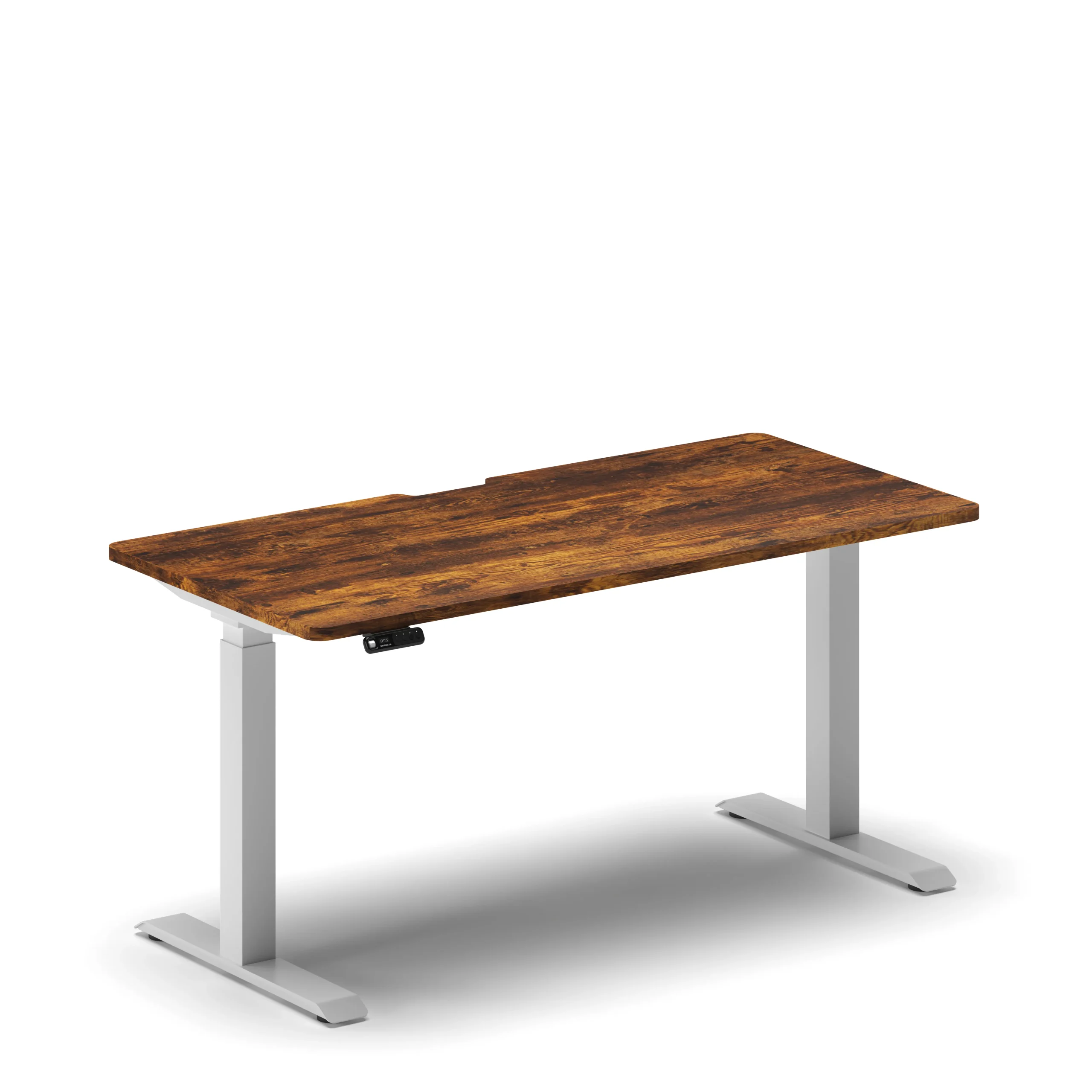



 1,800
1,800
Popular Blogs
View all
Ergonomic Furniture Meets Gaming & Education: Highlights from the University of Wollongong Event
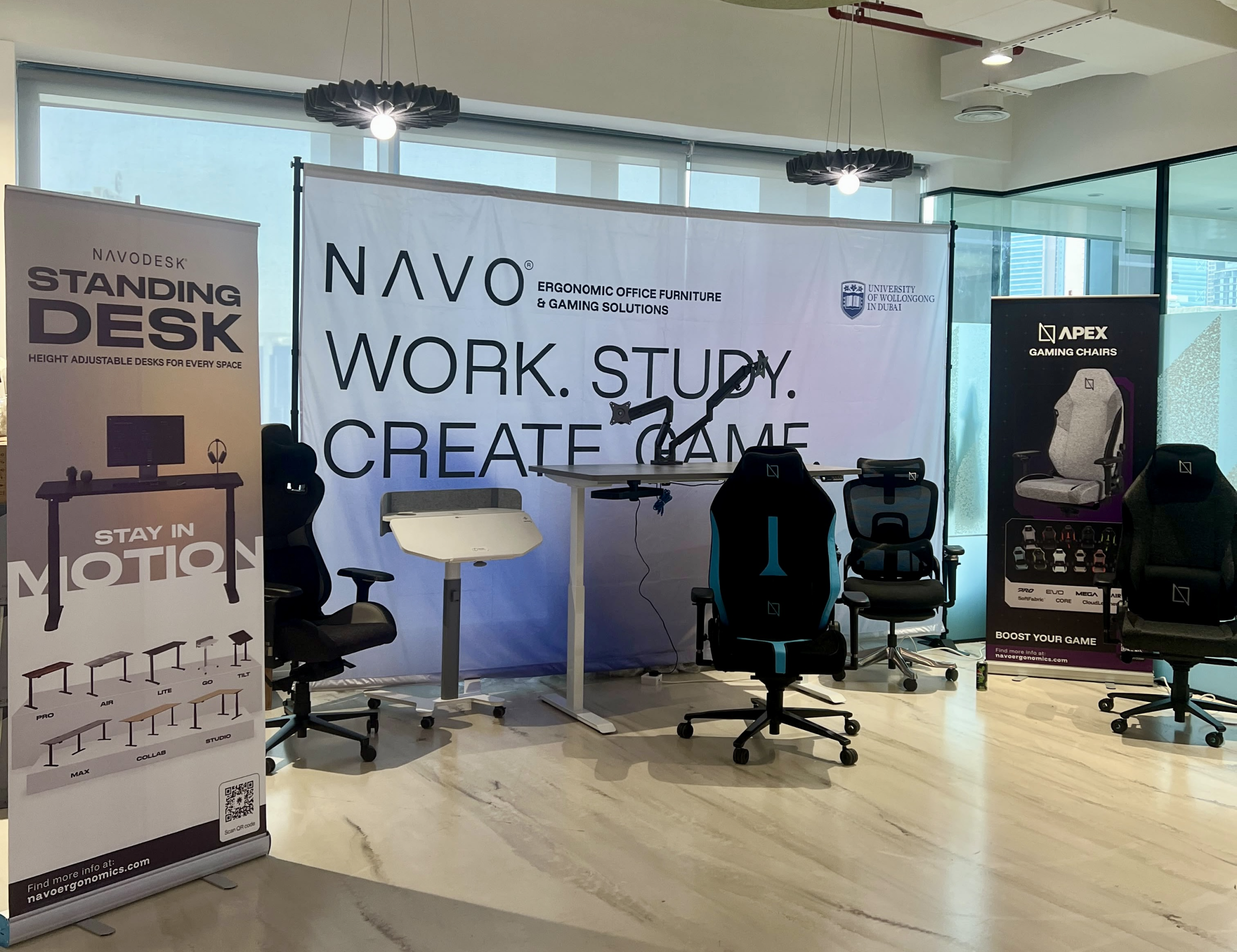
The tournament attracted over 70 participants, including avid gamers and curious onlookers. Our display featured gaming desks, chairs, and ergonomic accessories such as monitor arms. Students could compete in exciting gaming matches while experiencing our products firsthand.
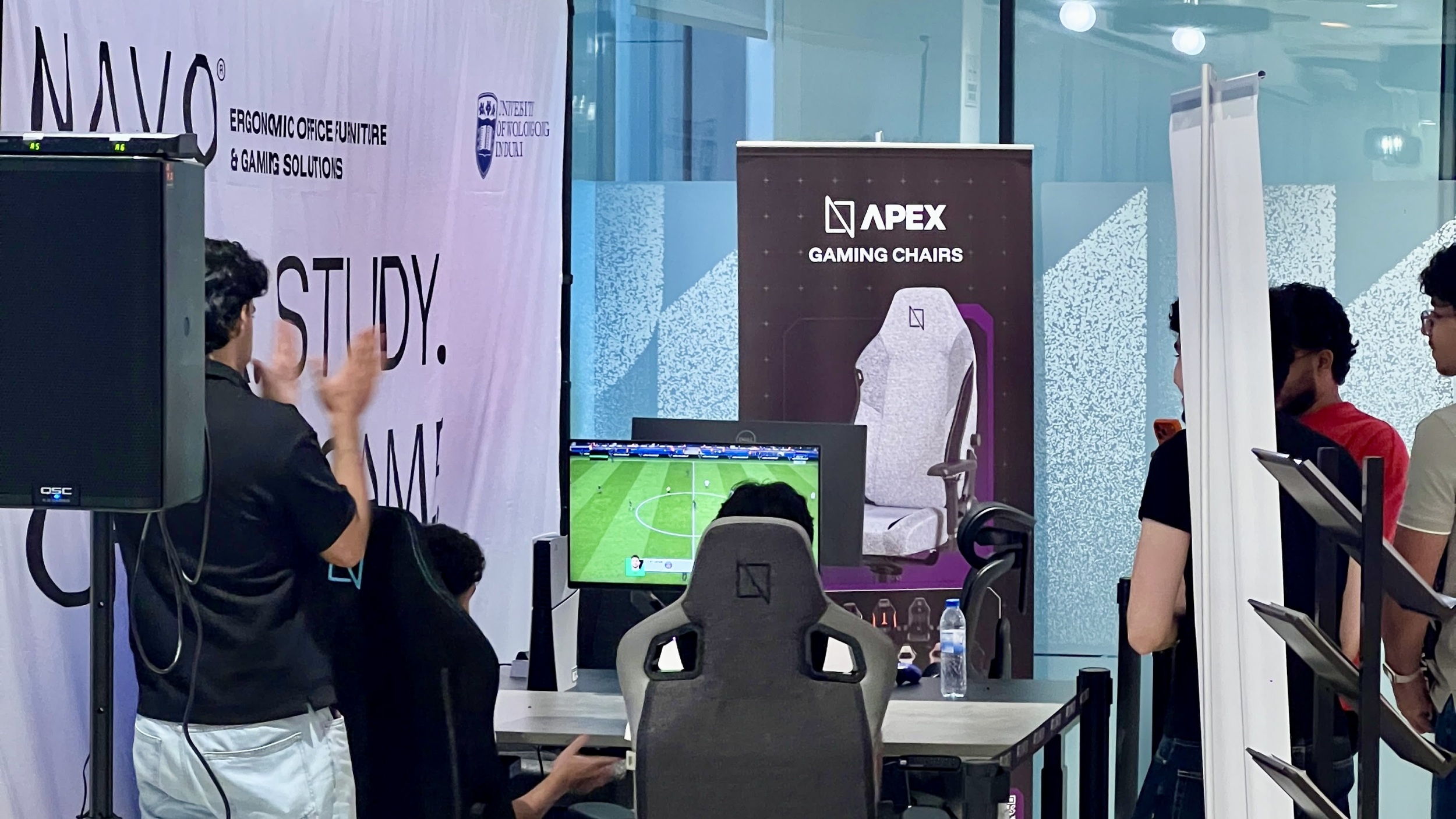
One of the event's highlights was the opportunity to experience our ergonomic gaming chairs alongside our specially designed ergonomic chairs. Students could compare their comfort, support, and overall seating experience. The feedback was overwhelmingly positive, with many participants noticing differences in posture support and comfort during extended use.
Looking back, we are encouraged by the positive interactions and insights shared by students and faculty. Promoting ergonomic awareness in university environments is a cause we strongly support, and we look forward to continuing our efforts to help create more comfortable and productive spaces for learning, gaming, and work.
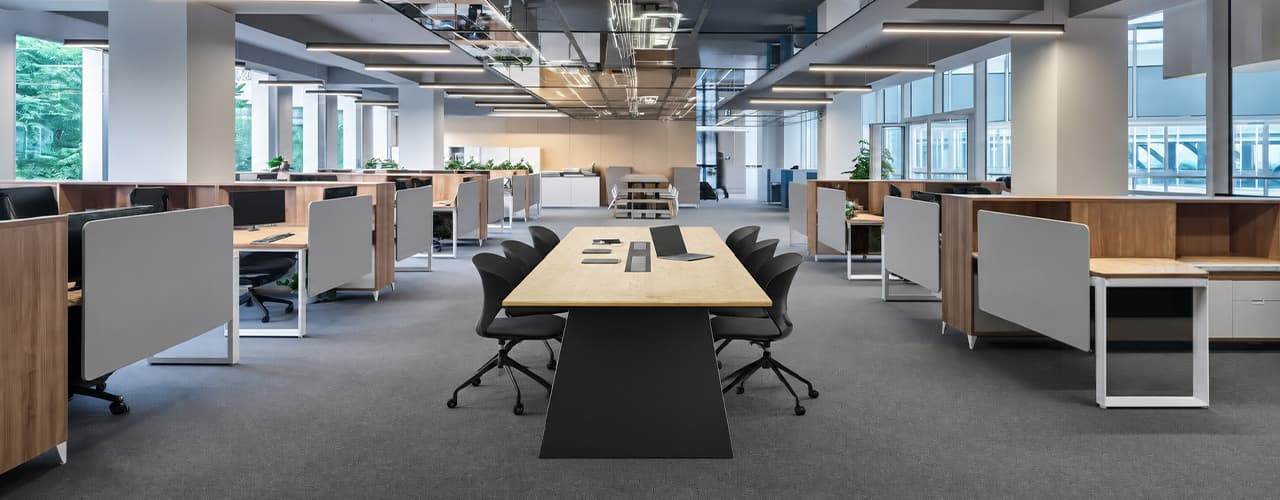
Open Plan vs Cubicle vs Hybrid Office Layout: Which Is Right for You?
The open-plan office was supposed to fix everything the cubicle farm got wrong. It didn't. It created a different set of problems and left people nostalgic for the one thing cubicles did well: quiet. The hybrid layout is positioned as the solution that addresses the shortcomings of both. It might be only if it fits how a specific team works. It shouldn't be a mix of two philosophies that didn’t help the team before. This guide shows what each layout offers and where it falls short. It also helps you choose the best option-or combination-for your office in Dubai or the GCC.
Key Findings
*Global office use is now at 53%, up from 38% in 2024. Also, 69% of teams have over 40% of their staff sharing desks. This shows that 2019 workspace designs don’t fit current needs.
*A Harvard study found that open-plan spaces often lower face-to-face interaction. Instead, they boost digital communication. This is the opposite of what these designs aim for.
*A hybrid model conversion at a 120-person SaaS company restored engineering deployment speed to baseline. It also reduced voluntary turnover in technical roles by 18% over nine months.
*Steelcase research shows that companies improving their work environment boost productivity by 17%.
*In 2026, the most innovative UAE offices aren’t just picking open plans or cubicles. They’re creating “activity neighborhoods.” These are clusters of spaces designed for different work styles.
*No layout is universally right. The best choice depends on your team's work style, industry, hybrid attendance ratio, and specific acoustic needs for your floor.
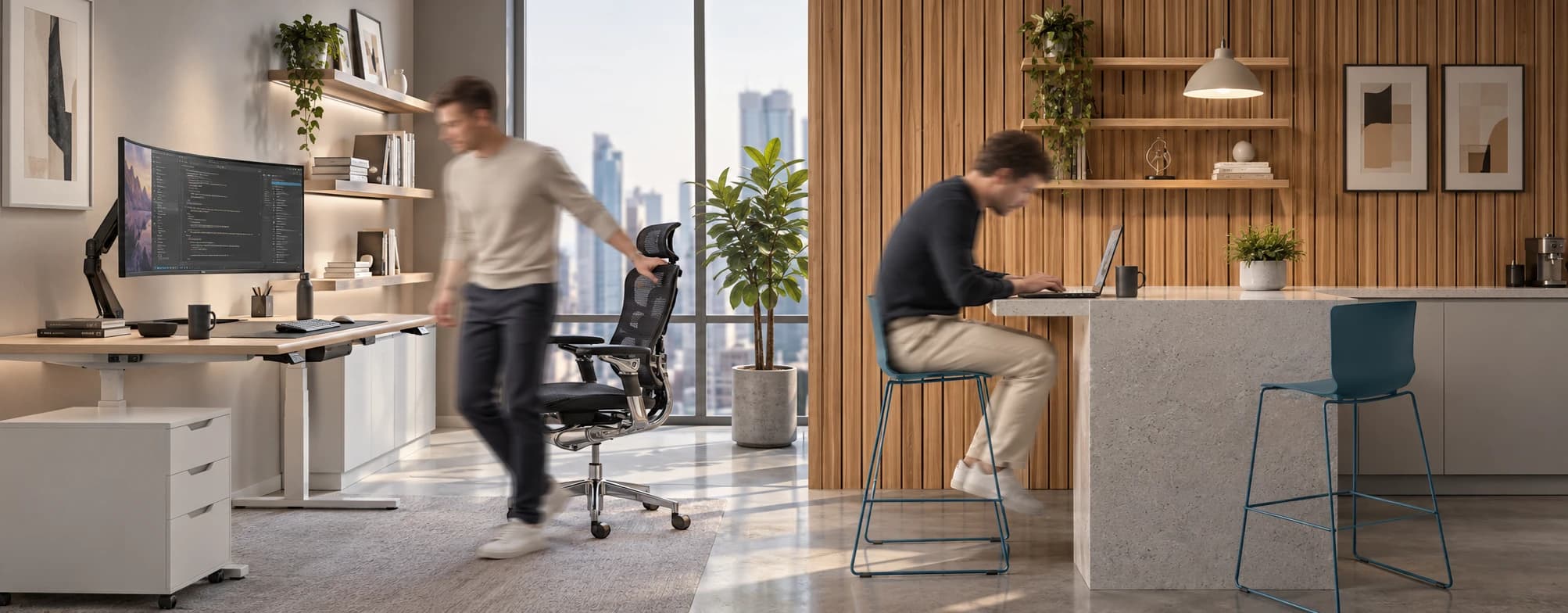
Sitting isn’t the Enemy, How You Sit Is: How to Align Your Desk for Zero Back Strain
If your job keeps you at a desk for most of the day, you are not alone—and you are not stuck. Software developers and data entry keyers spend 100% of a typical workday seated, while financial managers sit for 94%. Sitting is a standard part of modern work, so the real goal is learning how to reduce its physical impact while staying productive.
What the Research Shows
*Sedentary Volume: Adults in high-income countries spend 11–12 hours daily sitting over 75% of their waking hours (British Journal of Sports Medicine).
*Cardiovascular Risks: Sitting 6–8 hours daily increases cardiovascular event risk by 125% to 150% (Mayo Clinic).
*The 22-Minute Counter: 22 minutes of daily moderate-to-vigorous activity (brisk walking, cycling, active housework) offsets the mortality risk of prolonged sitting (BJSM).
*Micro-Break Impact: 5-minute movement breaks every hour significantly reduce fatigue and improve mood without hurting work performance (2026 BJSM Study).
*Gym Fallacy: A 60-minute workout in the morning does not fully reverse 9 hours of continuous sitting; daily movement breaks are still required.
You x Navo
Feel free to reach out to us for any queries & concerns