

 Visit our Showroom
Your workflow doesn't fit one position. Sketching demands angles. Digital work needs flat screens. Standing keeps energy high. Sitting supports detail work.
Most designer desks force you to choose. Flat or tilted. Sitting or standing. Digital or traditional.
The Navodesk Tilt refuses that choice.
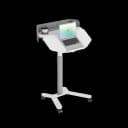
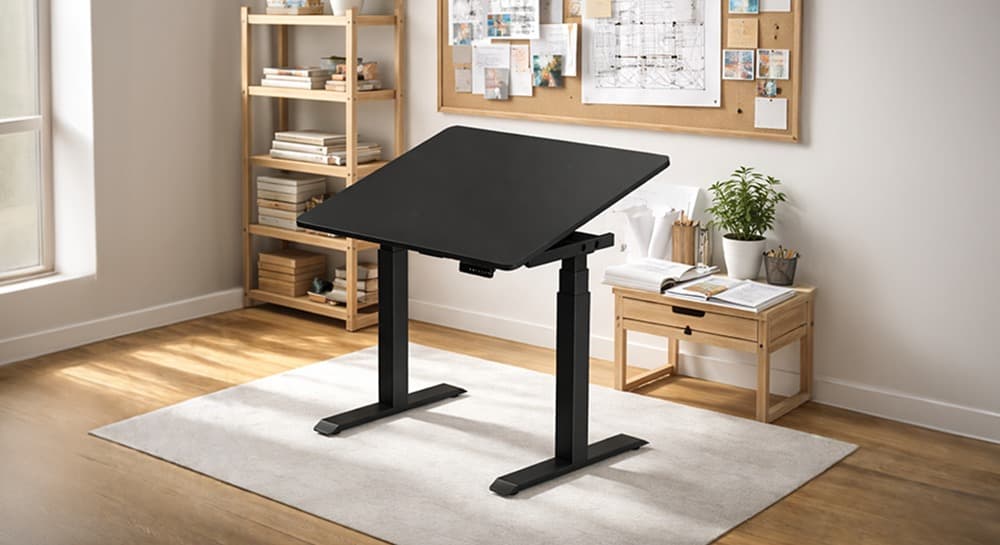
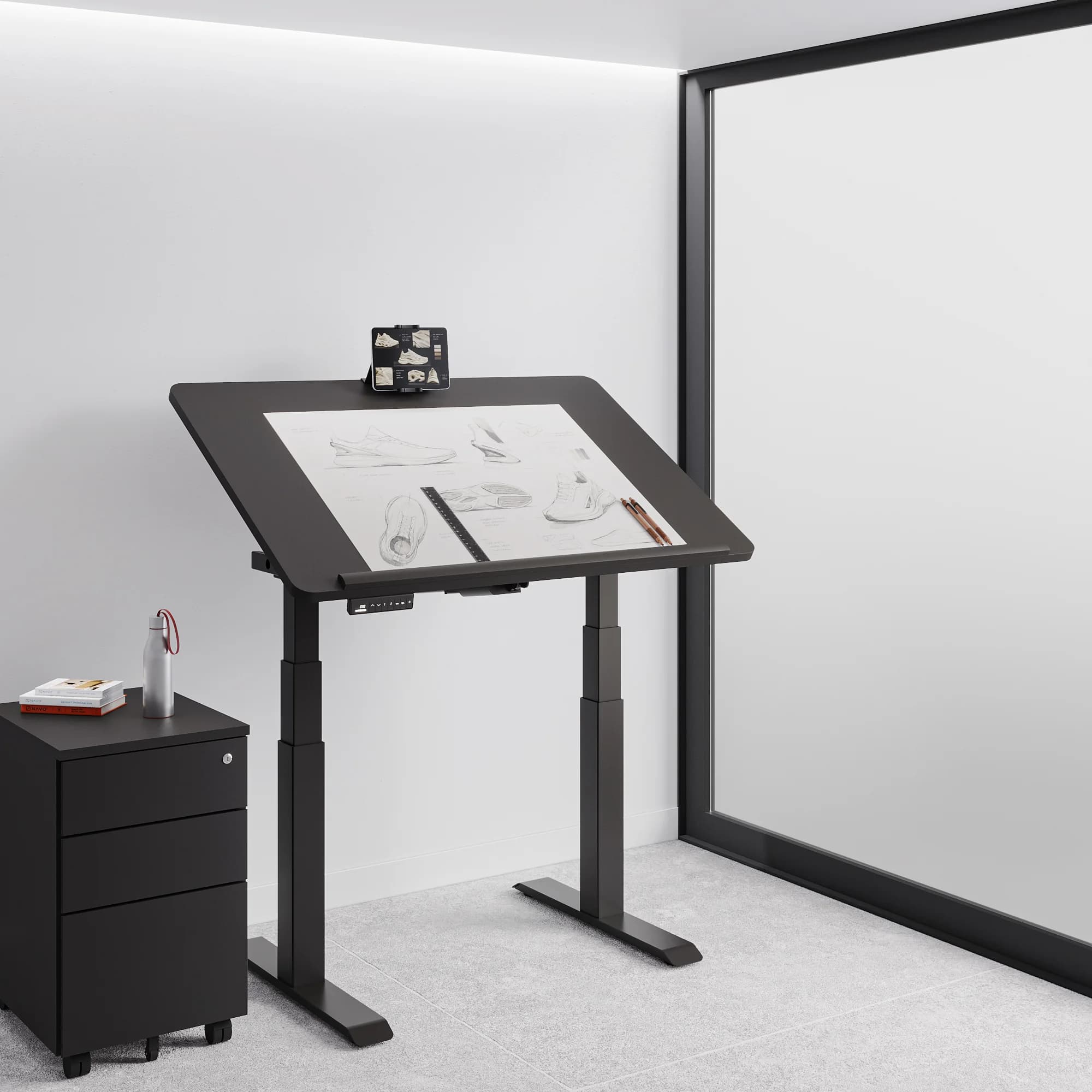
This hybrid workstation evolves with your workflow. The tilt mechanism transforms your standing desk into a professional drafting table.
One desk. Every workflow. Every position. Every project.
Take me to
The Architect Table for Modern Workflows
Traditional drafting tables sit at fixed angles. Standing desks stay flat. Architect tables tilt but don't adjust height.
The Navodesk Tilt delivers everything:
Standing desk when you need movement
Drafting table when sketching
Flat work surface for digital tasks
All in one footprint
In Dubai studios where space costs AED 150-300 per sq ft, one desk replacing three saves money and space.
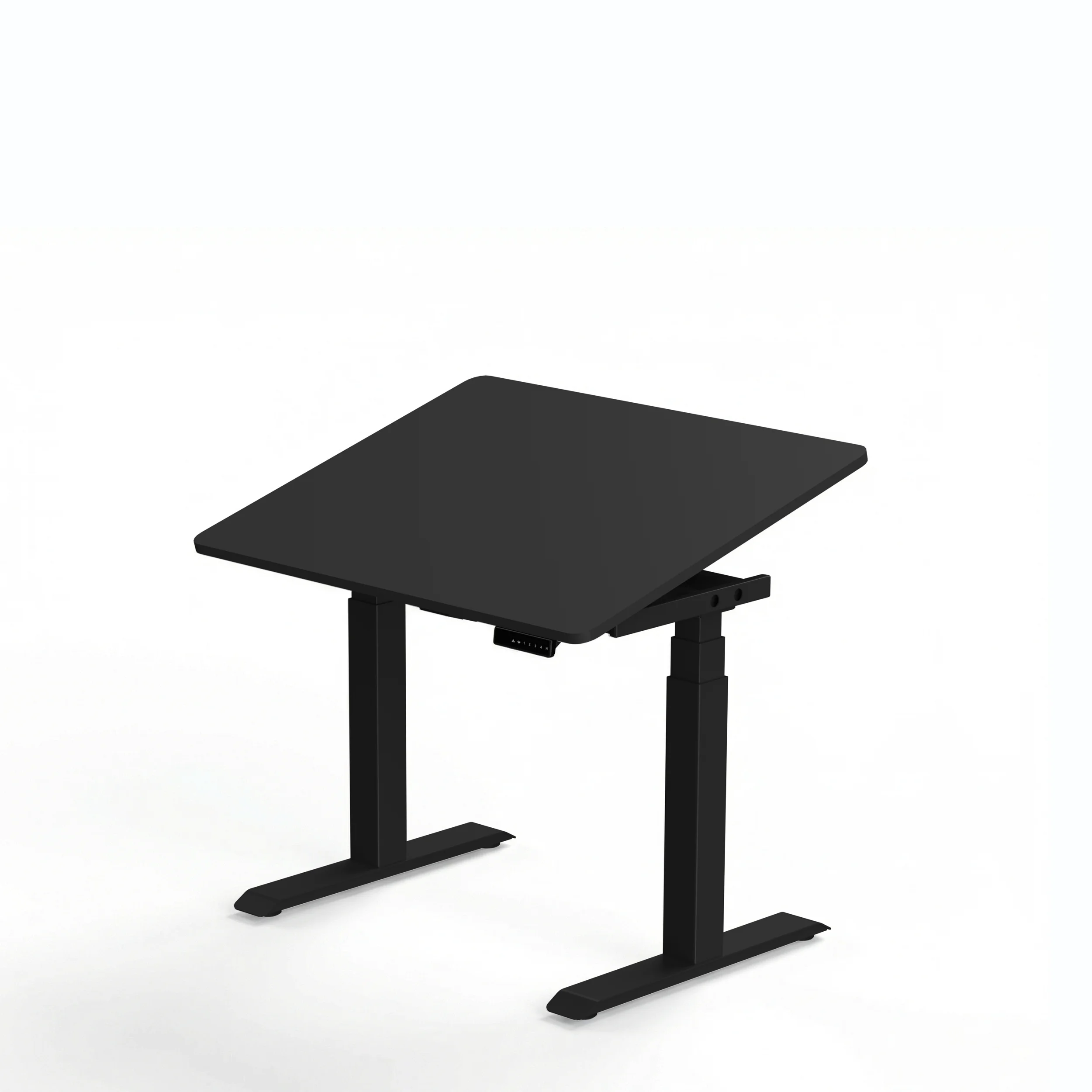
Dual Purpose Design That Actually Works
Gas Spring Tilt Mechanism
Smooth desktop angle adjustment from flat to 45-degree drafting position. No jerky movements. No loud clicks. Just controlled positioning.
Height Range: 64-129 cm
Low for sitting work (64 cm)
High for standing sketching (129 cm)
Every position between for perfect ergonomics
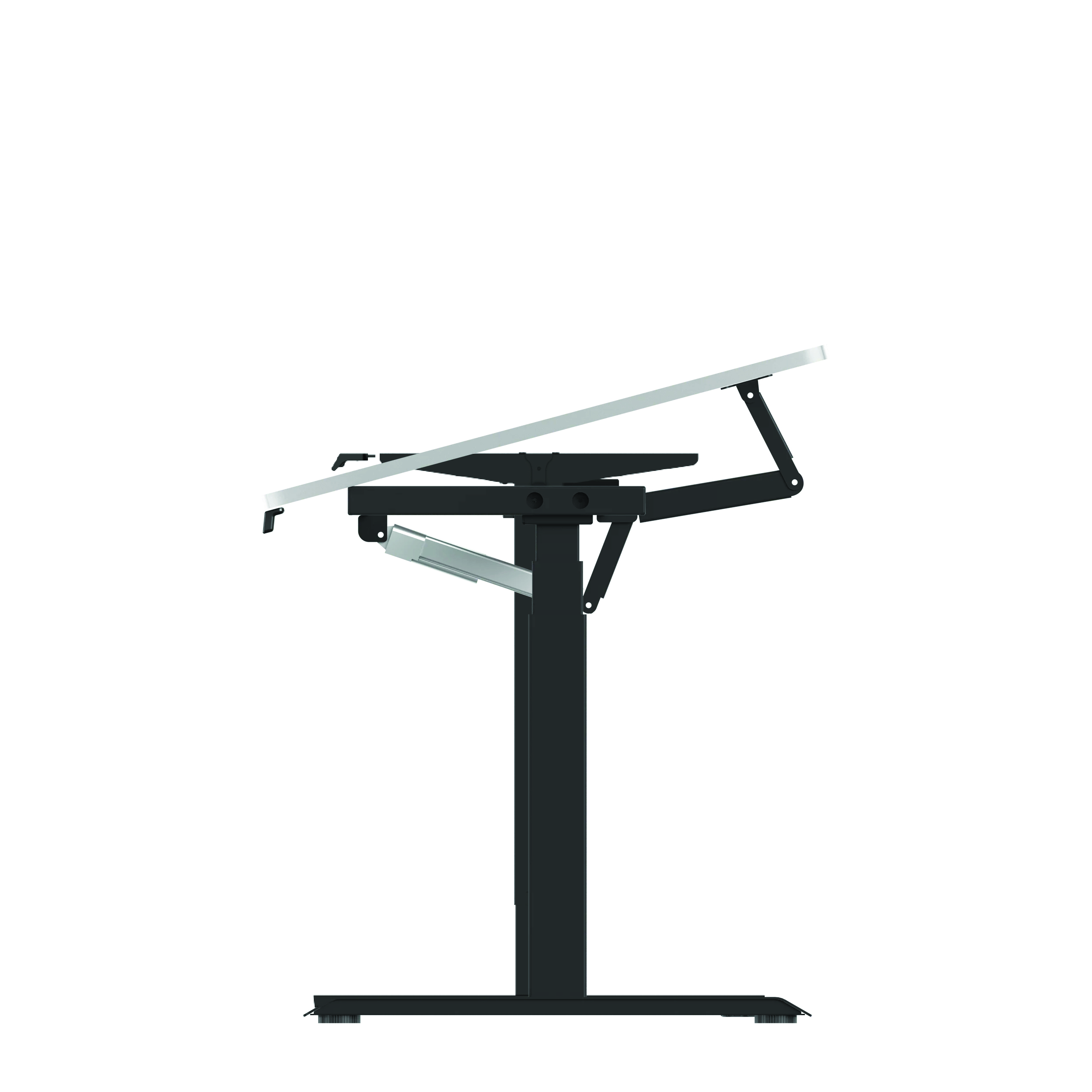
4 Memory Presets
Save your positions:
Sitting flat (digital work)
Sitting tilted (traditional drawing)
Standing flat (general tasks)
Standing tilted (standing sketches)
Switch modes instantly. No workflow interruption.
Custom Desktop Compatibility
Your choice of surface. Natural wood. Easy-clean laminate. Specific dimensions. Fully customizable.
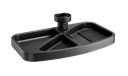
Drafting Heel (Optional)
Prevents tools, pens, tablets from sliding when tilted. Essential for professional angled work.
Who Needs This Tilt Work Table?
Architects: Technical drawing. CAD work. Blueprint reviews. Standing presentations.
Interior Designers: Mood boards. Fabric samples. Digital renders. Client collaboration.
Graphic Designers: Digital illustration. Traditional sketching. Typography. Tablet work.
Industrial Designers: 3D modeling. Hand sketches. Product mockups. Prototype reviews.
Artists & Illustrators: Canvas work. Digital painting. Mixed media. Long creative sessions.
Why it works for all: Natural drawing angles. Ergonomic positions. Quick workflow switching. Professional presentation capability.
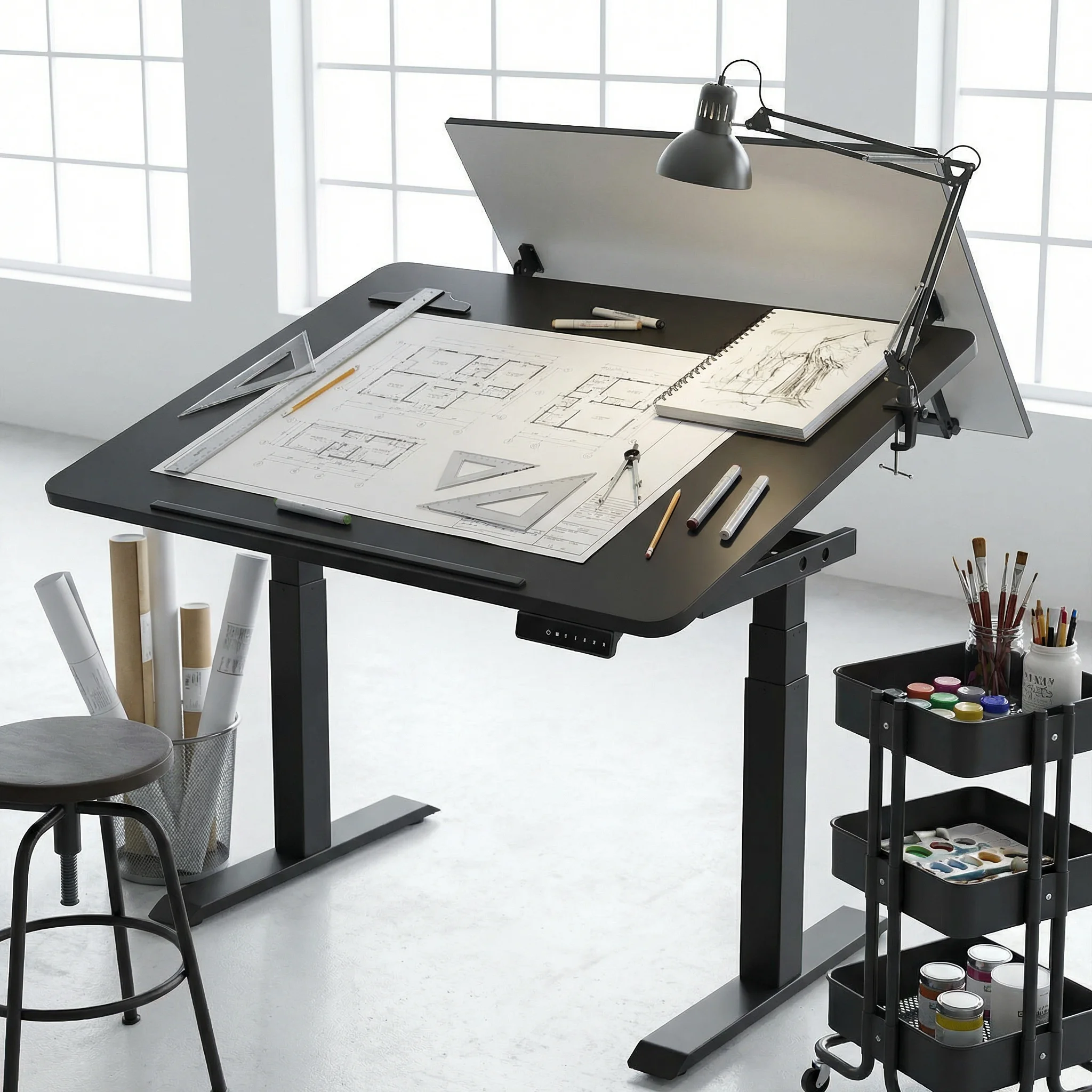
Why Dubai Designers Choose This?
Space Efficiency
One tilt-adjustable desk replaces:
Traditional drafting table (AED 2,500-4,000)
Standing desk (AED 2,000-3,500)
Sitting desk (AED 1,500-2,500)
Space saved: 60-70% compared to separate furniture Cost saved: AED 5,000-8,000 on multiple specialty desks
Climate Proven
Electric mechanism tested for Gulf conditions. Smooth operation in AC-heavy Dubai studios. Materials selected for humidity resistance.
Professional Aesthetics
Clean design for client-facing studios. Premium finishes matching Dubai design standards. Modern look supporting brand credibility.
Ergonomic Reality
Dubai creative professionals work long hours. The tilt desk reduces:
Neck strain from hunching over flat surfaces
Back pain from static positions
Wrist fatigue from poor drawing angles
Creative fatigue from rigid setups
The Investment That Pays Back
This isn't standard office furniture it's a creative tool. An investment in capability.
For home office furniture, the Navodesk Tilt transforms spare rooms into professional studios without consuming entire spaces.
What designers report after switching:
40% less neck and back strain
Faster workflow transitions
More natural creative positions
Better client presentation capability
ROI calculation: Replace three furniture pieces. Gain one flexible tool. Save space for equipment. Increase daily comfort. Protect long-term health.
Premium investment. Professional capability.
Our Expertise: Equipping Dubai's Creative Professionals
Since 2019, we've outfitted design studios across Dubai. From Dubai Design District to villa home studios. We understand creative workflow demands.
Our advantage:
Tested with actual Dubai designers
Understanding of UAE studio space constraints
Materials proven in Gulf climate
Local service supporting professional deadlines
We enable creative workflows, not just sell desks.
Your Next Steps: Transform Your Creative Workspace
Step 1: Assess workflow (sketching vs digital time split)
Step 2: Measure space (ensure tilt clearance)
Step 3: Test in our Dubai office furniture showroom
Step 4: Choose desktop material and size
Step 5: Professional installation
Ready? Explore Navodesk Tilt
Stop Compromising Your Creative Process
Your work demands flexibility. Your furniture should provide it.
The Navodesk Tilt is the architect table for modern workflows. The drawing table that stands with you. The tilt desk adapting to every project.
One desk. Every position. Every workflow.
Your creativity shouldn't fight your furniture. Time to align both.
Frequently Asked Questions
- Absolutely - many Dubai illustrators use it specifically for tablet work at comfortable angles.
- 30cm clearance behind desk for full tilt. We help with space planning.
Need Help Building Your Ergonomic Setup?
We'll guide you to the perfect chair, desk setup, and comfort tips for a productive workday.
Shop Office FurnitureBuy Navodesk Tilt Standing Desk
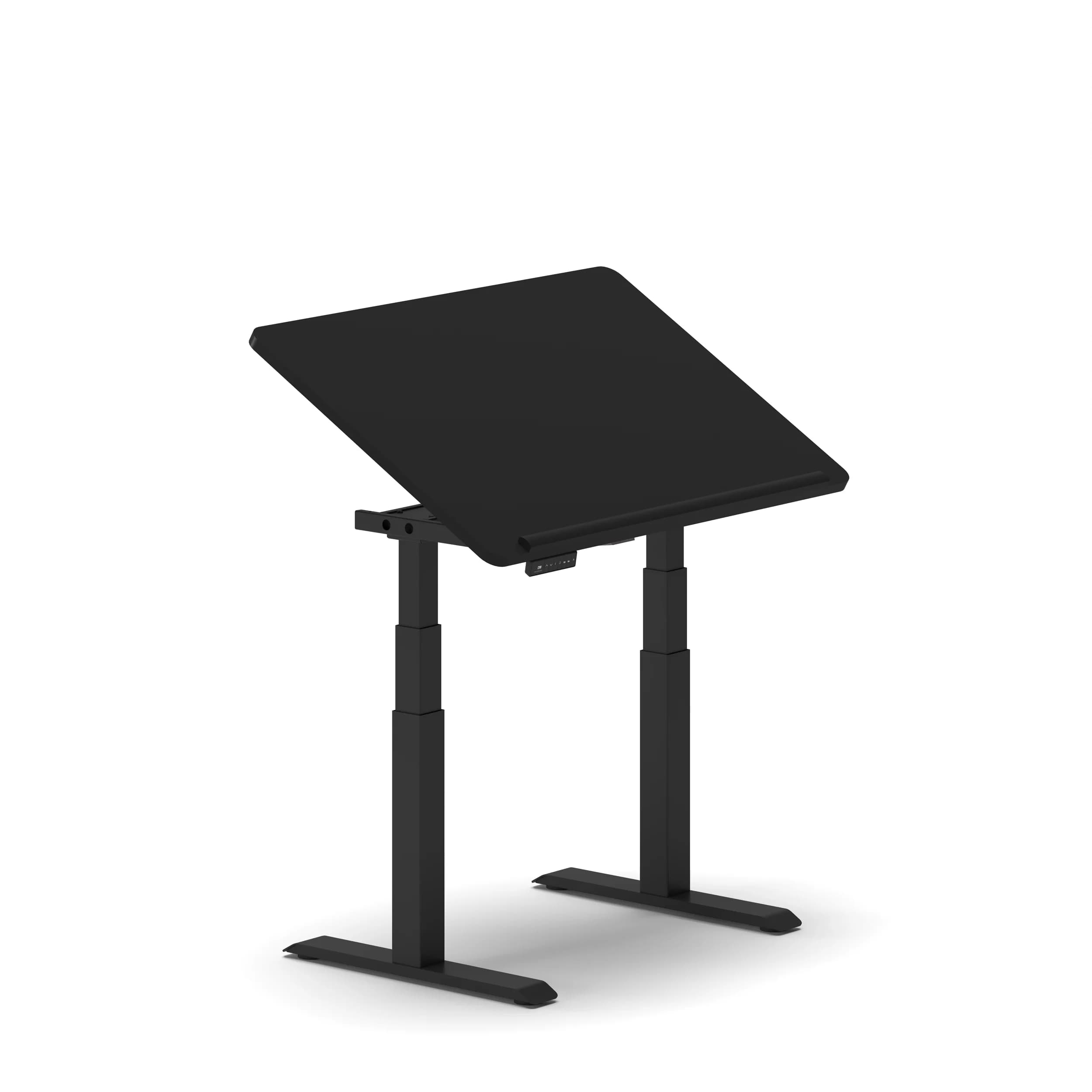
 2,090
2,090
Popular Blogs
View all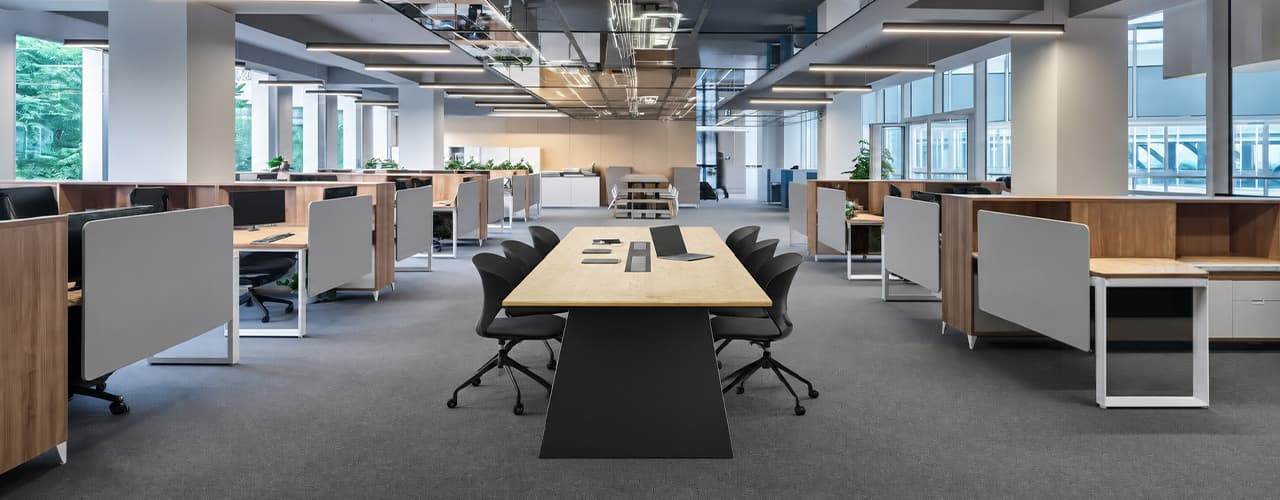
Open Plan vs Cubicle vs Hybrid Office Layout: Which Is Right for You?
The open-plan office was supposed to fix everything the cubicle farm got wrong. It didn't. It created a different set of problems and left people nostalgic for the one thing cubicles did well: quiet. The hybrid layout is positioned as the solution that addresses the shortcomings of both. It might be only if it fits how a specific team works. It shouldn't be a mix of two philosophies that didn’t help the team before. This guide shows what each layout offers and where it falls short. It also helps you choose the best option-or combination-for your office in Dubai or the GCC.
Key Findings
*Global office use is now at 53%, up from 38% in 2024. Also, 69% of teams have over 40% of their staff sharing desks. This shows that 2019 workspace designs don’t fit current needs.
*A Harvard study found that open-plan spaces often lower face-to-face interaction. Instead, they boost digital communication. This is the opposite of what these designs aim for.
*A hybrid model conversion at a 120-person SaaS company restored engineering deployment speed to baseline. It also reduced voluntary turnover in technical roles by 18% over nine months.
*Steelcase research shows that companies improving their work environment boost productivity by 17%.
*In 2026, the most innovative UAE offices aren’t just picking open plans or cubicles. They’re creating “activity neighborhoods.” These are clusters of spaces designed for different work styles.
*No layout is universally right. The best choice depends on your team's work style, industry, hybrid attendance ratio, and specific acoustic needs for your floor.
Sitting isn’t the Enemy, How You Sit Is: How to Align Your Desk for Zero Back Strain
If your job keeps you at a desk for most of the day, you are not alone—and you are not stuck. Software developers and data entry keyers spend 100% of a typical workday seated, while financial managers sit for 94%. Sitting is a standard part of modern work, so the real goal is learning how to reduce its physical impact while staying productive.
What the Research Shows
*Sedentary Volume: Adults in high-income countries spend 11–12 hours daily sitting over 75% of their waking hours (British Journal of Sports Medicine).
*Cardiovascular Risks: Sitting 6–8 hours daily increases cardiovascular event risk by 125% to 150% (Mayo Clinic).
*The 22-Minute Counter: 22 minutes of daily moderate-to-vigorous activity (brisk walking, cycling, active housework) offsets the mortality risk of prolonged sitting (BJSM).
*Micro-Break Impact: 5-minute movement breaks every hour significantly reduce fatigue and improve mood without hurting work performance (2026 BJSM Study).
*Gym Fallacy: A 60-minute workout in the morning does not fully reverse 9 hours of continuous sitting; daily movement breaks are still required.
The Ultimate Office Furniture Setup Checklist for Modern Teams
Most offices aren't badly furnished. They're incompletely furnished. A great chair paired with the wrong desk height. A standing desk with no monitor arm. A collaborative floor with no acoustic separation.
The gap is rarely one big thing. It's several small things missing from the same setup at the same time.
This checklist covers every furniture category a modern UAE office needs — what to look for, what to avoid, and what the research says about each. Use it for a new fit-out, an upgrade review, or a department-by-department audit.
Key Findings
*The chair is the top furniture investment for knowledge workers. It has the most contact hours and directly impacts posture, energy, and afternoon performance.
*Fixed desks at 75cm fit about 30–40% of UAE office teams well. Height adjustability isn’t a luxury; it meets everyone’s needs.
*Open-plan offices without acoustic zones can lose employees up to 86 minutes of productive time each day. This is based on workplace productivity research.
*EU-OSHA highlights musculoskeletal disorders as the top workplace health concern worldwide. Poor seating and desk height are key factors.
*CBRE's 2026 Global Workplace Insights reveals that 69% of organizations have over 40% of staff sharing desks. This shift means adjustability is now a standard requirement, not just an upgrade.
*Quality ergonomic chairs last 8–12 years. A BIFMA-certified chair costs less per year when spread over 10 years. This cost is lower than one physiotherapy session for occupational back pain in Dubai.
You x Navo
Feel free to reach out to us for any queries & concerns