

 Visit our Showroom
Take me to
What Makes a Desk Ergonomic?
An ergonomic desk adapts to you rather than requiring you to adapt to it. The key feature is height adjustability. It helps you find the right seated keyboard height, usually between 68–75cm based on your height. It also sets the correct standing keyboard height, which ranges from 95–120cm. A fixed desk at 75cm is ergonomic for approximately 30–40% of users; for everyone else it creates compensatory posture.
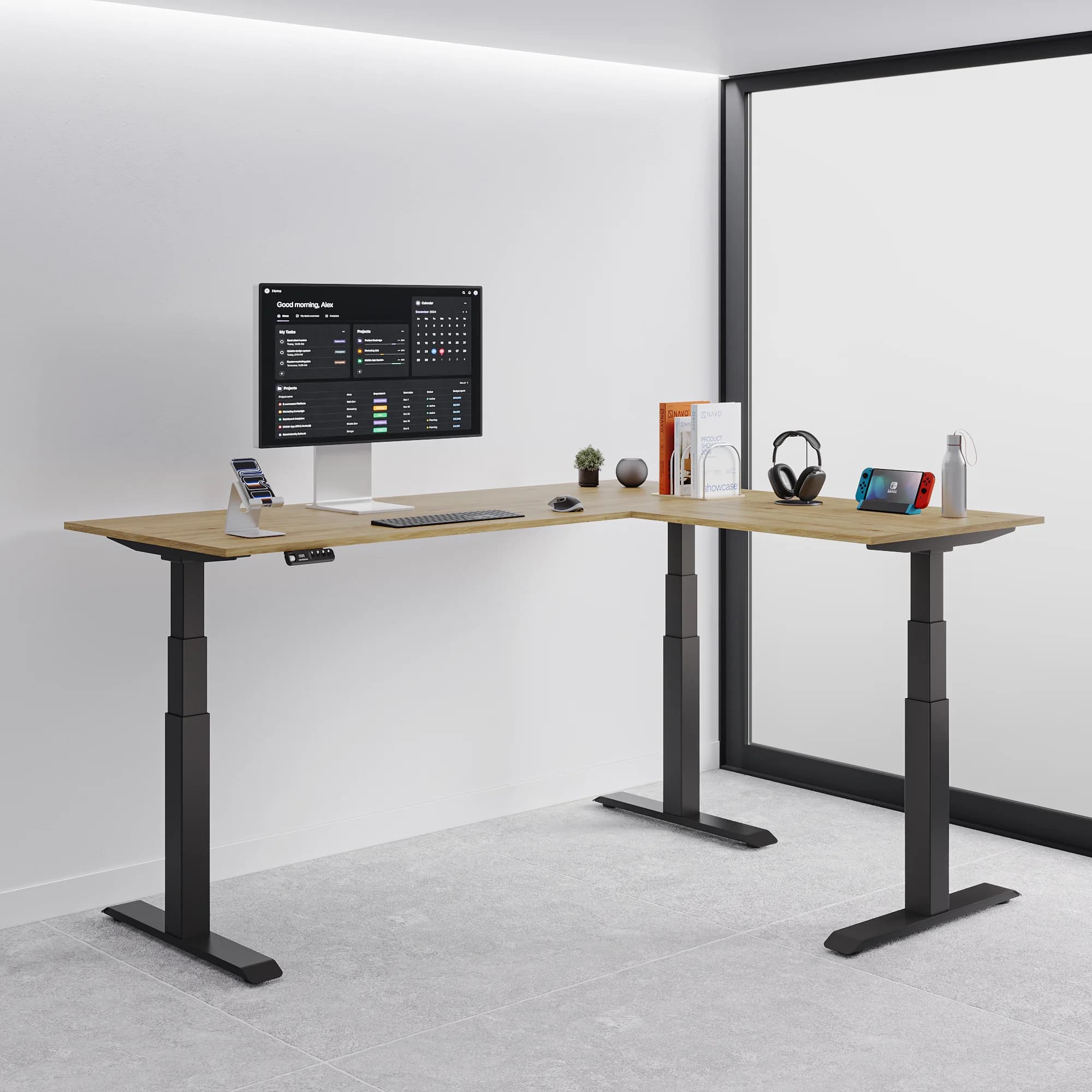
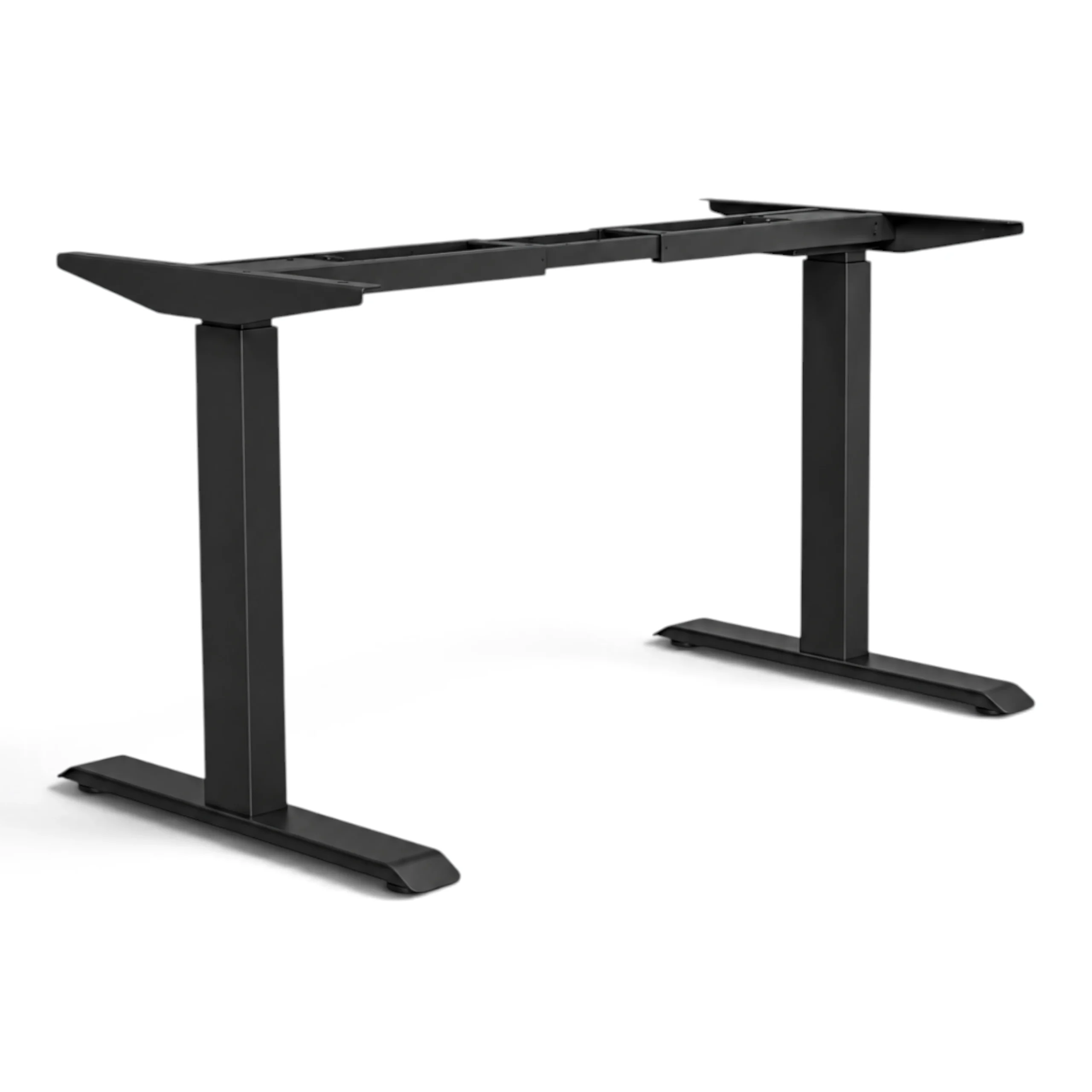
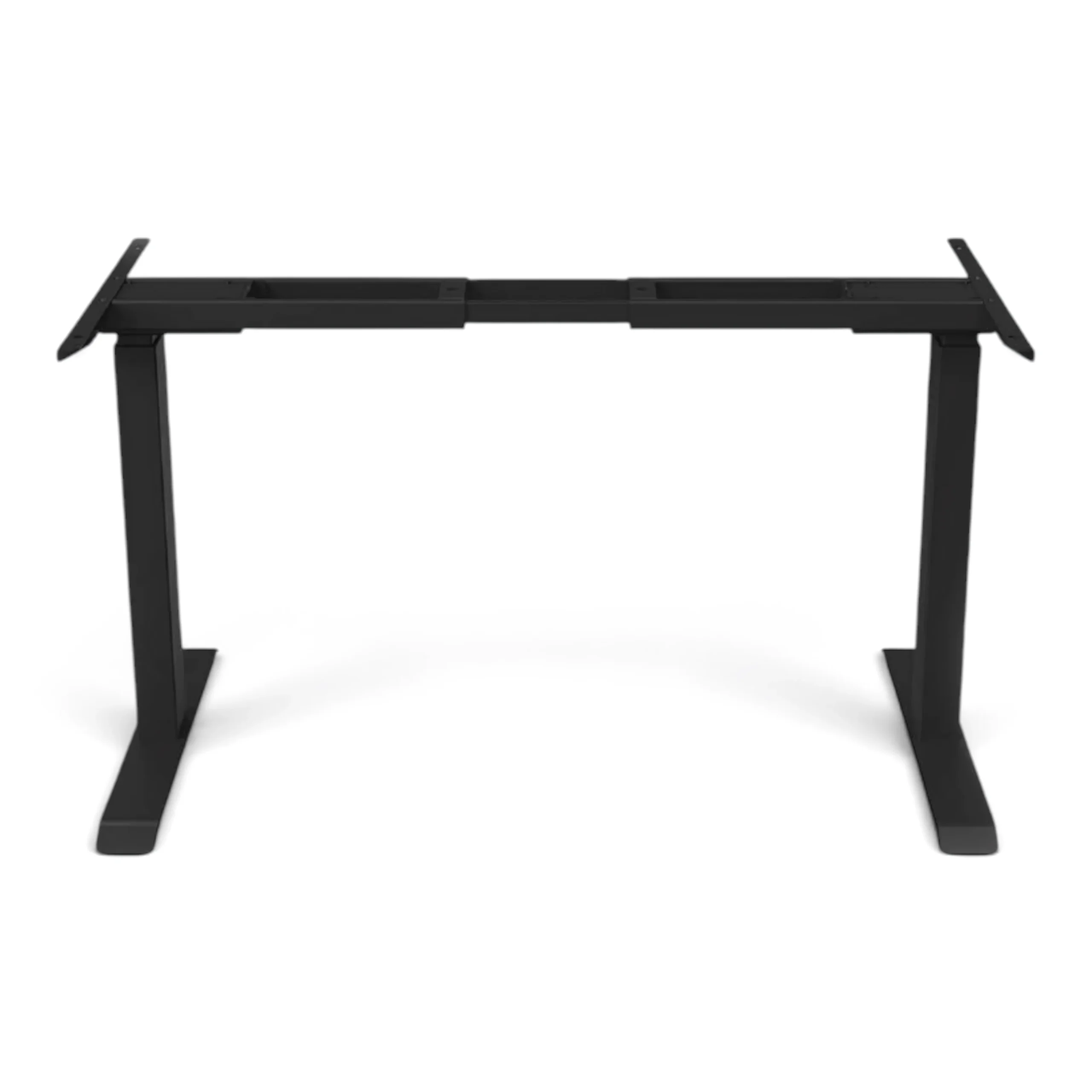
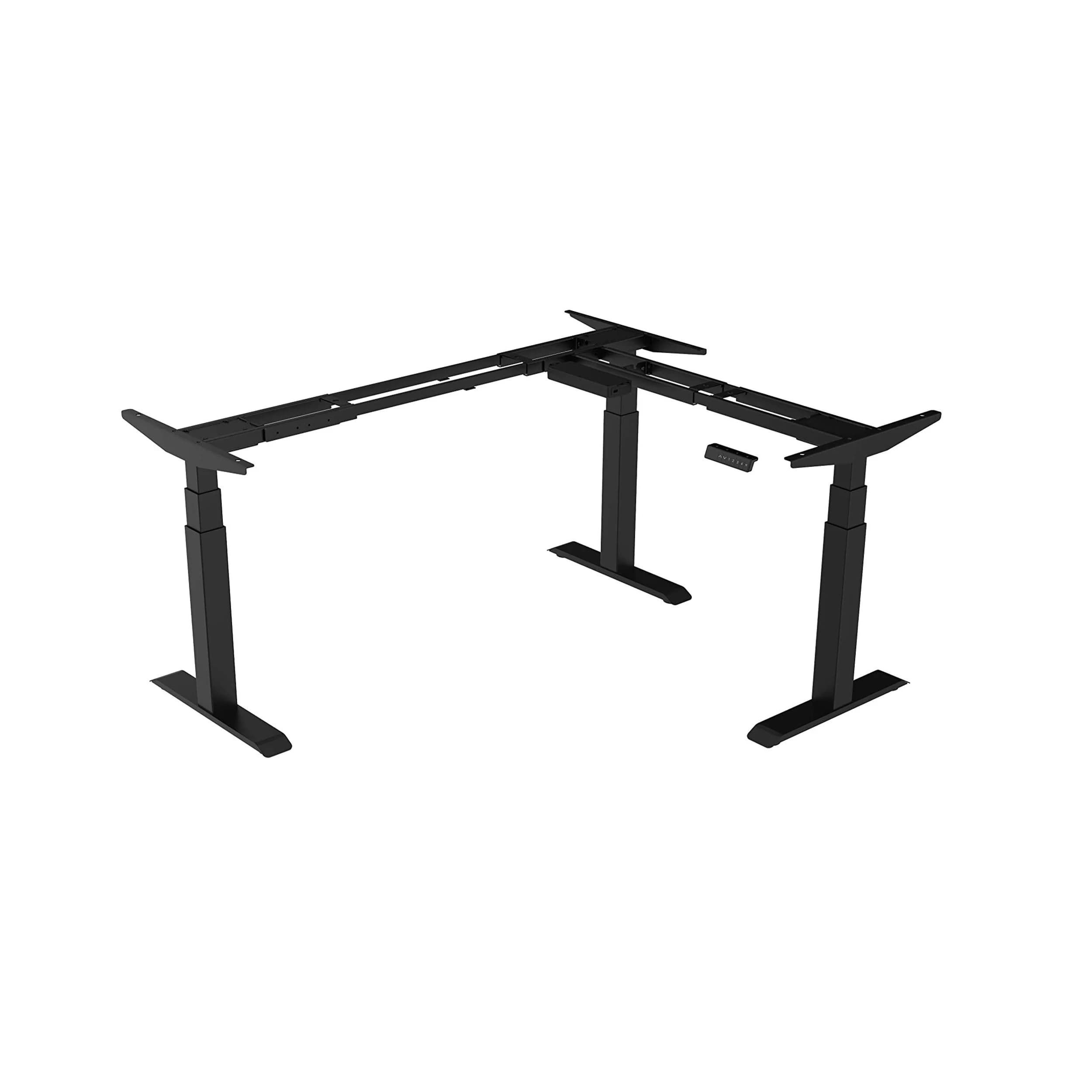
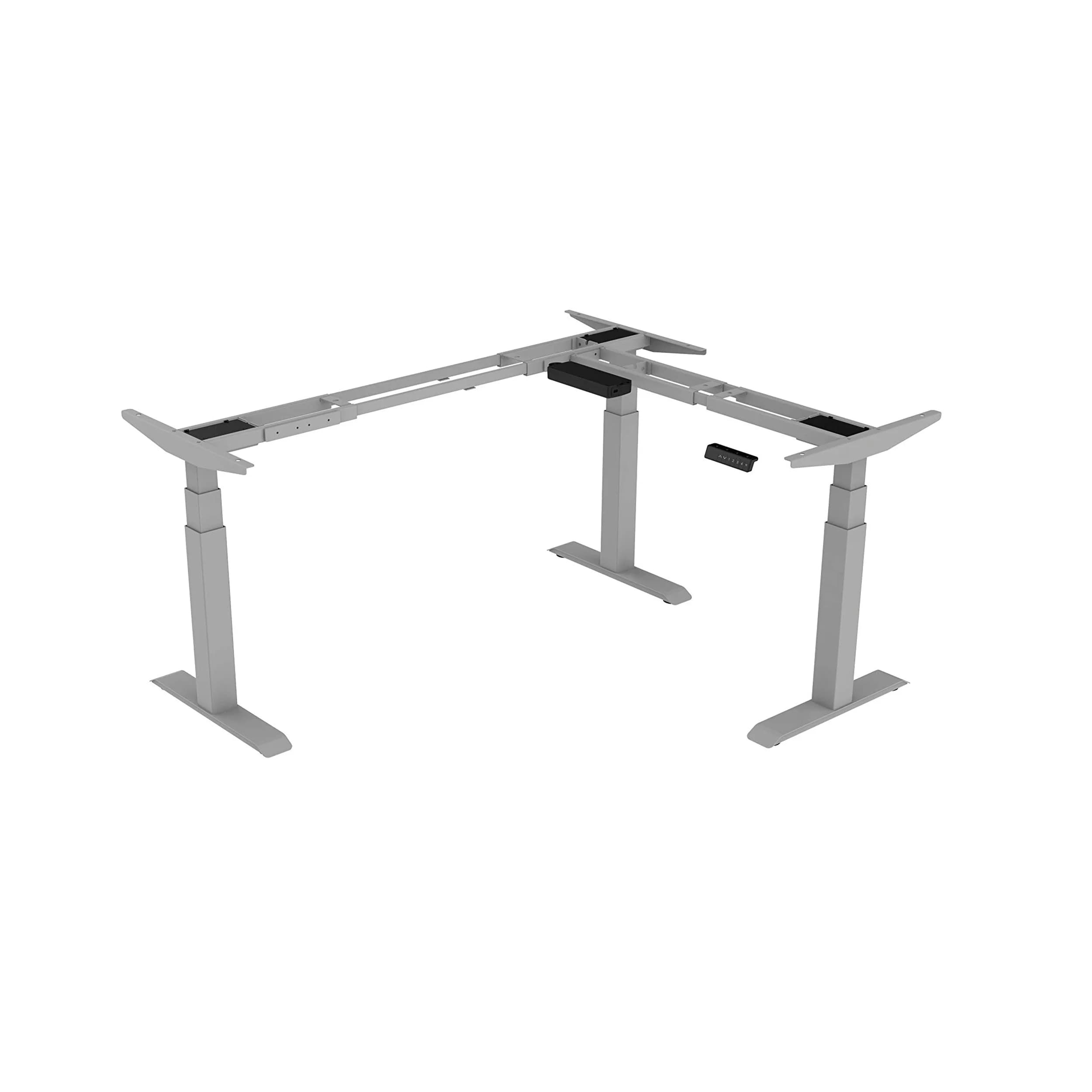
This is the detail most buyers miss: "height-adjustable" doesn't guarantee ergonomic. A desk that adjusts from 75cm to 125cm is adjustable but doesn't reach correct seated height for shorter users. The Navodesk Flex L-Shape (58–123cm) and Navodesk PRO Frame (69–115cm) offer different coverage. Your height will help you choose the right one.
As we covered in our height-adjustable desks vs fixed desks comparison, the seated height mismatch is the most impactful ergonomic problem a desk creates - more so than whether you can stand at it.
How Do You Match Desk Height Range to Your Body Height?
Your desk height should match your seated keyboard level:
About 68–70 cm for users 160–165 cm tall.
About 70–73 cm for those 165–175 cm tall.
About 73–76 cm for users 175–185 cm tall.
Your standing height should match your elbow level.
For shorter users: about 95–105 cm.
For most users: around 100–115 cm.
For taller users: 110–120 cm or more.
Navodesk model selection by user height:
Under 165cm: Navodesk Flex L-Shape (58–123cm) - only model reaching below 65cm sitting height
165–185cm: Navodesk PRO (69–115cm), Navodesk AIR (modular), or Navodesk Executive (71–117cm) - all within correct range
Above 185cm: Navodesk Flex L-Shape (reaches 123cm standing height) provides most standing headroom
How Do You Choose Between Single Monitor and Dual Monitor Desk Setups?
Desk surface area and weight capacity should match your actual monitor configuration. A typical dual-monitor setup with laptop dock and accessories reaches 20–30kg total load. A single-monitor home office setup: 8–12kg. Always select capacity with 20–30% headroom above your actual load - running a motor at or near its limit degrades performance and accelerates wear.
Weight capacity by Navodesk model:
Navodesk AIR: 100kg - more than sufficient for single or dual monitor setups
Navodesk PRO / Executive: 120kg - dual monitor plus heavy accessories
Navodesk Flex L-Shape: 150kg triple-motor - multi-monitor, creative workstations, heavy professional setups
For Dubai home offices where space is at premium, also consider surface dimensions. A desk wider than your room allows doesn't leave 90cm clearance on each side for comfortable movement.
What Desk Features Actually Make Daily Use Better?
Three features that help you use a sit-stand desk consistently are:
Memory Presets: One button returns the desk to your height. Without these, most users stop switching within 2–3 weeks.
NavoSense™ Anti-Collision: This feature detects obstacles when lowering. It stops and reverses, reducing worry about damaging chairs or cables.
Speed: A faster adjustment means fewer interruptions to your workflow.
According to our analysis of how long to stand at a standing desk, behavior follows friction. Memory presets remove the single biggest friction point in sit-stand desk use.
Feature availability across Navodesk range:
Memory presets: All electric Navodesk models ✓
NavoSense™ anti-collision: PRO, AIR ✓
Bluetooth + activity app: PRO ✓
Integrated USB charging: AIR ✓
Drafting tilt surface: TILT only ✓
For creative professionals needing both standing desk and drafting surface, the Navodesk TILT is the only product serving both functions - as detailed in our drafting table vs drawing desk guide.
What Desk Works Best for a Dubai Home Office?
For Dubai apartment home offices (typically 6–12 sqm in JLT, Marina, or Business Bay), a compact design with full ergonomic function is key. A large surface area isn’t as important. The Navodesk Lite - compact, lightweight, electric height adjustment, integrated headphone hook - addresses this specifically.
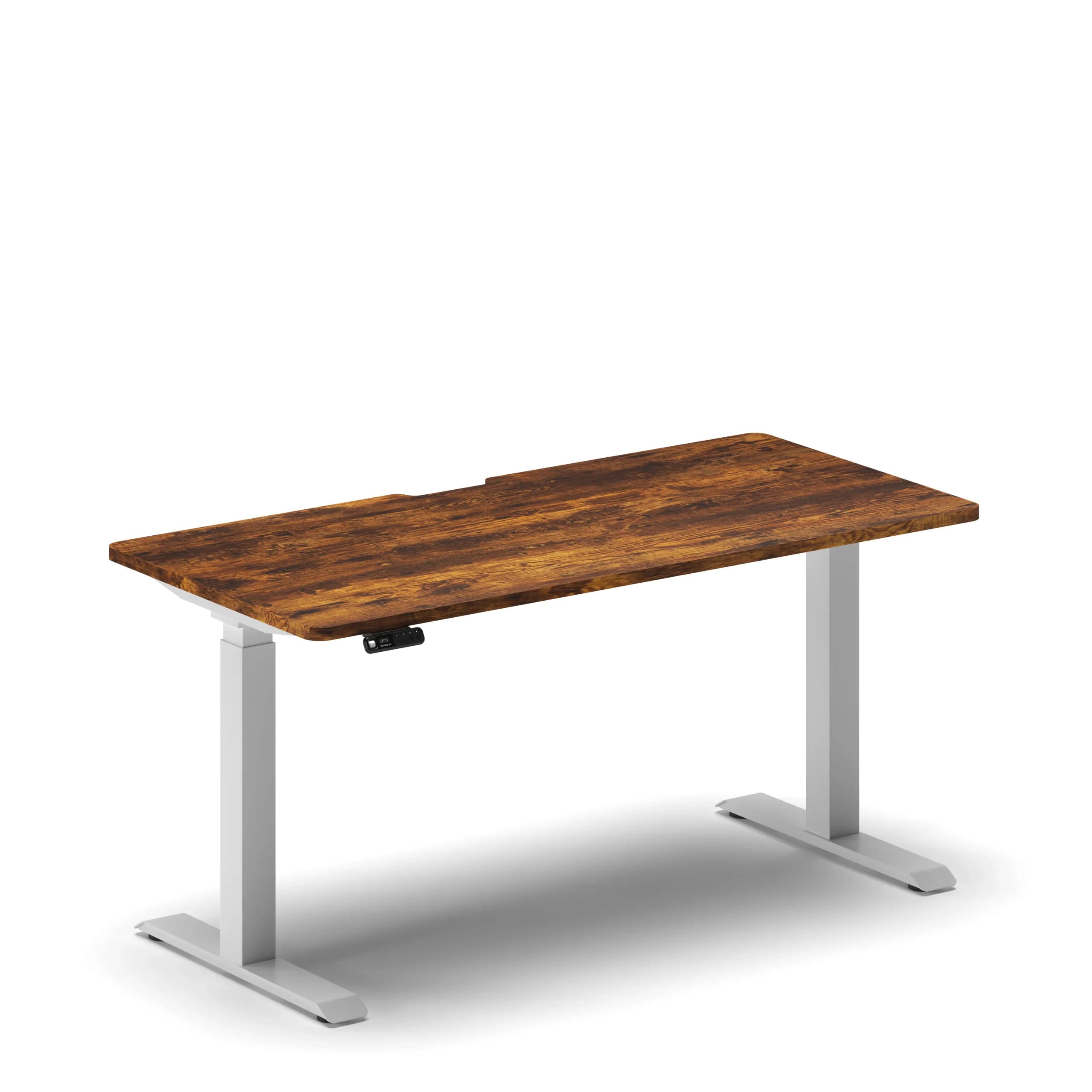
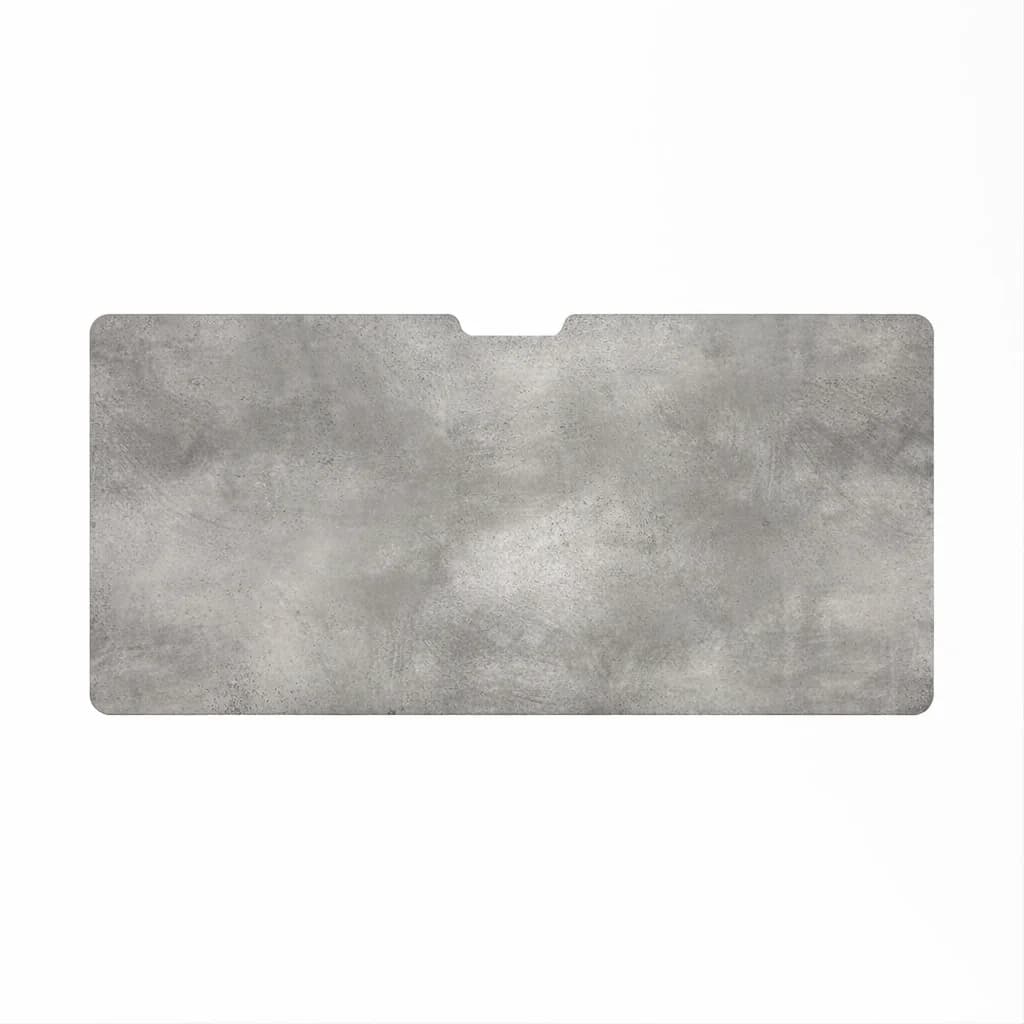
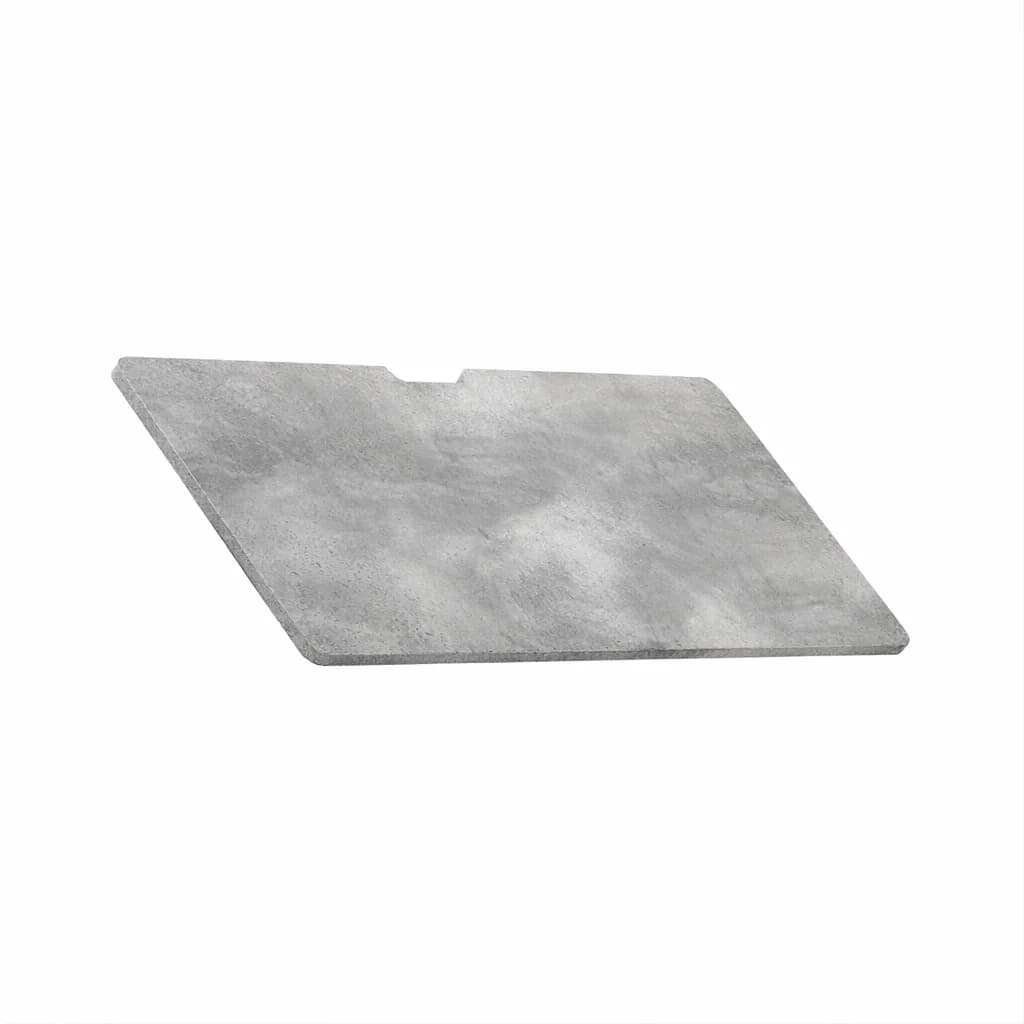
For home offices that also serve as client presentation areas or creative studios, choosing the right surface material is important for looks. Navodesk desktops come in five finishes: Matte Black, White, Oak, Concrete, and Wild Walnut. These options suit both minimalist and warm styles found in Dubai interiors.
For home office furniture complete setup guidance - pairing desk with correct chair, monitor arm, and accessories - see our ergonomic office furniture in Dubai guide.
Frequently Asked Questions
- Alternating between sitting and standing every 30 to 60 minutes is recommended. Standing too long can also cause discomfort, so finding a balance is key.
- Standing desks promote better posture, reduce back pain, improve circulation, and can even boost productivity by keeping you more active throughout the day.
- Yes, most of our standing desks are height-adjustable, allowing you to easily switch between sitting and standing positions.
- While you can use any chair, ergonomic chairs are ideal when pairing with a standing desk. They provide proper support when sitting and allow for better transitions between sitting and standing.
- Yes, most of our standing desks require simple assembly. We provide clear instructions, and many customers find the process easy. If you need help, we also offer an installation service.
Need Help Building Your Ergonomic Setup?
We'll guide you to the perfect chair, desk setup, and comfort tips for a productive workday.
Shop Office FurnitureShop Our Top Standing Desks
Find the perfect desk to complement your ergonomic setup.



 1,800
1,800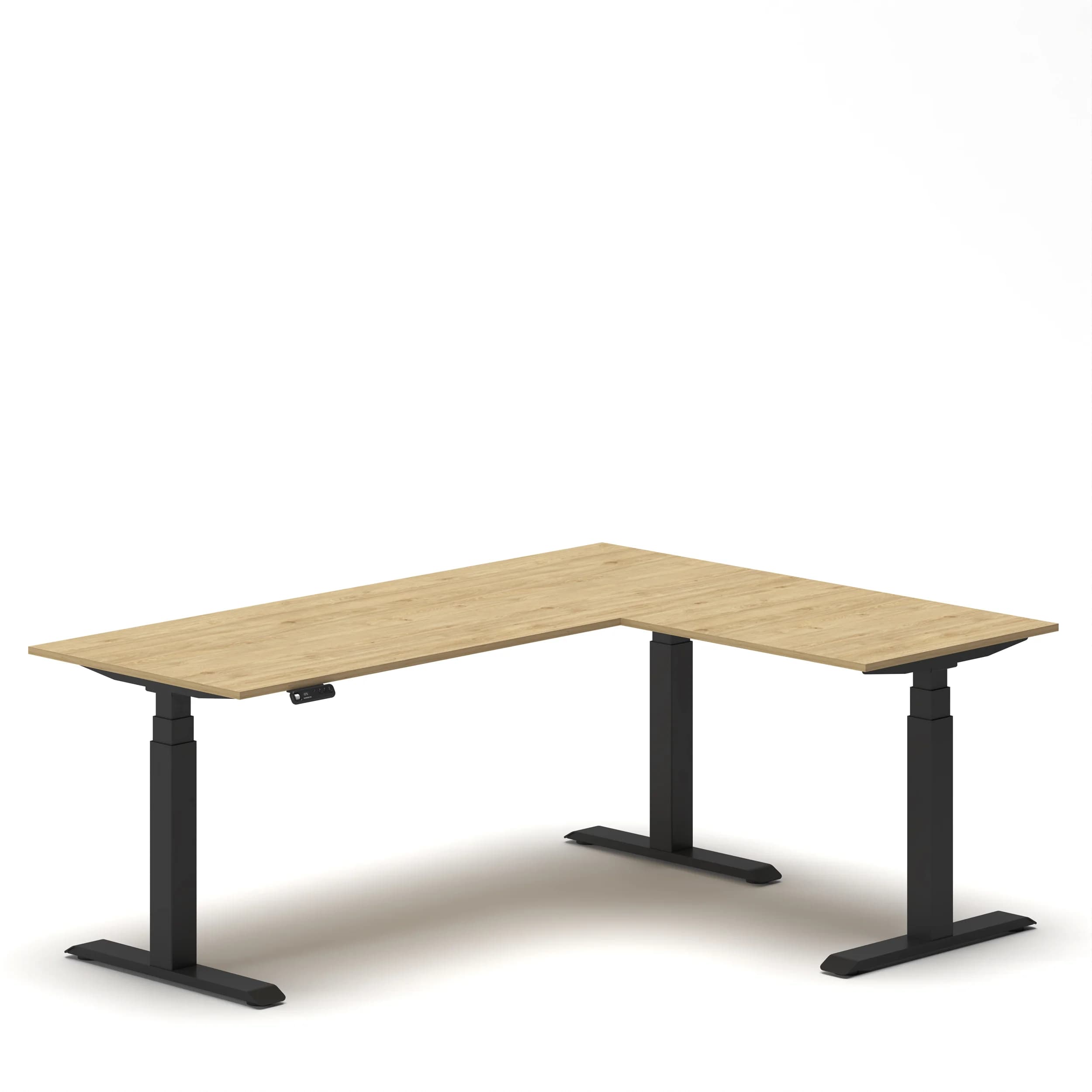
Popular Blogs
View all
Sitting isn’t the Enemy, How You Sit Is: How to Align Your Desk for Zero Back Strain
If your job keeps you at a desk for most of the day, you are not alone—and you are not stuck. Software developers and data entry keyers spend 100% of a typical workday seated, while financial managers sit for 94%. Sitting is a standard part of modern work, so the real goal is learning how to reduce its physical impact while staying productive.
What the Research Shows
*Sedentary Volume: Adults in high-income countries spend 11–12 hours daily sitting over 75% of their waking hours (British Journal of Sports Medicine).
*Cardiovascular Risks: Sitting 6–8 hours daily increases cardiovascular event risk by 125% to 150% (Mayo Clinic).
*The 22-Minute Counter: 22 minutes of daily moderate-to-vigorous activity (brisk walking, cycling, active housework) offsets the mortality risk of prolonged sitting (BJSM).
*Micro-Break Impact: 5-minute movement breaks every hour significantly reduce fatigue and improve mood without hurting work performance (2026 BJSM Study).
*Gym Fallacy: A 60-minute workout in the morning does not fully reverse 9 hours of continuous sitting; daily movement breaks are still required.
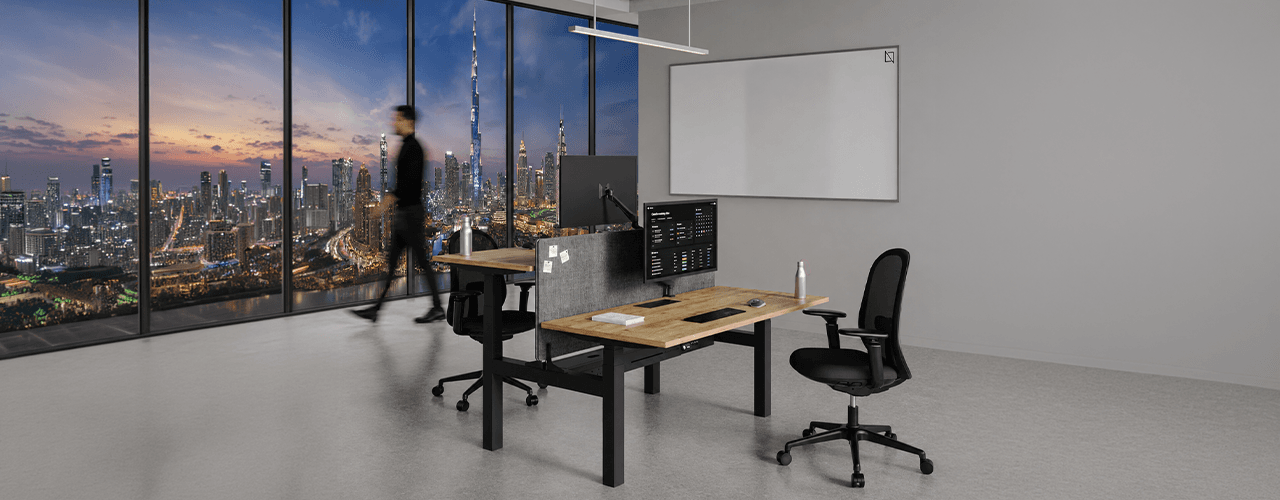
The Ultimate Office Furniture Setup Checklist for Modern Teams
Most offices aren't badly furnished. They're incompletely furnished. A great chair paired with the wrong desk height. A standing desk with no monitor arm. A collaborative floor with no acoustic separation.
The gap is rarely one big thing. It's several small things missing from the same setup at the same time.
This checklist covers every furniture category a modern UAE office needs — what to look for, what to avoid, and what the research says about each. Use it for a new fit-out, an upgrade review, or a department-by-department audit.
Key Findings
*The chair is the top furniture investment for knowledge workers. It has the most contact hours and directly impacts posture, energy, and afternoon performance.
*Fixed desks at 75cm fit about 30–40% of UAE office teams well. Height adjustability isn’t a luxury; it meets everyone’s needs.
*Open-plan offices without acoustic zones can lose employees up to 86 minutes of productive time each day. This is based on workplace productivity research.
*EU-OSHA highlights musculoskeletal disorders as the top workplace health concern worldwide. Poor seating and desk height are key factors.
*CBRE's 2026 Global Workplace Insights reveals that 69% of organizations have over 40% of staff sharing desks. This shift means adjustability is now a standard requirement, not just an upgrade.
*Quality ergonomic chairs last 8–12 years. A BIFMA-certified chair costs less per year when spread over 10 years. This cost is lower than one physiotherapy session for occupational back pain in Dubai.
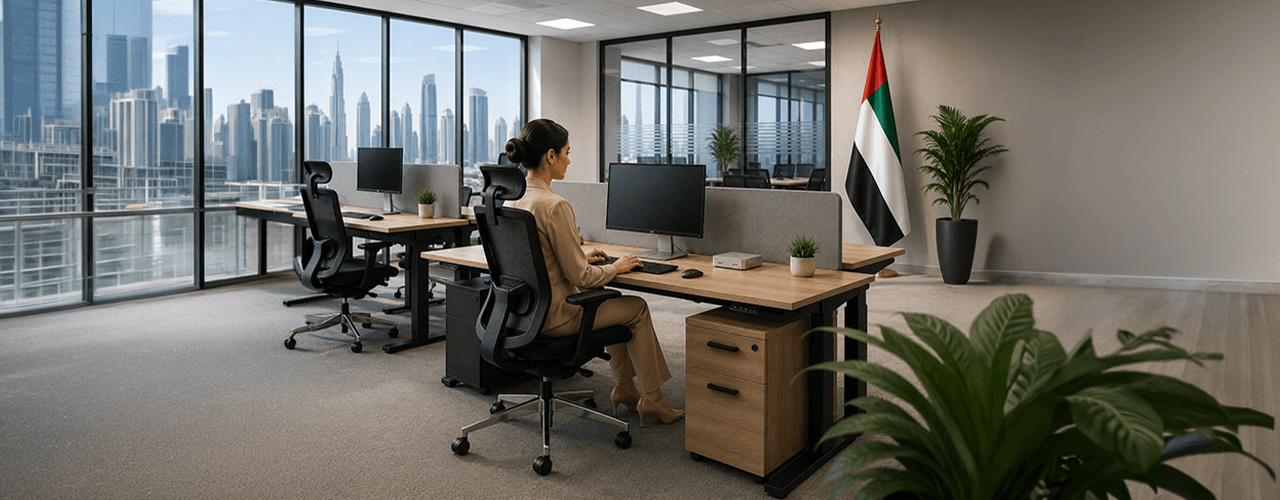
Office Ergonomics Compliance Guide for UAE Employers
Most articles on this topic overstate what UAE law actually requires. They cite real legislation and then make claims those laws don't support - implying that standard office chairs create legal liability or that standing desks are a compliance requirement. That's not accurate. And it's not a useful starting point for any employer trying to make genuine decisions about their workplace. This guide draws a clear line between what UAE law actually requires, what international ergonomic frameworks recommend, and why good ergonomics makes business sense regardless of whether legislation mandates it.
Key Findings
*Federal Decree-Law No. 33 of 2021 establishes a broad employer duty to provide a safe work environment — it does not mention ergonomics, specific furniture types, or chair adjustability.
*UAE law does not legally require BIFMA-certified chairs, standing desks, adjustable monitor arms, or acoustic pods.
*MoHRE workplace inspections focus on fire safety, emergency exits, ventilation, lighting, and hygiene — not desk height or armrest type.
*BIFMA is a voluntary American trade standard; OSHA is a US government agency; WELL is a private voluntary certification — none carry legal standing in the UAE.
*Ergonomics is a recognised best practice for employee health, productivity, and comfort — supported by international research but not mandated by UAE legislation.
*Employers who invest in ergonomic workspaces may reduce absenteeism, lower musculoskeletal complaint rates, and improve staff retention — the business case is real even where the legal mandate is not.
You x Navo
Feel free to reach out to us for any queries & concerns