

 Visit our Showroom
 +971 585905046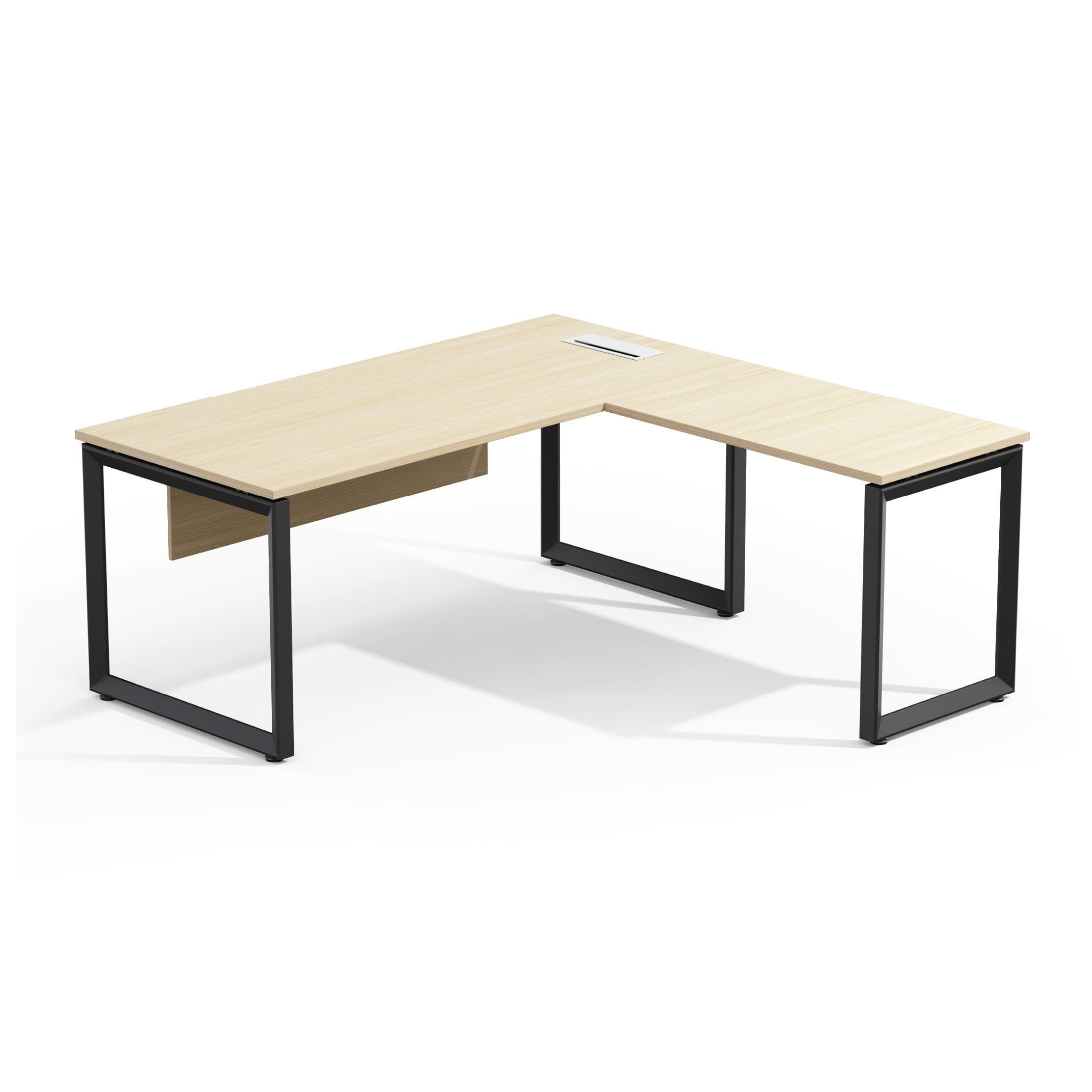
An L-shaped desk is a specific solution to a specific problem. It’s not always better than a straight desk. But, it shines when you use multiple monitors, have different task zones, or need to fit a workspace into a corner.
Here's the honest assessment of when an L-shaped desk makes sense, what to look for, and what mistakes to avoid in setup.
Take me to
What Are the Real Benefits of an L-Shaped Desk?
An L-shaped desk offers two separate work areas. You can do main screen tasks on the main wing and handle secondary tasks on the return. This separation reduces constant reorganizing. It also cuts down on competition. Single-surface desks create these problems when workflows have many active zones.
L-shaped desk boosts comfort and focus. It fits how we work today—switching between monitors, laptops, paperwork, and video calls. An L-shape gives different tasks their own space. The spatial separation reduces clutter, awkward reaching, and constant repositioning.
Standard rectangular desks often make you twist your body. They can also force you to move your arms to reach things. An L-shaped desk naturally wraps the workspace around the user — pivot instead of stretch, turn instead of strain.
Who Benefits Most from an L-Shaped Desk?
L-shaped desks shine for:
Multi-monitor users (2–3 screens fit easily without straining the neck).
Creative professionals who draw and work on screens.
Developers using dual displays alongside documentation.
Anyone juggling two tasks that need separate spaces.
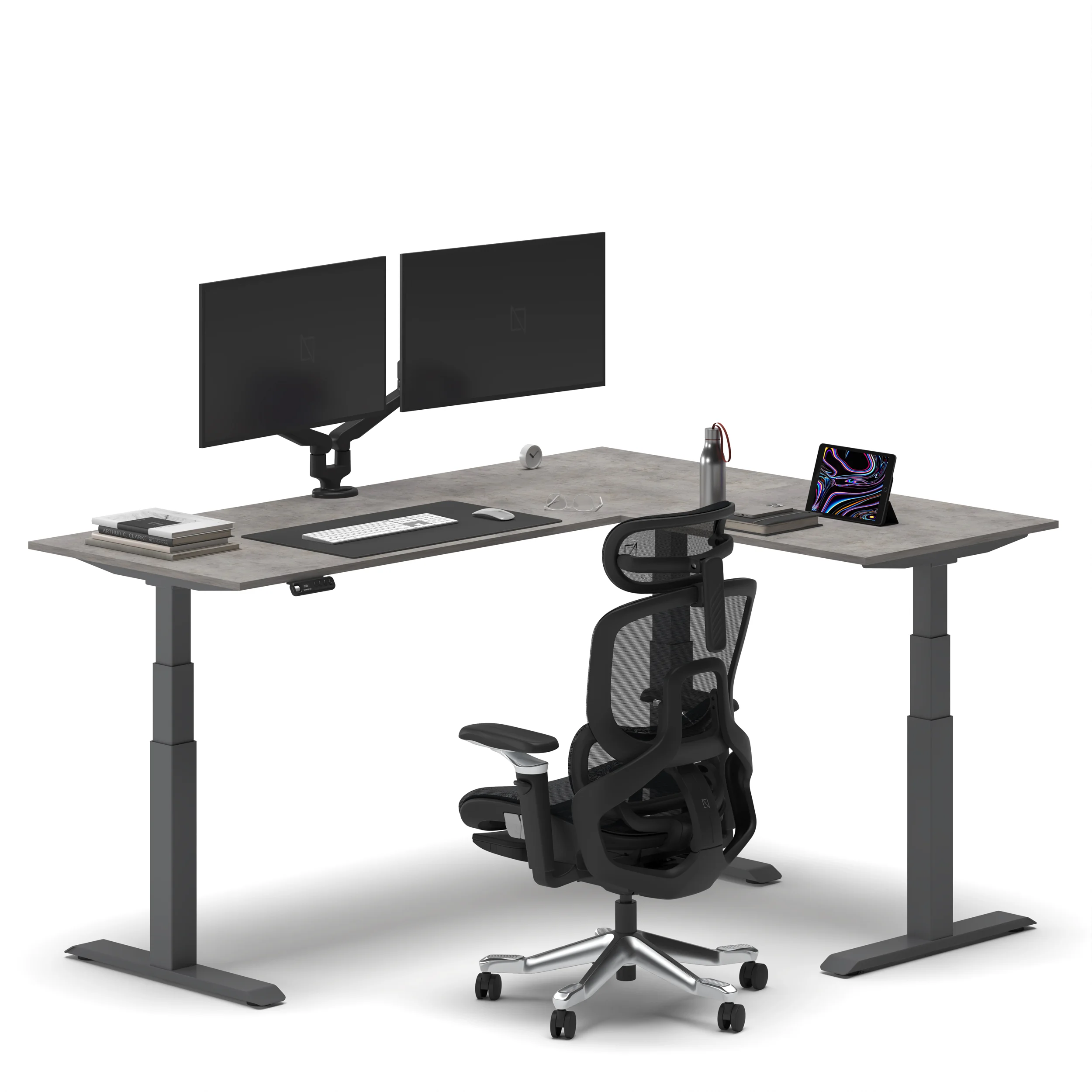
L-desk benefit analysis shows the decision clearly: if you focus on one screen and one task, a straight desk works well and costs less. If you use two or more screens, have papers around your keyboard, or keep a desktop PC next to a laptop, the L-shape gives you plenty of usable space.
The global L-shaped desk market is set to hit $13.6 billion by 2032. This shows a growth rate of 6.25% from 2024. The gaming segment is growing even faster, at about 15% CAGR. This growth highlights how dual-monitor and multi-peripheral setups are popular not just for work, but also for gaming.
Who doesn't benefit: Single-monitor users with focused, single-task workflows. The L-shape adds footprint and cost without adding functional surface beyond what a straight desk provides.
What Are the Setup Mistakes That Defeat L-Shaped Desk Ergonomics?
Common L-shaped Desk Ergonomic Mistakes:
(1) Placing the primary monitor in the corner. This forces you to lean forward or sit back, both of which are bad for ergonomics.
(2) Typing on the return. This causes sustained lateral torso rotation.
(3) Having surfaces at different heights. If the return is lower or higher than the main wing, switching surfaces means constant adjustments.
(4) Underestimating the room clearance needed. L-shaped desks take up much more floor space than straight ones.
The corner is the deepest part of the desk. Placing a primary monitor there makes you lean forward or sit too far back. This is not good for your viewing distance. Instead, the main monitor should be on the main wing, centered at arm's length. Save the corner for items you don’t use often.
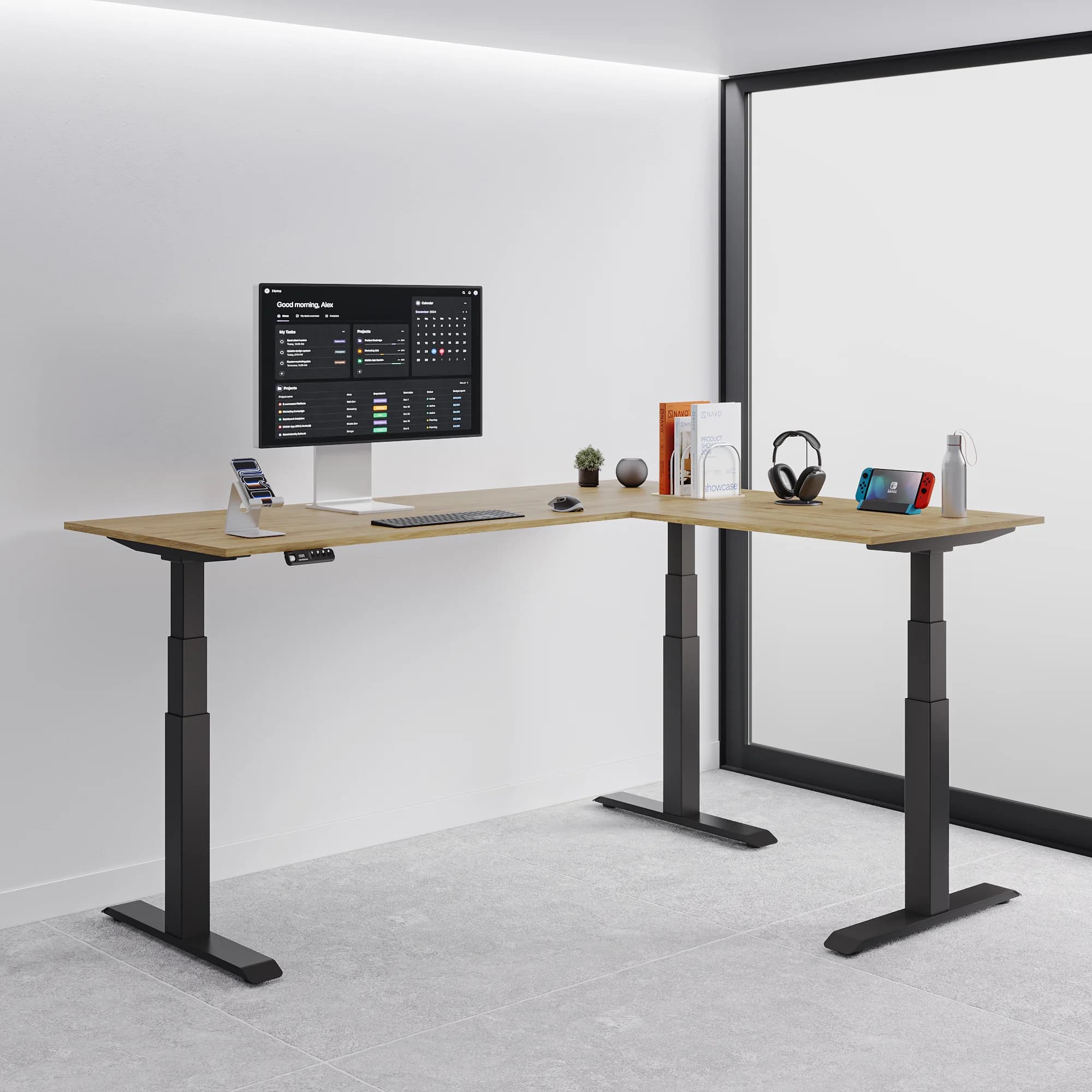
Correct primary monitor position: On the main wing, centred directly in front of you, at eye level (using a monitor arm). Secondary monitor on the return, angled inward at 20–30°. Input devices (keyboard, mouse) in the primary zone only — never positioned on the return requiring lateral reach during typing.
What Are the Navo L-Shaped Desk Options?
Navo has two types of L-shaped desks:
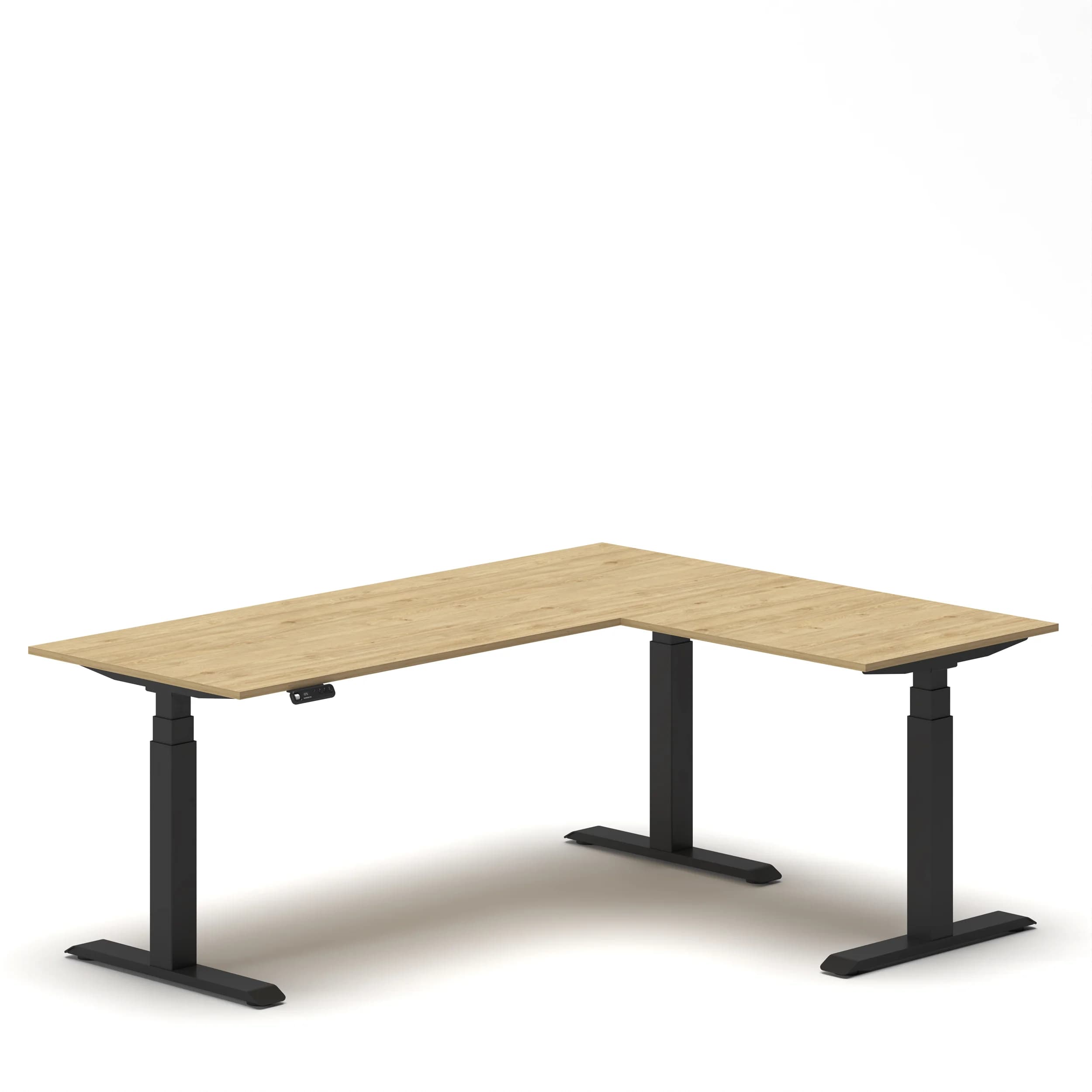
Navodesk Studio L-Shaped Standing Desk: This desk is electric height-adjustable. It has a multi-zone setup and four memory presets.
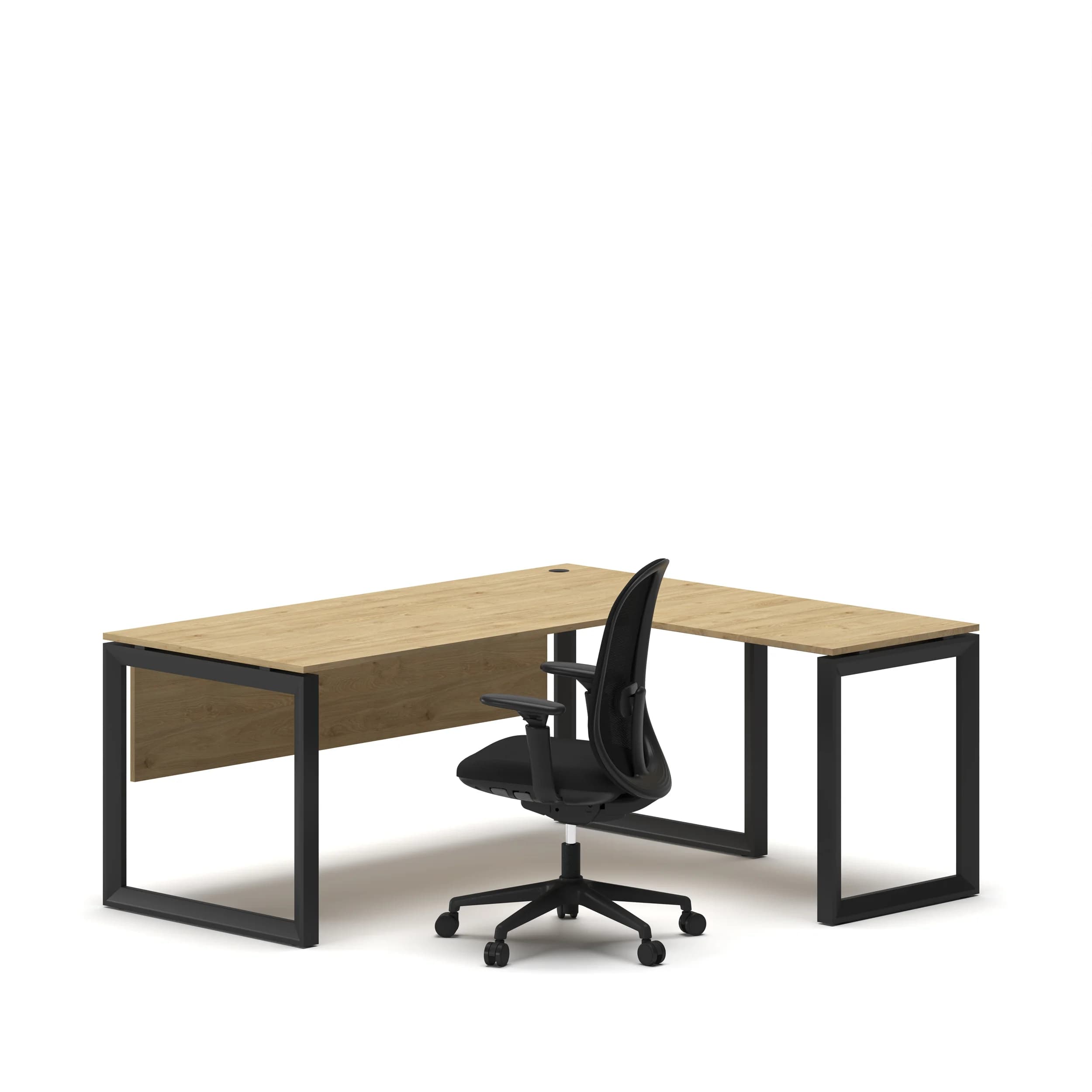
L-Shape Executive Desk: This one has a fixed height and is BIFMA-certified. Its main side adjusts from 120 to 180 cm, while the return measures 70 to 100 cm. It features a heavy-duty telescopic frame and comes with a 5-year warranty.
Navodesk Studio L-Shaped Standing Desk
Built for multi-zone work setups — managing dual monitors, design work, gaming, or switching between focused tasks throughout the day. Electric height adjustment lets the entire L-surface rise to standing height, maintaining both zones at the correct ergonomic position simultaneously. One side serves the main workflow, the other supports accessories, documents, secondary devices, or a separate task zone.
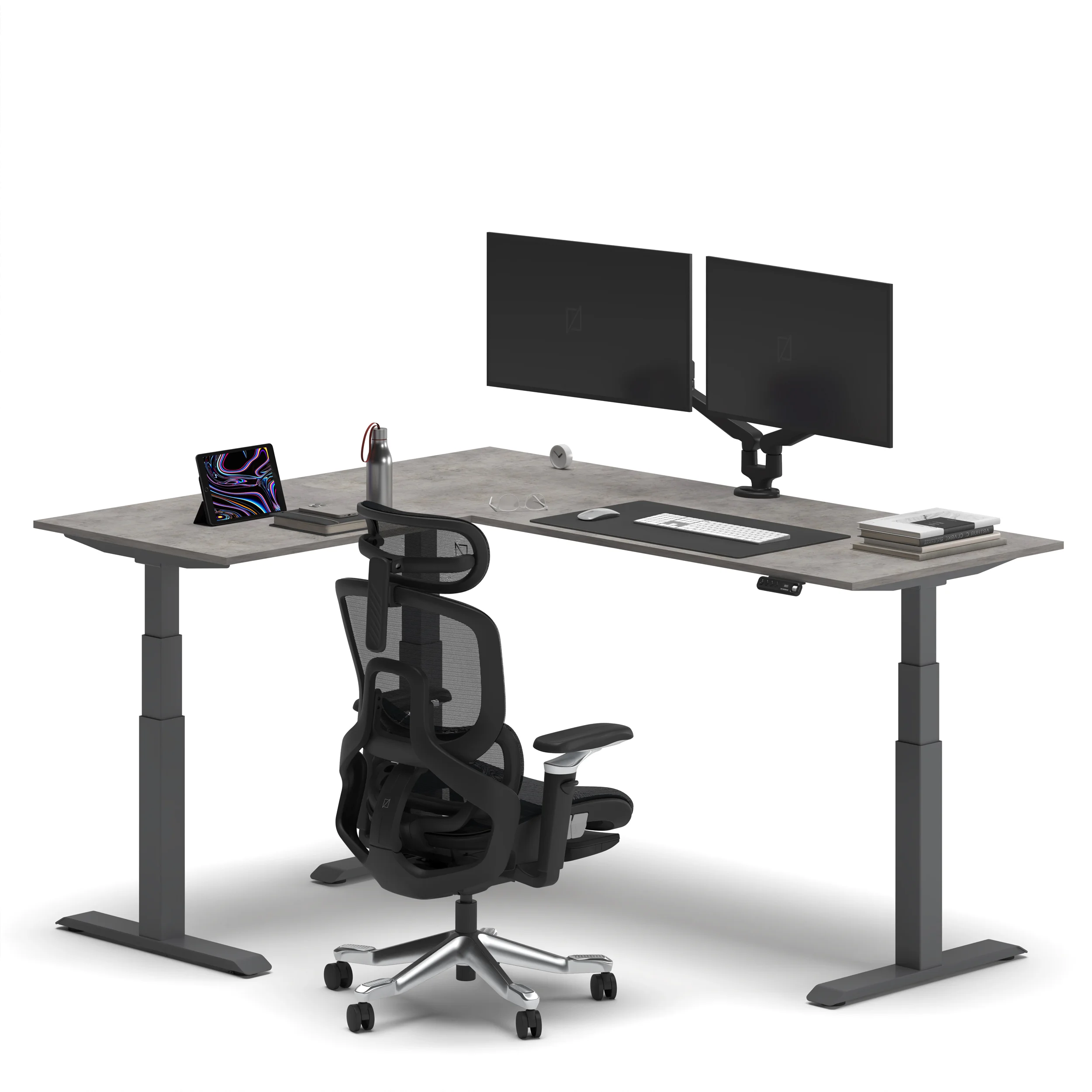
Who it’s for:
Professionals
Creators
Home office users
This is for anyone needing extra space and real sit-stand options across the entire L-surface.
L-Shape Executive Desk — Series O
BIFMA-certified, heavy-duty telescopic frame. The main side extends from 120 to 180 cm. The return side ranges from 70 to 100 cm. This design allows for customizable dimensions to fit different office layouts. 5-year warranty. Fixed height — designed for executive offices, this desk is tailored for one user in a dedicated spot.
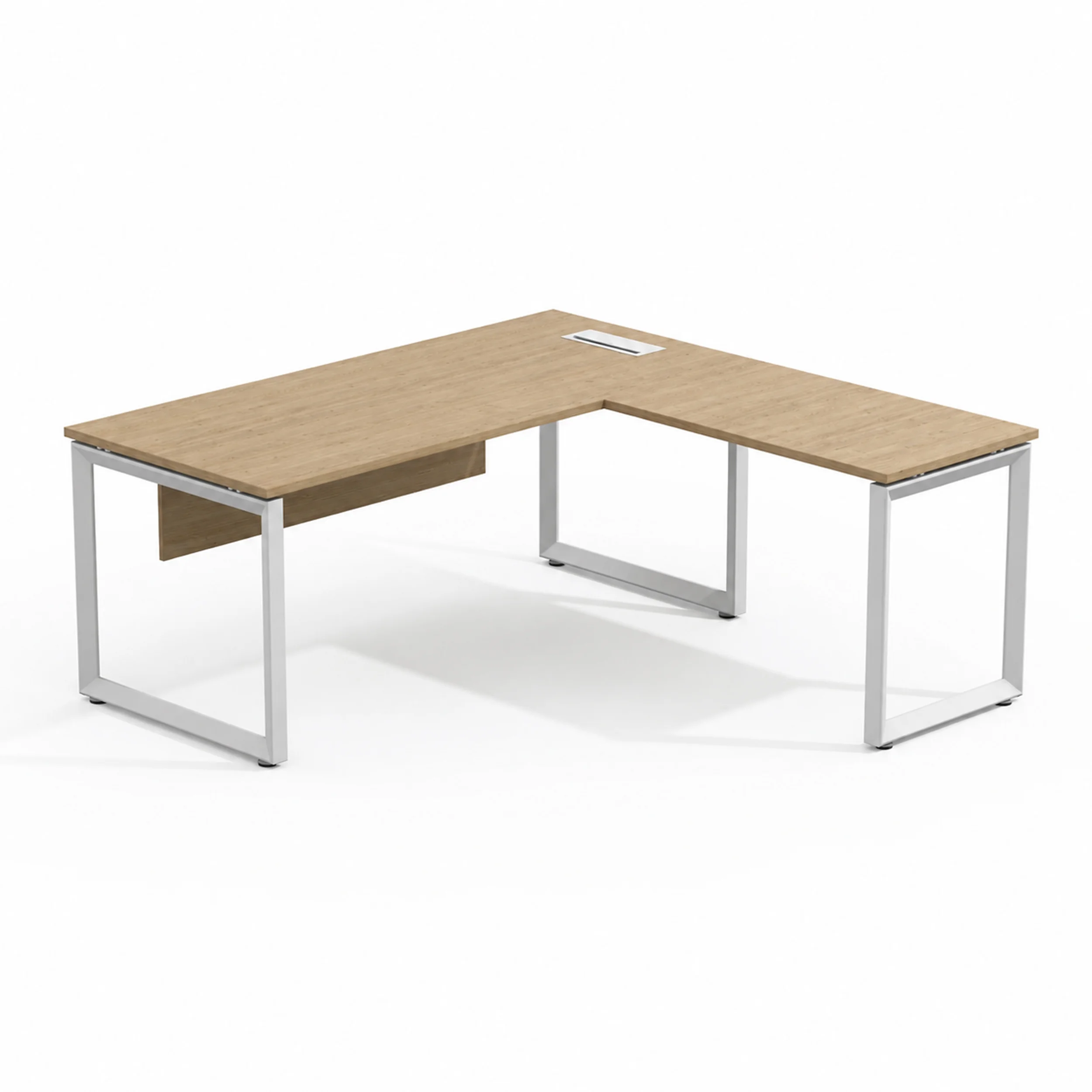
**Who it's for:** Executives and senior professionals in private offices. This is for spaces where adjustability isn't needed. Here, material presence and storage matter most.
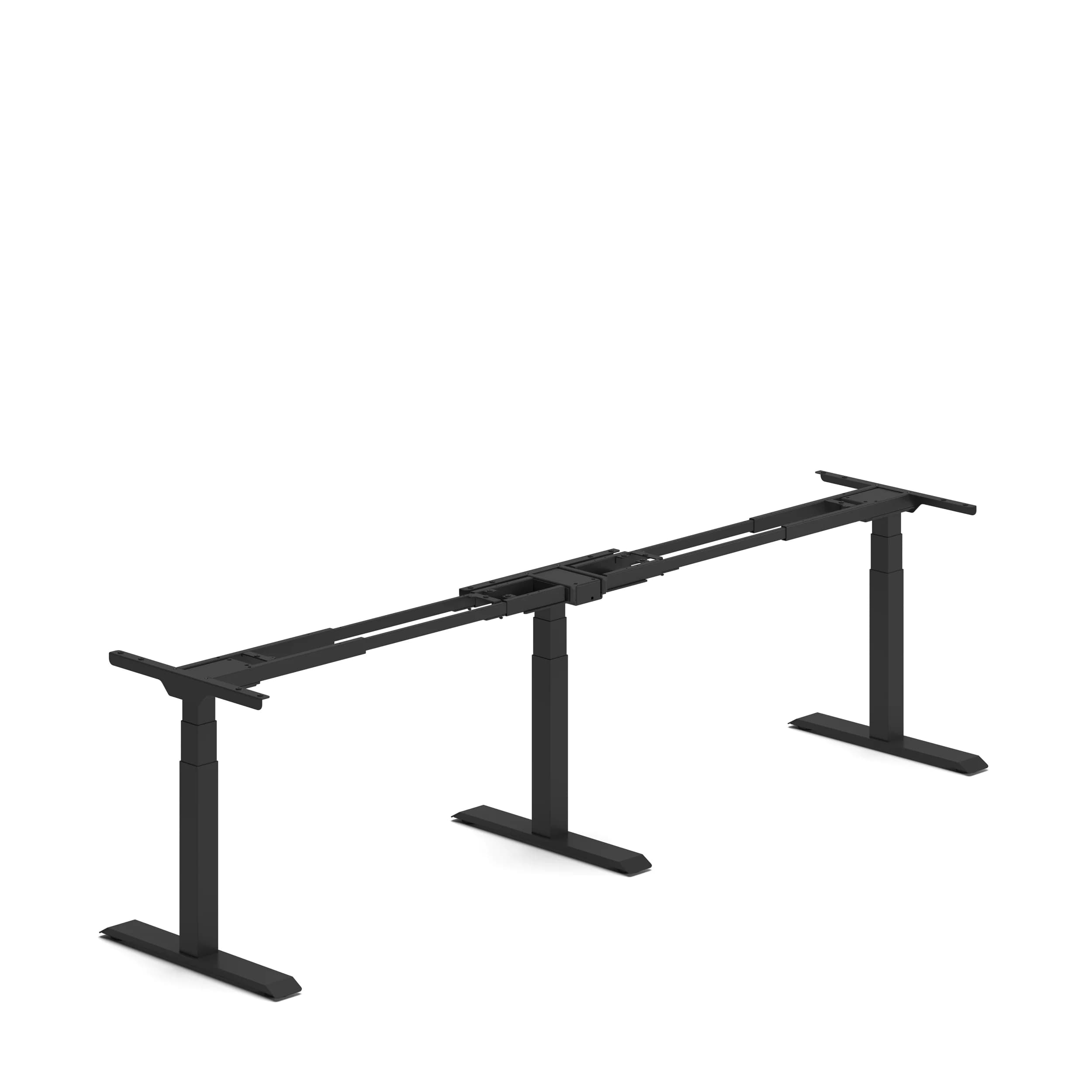
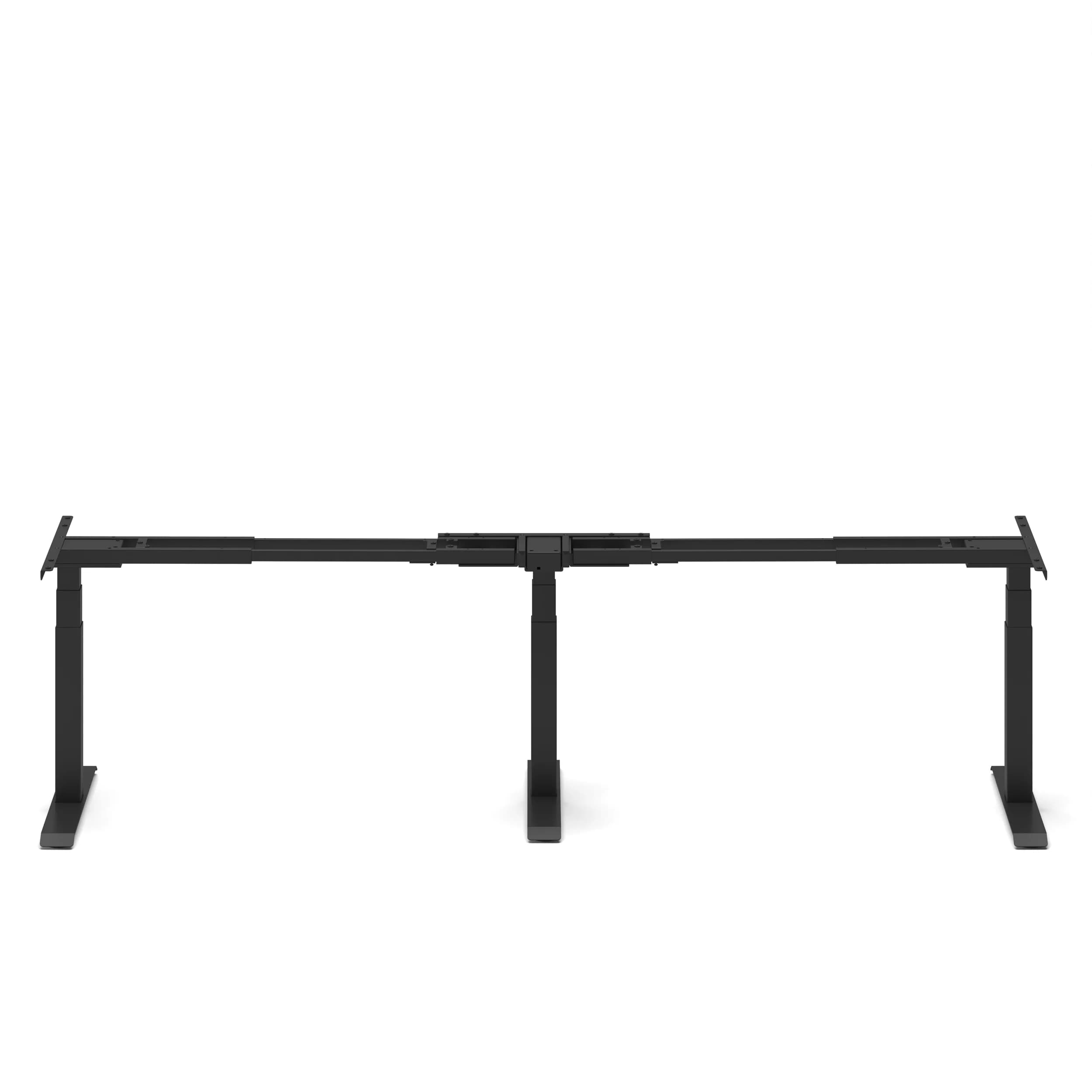
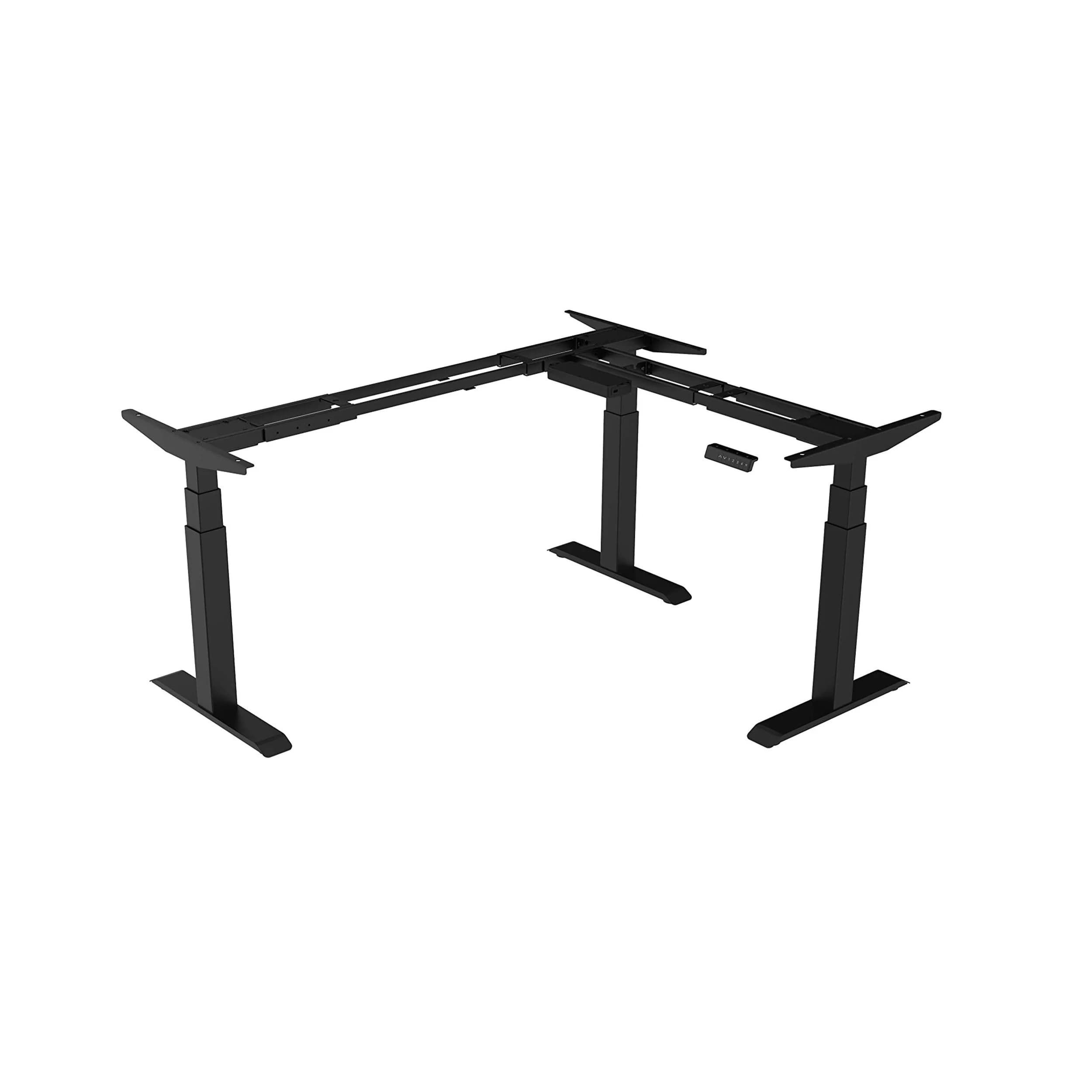
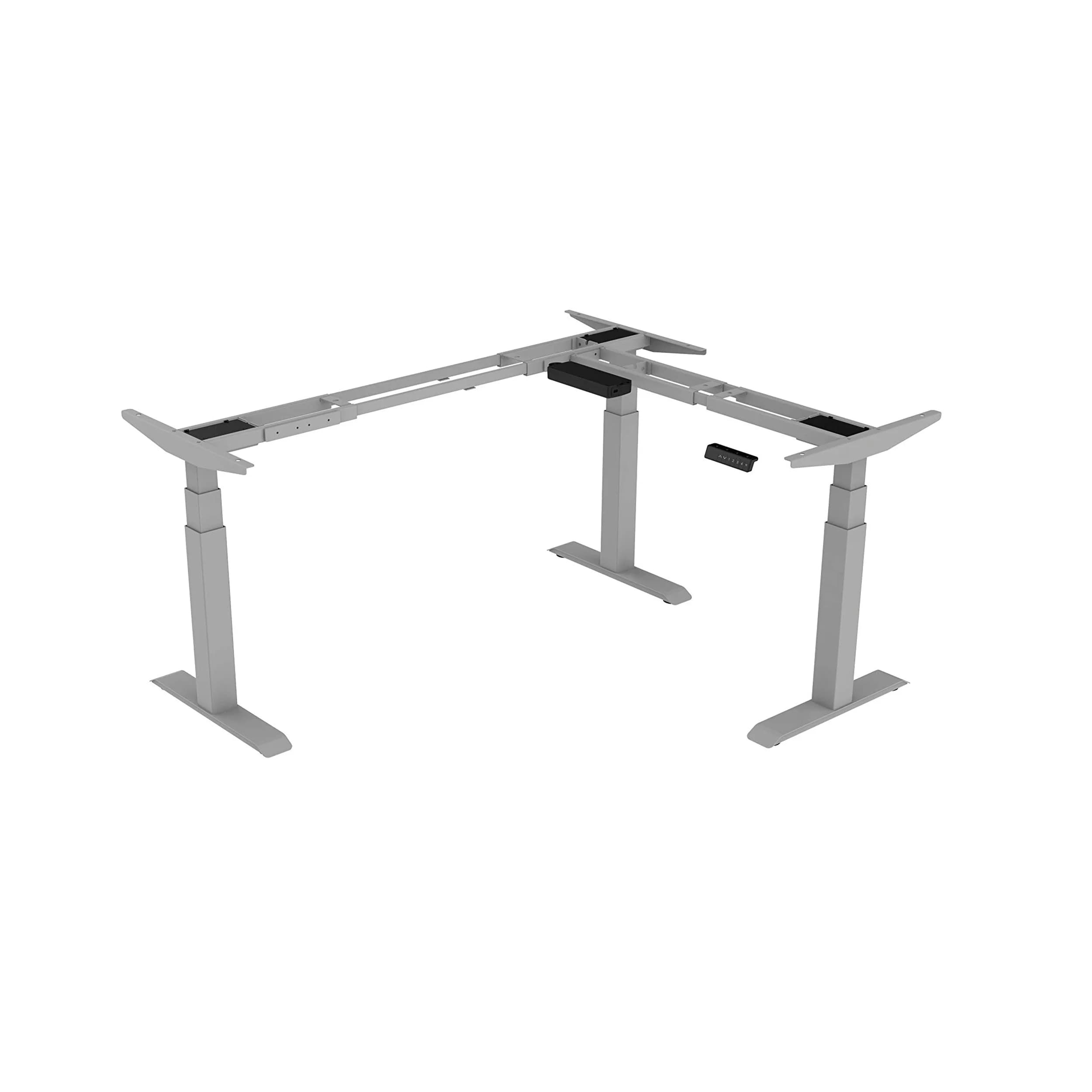
Navodesk Flex L-Shape Frame
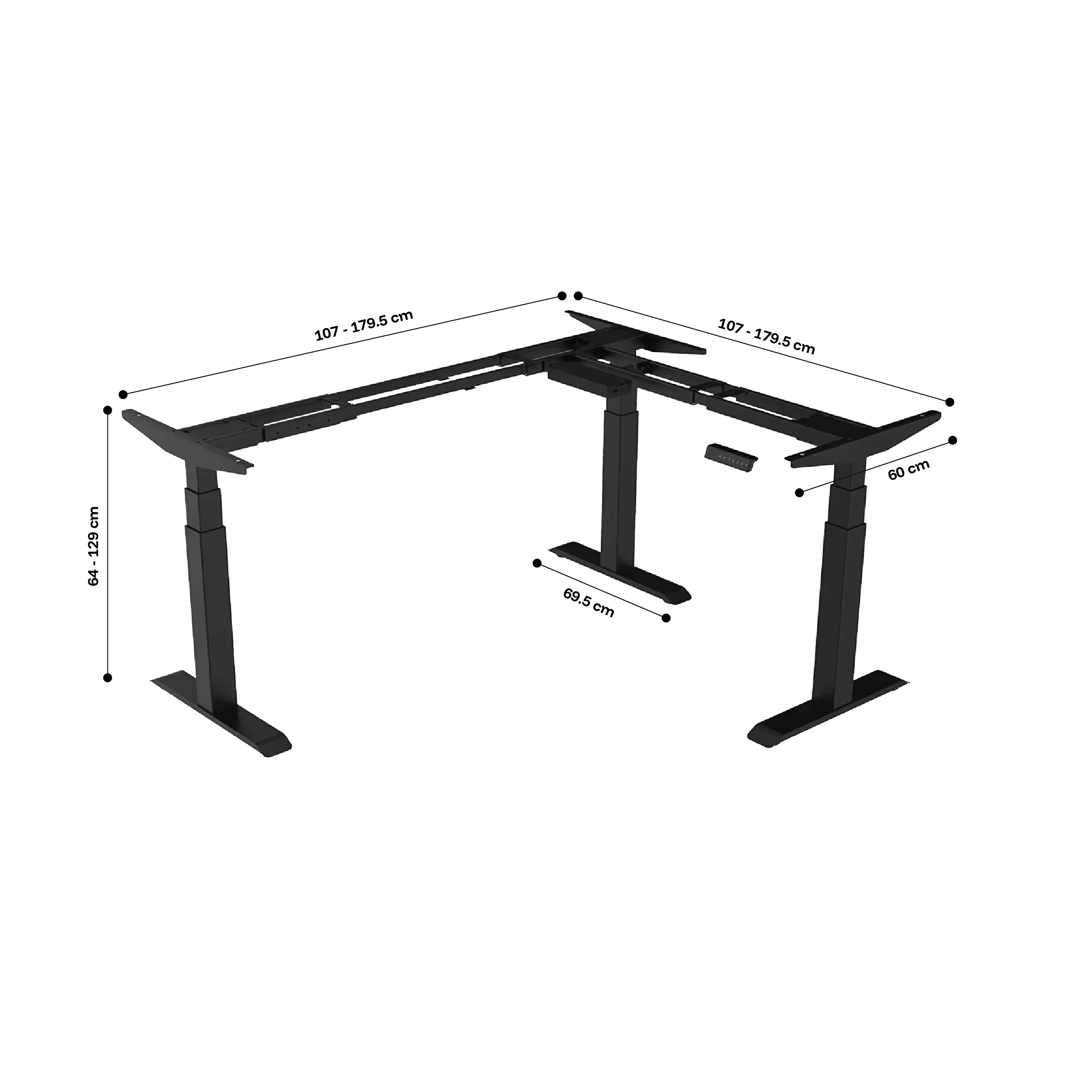
Height-adjustable L-shaped frame with adjustable configurations of 90°, 120°, and 180° — compatible with custom desktops including butcher block, solid wood, and bamboo. For users who want the Flex L-Shape standing desk height range and triple-motor capacity with a custom tabletop.
How Do You Set Up an L-Shaped Desk Ergonomically?
An ergonomic L-shaped desk setup follows standard desk principles but adds zone discipline. Place the primary monitor at eye level on the main wing using a monitor arm. Keep the keyboard and mouse in the primary zone at the right elbow height. The secondary monitor should be on the return, angled 20–30° inward. Make sure the secondary zone surface is the same height as the primary, which is crucial for dual-motor L-shapes.
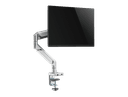
These desks fit adjustable monitor arms to set screens at the right height and distance. They also support keyboard trays for proper input device height. Plus, they offer cable management for the extra cables from two monitors and a PC.
For the cable management challenge L-shaped desks create, especially height-adjustable ones, check out our standing desk cable management guide.
ANSI/HFES 100-2007 specifies that for dual-monitor L-shaped setups, both wings must reach the same work surface height to prevent asymmetric posture during cross-zone tasks. This is built into the Navodesk Studio's dual-surface simultaneous adjustment.
Frequently Asked Questions
Need Help Building Your Ergonomic Setup?
We'll guide you to the perfect chair, desk setup, and comfort tips for a productive workday.
Shop Office FurnitureExplore Our Premium L-Shaped Desks
Smart, Stylish, and Space-Saving Solutions for Your Ideal Workspace
 2,950
2,950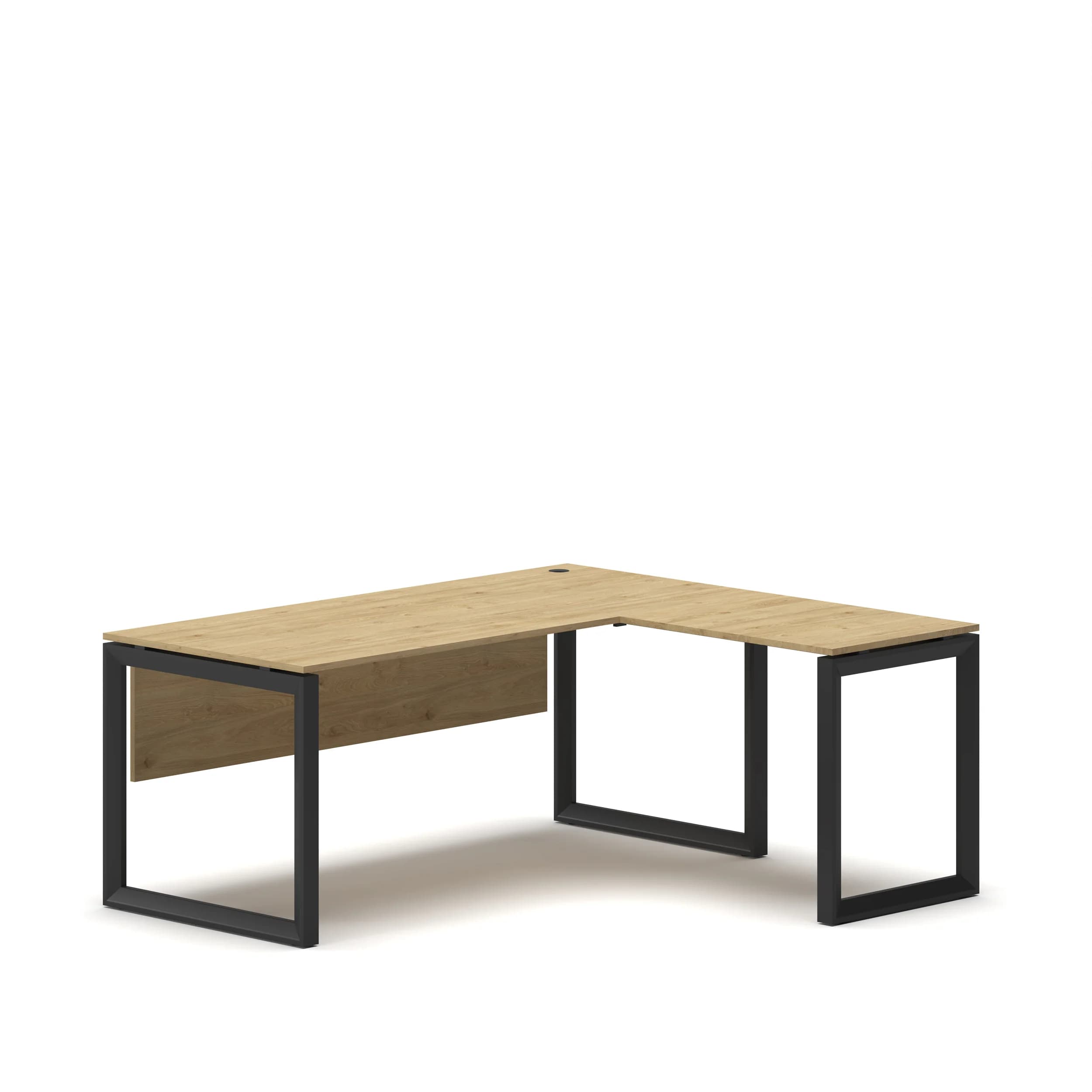
Popular Blogs
View all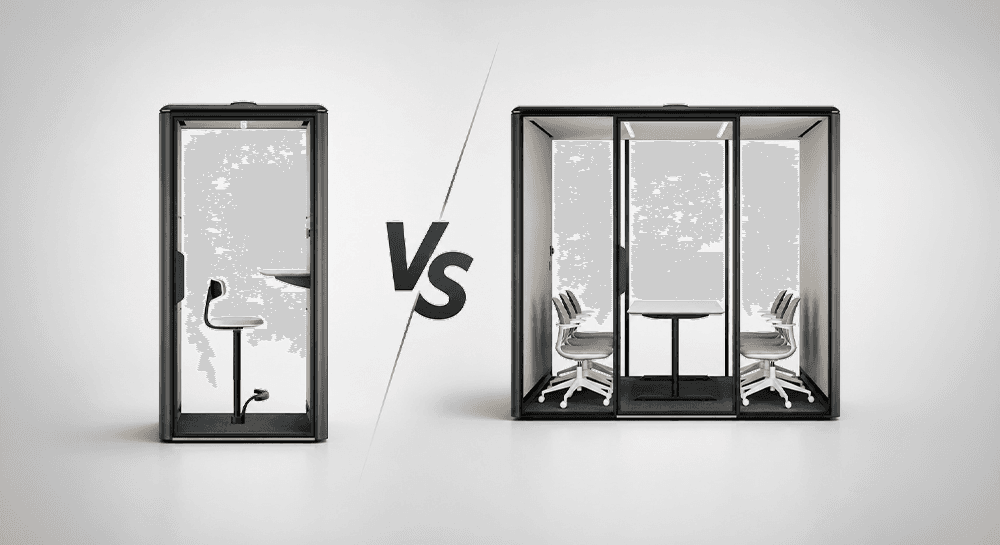
Office Pod vs Meeting Pod: Which Does Your Business Need?
Both solve the open-plan noise problem. Both sit on your office floor without construction. Both are operational within a day.
So why are they different products - and why does choosing the wrong one matter?
The distinction is simpler than most buyers think. An office pod is built around one person's need for quiet and privacy. A meeting pod is built around a group's need for enclosed collaboration. Getting the capacity wrong can lead to problems. A single user might feel lost in a 4-person room. Meanwhile, three colleagues could be squeezed into a 1-person booth for a stand-up.
Since 2019, we have been providing and installing acoustic workspace solutions in offices across the UAE and GCC. The capacity mismatch is the most common pod buying mistake we see - and the easiest one to avoid.
What Is an Office Pod? Types, Uses and Benefits
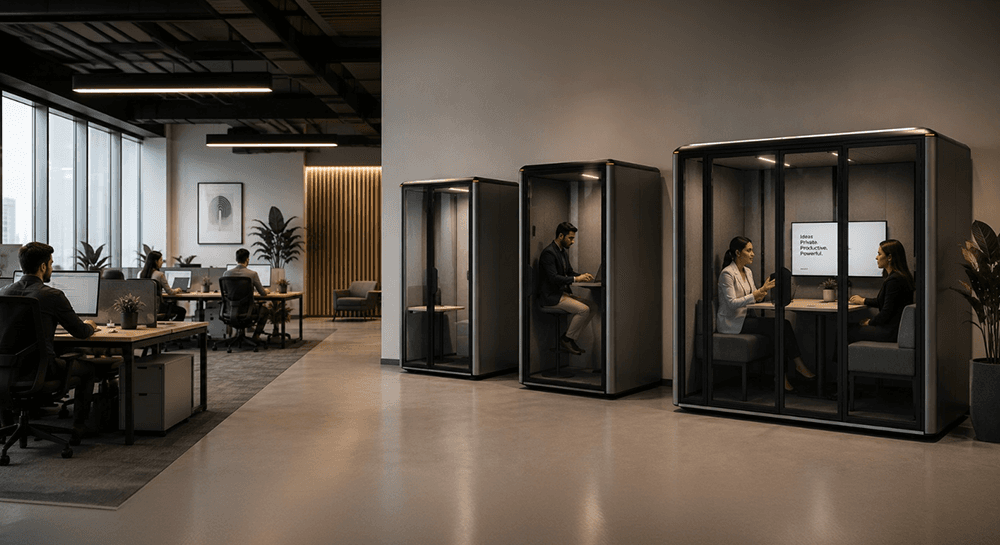
Open-plan offices were designed to encourage collaboration. They achieved that - and introduced a problem nobody budgeted for.
Noise. Constant, productivity-draining noise.
Research published by workplace consultancy Leesman Index consistently shows focus work rates higher satisfaction scores at home than in the office. The reason isn't the commute. It's unmanaged open-plan acoustics. Noise and interruptions can steal up to 86 minutes of work time from employees every day. This is based on research about workplace productivity.
In Dubai and GCC offices running 8–10 hour days across international time zones, that number compounds fast.
Office pods solve this directly. Not by removing walls and rebuilding. Not by expensive renovations. By placing a self-contained acoustic space exactly where the team needs it.
We've been designing and installing workspace solutions across the UAE since 2019. Here's what we've learned about which pods work, for whom, and why.
What Is a Desk Riser?
There's a moment most WFH professionals recognise—somewhere around 2 PM, lower back tightening, energy dipping, suddenly very aware you haven't moved in three hours. The solution everyone recommends is a standing desk. The price tag makes you reconsider.
Enter the riser desk—positioned as a cheaper, easier alternative. But what actually is it, and does it genuinely solve the same problem?
So lets understand what is a desk riser and what's the difference between standing desk and desk riser
What Is a Desk Riser?
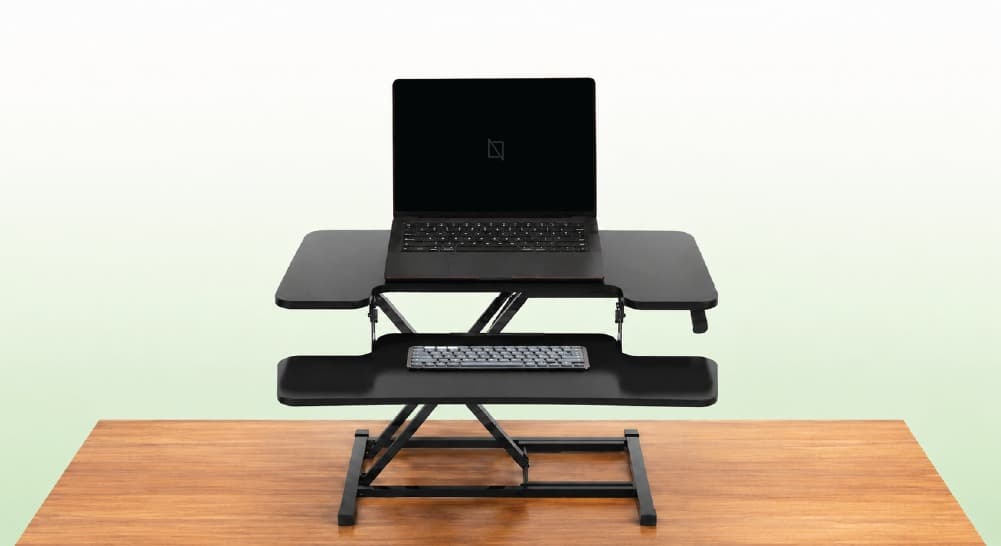
A riser desk—also called a standing desk converter or desk riser—is a height-adjustable platform that sits on top of your existing desk surface, raising your monitor, keyboard, and mouse to standing height without replacing your desk.
It's an add-on, not a replacement. Your current desk stays exactly where it is. The converter creates a raised working layer above it, which you lift when you want to stand and lower when you sit.
Think of it as a workstation within a workstation.
You x Navo
Feel free to reach out to us for any queries & concerns