

 Visit our Showroom
 +971 585905046
Take me to
What Height Range Do You Actually Need?
The height range you need is determined by two measurements: your correct seated keyboard height (elbows at 90° sitting naturally, approximately 68–75cm for most adults) and your correct standing keyboard height (elbows at 90° standing naturally, approximately 95–120cm depending on height). A desk that doesn't reach your correct seated height fails ergonomically regardless of other features.
This is the most commonly misunderstood specification. Most people evaluate the maximum height (for standing) without checking the minimum (for sitting). A desk with minimum height of 75cm is above the ergonomically correct seated position for any user shorter than approximately 173cm.
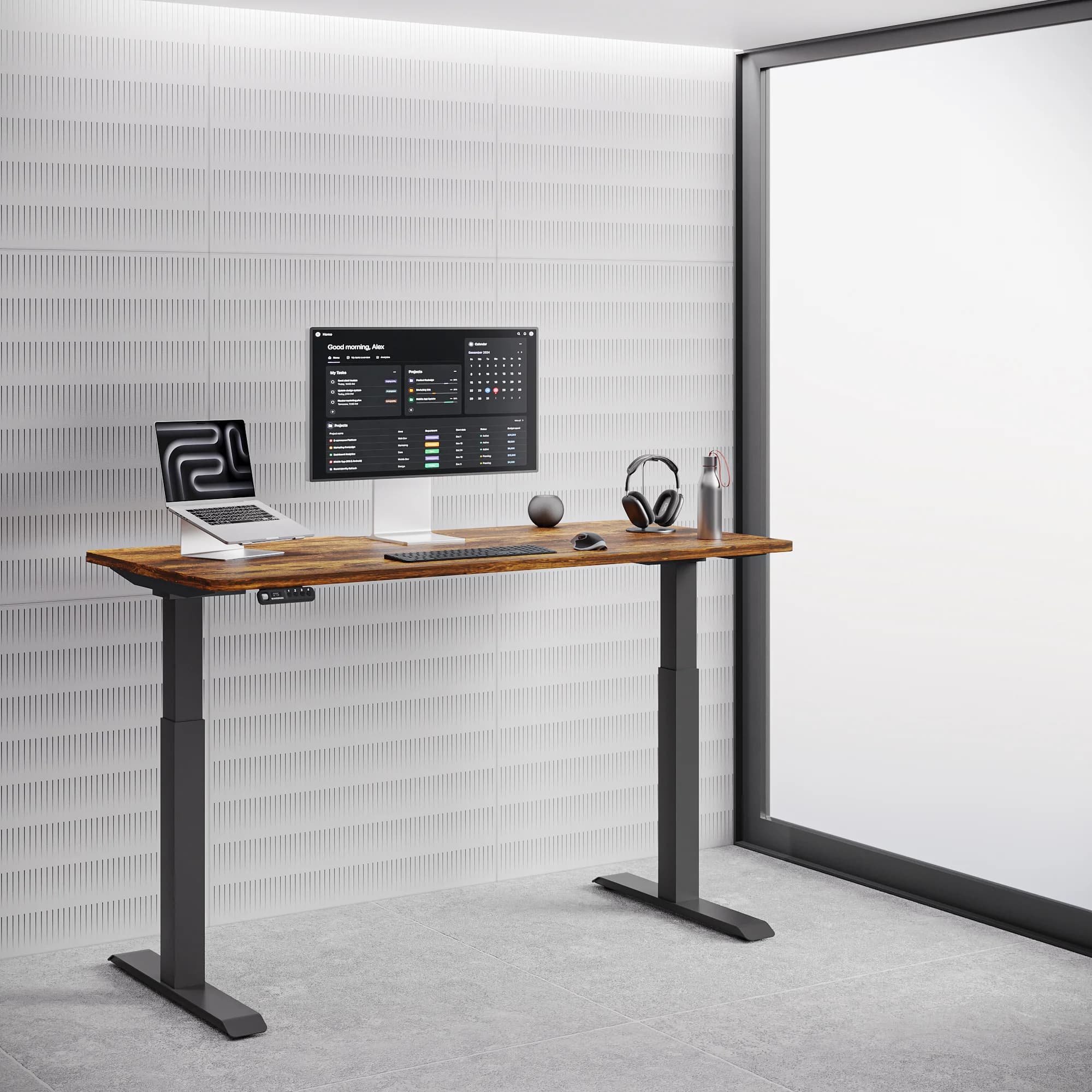
Navodesk height ranges and who they serve:
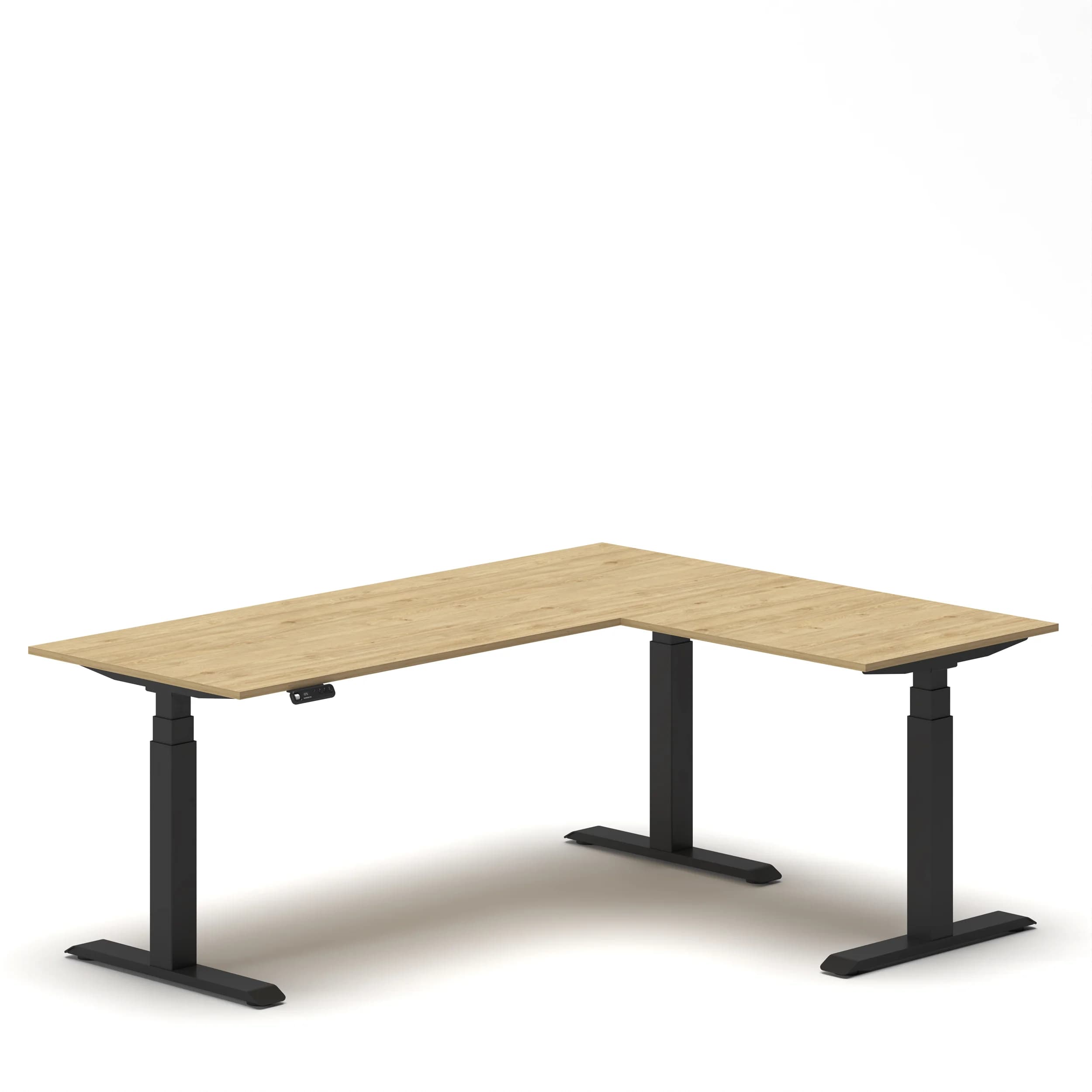
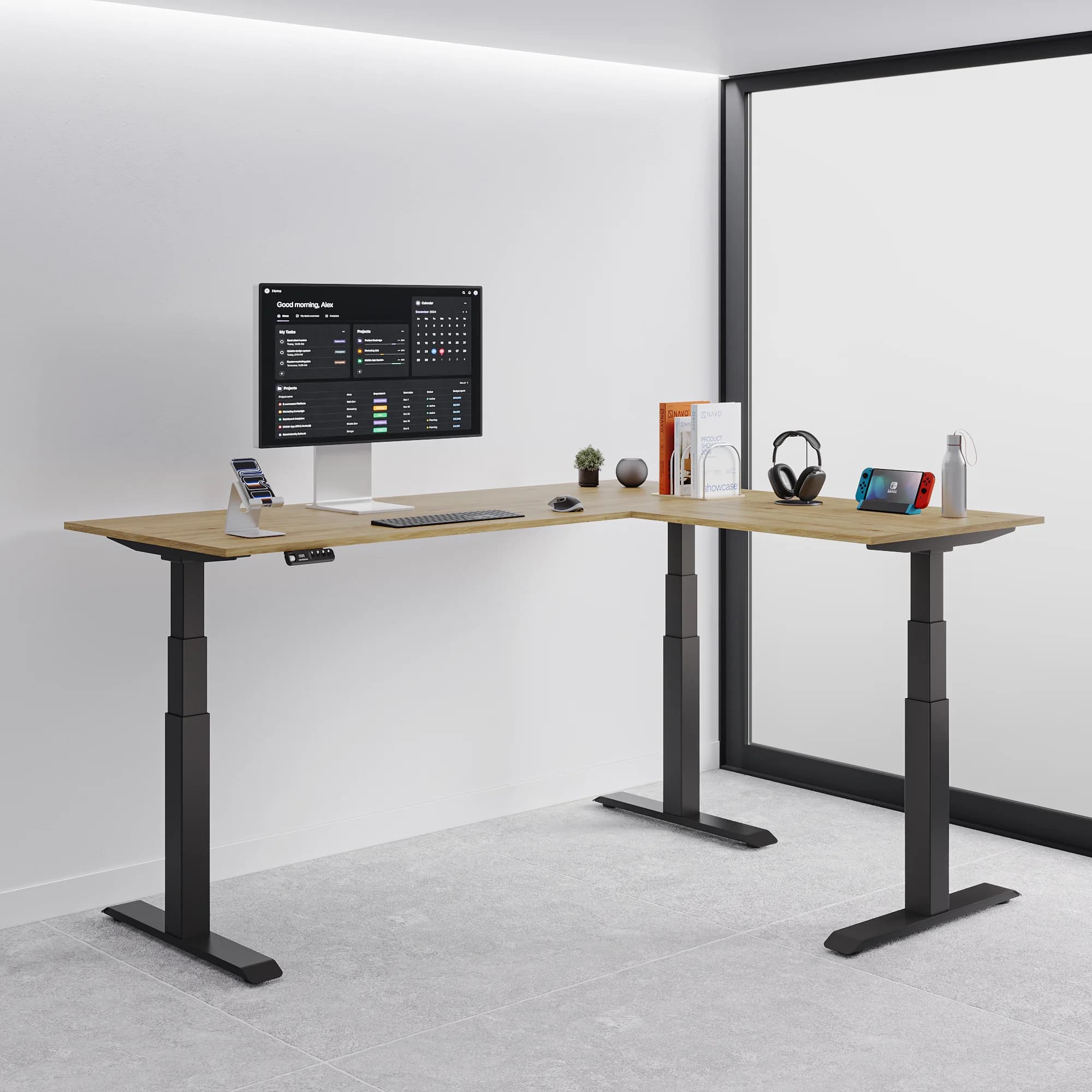
For shared workstations or hot-desk environments serving diverse GCC international teams, the Flex L-Shape's 58cm minimum is the specification that accommodates the full realistic height range from 155cm to 195cm+.
As covered in our what to look for in a standing desk features guide, the seated height check is the pre-purchase verification most buyers skip.
Single vs Dual Motor: What's the Practical Difference?
A single-motor standing desk drives both legs through one motor and a shared shaft - more affordable, slightly louder, less stable under uneven loads, typically slower. A dual-motor standing desk places an independent motor at each leg - synchronized movement, faster adjustment (32mm/s for Navodesk PRO Frame), quieter operation (~50dB), and stable under asymmetric loads like monitors and PCs positioned unevenly.
The BIFMA X5.5 standard tests furniture for both functional and proof loads. According to ergonomic analysis covered in our standing desk features guide, dual-motor systems are the appropriate standard for any setup with more than one monitor - because asymmetric loading causes single-motor desks to twist slightly during adjustment.
Every electric standing desk in the Navodesk range uses a dual-motor system. The Navodesk Flex L-Shape uses a triple-motor system (one per leg plus one central) for its 150kg capacity.
Why Are Memory Presets the Most Behaviorally Important Feature?
Memory presets save your exact sitting and standing heights to numbered buttons, returning the desk to those positions with a single press. Without presets, each height change requires manual adjustment - the friction that causes most users to stop alternating within 2–3 weeks. With presets, the transition takes one button press and approximately 8–12 seconds. Behavior follows friction; removing friction drives actual use.
This is documented in workplace ergonomics research on sit-stand desk adoption: users without presets show much faster reversion to single-position working than users with preset-equipped desks. The technology doesn't change ergonomics - it changes whether users actually implement the alternation that produces ergonomic benefit.
Preset availability in Navodesk range:
NavoControl™ Pro (PRO model): Memory presets + Bluetooth + activity tracking app + movement reminders
NavoControl Air (AIR model): Memory presets + LED display
Navodesk Executive: Smart LED panel with memory presets
All Navodesk electric models: Memory presets as standard
What Weight Capacity Do You Need?
Calculate your actual setup load, then choose a desk with at least 20–30% headroom above it. Typical dual-monitor professional setup: 20–35kg. Running a motor at or near its rated limit generates more heat, reduces adjustment speed, and accelerates motor wear - shortening lifespan.
Load estimates for common setups:
Laptop + single 24" monitor + accessories: ~12–16kg
Two 27" monitors + laptop dock + accessories: ~25–35kg
Two 32" monitors + desktop tower + accessories: ~35–55kg
Navodesk capacity:
AIR: 100kg (appropriate for any standard setup)
PRO / Executive: 120kg - BIFMA-certified
Flex L-Shape: 150kg - triple-motor, appropriate for heaviest professional setups
2-Stage vs 3-Stage Frames: When Does It Matter?
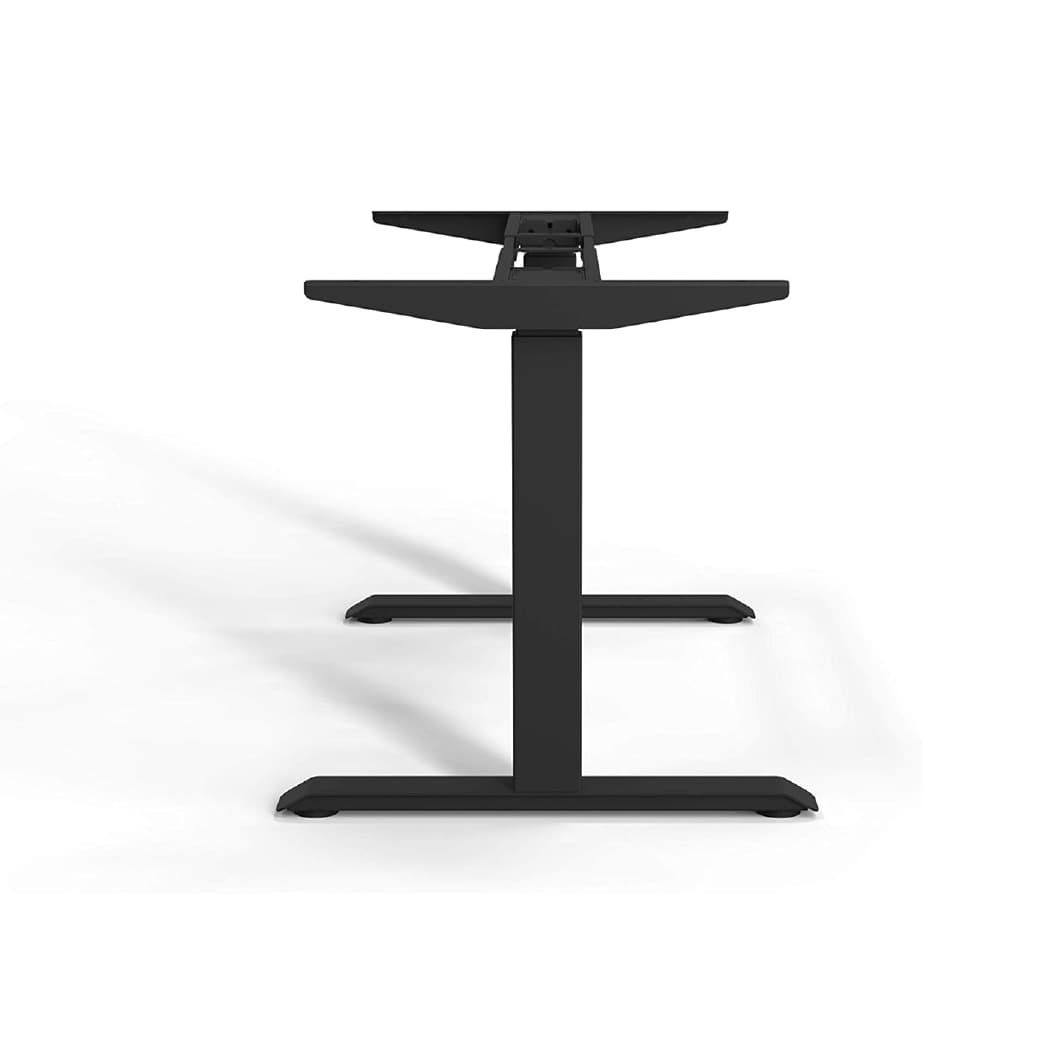
2-stage frames have two telescoping leg segments; 3-stage have three. More stages enable lower minimum heights and higher maximum heights from a more compact collapsed size - directly affecting which users the desk fits correctly. 3-stage frames also maintain better stability at maximum extension because leg segments overlap more.
2-stage (PRO Frame, Executive): Appropriate for users 165–190cm - covers the most common adult range
3-stage (Flex L-Shape, TILT): Required for users below 160cm (needs lower minimum) or above 190cm (needs higher maximum), or for environments serving the full population range
For hybrid office hot-desk environments serving diverse teams, 3-stage frames are the appropriate specification - the wider range accommodates everyone without height-specific workstation assignments.
Frequently Asked Questions
Need Help Building Your Ergonomic Setup?
We'll guide you to the perfect chair, desk setup, and comfort tips for a productive workday.
Shop Office FurnitureUpgrade to Excellence: Standing Desks That Work for You
Find the perfect balance of style, functionality, and health benefits.



 1,800
1,800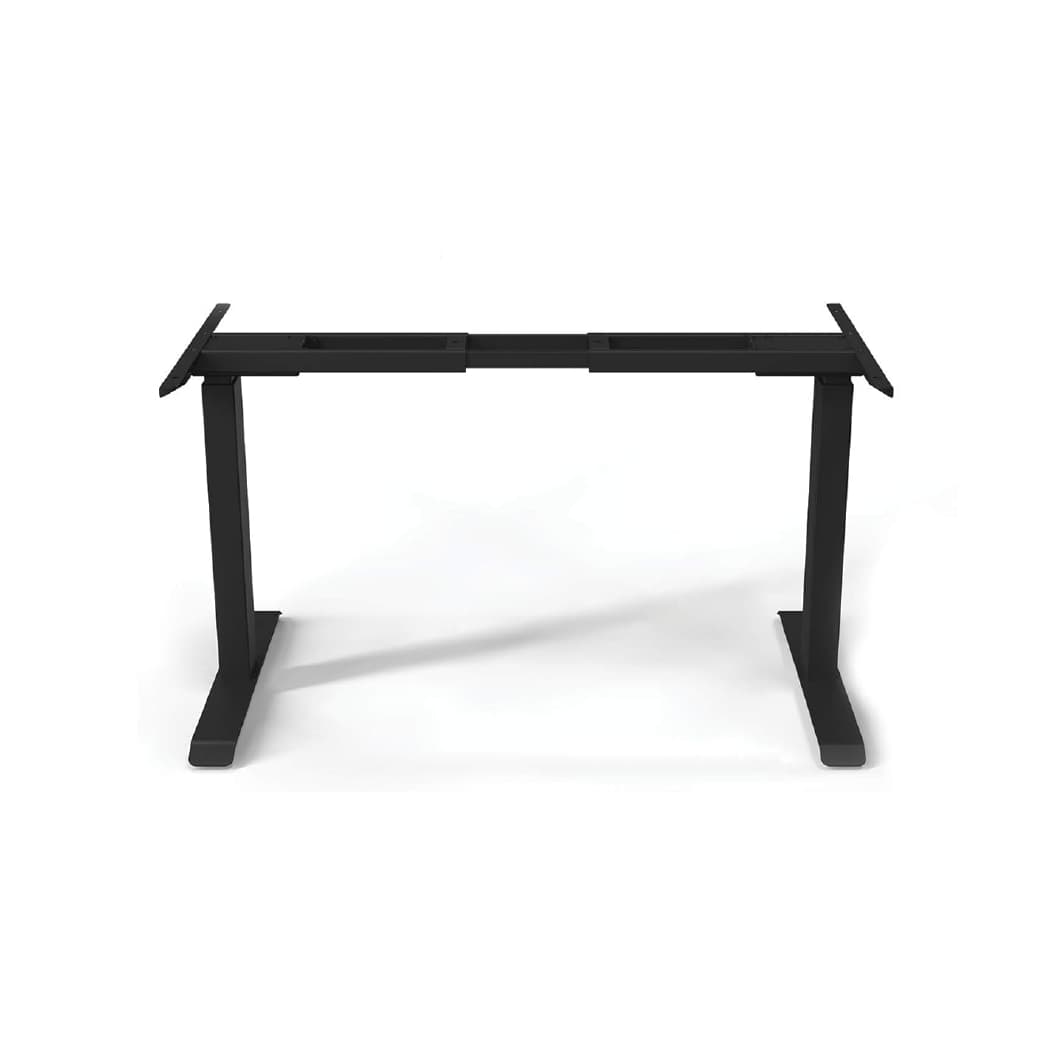
Popular Blogs
View all
The Real Perk Report: What Employees Actually Want
NAVO analyzed 2,000 employer sources and 1,000+ employee reviews to find out which workplace perks companies market and which ones employees actually talk about.
Companies have competed to “out-perk” one another for years, from on-site spas to free breakfasts, treating offices as lifestyle brands. But our new research suggests that employees aren't talking about these perks as much as employers might expect.
Employees are more likely to bring up practical, day-to-day benefits unprompted than traditional office perks, which is a pattern that suggests where real workplace priorities may lie.
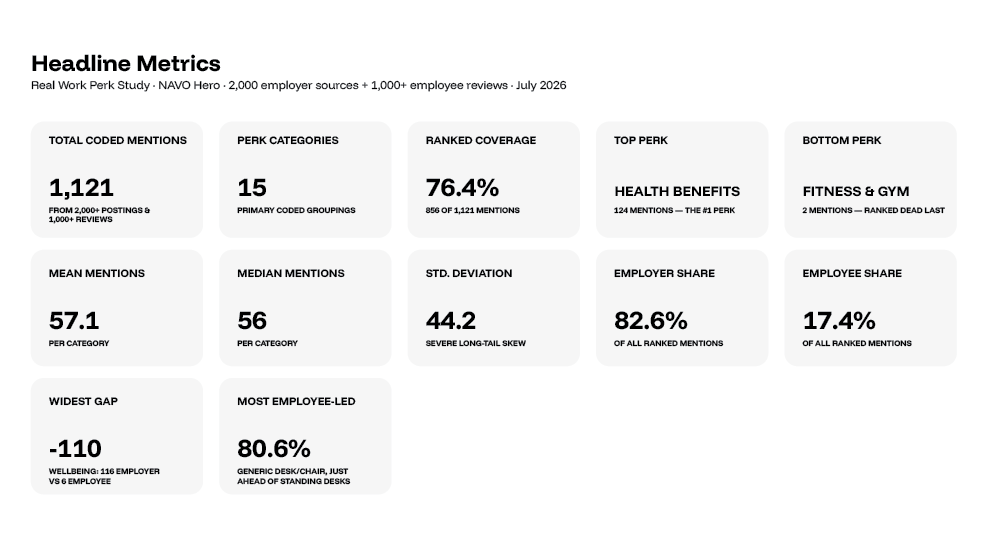
We analyzed 2,000 employer sources — job ads, careers pages and LinkedIn posts — alongside more than 1,000 employee reviews and discussions from Glassdoor, Indeed, Reddit, Blind and Fishbowl. After removing duplicates and generic mentions, the study left a dataset of 1,121 workplace perk mentions, each classified as either employer-promoted or employee-driven.
Key Findings
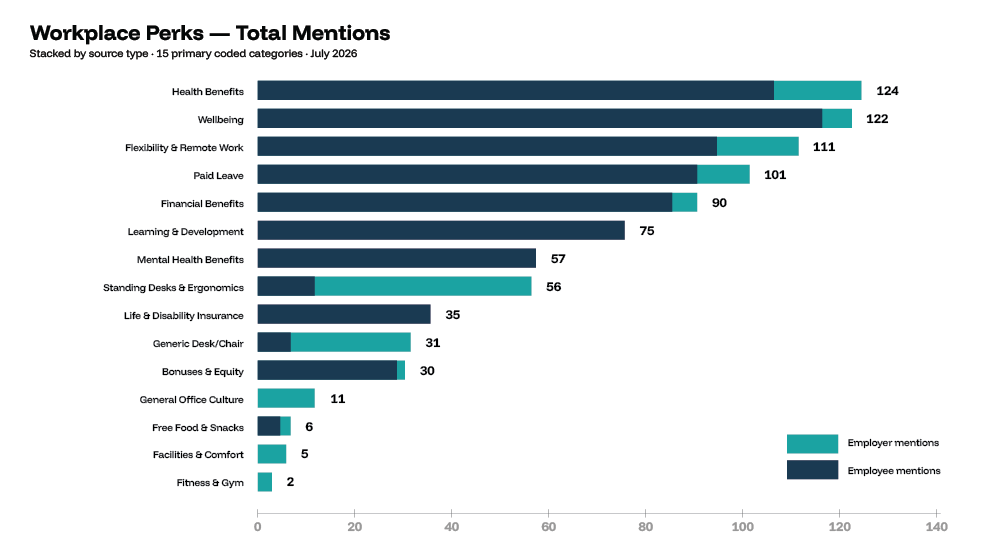
*Health benefits are the most-mentioned workplace perk overall, with 124 mentions, followed by well-being (122) and flexible or remote work (111).
*Long-term benefits dominate. Paid leave (101), financial and retirement benefits (90) and professional development (75) all land in the top six.
*Well-being is the biggest theme in the study. Combined with mental health benefits, well-being generated 179 mentions - more than any other category.
*Standing desks are the most employee-driven perk in the study. More than 80% of standing desk conversations came from employees, not employers.
*Free food and snacks ranked dead last, with just six mentions total.
Signs Your Office Needs a Furniture Upgrade
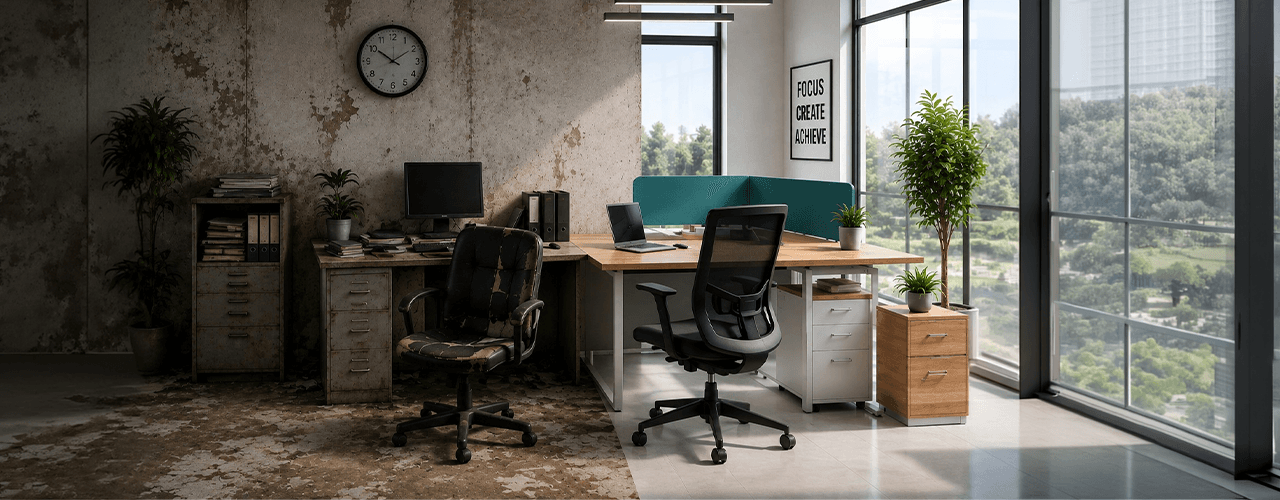
Office furniture doesn't fail dramatically. There's no single moment where everything breaks and the problem becomes undeniable.
It degrades quietly. The chair foam compresses over 18 months and nobody notices. The meeting room gets booked solid and people assume it's a scheduling problem. The afternoon slump hits harder than it used to and the team blames workload.
Furniture rarely announces itself as the problem. It appears sideways—in behavior patterns, health issues, and operational problems. They may seem unrelated, but you can see the connection once you know what to look for.
We've been assessing UAE and GCC offices since 2019. These are the signals that tell us a workspace is overdue — and what each one is actually indicating.
The Jobs Where Workers Spend the Most Time Sitting
Software developers and data entry keyers have the highest possible sitting rating.
Our analysis of occupational data reveals the jobs with the highest sitting requirements, with software developers and data entry keyers at the top of the ranking.
How much of the working day do different jobs require employees to spend sitting?
For some occupations, sitting is closely connected to how the work is performed. Writing code, entering data, reviewing financial information and preparing legal documents can all involve long periods at a workstation.
To identify the occupations with the highest sitting requirements, NAVO analyzed occupational data from O*NET OnLine, a public database developed by the U.S. Department of Labor.
The analysis reveals a sharp divide between occupations where sitting is a major part of the job and those where standing and movement are much more prominent.
Software developers and data entry keyers recorded the highest possible O*NET sitting rating of 100, meaning sitting is required "continually or almost continually" in these occupations. Financial managers followed with a rating of 94, while lawyers recorded 93.
Seven of the 18 occupations analyzed recorded a sitting rating of 75 or higher, placing them in NAVO's high-sitting category.
At the other end of the spectrum, construction laborers recorded a sitting rating of 0, showing how much sitting requirements can vary between occupations.
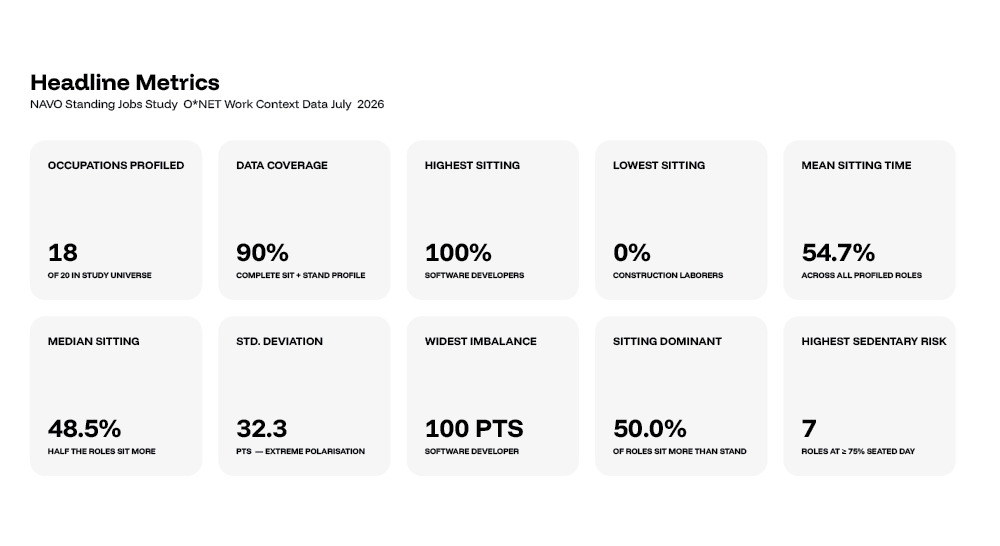
Key findings
*Software Developers and Data Entry Keyers recorded the highest possible sitting rating of 100.
*Financial Managers recorded a sitting rating of 94.
*Lawyers recorded a sitting rating of 93.
*Seven of the 18 occupations analyzed recorded a sitting rating of 75 or higher.
*Customer Service Representatives recorded a sitting rating of 78.
*Registered Nurses had the lowest sitting rating in the top 10, at 47.
*Construction Laborers recorded the lowest sitting rating across the occupations analyzed, at 0.
*The difference between the highest and lowest sitting ratings was 100 points.
You x Navo
Feel free to reach out to us for any queries & concerns