

 Visit our Showroom
Take me to
Step 1: Define How You Actually Work
A home office should match the work, not the idea of work.
Start with hours. Some days run short. Others stretch longer than planned. The chair and desk must handle both.
Look at the setup. A laptop alone needs less space. Add a second screen and the desk fills fast. The wrong size forces poor posture.
Work hours matter too. Fixed schedules need consistency. Flexible schedules need adjustment. Copying a corporate office at home often fails because the space and rhythm are different.
Define the work first. Furniture comes after.
Step 2: Choose the Right Office Chair First
The office chair carries the longest hours. Choose it before the desk.
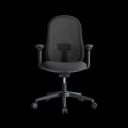
A good home office chair supports the lower back. Lumbar support should adjust, not sit in one fixed place. Seat height and depth should fit the legs without pressure behind the knees.
Armrests must line up with the desk. When they do not, shoulders lift and wrists bend. Over time, strain follows.
Materials matter indoors. Breathable backs handle long sitting better than sealed surfaces.
The chair matters more than the desk because posture breaks first. Long hours reveal weak support. Short sessions hide it. Choose for daily use, not occasional work.
Step 3: Select a Desk That Fits Your Space and Work Style
The desk should fit the room, not dominate it.
Measure the space. Leave room to move. A desk that feels large in the store can overwhelm a home setup.
Fixed desks work for stable routines. Height-adjustable desks add flexibility when work hours vary.
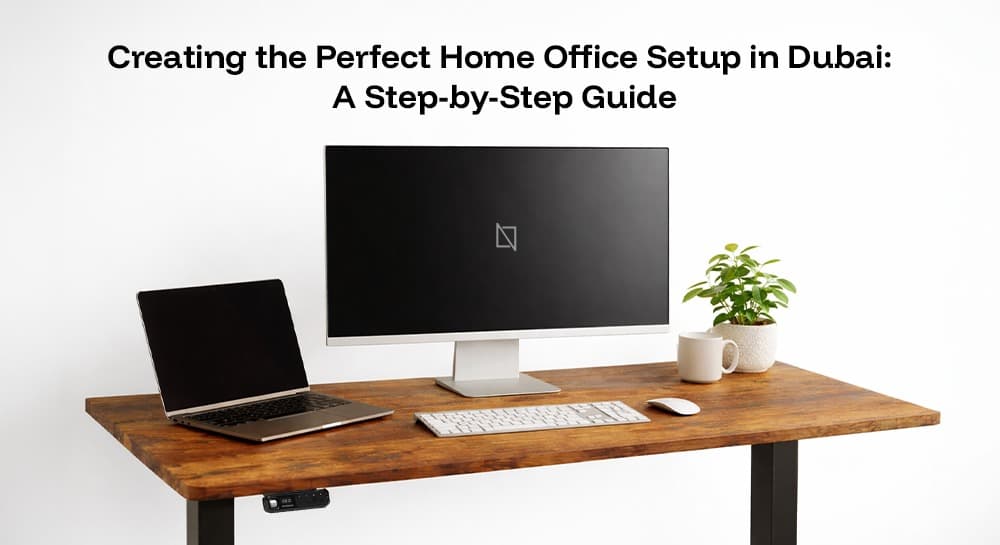
Depth matters. Screens need distance. Accessories need space. Crowded desks force poor posture.
Cable management keeps the setup usable. Loose cables turn small desks into clutter.
Step 4: Positioning and Ergonomic Setup
Setup turns furniture into a workstation.
Chair height sets the base. Feet flat. Knees level or slightly lower than hips.
Desk height follows. Arms should rest naturally. Wrists stay straight.
Screens belong at eye level. Too low strains the neck. Too far strains focus.
Small adjustments matter because they repeat every day. Poor setup compounds quietly.
Step 5: Lighting, Ventilation, and Comfort
Light affects focus more than most realise.
Place the desk near natural light, not directly under it. Glare tires the eyes fast.
Screens should face away from windows when possible. Reflections break concentration.
Airflow matters indoors. Heat builds during long sessions. Poor ventilation adds fatigue.
Comfort supports output. Discomfort shortens attention.
Step 6: Storage and Organisation
A home office needs order to stay usable.
Keep daily items within reach. Remove what is not used.
Clear the work surface at the end of the day. Clutter carries over into the next one.
Simple storage works best in small spaces. Consistency keeps the setup functional over time.
Common Home Office Setup Mistakes to Avoid
Using dining chairs or sofas is the first mistake. They are built for short use, not long workdays. Support fades quickly.
Furniture is often bought without measuring the room. Desks feel fine in isolation. At home, they block movement and limit posture.
Adjustability is ignored. Fixed chairs and desks force the body to adapt. Over time, discomfort sets in.
Small desks are overloaded. Screens, laptops, and accessories compete for space. Posture suffers when the surface is crowded.
These mistakes seem minor at first. They shape how the workday feels over time.
Ready to Build a Better Home Office?
A good home office supports long hours and daily use. The right furniture keeps posture steady and work focused.
Explore our range of ergonomic office furniture designed for comfort, durability, and consistent performance at home.
Need Help Building Your Ergonomic Setup?
We'll guide you to the perfect chair, desk setup, and comfort tips for a productive workday.
Shop Office FurniturePopular Blogs
View all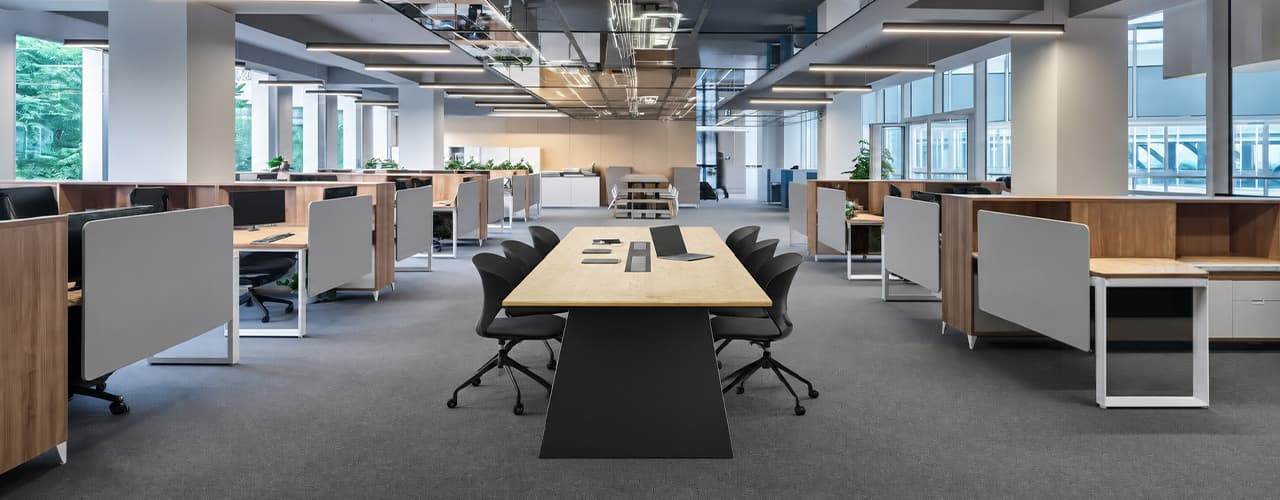
Open Plan vs Cubicle vs Hybrid Office Layout: Which Is Right for You?
The open-plan office was supposed to fix everything the cubicle farm got wrong. It didn't. It created a different set of problems and left people nostalgic for the one thing cubicles did well: quiet. The hybrid layout is positioned as the solution that addresses the shortcomings of both. It might be only if it fits how a specific team works. It shouldn't be a mix of two philosophies that didn’t help the team before. This guide shows what each layout offers and where it falls short. It also helps you choose the best option-or combination-for your office in Dubai or the GCC.
Key Findings
*Global office use is now at 53%, up from 38% in 2024. Also, 69% of teams have over 40% of their staff sharing desks. This shows that 2019 workspace designs don’t fit current needs.
*A Harvard study found that open-plan spaces often lower face-to-face interaction. Instead, they boost digital communication. This is the opposite of what these designs aim for.
*A hybrid model conversion at a 120-person SaaS company restored engineering deployment speed to baseline. It also reduced voluntary turnover in technical roles by 18% over nine months.
*Steelcase research shows that companies improving their work environment boost productivity by 17%.
*In 2026, the most innovative UAE offices aren’t just picking open plans or cubicles. They’re creating “activity neighborhoods.” These are clusters of spaces designed for different work styles.
*No layout is universally right. The best choice depends on your team's work style, industry, hybrid attendance ratio, and specific acoustic needs for your floor.
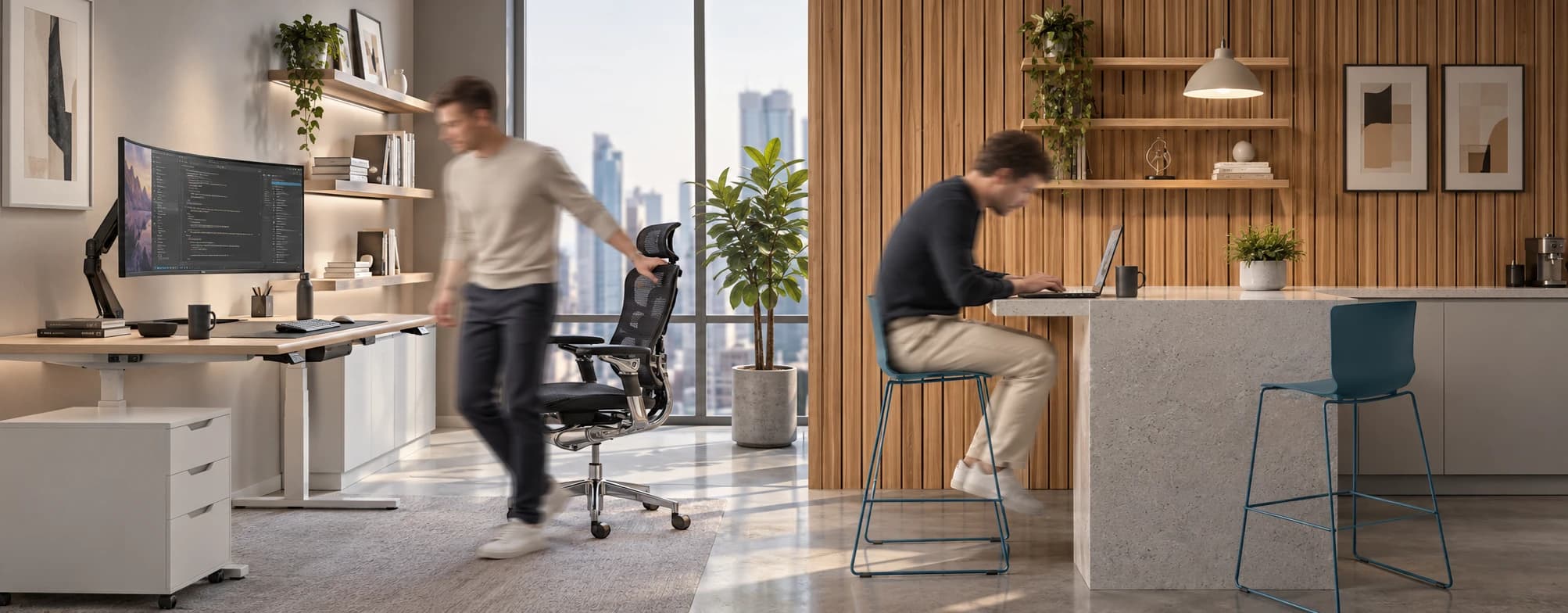
Sitting isn’t the Enemy, How You Sit Is: How to Align Your Desk for Zero Back Strain
If your job keeps you at a desk for most of the day, you are not alone—and you are not stuck. Software developers and data entry keyers spend 100% of a typical workday seated, while financial managers sit for 94%. Sitting is a standard part of modern work, so the real goal is learning how to reduce its physical impact while staying productive.
What the Research Shows
*Sedentary Volume: Adults in high-income countries spend 11–12 hours daily sitting over 75% of their waking hours (British Journal of Sports Medicine).
*Cardiovascular Risks: Sitting 6–8 hours daily increases cardiovascular event risk by 125% to 150% (Mayo Clinic).
*The 22-Minute Counter: 22 minutes of daily moderate-to-vigorous activity (brisk walking, cycling, active housework) offsets the mortality risk of prolonged sitting (BJSM).
*Micro-Break Impact: 5-minute movement breaks every hour significantly reduce fatigue and improve mood without hurting work performance (2026 BJSM Study).
*Gym Fallacy: A 60-minute workout in the morning does not fully reverse 9 hours of continuous sitting; daily movement breaks are still required.
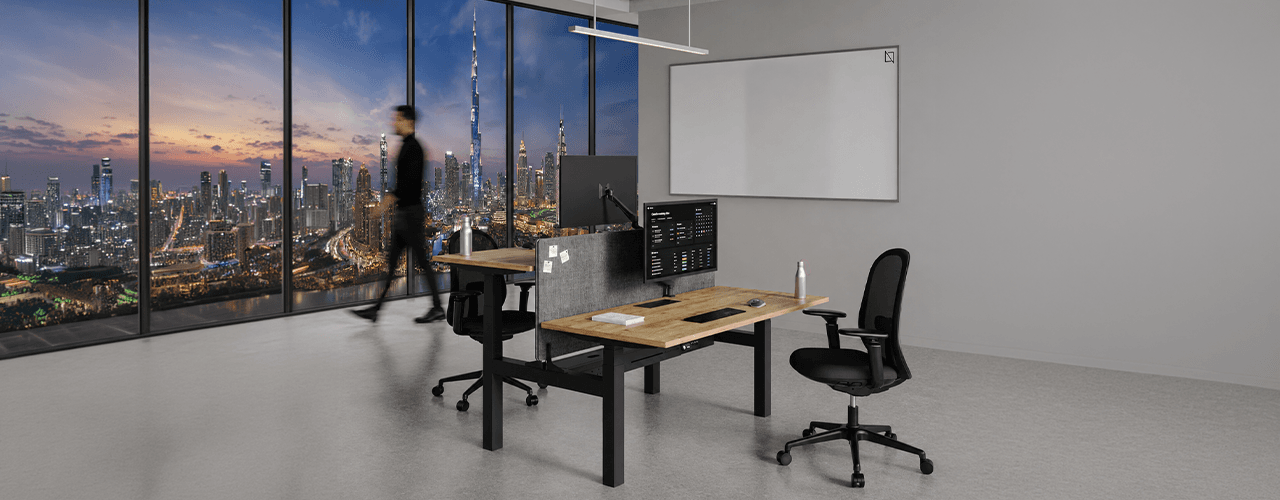
The Ultimate Office Furniture Setup Checklist for Modern Teams
Most offices aren't badly furnished. They're incompletely furnished. A great chair paired with the wrong desk height. A standing desk with no monitor arm. A collaborative floor with no acoustic separation.
The gap is rarely one big thing. It's several small things missing from the same setup at the same time.
This checklist covers every furniture category a modern UAE office needs — what to look for, what to avoid, and what the research says about each. Use it for a new fit-out, an upgrade review, or a department-by-department audit.
Key Findings
*The chair is the top furniture investment for knowledge workers. It has the most contact hours and directly impacts posture, energy, and afternoon performance.
*Fixed desks at 75cm fit about 30–40% of UAE office teams well. Height adjustability isn’t a luxury; it meets everyone’s needs.
*Open-plan offices without acoustic zones can lose employees up to 86 minutes of productive time each day. This is based on workplace productivity research.
*EU-OSHA highlights musculoskeletal disorders as the top workplace health concern worldwide. Poor seating and desk height are key factors.
*CBRE's 2026 Global Workplace Insights reveals that 69% of organizations have over 40% of staff sharing desks. This shift means adjustability is now a standard requirement, not just an upgrade.
*Quality ergonomic chairs last 8–12 years. A BIFMA-certified chair costs less per year when spread over 10 years. This cost is lower than one physiotherapy session for occupational back pain in Dubai.
You x Navo
Feel free to reach out to us for any queries & concerns