

 Visit our Showroom
Take me to
What Are the Most Important Ergonomic Accessories for a Desk Setup?
The highest-impact accessories in priority order: monitor arm (fixes neck and eye strain from fixed screen position), footrest (fixes circulation and knee issues from desk-chair height mismatch), laptop riser with external keyboard (fixes hunched posture from laptop-only use), and cable management (fixes physical hazards and visual clutter that affect focus).
Most people buy accessories reactively — after noticing pain. The more effective approach is identifying which body part is signalling discomfort, tracing it to the specific ergonomic failure, and matching the right accessory to that failure.
One important sequence rule: free adjustments first. Chair height, monitor distance, keyboard angle. These cost nothing. Only after optimising these should you add hardware. If you're still deciding whether to invest in a height-adjustable standing desk versus a fixed desk, that decision also precedes accessory selection — the accessories you need differ significantly by desk type.
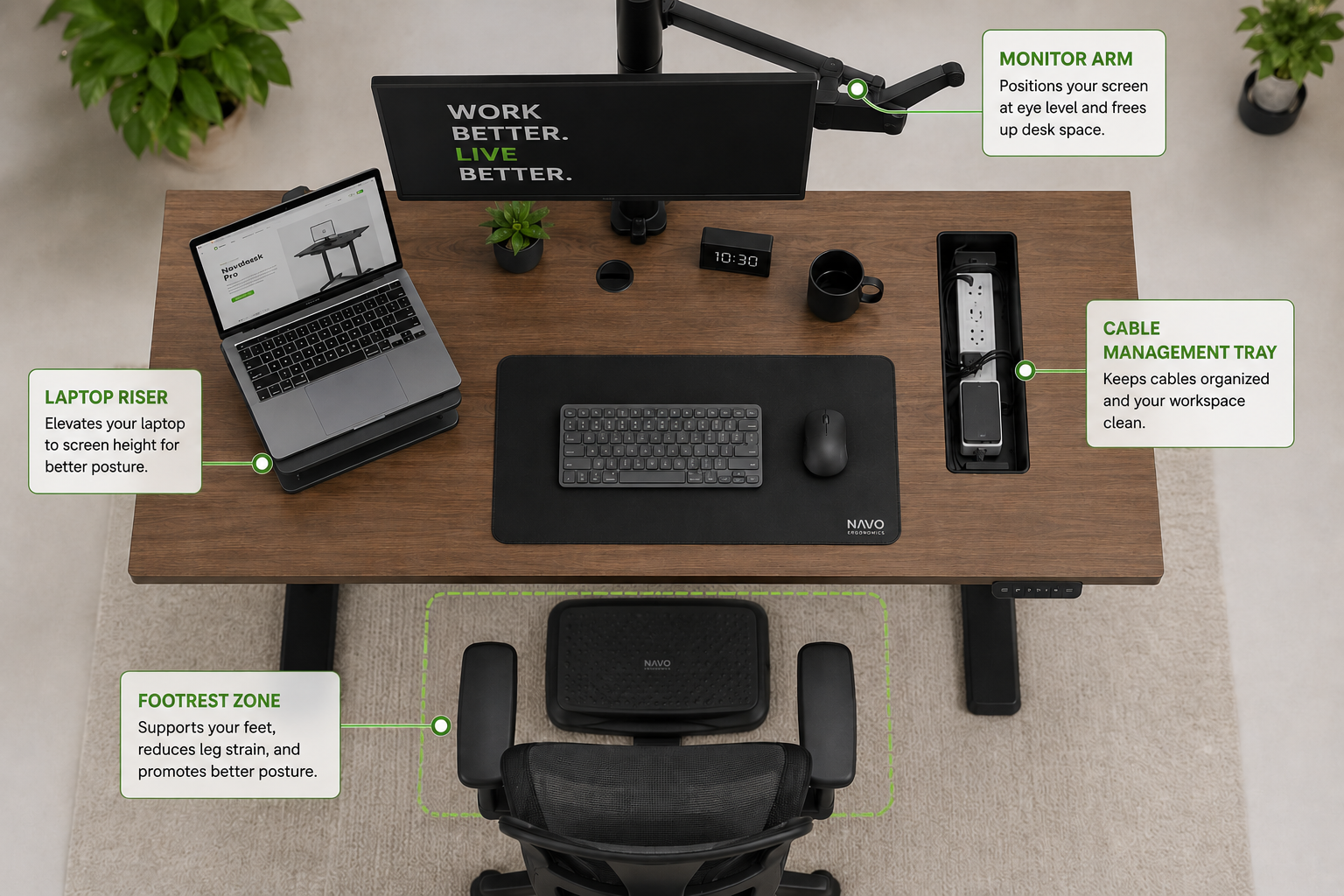
Who Actually Needs a Monitor Arm?
Monitor arms benefit anyone whose monitor rests on a desk stand at a fixed height, or can't be positioned at the correct viewing distance (50–70cm) and height (top of screen at eye level ±5°). This describes the majority of current desk setups.
A monitor on a desk stand sits at a fixed height — correct for approximately one-third of users and wrong for the rest. Too low means neck flexion all day. Too far means constant squinting. Too close means eye strain within two hours.
A monitor arm decouples screen position from your desk surface. You choose height, distance, and tilt angle independently of where the desk sits.
What it specifically solves:
Neck strain from screen set too low (most common problem)
Eye fatigue from incorrect viewing distance
Wasted desk surface (stands occupy 20–30cm depth permanently)
Multi-user setups needing different screen heights
Who does not need one: Laptop users working solely from a laptop screen. The problem there isn't a fixed external monitor — it's the laptop's position. That requires a laptop riser instead (covered below).
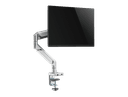
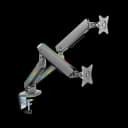
Navo's monitor arm collection ranges from AED 250 for single-arm solutions to AED 500 for premium dual and RGB options. The Control Monitor Arm Model L also includes an integrated laptop tray — solving two problems with one product.
Note: for standing desk users, a monitor arm is especially valuable. When the desk raises to standing height, a monitor on a fixed stand ends up at the wrong eye level. A monitor arm that adjusts independently of the desk surface maintains correct eye level throughout the full height range. This is something worth considering when reading our guide on how long to stand at a standing desk — correct monitor position at standing height is as important as duration.
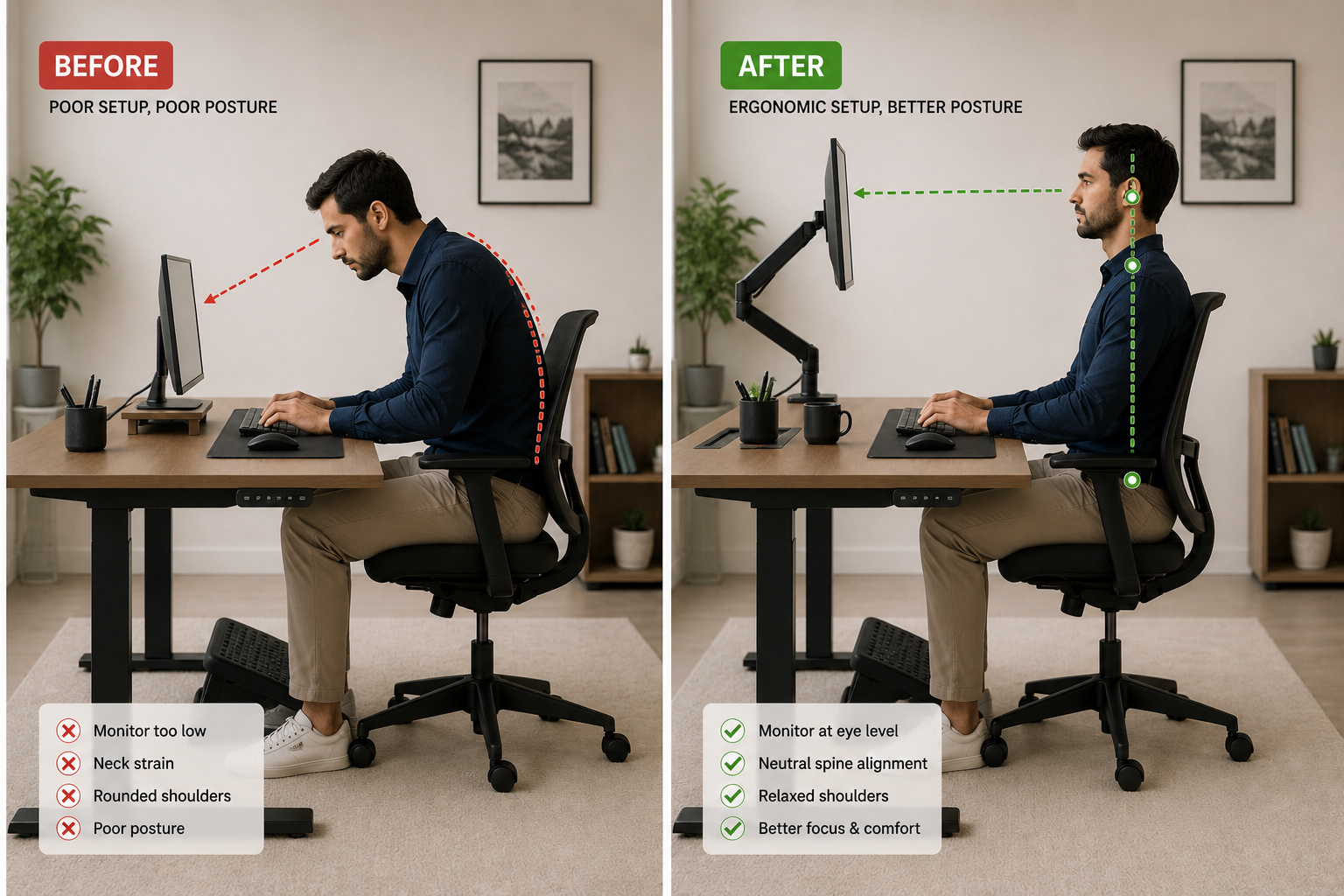
Does a Footrest Actually Help? Who Needs One?
A footrest is necessary when your feet cannot rest flat on the floor while your chair is at the correct height for your desk. This specific condition occurs when standard desk height (75cm) exceeds the ergonomic keyboard range for your body height, requiring the chair to be raised - which lifts feet off the floor.
Here's the precise scenario: a user 160cm tall needs keyboard at approximately 68–70cm. Standard desk is 75cm. To raise the keyboard to desk level isn't possible - the desk is fixed. So they raise the chair to sit at elbow level - which lifts their feet 4–6cm off the floor. Without foot support, thigh pressure increases and circulation to the lower legs reduces within 60–90 minutes.
A footrest solves this immediately. It doesn't fix the desk height - it compensates for the mismatch between standard desk dimensions and shorter user height.
If you're using a height adjustable standing desk that lowers to 69cm or below, the footrest need often disappears entirely - the desk comes to you rather than you adjusting to the desk. The Navodesk Flex L-Shape reaches 58cm, covering even the shortest users in typical GCC international teams.
Who doesn't need a footrest: Users whose feet rest flat on the floor comfortably at their correct chair height. Adding a footrest when feet already reach the floor adds no ergonomic benefit.
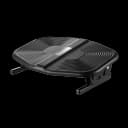
Navo's footrest collection provides under-desk foot support specifically for this scenario.
What Does a Laptop Riser Fix That a Monitor Arm Doesn't?
A laptop riser elevates the laptop screen to eye level, addressing the neck flexion problem of looking down at a laptop on a flat desk. A monitor arm attaches to an external monitor connected to a laptop. They solve the same problem — screen too low — for different hardware setups.
Laptop screens sit 15–20cm lower than correct eye level for most users. Working laptop-only for 6+ hours means sustained 20–30° neck flexion — which gradually loads posterior neck muscles and cervical vertebrae.
The riser solution has one mandatory pairing: external keyboard and mouse. Raising the laptop screen without separating the keyboard means the keyboard is now too high — trading neck flexion for wrist extension.
The complete laptop ergonomic solution:
Laptop riser (or vertical stand for external monitor setups)
External Bluetooth keyboard at elbow height
External mouse positioned close to body
The same principle applies whether you're working from a fixed desk or - as we covered in our desk stretches guide — at a standing desk, where the laptop screen height problem repeats at standing position if the screen hasn't been decoupled from the laptop body.
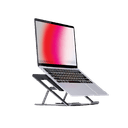
Navo's laptop and monitor riser collection includes portable folding stands with 6-level height adjustment.
What Does Cable Management Actually Solve?
Cable management addresses physical hazard (cables on floor create trip risk and accidental disconnects) and cognitive load (visual clutter creates a persistent low-level demand on attention that reduces focus capacity).
The cognitive load effect is more significant than it appears. Environmental psychology research consistently links cluttered visual environments to increased cortisol and reduced sustained attention. Cables crossing desk surfaces or pooling on floors register continuously in peripheral vision.
The standing desk-specific problem: Cables must accommodate 40–50cm of vertical travel with each height adjustment. Without deliberate slack loops at the desk base, cables pull taut at standing height and drag at sitting height — eventually stressing port connections. This is covered in detail in our standing desk cable management guide.
Navo's cable management range includes under-desk trays designed for the dynamic routing that standing desks require.
What Ergonomic Accessories Are Most Overlooked?
Three high-impact accessories most buyers skip: desk organisers (surface clutter forces reaching outside the ergonomic reach zone), lighting (screen glare creates sustained muscle tension in forehead and eye surrounds), and whiteboards (reduce cognitive load of open tasks by externalising planning).
Desk Organisers
Surface clutter pushes frequently used items outside the primary reach zone (40–50cm). Retrieving them repeatedly creates rotational and extension loading on the shoulder and spine. Navo's desk organiser collection keeps primary workspace within correct reach.
Lighting
Screen glare causes squinting — sustained frontalis muscle contraction that contributes to tension headaches. IESNA recommends 500–750 lux for screen-based work. Navo's workspace lighting is designed for desk environments.
In What Order Should You Buy Ergonomic Accessories?
Chair height and desk adjustment (free) — solve first
Monitor arm (AED 250–500) — highest impact if screen is on desk stand
Footrest — essential if feet don't reach floor at correct chair height
Laptop riser + keyboard — if you work from laptop only
Cable management — safety and cognitive clarity
Desk organiser — reach zone optimisation
Lighting — eye fatigue reduction
Complete accessories range at Navo — covering each layer of the ergonomic workspace. For the office furniture foundation these accessories build on, see our full desk and chair collections.
Frequently Asked Questions
- Yes, if your monitor is on a fixed desk stand. From AED 250, monitor arms address the screen positioning problem causing most neck and upper back strain at desks.
- Often yes - for users shorter than ~165cm at standard 75cm desks. The chair sets correct elbow height; the footrest ensures feet reach a stable surface at that chair position. They solve different problems.
- Keyboard at incorrect height is the primary cause. A keyboard tray brings input devices to elbow level. A monitor arm - if it reduces forward lean — also indirectly reduces wrist loading by correcting overall posture.
Need Help Building Your Ergonomic Setup?
We'll guide you to the perfect chair, desk setup, and comfort tips for a productive workday.
Shop Office FurniturePopular Blogs
View all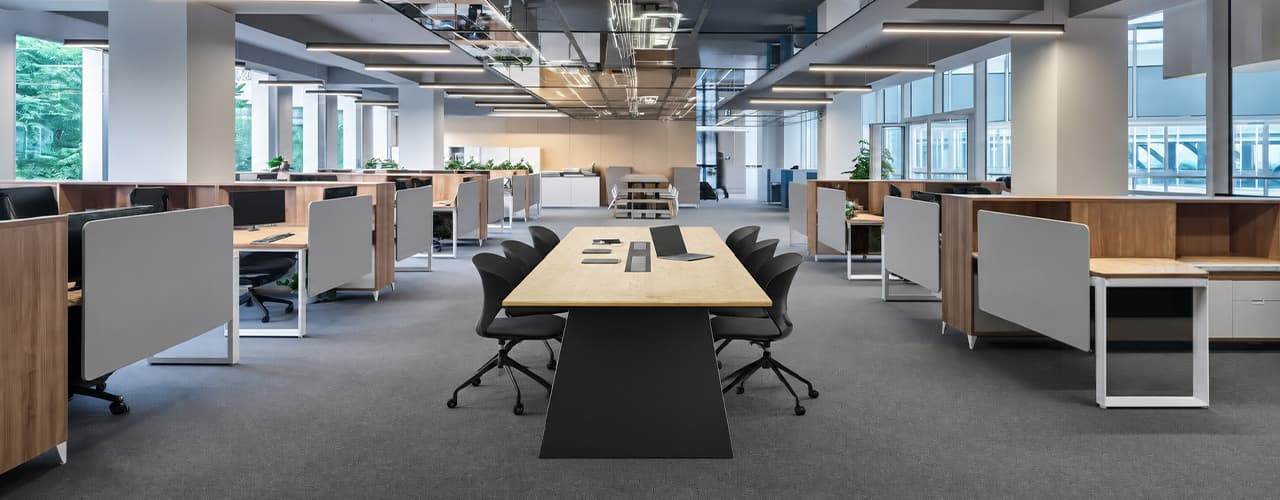
Open Plan vs Cubicle vs Hybrid Office Layout: Which Is Right for You?
The open-plan office was supposed to fix everything the cubicle farm got wrong. It didn't. It created a different set of problems and left people nostalgic for the one thing cubicles did well: quiet. The hybrid layout is positioned as the solution that addresses the shortcomings of both. It might be only if it fits how a specific team works. It shouldn't be a mix of two philosophies that didn’t help the team before. This guide shows what each layout offers and where it falls short. It also helps you choose the best option-or combination-for your office in Dubai or the GCC.
Key Findings
*Global office use is now at 53%, up from 38% in 2024. Also, 69% of teams have over 40% of their staff sharing desks. This shows that 2019 workspace designs don’t fit current needs.
*A Harvard study found that open-plan spaces often lower face-to-face interaction. Instead, they boost digital communication. This is the opposite of what these designs aim for.
*A hybrid model conversion at a 120-person SaaS company restored engineering deployment speed to baseline. It also reduced voluntary turnover in technical roles by 18% over nine months.
*Steelcase research shows that companies improving their work environment boost productivity by 17%.
*In 2026, the most innovative UAE offices aren’t just picking open plans or cubicles. They’re creating “activity neighborhoods.” These are clusters of spaces designed for different work styles.
*No layout is universally right. The best choice depends on your team's work style, industry, hybrid attendance ratio, and specific acoustic needs for your floor.
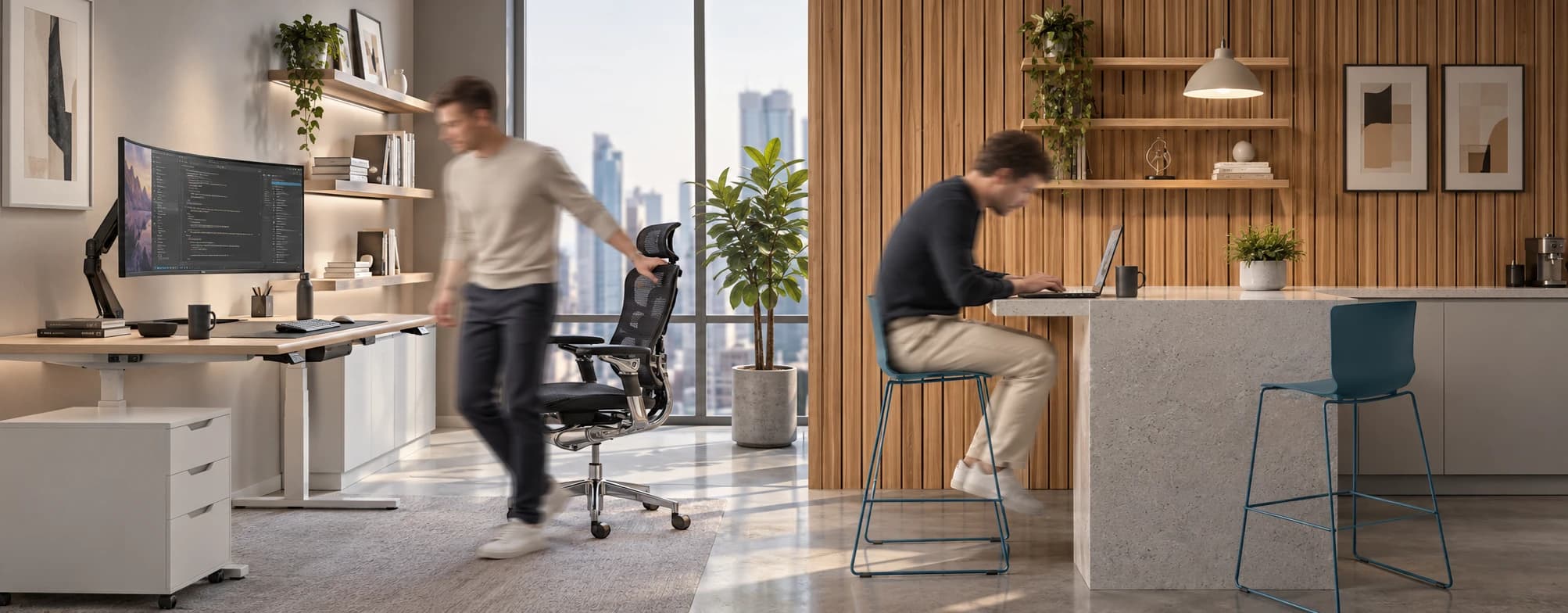
Sitting isn’t the Enemy, How You Sit Is: How to Align Your Desk for Zero Back Strain
If your job keeps you at a desk for most of the day, you are not alone—and you are not stuck. Software developers and data entry keyers spend 100% of a typical workday seated, while financial managers sit for 94%. Sitting is a standard part of modern work, so the real goal is learning how to reduce its physical impact while staying productive.
What the Research Shows
*Sedentary Volume: Adults in high-income countries spend 11–12 hours daily sitting over 75% of their waking hours (British Journal of Sports Medicine).
*Cardiovascular Risks: Sitting 6–8 hours daily increases cardiovascular event risk by 125% to 150% (Mayo Clinic).
*The 22-Minute Counter: 22 minutes of daily moderate-to-vigorous activity (brisk walking, cycling, active housework) offsets the mortality risk of prolonged sitting (BJSM).
*Micro-Break Impact: 5-minute movement breaks every hour significantly reduce fatigue and improve mood without hurting work performance (2026 BJSM Study).
*Gym Fallacy: A 60-minute workout in the morning does not fully reverse 9 hours of continuous sitting; daily movement breaks are still required.
The Ultimate Office Furniture Setup Checklist for Modern Teams
Most offices aren't badly furnished. They're incompletely furnished. A great chair paired with the wrong desk height. A standing desk with no monitor arm. A collaborative floor with no acoustic separation.
The gap is rarely one big thing. It's several small things missing from the same setup at the same time.
This checklist covers every furniture category a modern UAE office needs — what to look for, what to avoid, and what the research says about each. Use it for a new fit-out, an upgrade review, or a department-by-department audit.
Key Findings
*The chair is the top furniture investment for knowledge workers. It has the most contact hours and directly impacts posture, energy, and afternoon performance.
*Fixed desks at 75cm fit about 30–40% of UAE office teams well. Height adjustability isn’t a luxury; it meets everyone’s needs.
*Open-plan offices without acoustic zones can lose employees up to 86 minutes of productive time each day. This is based on workplace productivity research.
*EU-OSHA highlights musculoskeletal disorders as the top workplace health concern worldwide. Poor seating and desk height are key factors.
*CBRE's 2026 Global Workplace Insights reveals that 69% of organizations have over 40% of staff sharing desks. This shift means adjustability is now a standard requirement, not just an upgrade.
*Quality ergonomic chairs last 8–12 years. A BIFMA-certified chair costs less per year when spread over 10 years. This cost is lower than one physiotherapy session for occupational back pain in Dubai.
You x Navo
Feel free to reach out to us for any queries & concerns