

 Visit our Showroom
Take me to
What Is a Microbreak and How Does It Differ from a Regular Break?
A microbreak is a short interruption of 30 seconds to 5 minutes that interrupts sustained static posture — distinct from lunch breaks or formal rest periods. The goal isn't rest but position change: breaking the neuromuscular holding pattern that causes tension to build in the neck, shoulders, and lower back during desk work.
Research published in BMJ Open (2022 systematic review) found workplace exercise interventions — including short, frequent microbreaks — effectively reduced musculoskeletal discomfort in office workers. The mechanism is straightforward: sustained static muscle contraction reduces blood flow, and brief position changes restore circulation before tension becomes pain.
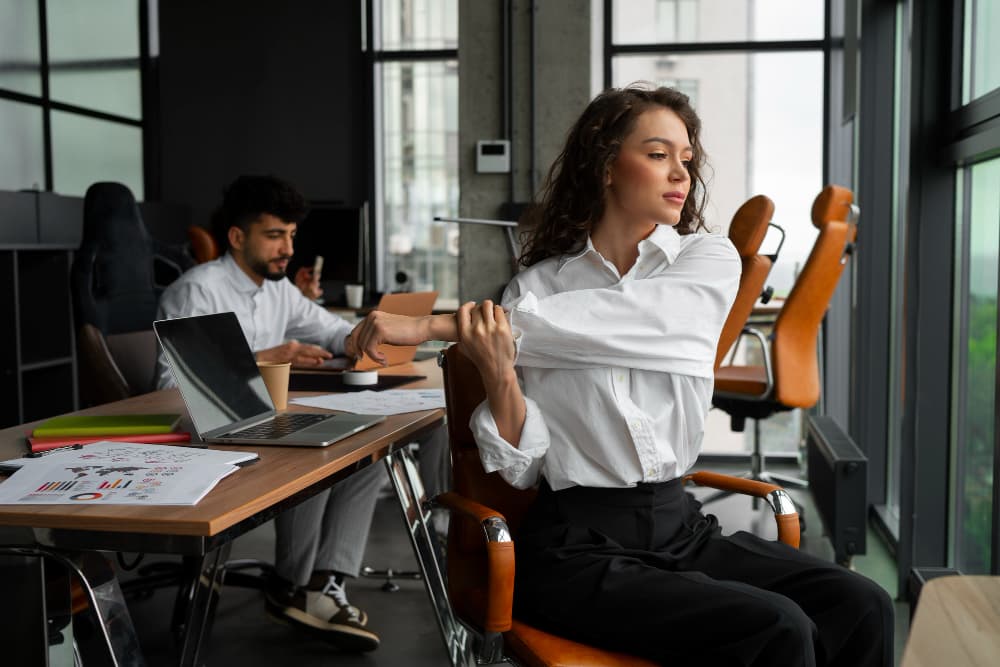
A microbreak doesn't require leaving your desk. It doesn't require equipment. It requires about 90 seconds of deliberate movement — which is the productive intervention.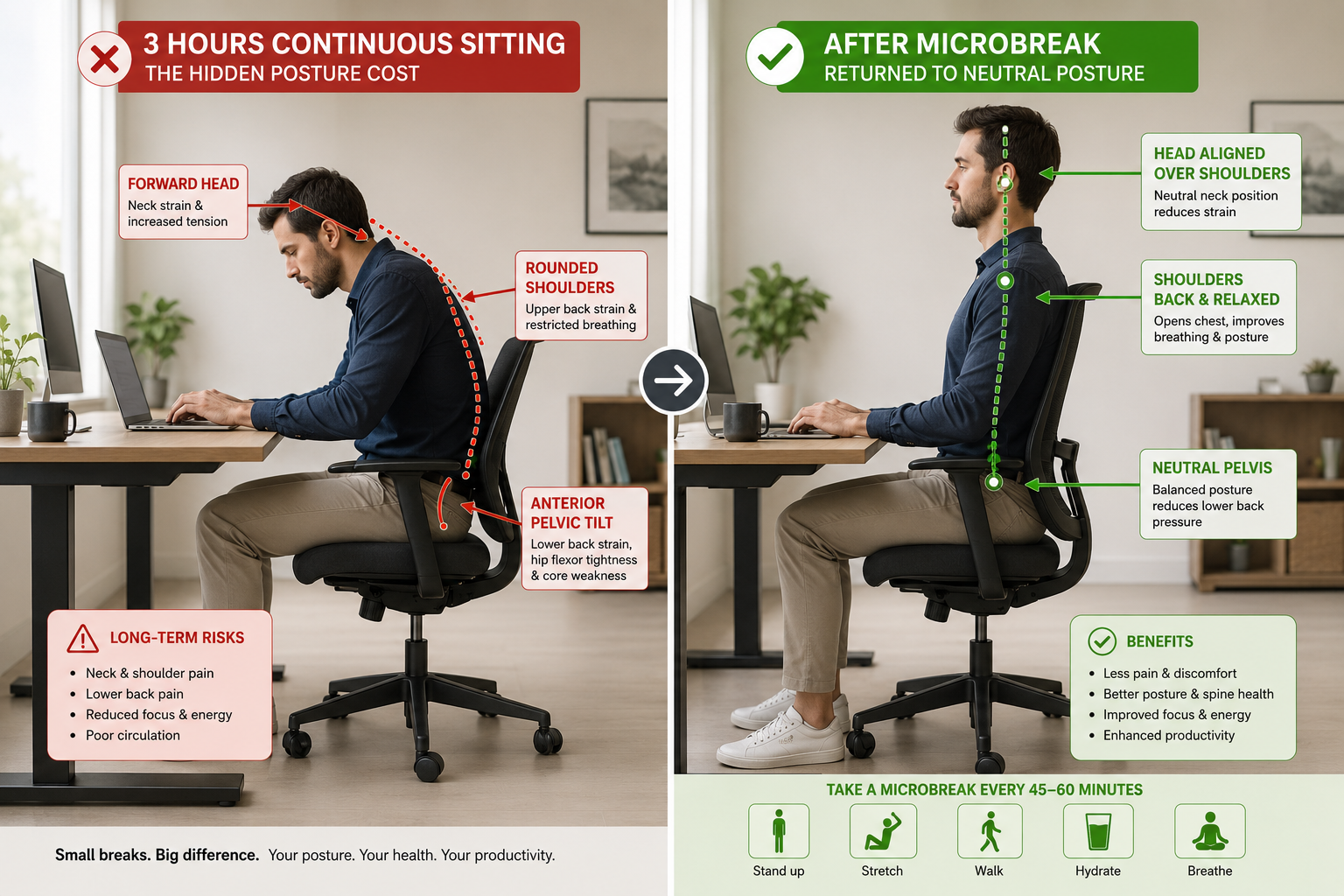
How Often Should You Take Microbreaks at a Desk?
Research supports microbreaks every 30–60 minutes, with a 1–2 minute movement or stretch intervention. A 2026 Healio review confirmed that frequency matters more than duration — some people benefit from breaks every 30 minutes, others every 45–60 minutes, but consistent pattern is more important than perfect timing.
The practical rule: set a timer. Your body's signals arrive too late - by the time you notice neck tightness, 90 minutes have likely passed.
For Dubai and GCC professionals using a standing desk, position changes between sitting and standing replace some microbreaks naturally. But even sit-stand users need targeted stretches - especially for wrists, neck, and hip flexors that stay loaded regardless of desk height. If you're wondering how often to alternate positions, our guide on how long to stand at a standing desk covers the optimal sit-stand ratios in detail.
The Navodesk PRO's Bluetooth app includes sitting reminders that prompt position changes automatically - removing the need for manual timer management.
What Are the Most Effective Desk Stretches for Neck and Shoulder Pain?
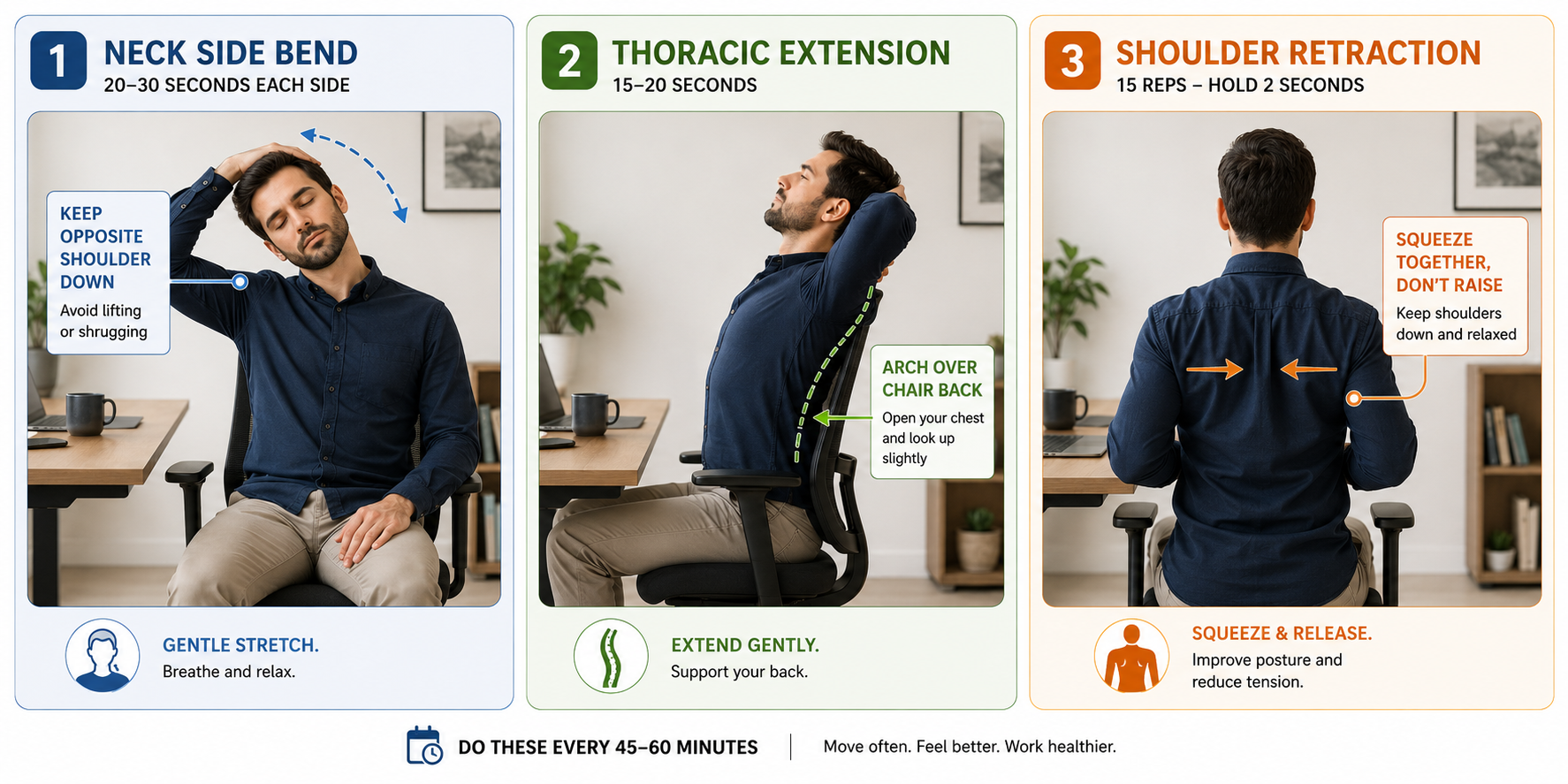
The three highest-impact neck and shoulder stretches target the upper trapezius (neck side bend), levator scapulae (ear-to-shoulder hold), and thoracic spine (seated extension) — the three muscle groups most loaded by forward head posture and keyboard work.
Neck Side Bend (Upper Trapezius)
How: Sit tall. Drop right ear toward right shoulder. Hold 20–30 seconds. Switch sides. Keep opposite shoulder down — don't shrug it up.
Why it works: Upper trapezius runs from neck to shoulder. Forward monitor use creates sustained elevation. This stretch specifically lengthens fibres most shortened by screen work.
Seated Thoracic Extension (Spine Reset)
How: Sit at front of chair. Clasp hands behind neck. Inhale, gently arch upper back over chair back, looking slightly upward. Hold 15 seconds.
Why it works: Thoracic spine flexion (hunched posture) compresses anterior vertebral disc space. Extension creates space posteriorly — decompressing the vertebrae under load during forward head posture.
Shoulder Blade Retraction
How: Arms at sides. Pull shoulder blades together and hold 5 seconds. Release completely. Repeat 10 times.
Why it works: Serratus anterior and rhomboids weaken during sustained forward posture. This activates the posterior chain, counteracting the imbalance that develops during keyboard work.
A quality ergonomic chair with correct armrest height reduces the rate at which shoulder tension builds — but doesn't eliminate it. Stretching remains necessary regardless of seating quality.
What Stretches Help Lower Back Pain From Sitting?
Lower back pain from desk sitting involves two primary mechanisms: posterior pelvic tilt (lumbar flexion loading discs) and tight hip flexors (psoas shortening from sustained hip flexion). Effective stretches address both.
Seated Cat-Cow (Spinal Mobilization)
How: Sit at edge of chair, feet flat. Hands on knees. Inhale: arch lower back, lift chest, look slightly up (extension). Exhale: round spine, drop chin, push mid-back backward (flexion). Alternate 60 seconds.
Why it works: Mobilizes every lumbar vertebral segment. Alternating movement pumps synovial fluid through facet joints, reducing stiffness faster than a static hold.
Hip Flexor Stretch (Seated)
How: Sit at edge of chair. Extend left leg back, knee toward floor. Tuck pelvis slightly forward. Feel stretch at front of left hip. Hold 25 seconds. Switch sides.
Why it works: Psoas and iliacus are held in shortened position during sitting. Tight hip flexors pull lumbar spine into anterior tilt during standing — creating the lower back discomfort common after long desk sessions.
This is also why the debate around whether standing is better than sitting isn't straightforward: standing helps with disc pressure but doesn't automatically relieve hip flexor tightness unless you're moving during those standing periods.
What Wrist and Hand Stretches Prevent Typing Strain?
Keyboard and mouse use maintains the wrist in sustained extension (dorsiflexion), loading the carpal tunnel and compressing the median nerve. Two stretches directly counteract this: the prayer stretch (wrist flexion) and finger extension spread.
Prayer Stretch
How: Press palms together at chest height. Lower hands toward waist while keeping palms touching, until you feel the stretch in forearms. Hold 20 seconds.
Why it works: Directly stretches flexor carpi radialis and palmaris longus — muscles chronically shortened by keyboard work.
Finger Extension Spread
How: Hold arms in front. Spread all fingers wide. Hold 10 seconds. Make a gentle fist. Repeat 10 times.
Why it works: Counteracts the partial flexion fingers maintain during typing. Extension movement refreshes circulation to the small joints of the hand.
What Is the Best Microbreak Schedule for an 8-Hour Workday?
The most practical structure: 90-second microbreak every 45–60 minutes (neck + thoracic extension + shoulder retraction), a 5-minute movement break at the 4-hour midpoint, and position change between sitting and standing for users with height-adjustable desks.
The 90-second microbreak costs 12 minutes across a full 8-hour workday. For users with height-adjustable desks the position changes automatically reduce how much accumulated tension needs resolving - but don't replace stretching entirely.
How Does Your Chair and Desk Setup Affect How Much You Need to Stretch?
Ergonomic furniture reduces the rate at which tension accumulates — it does not eliminate the need for microbreaks. A well-adjusted ergonomic chair maintains neutral posture longer, extending the interval between necessary microbreaks. A standing desk lets you change position without taking a break at all — the position change itself serves a microbreak function.
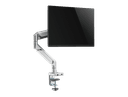
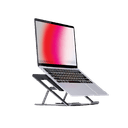
For the complete picture of how furniture and movement interact in a GCC workspace context, our article on ergonomic accessories covers footrests, monitor arms, and laptop risers — all of which affect how quickly your body accumulates postural load during a workday.
The priority for any Dubai or GCC professional: fix the setup first (chair height, monitor position, keyboard angle), then use stretching to manage what the setup cannot eliminate.
Frequently Asked Questions
- For tension-based stretches, 20–30 second holds provide adequate lengthening. Thoracic extension works as a 15-second mobilization — a movement, not a static hold. Wrist and hand exercises work better as 10-repetition movements than holds.
- Yes — with appropriate expectations. A 2022 BMJ Open systematic review found workplace exercise interventions reduced musculoskeletal discomfort. Stretching manages tension accumulation; it doesn't fix underlying setup problems. Fix the chair and desk height first.
- The 20-8-2 rule divides each 30-minute block into 20 minutes sitting, 8 minutes standing, and 2 minutes of light movement. Developed by occupational health researchers for standing desk users, it provides a structured alternation pattern. The Navodesk PRO app can track and prompt each phase.
- Yes: ankle circles (hidden under desk), wrist circles, seated thoracic rotation (looks like turning to check something), and neck side bends (looks like thoughtful tilting). Shoulder retractions are invisible when arms stay at sides.
Need Help Building Your Ergonomic Setup?
We'll guide you to the perfect chair, desk setup, and comfort tips for a productive workday.
Shop Office FurniturePopular Blogs
View all
Ergonomic Furniture Meets Gaming & Education: Highlights from the University of Wollongong Event
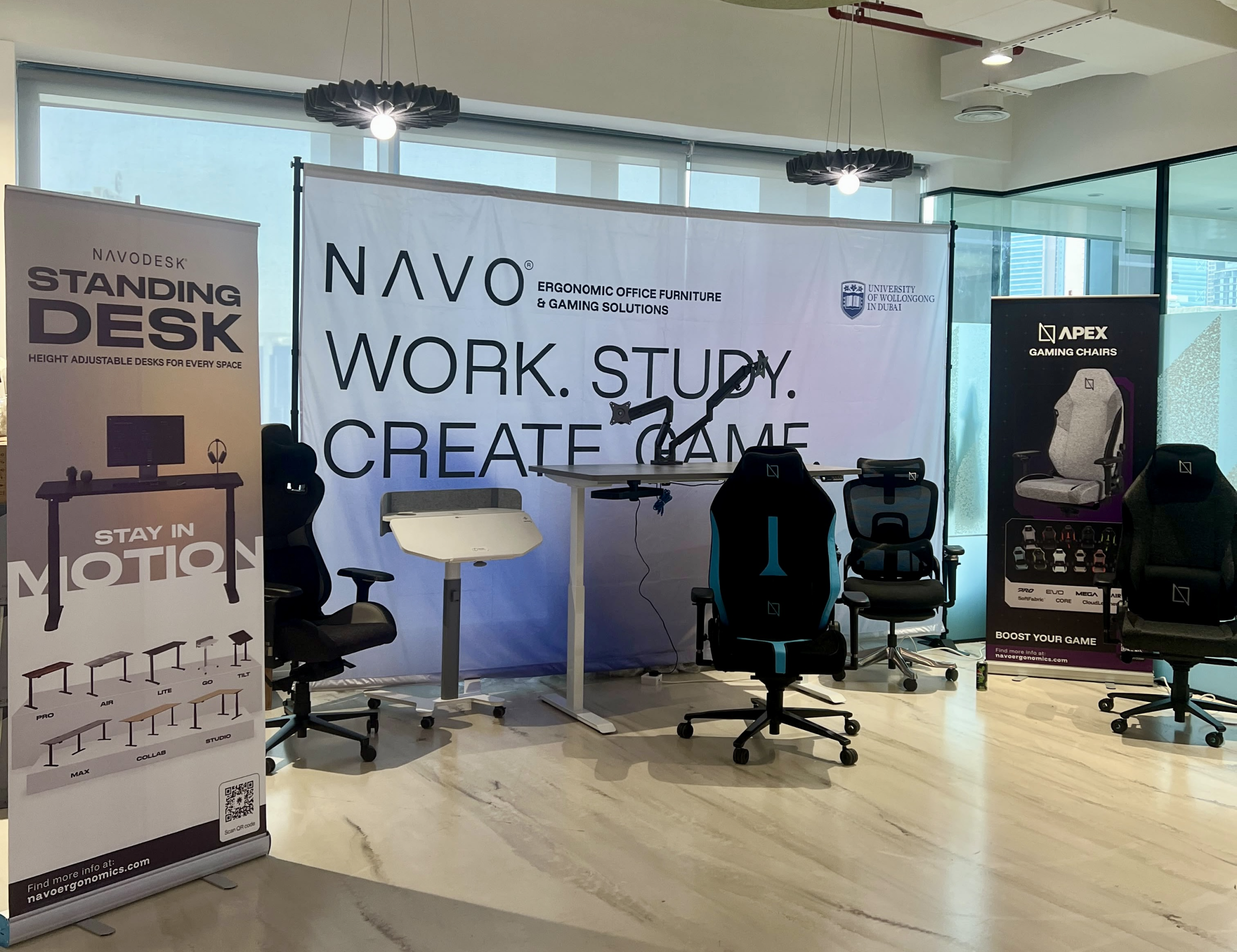
The tournament attracted over 70 participants, including avid gamers and curious onlookers. Our display featured gaming desks, chairs, and ergonomic accessories such as monitor arms. Students could compete in exciting gaming matches while experiencing our products firsthand.
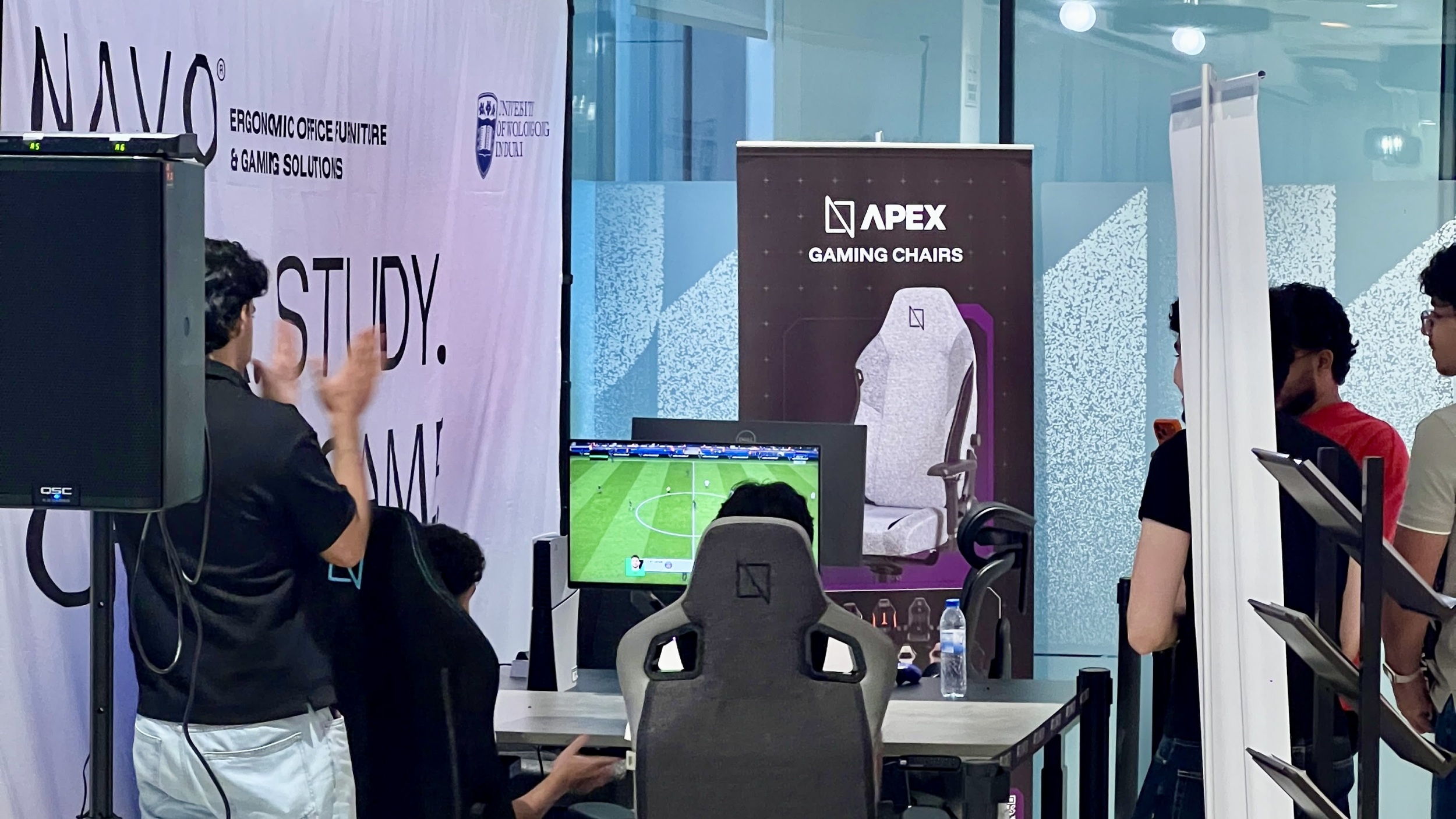
One of the event's highlights was the opportunity to experience our ergonomic gaming chairs alongside our specially designed ergonomic chairs. Students could compare their comfort, support, and overall seating experience. The feedback was overwhelmingly positive, with many participants noticing differences in posture support and comfort during extended use.
Looking back, we are encouraged by the positive interactions and insights shared by students and faculty. Promoting ergonomic awareness in university environments is a cause we strongly support, and we look forward to continuing our efforts to help create more comfortable and productive spaces for learning, gaming, and work.
Open Plan vs Cubicle vs Hybrid Office Layout: Which Is Right for You?
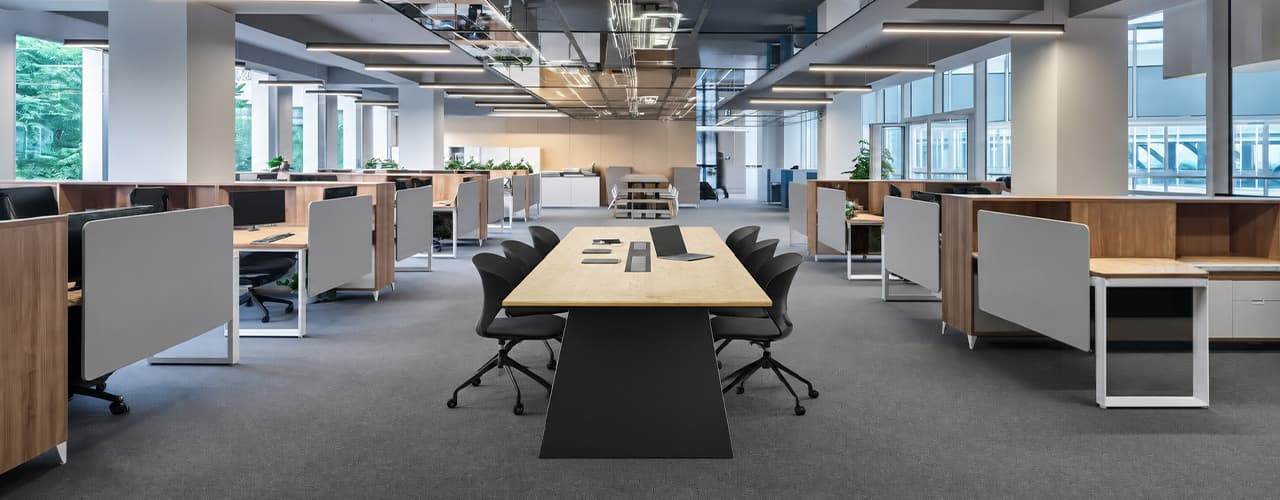
The open-plan office was supposed to fix everything the cubicle farm got wrong. It didn't. It created a different set of problems and left people nostalgic for the one thing cubicles did well: quiet. The hybrid layout is positioned as the solution that addresses the shortcomings of both. It might be only if it fits how a specific team works. It shouldn't be a mix of two philosophies that didn’t help the team before. This guide shows what each layout offers and where it falls short. It also helps you choose the best option-or combination-for your office in Dubai or the GCC.
Key Findings
*Global office use is now at 53%, up from 38% in 2024. Also, 69% of teams have over 40% of their staff sharing desks. This shows that 2019 workspace designs don’t fit current needs.
*A Harvard study found that open-plan spaces often lower face-to-face interaction. Instead, they boost digital communication. This is the opposite of what these designs aim for.
*A hybrid model conversion at a 120-person SaaS company restored engineering deployment speed to baseline. It also reduced voluntary turnover in technical roles by 18% over nine months.
*Steelcase research shows that companies improving their work environment boost productivity by 17%.
*In 2026, the most innovative UAE offices aren’t just picking open plans or cubicles. They’re creating “activity neighborhoods.” These are clusters of spaces designed for different work styles.
*No layout is universally right. The best choice depends on your team's work style, industry, hybrid attendance ratio, and specific acoustic needs for your floor.
Sitting isn’t the Enemy, How You Sit Is: How to Align Your Desk for Zero Back Strain
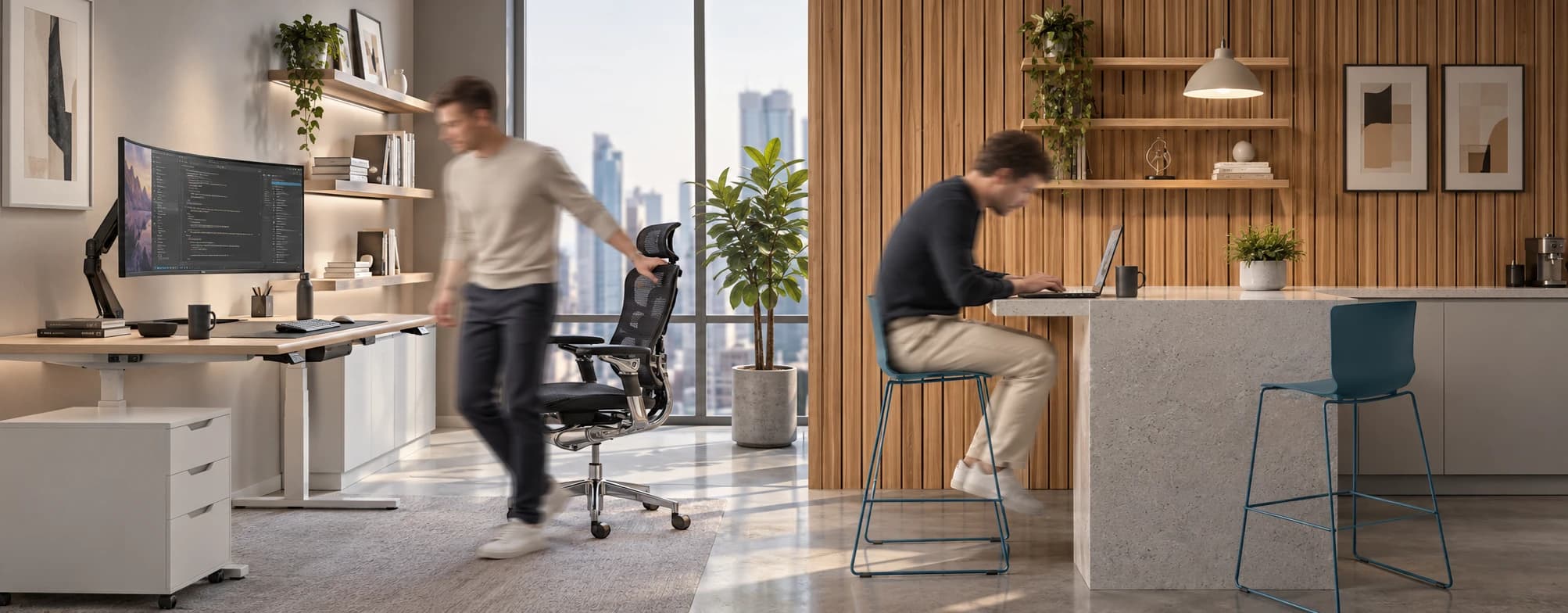
If your job keeps you at a desk for most of the day, you are not alone—and you are not stuck. Software developers and data entry keyers spend 100% of a typical workday seated, while financial managers sit for 94%. Sitting is a standard part of modern work, so the real goal is learning how to reduce its physical impact while staying productive.
What the Research Shows
*Sedentary Volume: Adults in high-income countries spend 11–12 hours daily sitting over 75% of their waking hours (British Journal of Sports Medicine).
*Cardiovascular Risks: Sitting 6–8 hours daily increases cardiovascular event risk by 125% to 150% (Mayo Clinic).
*The 22-Minute Counter: 22 minutes of daily moderate-to-vigorous activity (brisk walking, cycling, active housework) offsets the mortality risk of prolonged sitting (BJSM).
*Micro-Break Impact: 5-minute movement breaks every hour significantly reduce fatigue and improve mood without hurting work performance (2026 BJSM Study).
*Gym Fallacy: A 60-minute workout in the morning does not fully reverse 9 hours of continuous sitting; daily movement breaks are still required.
You x Navo
Feel free to reach out to us for any queries & concerns