

 Visit our Showroom
Take me to
Is Standing Better Than Sitting at a Desk All Day?
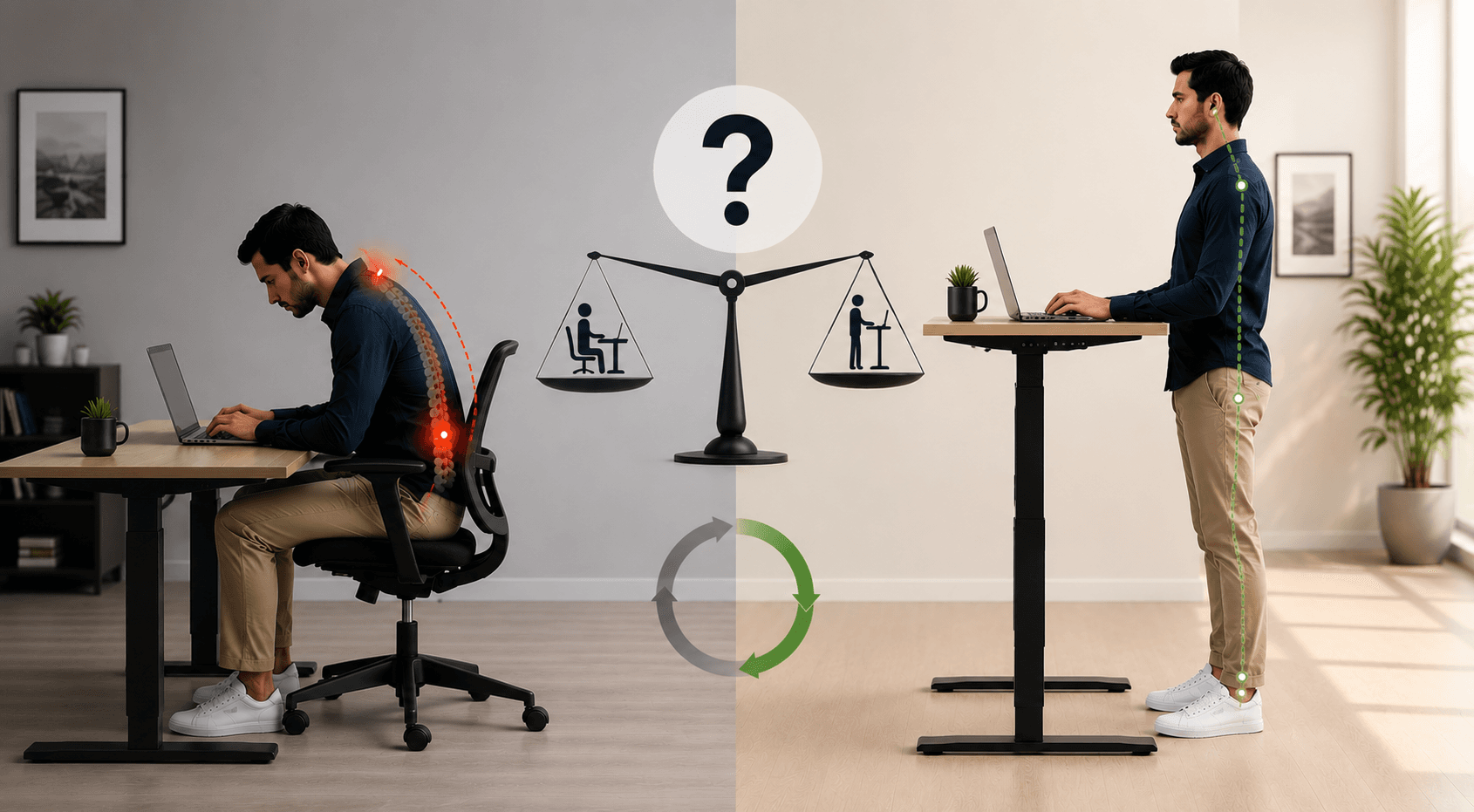
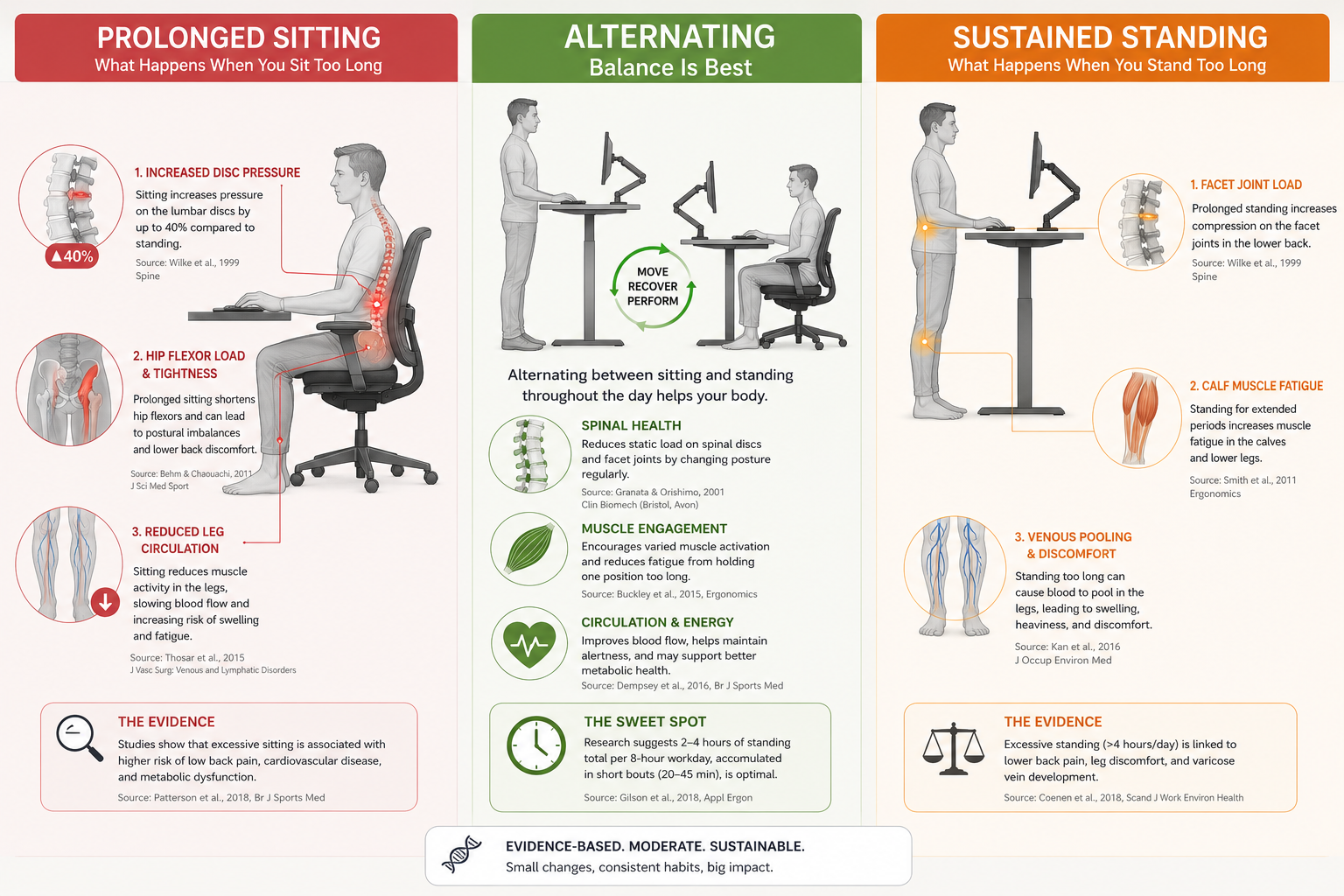
Standing all day is not better than sitting all day. Both involve holding a static position for a long time. They lead to different musculoskeletal and circulatory issues. The evidence shows that alternating between sitting and standing is best. Neither position for 8 hours leads to good results.
EU-OSHA research shows that staying in one position too long, whether sitting or standing, raises the risk of musculoskeletal disorders. Sitting increases intervertebral disc pressure and reduces lower limb circulation. Standing for a long time causes blood to pool in the legs. It also puts pressure on the knee joints and compresses the lower back.
The body is made for movement, not for staying in one position for too long.
What Are the Health Benefits of Sitting Less at a Desk?
Cutting down on long sitting times helps your health. Just standing for a long time isn’t the answer. This means less lower back pain. It also leads to better blood sugar control. You get improved heart health, too. Plus, you'll have steady energy and focus in the afternoon.
Research from the British Journal of Sports Medicine shows sit-stand desk users cut their sitting time. They can reduce it by 84 to 116 minutes each day. This reduction — not standing per se — correlates with measurable health improvements.
Key distinction: the risk is prolonged static sitting, not sitting itself. Sitting for 30–40 minutes with regular standing breaks does not carry the same risk profile as 8 continuous hours seated.
This is worth understanding before choosing between desk types. We compare height-adjustable desks with fixed desks. This shows where sit-stand features really make a difference and where a good fixed desk works just fine. This way, you can choose the best product for your work style.
What Are the Actual Benefits of a Standing Desk?
Standing desks enable position variation - which is the real benefit. The desk is the tool; alternating is the intervention.
Specific benefits include:
Less lower back discomfort
More energy in the afternoon
Better blood glucose control on sedentary days
Lower risk of musculoskeletal injuries
A 2025 study found that participants who alternated regularly had the best results. They experienced less pain, more energy, and steady productivity. This was better than those who sat or stood continuously.
What standing desks do: They let you switch positions. This spreads the muscle load over more groups. Plus, you get recovery time in between. Sitting loads lumbar discs and hip flexors. Standing loads calves, plantar fascia, and knee joints. Alternating means no single system sustains load continuously.
For users new to standing desks, our guide on how long to stand at a standing desk covers the specific ratios and a progressive adaptation schedule - because starting too aggressively is the most common reason people abandon the habit in the first month.
The Navodesk PRO with Bluetooth app and activity reminders addresses the behaviour problem: most people don't alternate consistently without prompting.
What Are the Downsides of Standing Too Much?
Standing for more than 2 hours can cause several issues. It causes venous insufficiency. It puts pressure on the knees and raises the risk of plantar fasciitis. It also leads to lower back pain from sustained lumbar lordosis. A 2025 study found that people who stood for more than 2 hours straight experienced leg fatigue and less focus.
Standing all day doesn't work. So, if you ask, "Is standing better than sitting?" the answer is "no," especially if you think one should completely replace the other.
To make standing sessions effective and avoid these downsides, pairing a standing desk with regular desk stretches and microbreaks addresses the muscle groups that load up during standing - particularly the calves, hip flexors, and plantar fascia.
The practical limit is 30-minute standing sessions. This is the sweet spot where benefits happen without any downsides building up.
What Does Research Say About Productivity While Standing?
When users are set up correctly, standing periods don’t cause any real productivity loss. In fact, some evidence shows that concentration in the afternoon may improve. Most users perform better on deep cognitive tasks, like complex writing, detailed analysis, and intricate design work, when seated.
Standing tends to suit: reviewing documents, calls, brief emails, administrative tasks.
Sitting works well for:
extended writing
complex problem-solving
detailed design
tasks needing steady visual focus
Matching task type to posture is more productive than following a rigid time-based schedule. This is a dimension most standing desk guides miss entirely.
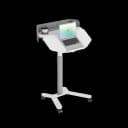
The Navodesk TILT adds a third position option for creative professionals - a 40° angled surface for drafting, sketching, and document review that neither pure sitting nor pure standing provides.
Standing vs Sitting for Back Pain: Which Helps More?
For back pain specifically: alternating is superior to either. Sustained sitting increases lumbar disc pressure. Sustained standing compresses lumbar facet joints from a different angle. Brief standing sessions (20–30 minutes) relieve sitting-generated disc pressure without accumulating standing-related facet loading.
The seated component matters as much as the standing component. Sitting in a poorly adjusted chair — even while using a standing desk for 25% of the day - still produces poor outcomes. Our ergonomic chair collection and standing desks work as a system precisely because both components need equal attention.
Frequently Asked Questions
- Neither in isolation. The healthiest approach is alternating — 30 minutes sitting, 20–30 minutes standing, with brief movement intervals. Both sustained sitting and sustained standing carry health risks across 8-hour workdays. The full rationale is covered in our guide to standing desk duration.
- Approximately 8–20 calories per hour more — roughly 50–100 extra calories across a workday. Meaningful for long-term metabolic health but not a weight management strategy.
- Yes, when used correctly — with regular alternation and a well-adjusted ergonomic chair for the sitting component. Standing desks address sitting-generated disc pressure; they create their own loading if standing is sustained too long.
Need Help Building Your Ergonomic Setup?
We'll guide you to the perfect chair, desk setup, and comfort tips for a productive workday.
Shop Office FurniturePopular Blogs
View all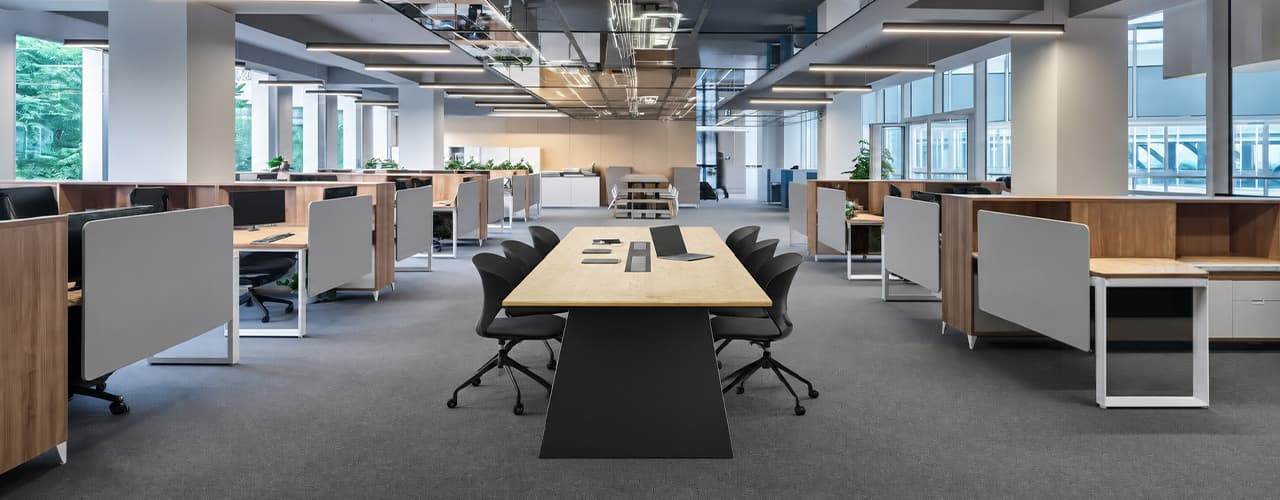
Open Plan vs Cubicle vs Hybrid Office Layout: Which Is Right for You?
The open-plan office was supposed to fix everything the cubicle farm got wrong. It didn't. It created a different set of problems and left people nostalgic for the one thing cubicles did well: quiet. The hybrid layout is positioned as the solution that addresses the shortcomings of both. It might be only if it fits how a specific team works. It shouldn't be a mix of two philosophies that didn’t help the team before. This guide shows what each layout offers and where it falls short. It also helps you choose the best option-or combination-for your office in Dubai or the GCC.
Key Findings
*Global office use is now at 53%, up from 38% in 2024. Also, 69% of teams have over 40% of their staff sharing desks. This shows that 2019 workspace designs don’t fit current needs.
*A Harvard study found that open-plan spaces often lower face-to-face interaction. Instead, they boost digital communication. This is the opposite of what these designs aim for.
*A hybrid model conversion at a 120-person SaaS company restored engineering deployment speed to baseline. It also reduced voluntary turnover in technical roles by 18% over nine months.
*Steelcase research shows that companies improving their work environment boost productivity by 17%.
*In 2026, the most innovative UAE offices aren’t just picking open plans or cubicles. They’re creating “activity neighborhoods.” These are clusters of spaces designed for different work styles.
*No layout is universally right. The best choice depends on your team's work style, industry, hybrid attendance ratio, and specific acoustic needs for your floor.
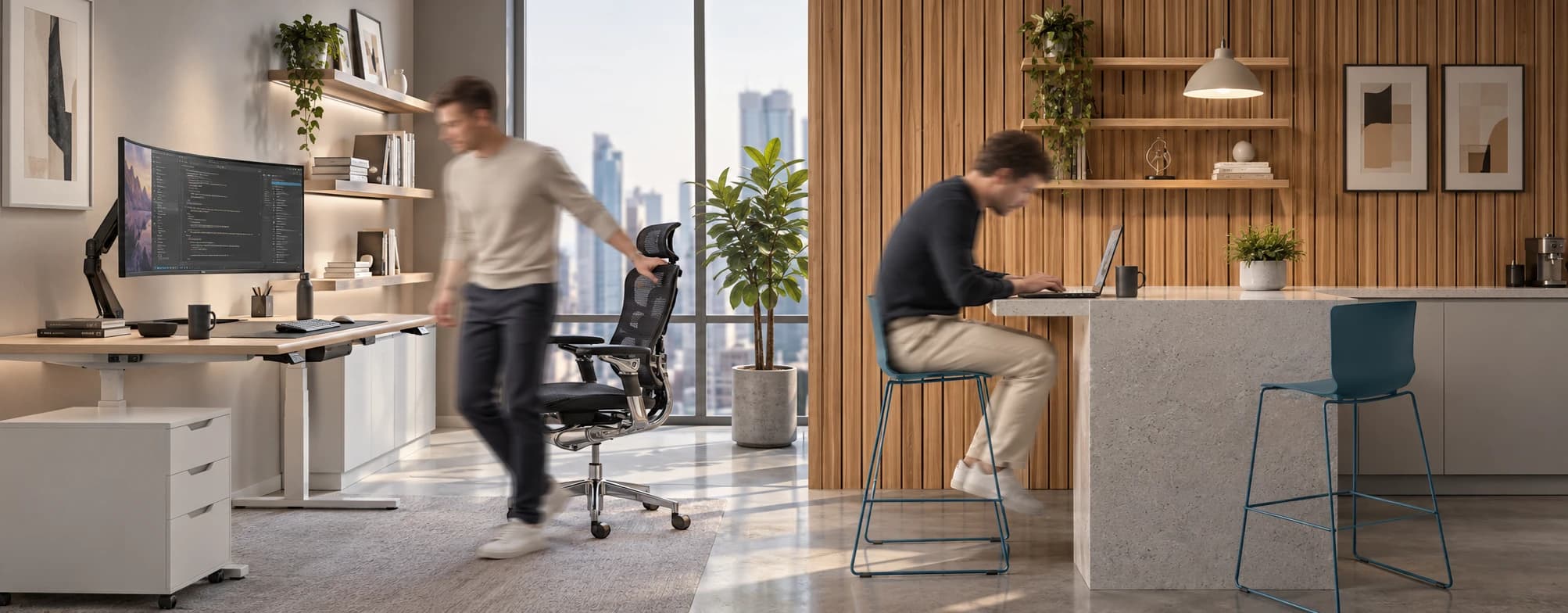
Sitting isn’t the Enemy, How You Sit Is: How to Align Your Desk for Zero Back Strain
If your job keeps you at a desk for most of the day, you are not alone—and you are not stuck. Software developers and data entry keyers spend 100% of a typical workday seated, while financial managers sit for 94%. Sitting is a standard part of modern work, so the real goal is learning how to reduce its physical impact while staying productive.
What the Research Shows
*Sedentary Volume: Adults in high-income countries spend 11–12 hours daily sitting over 75% of their waking hours (British Journal of Sports Medicine).
*Cardiovascular Risks: Sitting 6–8 hours daily increases cardiovascular event risk by 125% to 150% (Mayo Clinic).
*The 22-Minute Counter: 22 minutes of daily moderate-to-vigorous activity (brisk walking, cycling, active housework) offsets the mortality risk of prolonged sitting (BJSM).
*Micro-Break Impact: 5-minute movement breaks every hour significantly reduce fatigue and improve mood without hurting work performance (2026 BJSM Study).
*Gym Fallacy: A 60-minute workout in the morning does not fully reverse 9 hours of continuous sitting; daily movement breaks are still required.
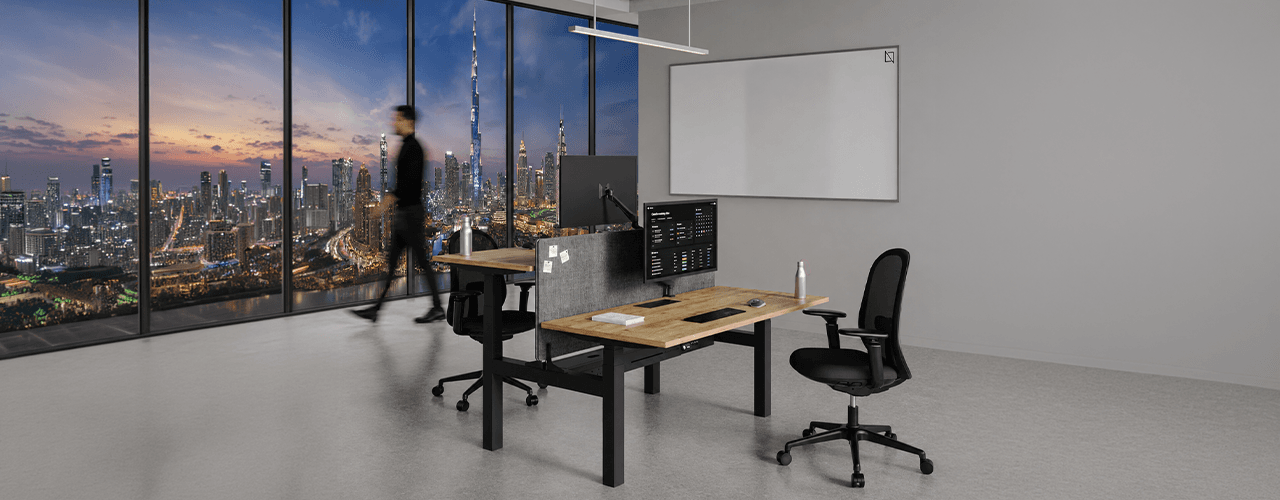
The Ultimate Office Furniture Setup Checklist for Modern Teams
Most offices aren't badly furnished. They're incompletely furnished. A great chair paired with the wrong desk height. A standing desk with no monitor arm. A collaborative floor with no acoustic separation.
The gap is rarely one big thing. It's several small things missing from the same setup at the same time.
This checklist covers every furniture category a modern UAE office needs — what to look for, what to avoid, and what the research says about each. Use it for a new fit-out, an upgrade review, or a department-by-department audit.
Key Findings
*The chair is the top furniture investment for knowledge workers. It has the most contact hours and directly impacts posture, energy, and afternoon performance.
*Fixed desks at 75cm fit about 30–40% of UAE office teams well. Height adjustability isn’t a luxury; it meets everyone’s needs.
*Open-plan offices without acoustic zones can lose employees up to 86 minutes of productive time each day. This is based on workplace productivity research.
*EU-OSHA highlights musculoskeletal disorders as the top workplace health concern worldwide. Poor seating and desk height are key factors.
*CBRE's 2026 Global Workplace Insights reveals that 69% of organizations have over 40% of staff sharing desks. This shift means adjustability is now a standard requirement, not just an upgrade.
*Quality ergonomic chairs last 8–12 years. A BIFMA-certified chair costs less per year when spread over 10 years. This cost is lower than one physiotherapy session for occupational back pain in Dubai.
You x Navo
Feel free to reach out to us for any queries & concerns